 EN
 IT Italiano
 ES Español
 FR Français
 DE Deutsch
Description
What it is
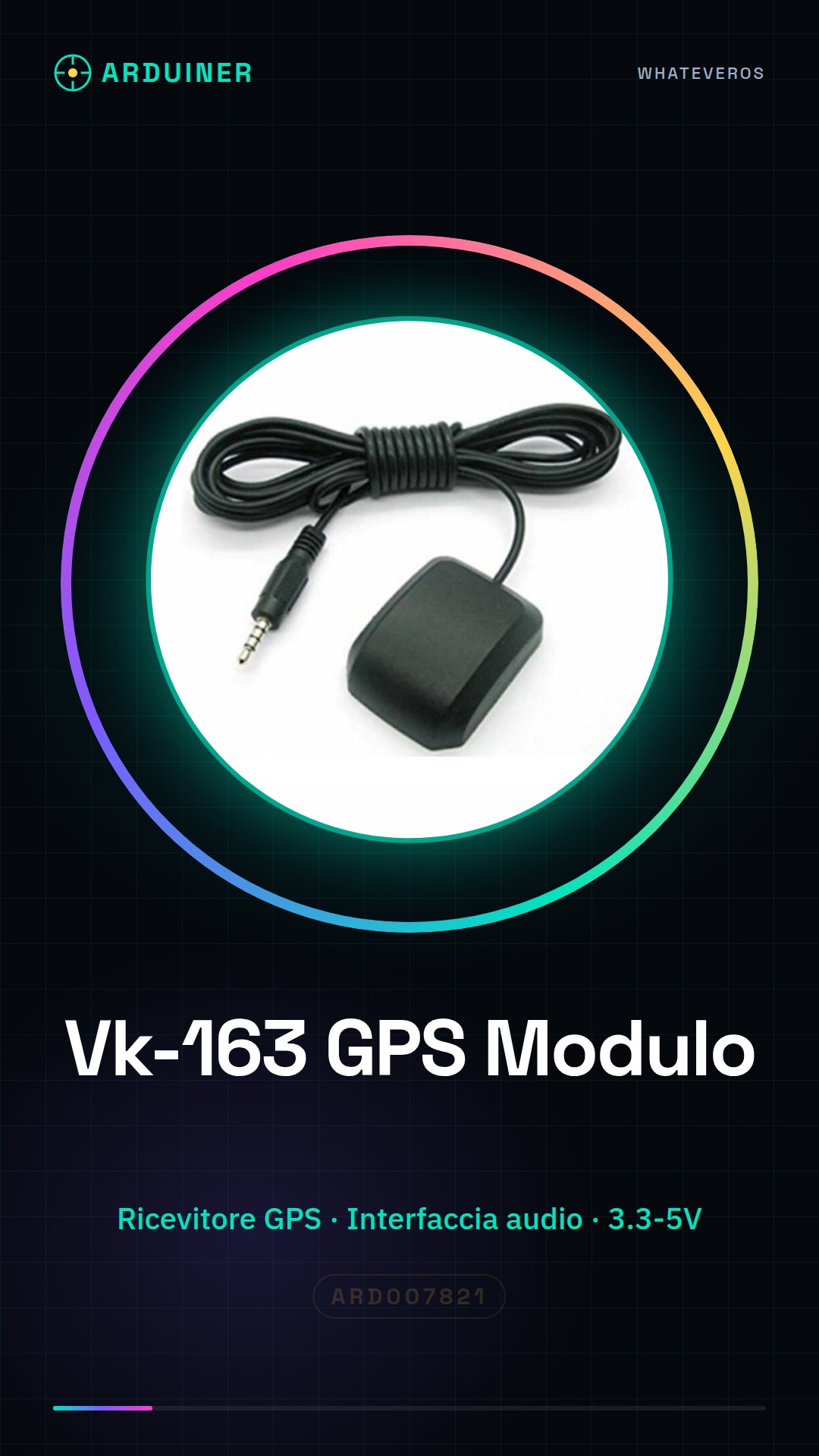
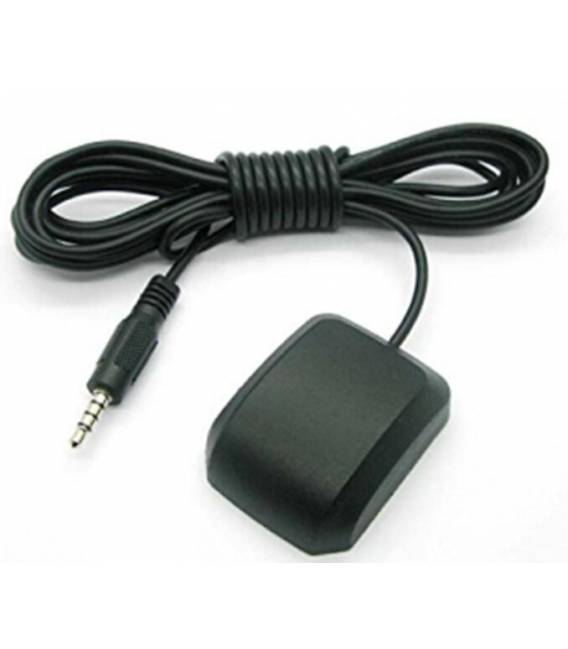
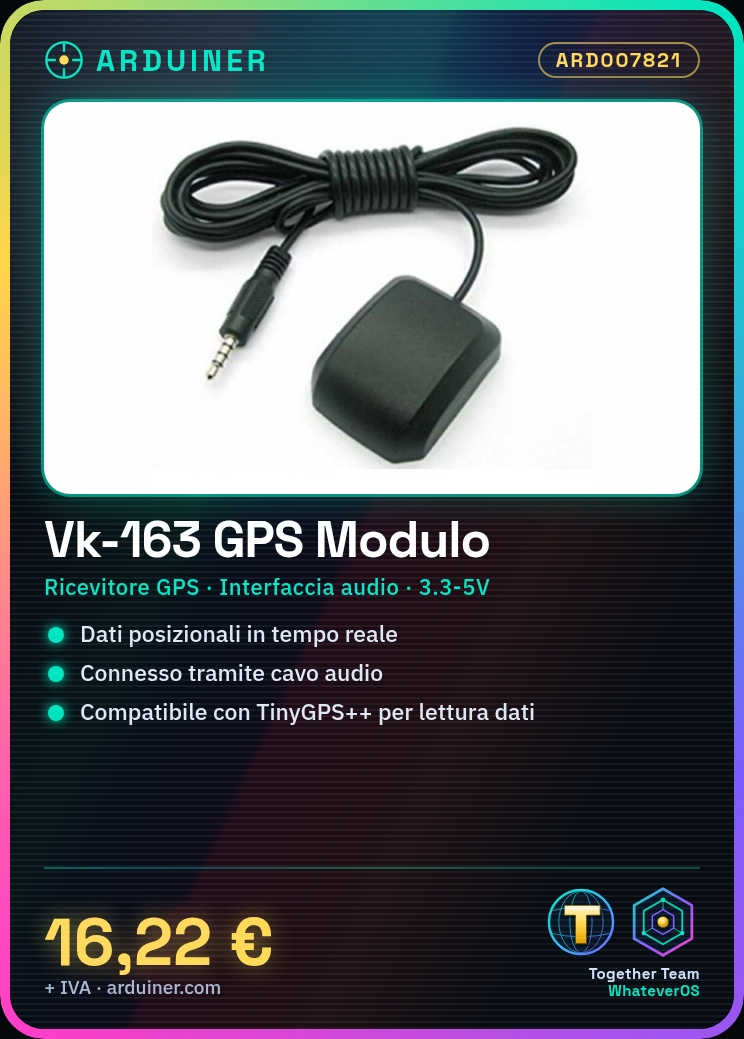
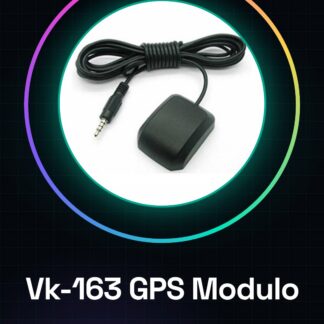
The Vk-163 G-mouse Headphone Wire is a GPS module that allows for real-time positional data acquisition. It is ideal for telemetry projects, tracking monitoring, and navigation applications.
Features
- GPS Receiver
- Audio cable interface
What it is for
The Vk-163 module can be used to create a GPS vehicle tracking system, easily integrating with Arduino and libraries such as TinyGPS++. It can send data to online platforms like ThingSpeak or Blynk.
Tutorial: How to use Vk-163 G-mouse Headphone Wire GPS Receiver Module Tachograph Interface
The Vk-163 module is a GPS receiver that allows for real-time positional data acquisition. It is ideal for telemetry projects, tracking monitoring, and navigation applications.
What you need
- Arduino Uno
- USB Type B cable
- Soldering iron
Steps
- Connect the Vk-163 module to pins 0 and 1 of the Arduino using FTDI cables or a compatible serial cable.
- Check the module’s power supply voltage on the datasheet. Generally, it can be powered from 3.3V to 5V.
- Connect the power supply to the Vk-163 module and the Arduino to provide power.
- Download the USB CDC (Communications Device Class) driver if necessary for serial communication.
- Open Arduino IDE, select ‘Sketch > Include Library > Manage Libraries…’, search for ‘TinyGPS++’ and install it.
- Include the TinyGPS++ library in your sketch: #include
- Create a variable for the serial receiver: SoftwareSerial gps(0, 1);
- Add the code to read GPS data as shown in the TinyGPS++ library example.
Example code
// Includi la libreria
#include <TinyGPS++.h>
// Crea oggetti per la comunicazione seriale e il ricevitore GPS
tinygpsplus gps;
SoftwareSerial port(0, 1);
void setup() {
  Serial.begin(57600);
  port.begin(9600);
}
void loop() {
  while (port.available()) {
    gps.encode(port.read());
  }
  printSentence(gps);
}
Mini project
Create a vehicle GPS tracking system in less than half an hour. Connect the Vk-163 module to the Arduino, install TinyGPS++, and send GPS data to an online platform like ThingSpeak or Blynk.
Common mistakes
- Do not check the power supply voltage of the module
- Use an incorrect baud rate for serial communication
- Omit the installation of the TinyGPS++ library
- Fail to configure the serial pins correctly
Recommended accessories
- Arduino Uno
- USB Type B cable
- TinyGPS++ Shield
- Portable batteries
Frequently asked questions
Does the Vk-163 module work with Arduino Mega?
Yes, but you need to verify the correct serial pins for the connection.
How can I get precise GPS coordinates?
Place the module in an open area without obstacles that may interfere with GPS signal reception.
Reviews
There are no reviews yet.