 EN
 IT Italiano
 ES Español
 FR Français
 DE Deutsch
Description
What it is
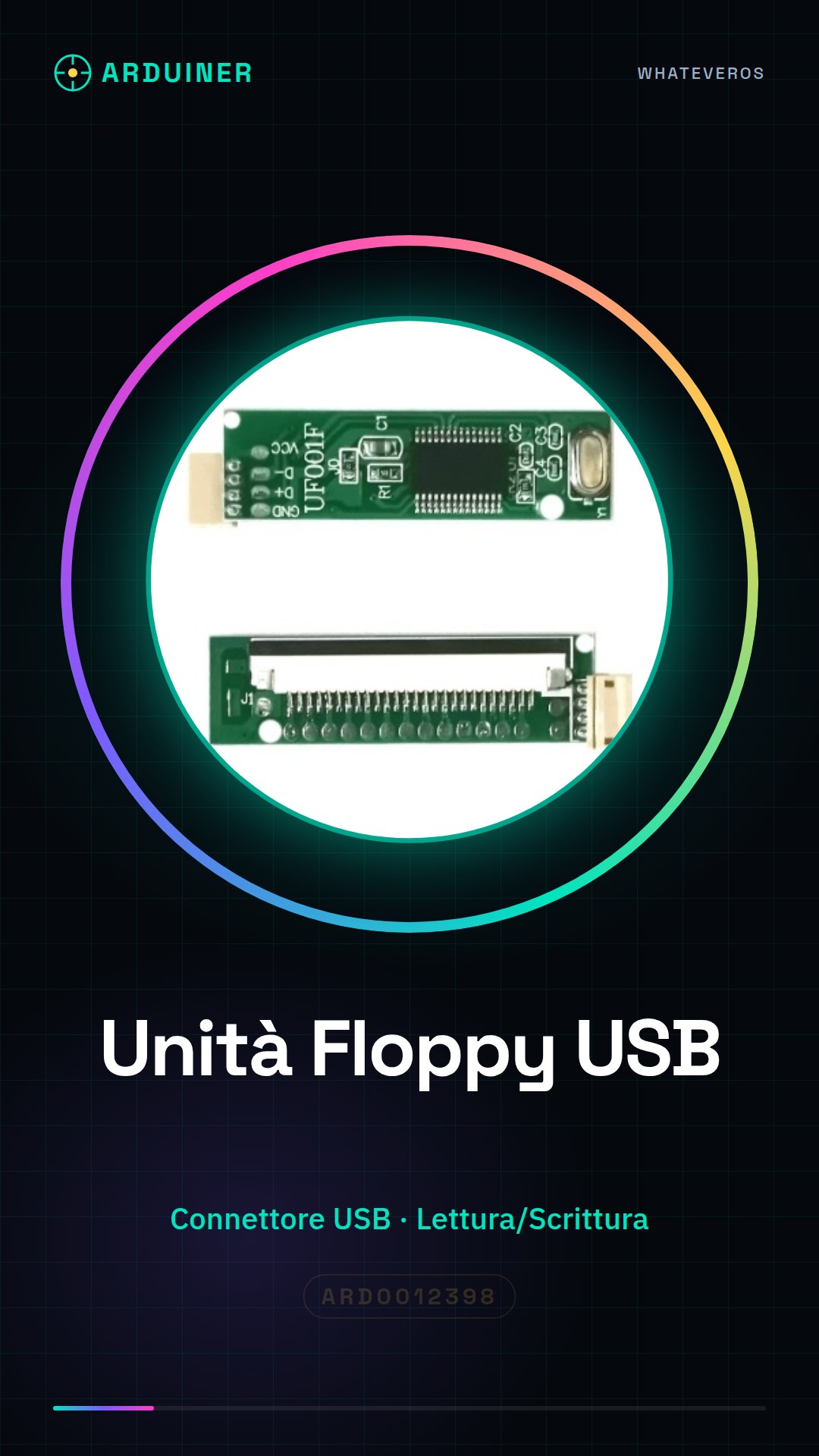
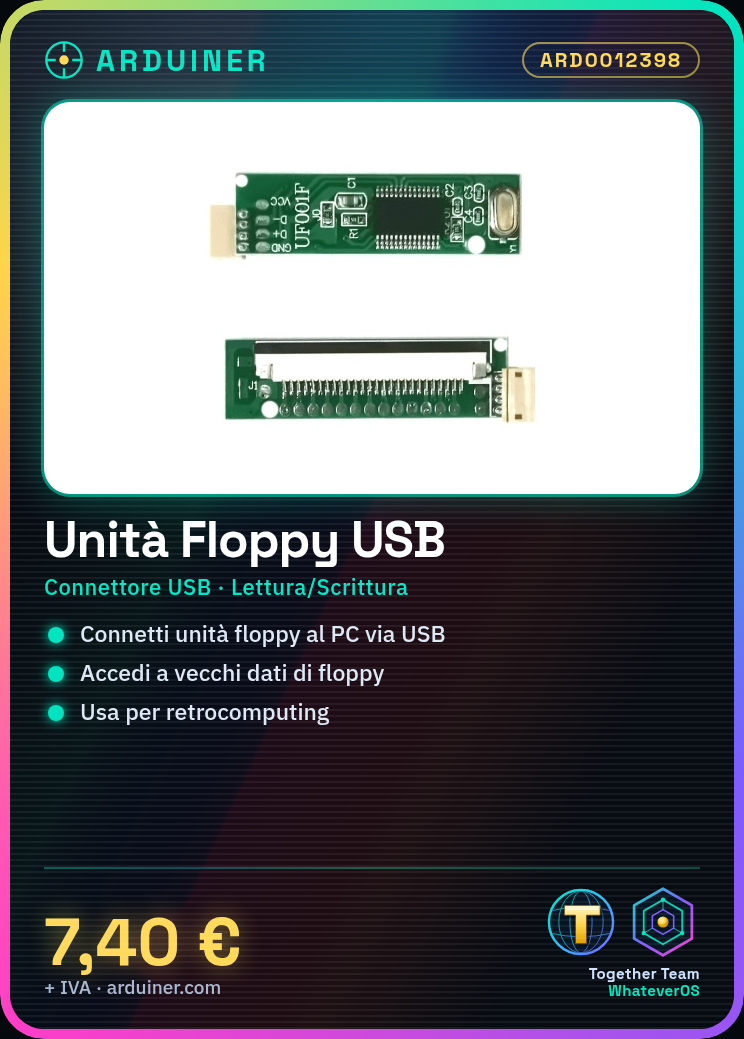
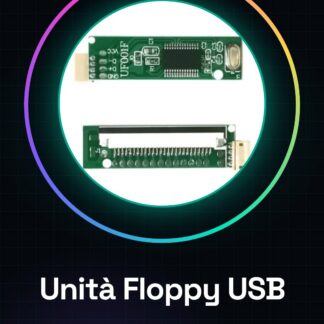
The USB to FDD floppy drive module is a device that allows you to connect a 1.44 MB floppy drive to a modern computer via USB. This module is useful for accessing data from old floppy drives or for retro computing projects.
Features
- USB connector for interface with the computer
- Supports 1.44 MB floppy drives
- Allows reading and writing to floppy drives
What it is for
This module is ideal for archiving images and documents from old floppy drives and sharing them with your modern computer. It is useful for retro computing projects and for those working with old applications on Arduino.
Tutorial: How to use USB to FDD floppy drive module
The USB to FDD floppy drive module allows you to connect a 1.44 MB floppy drive to a modern computer via USB. This component is ideal for those who want to access data from old floppy drives or for retro computing projects.
What you need
- Computer with USB port
- USB cable
- 1.44 MB floppy disk drive
Steps
- Connect the floppy disk drive to the module via the FDD cable
- Connect the module to a USB port on the computer
- Check that the computer recognizes the floppy disk drive via the module
- If necessary, install the drivers provided by the manufacturer
Mini project
Create an archive of images and documents from old floppy disks and share them with your modern computer.
Common mistakes
- The computer does not recognize the module
- Floppy disk drive recognition issues
- Floppy disk drive power issues
- Drivers not installed correctly
Recommended accessories
- 1.44 MB floppy disk drive
- FDD cable
- USB cable
- Floppy disk drive drivers
Frequently asked questions
Does the module work with all floppy disk drives?
Check the datasheet for compatibility specifications.
Do I need to install drivers?
If the computer does not recognize the floppy drive, check the datasheet for driver information.
Reviews
There are no reviews yet.