 EN
 IT Italiano
 ES Español
 FR Français
 DE Deutsch
Description
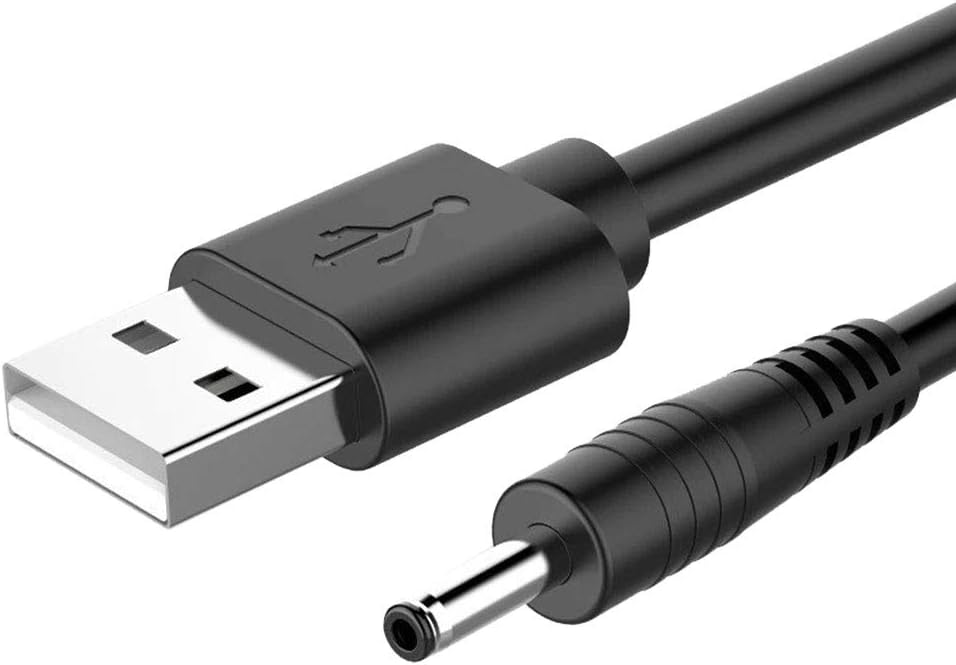
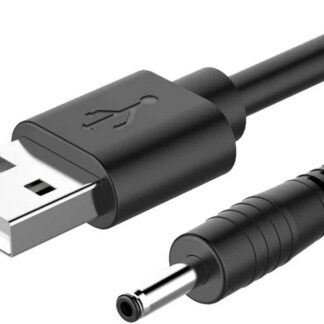
Tutorial: How to use USB to 2.5 mm Jack Power Cable 70 cm
This power cable is ideal for connecting electronic devices that require power from USB to a 2.5 mm jack. It is particularly useful for Arduino projects, 3D printers, and drones.
What you need
- power supply for Arduino
- power supply for 3D printers
- power supply for drones
- power supply for small electronic devices
- connection between computer and electronic devices
- extension of device portability
Steps
- Check that the cable is compatible with your device and power source.
- Connect the USB end of the cable to a compatible power source.
- Connect the 2.5 mm jack end of the cable to the device requiring power.
- Check that the device turns on and functions correctly.
- If necessary, adjust the power supply level of the device according to the datasheet specifications.
Mini project
Create a basic home alarm system using Arduino, a motion sensor, and this power cable to power the system.
Common mistakes
- Ensure that the 2.5 mm jack is compatible with the device.
- Check that the cable is not damaged.
- Verify that the power supply voltage is correct for the device.
- Ensure that the cable is long enough for the desired connection.
Recommended accessories
- Motion sensors
- Arduino Uno
- 3D Printer
- Small Drones
Frequently asked questions
Is the cable compatible with all devices?
Check the device datasheet to ensure compatibility.
What is the recommended maximum length?
70 cm, but check the datasheet for devices sensitive to length.
Can it be used with external power supplies?
Yes, but make sure the power supply is compatible with the cable.
Reviews
There are no reviews yet.