 EN
 IT Italiano
 ES Español
 FR Français
 DE Deutsch
Description
What it is
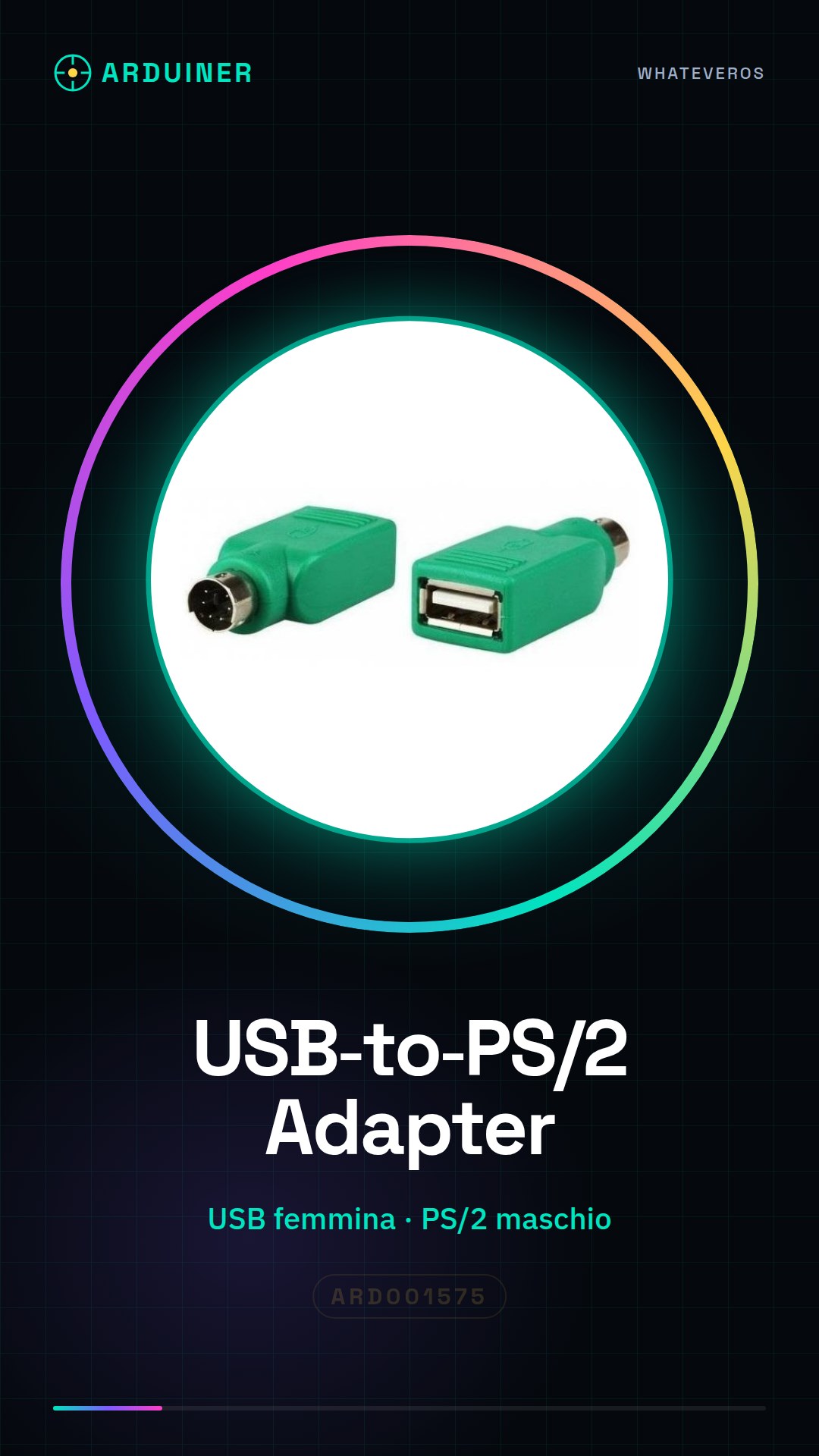
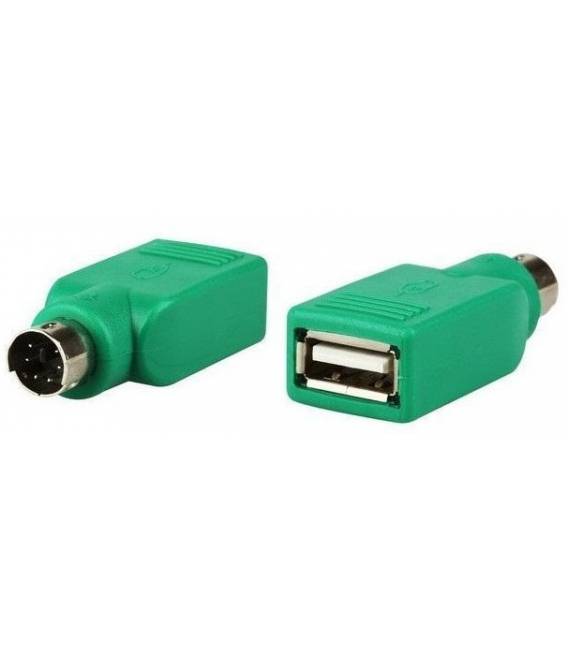
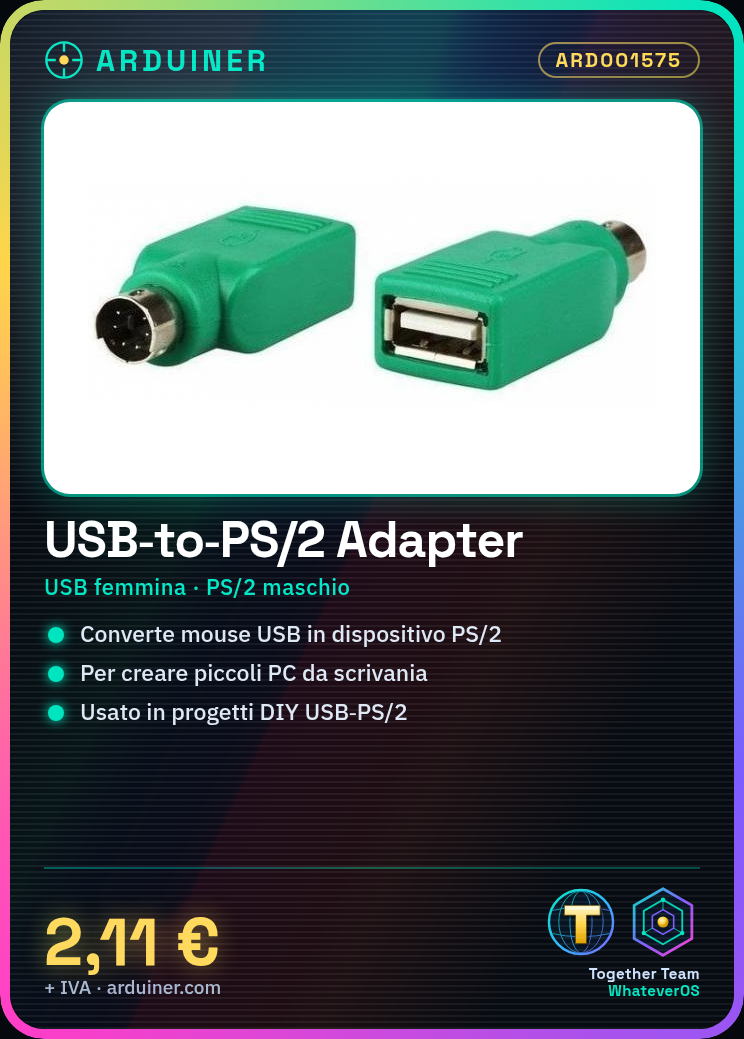
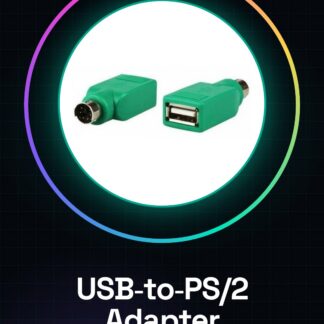
The USB female to PS/2 male adapter allows you to connect a USB mouse to systems that only support the PS/2 protocol. This adapter is useful for system builders and makers who need to integrate modern devices into old PCs or for DIY projects.
Features
- Connector Type: USB female to PS/2 male
- SKU: ARD001575
What it is for
The adapter is ideal for building small desk PCs using old components and modern USB mice. It can also be used in DIY electronics projects where compatibility between USB devices and PS/2 systems is required.
Tutorial: How to Use the USB Female to PS/2 Male Adapter
This adapter is used to connect a USB mouse to a system that only supports the PS/2 protocol. It is useful for system builders and makers who need to integrate USB mice into old PCs.
What you need
- USB Mouse
- PS/2 Male Lead
- USB Port
- PS/2 Port
Steps
- 1. Ensure that the USB mouse is functioning.
- 2. Connect the USB cable of the mouse to an available USB port.
- 3. Prepare the PS/2 male cable for the adapter.
- 4. Connect the PS/2 male cable to the adapter.
- 5. Connect the PS/2 male cable to the PS/2 port of the PC.
- 6. Turn on the PC and select the PS/2 mouse in the BIOS if necessary.
- 7. Test the mouse: move it and check that it works correctly.
- 8. Check the datasheet if additional drivers are required.
Mini project
Build a small desk PC using an old PC case and a USB mouse. Connect the adapter and the PS/2 male mouse to make it functional.
Common mistakes
- Do not check if drivers are necessary.
- Connect the USB cable of the mouse to the PS/2 port.
- Do not select the PS/2 mouse in the BIOS.
- Omit turning on the PC after the connection.
Recommended accessories
- USB Mouse
- PS/2 Male Cable
- Old PC with PS/2 support
- USB to PS/2 Adapter
Frequently asked questions
Does the adapter work with all USB mice?
Check the datasheet to see if the adapter supports your USB mouse.
Do I need to install drivers to make the PS/2 mouse work?
Check the datasheet to see if additional drivers are required.
Can I use this adapter with a laser mouse?
Check the datasheet to see if the adapter supports laser mice.
Reviews
There are no reviews yet.