 EN
 IT Italiano
 ES Español
 FR Français
 DE Deutsch
Description
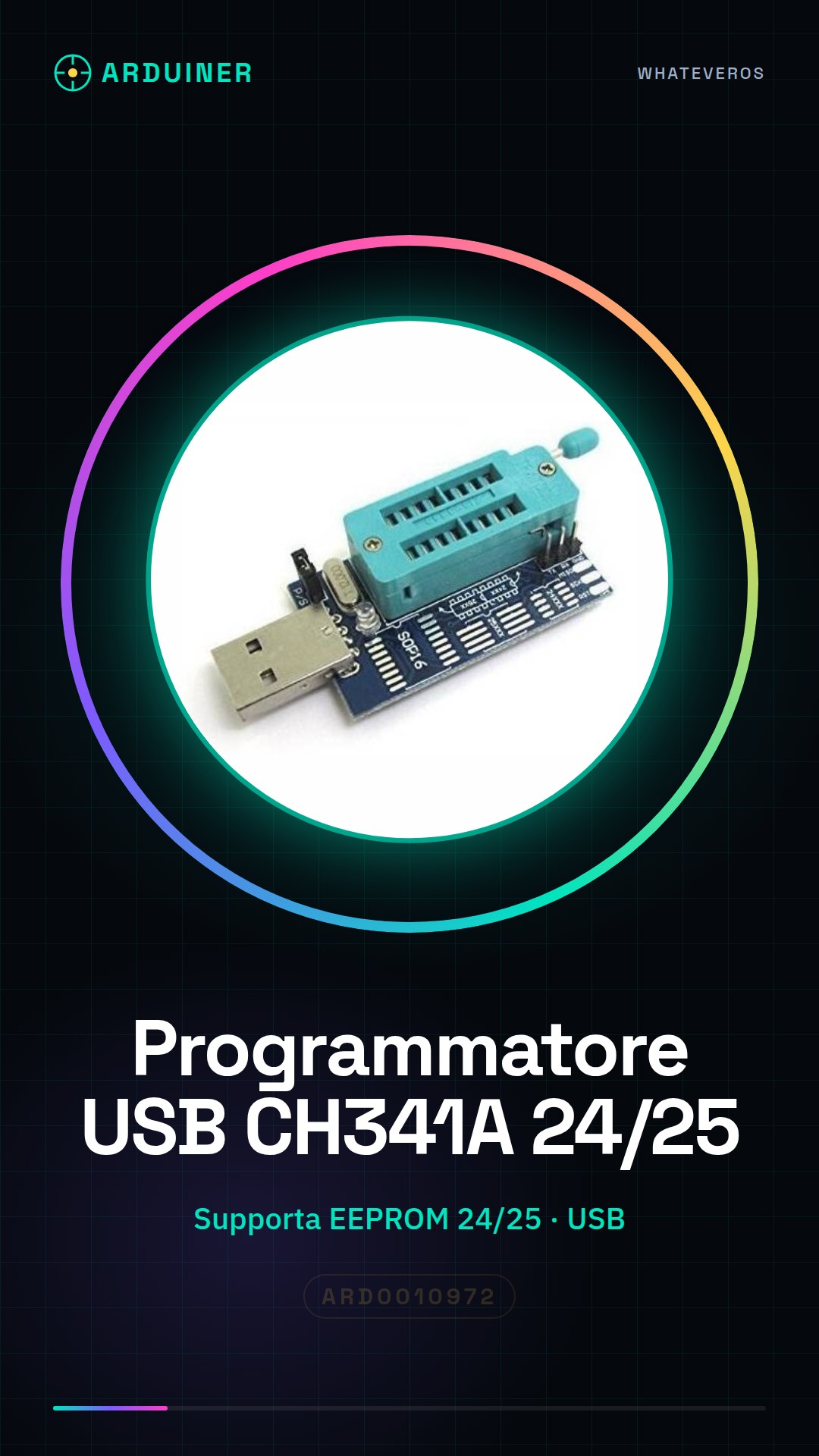
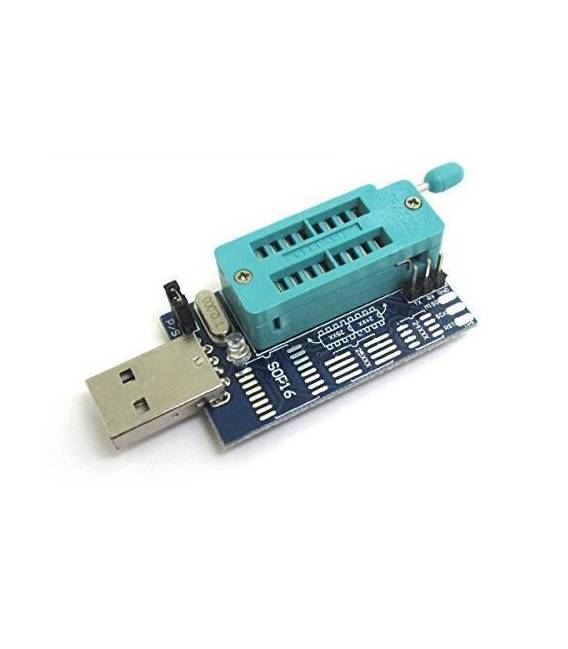
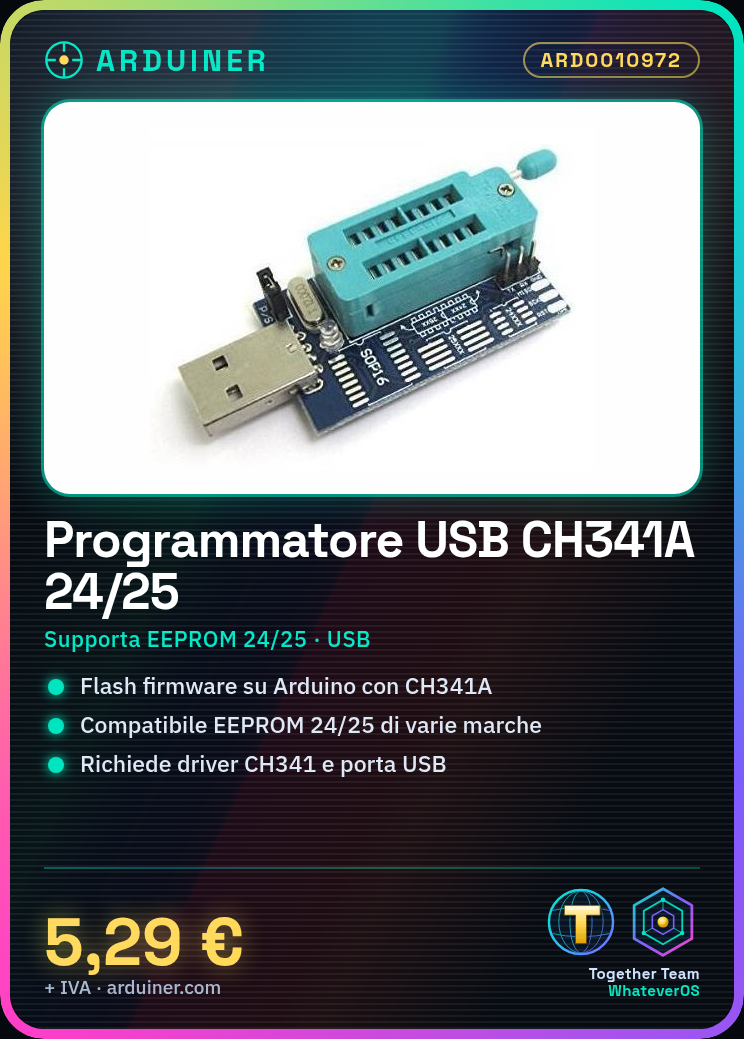
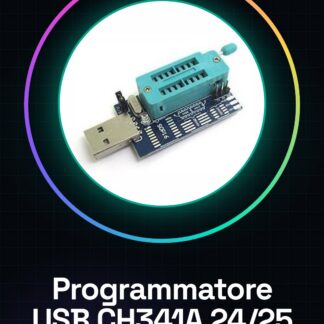
USB EEPROM Flash BIOS CH341A 24 25 Series Programmer
Introduction:
A series of EEPROM capable of supporting 24 and ST, winb ind, amic, mxic, sst, spansion, eon, PMC, etc. 8 pin 25 Series programmer chips.
Supported chip list:
amic:
a25l05p, a25l10p, a25l20p, a25l80p a25l40p a25l16p
Atmel:
at25df041 a, at25 F004 at25df321 at25 F512 a, at25 F4096 at25 F2048 at25 F1024 a, at25fs040 at25fs010 at26df081 a, at26df321 at26df161 a at26 F004
eon:
en25b05, en25b10 en25p05 en25p10, en25p20 en25bf20 en25 F20, en25p40 en25b40 en25 F40, en25b80, en25p80, en25 F80, en25t80, en25p16 en25b16 en25b32, en25b64 en25p32 en25p64
Excel semiconductor Inc.
es25p10, es25p20, es25p40, es25p16 es25p80 es25p32
ST:
m25p05 a, m25p20 m25p10 a m25p40, m25p16 m25p80 m25p32, m25pe10 m25p64 m25pe20, m25pe80 m25pe40 m25pe16, m45pe10 m25pe32 m45pe20, m45pe80 m45pe40 m45pe16, m45pe32
mxic:
mx25l512, mx25l2005 mx25l1005 mx25l4005, mx25l1605 mx25l8005 mx25l3205, mx25l6445 mx25l6405 mx25l6405 (sop16)
nexflash:
nx25p80, nx25p16, nx25p32
chingis Technology Corporation:
pm25lv512, pm25lv020 pm25lv010 pm25lv040, pm25lv016 pm25lv080 pm25lv032, pm25lv064
saifun semiconductors:
sa25 F005, sa25 F020 sa25 F010 sa25 F040, sa25 F160 sa25 F080 sa25 F320
winbond:
w25p10, w25 x 10, w25p20 W25q10 W25 x 20, w25p40 W25q20 W25 x 40, w25p80 W25q40 W25 x 80, w25p16 W25q80 W25 x 16, w25p32 W25q16 W25 x 32, w25p64 W25q32 W25 x 64, w25q64
Tutorial: How to Use USB CH341A 24/25 Series Programmer
This USB programmer is ideal for those who want to flash the firmware of Arduino microcontrollers. It works with the CH341A 24/25 series.
What you need
- Arduino Microcontroller
- PC with Windows or Linux
- USB cable
Steps
- 1. Download and install the CH341 driver from https://www.wch.cn/
- 2. Connect the programmer to the PC via USB
- 3. Start the Arduino IDE software
- 4. Select ‘CH341A’ as the serial port
- 5. Upload the code to Arduino
- 6. Connect the microcontroller to the programmer
- 7. Check the datasheet for the microcontroller specifications
- 8. Press the flash button in Arduino IDE
Mini project
Create a simple LED blink with an Arduino Uno and the CH341A programmer.
Common mistakes
- Do not install the correct drivers or it will not work.
- Always check the microcontroller compatibility.
- If the firmware does not load, check the connection.
- Do not use a short USB cable or it may not work.
Recommended accessories
- Arduino Uno
- LED
- 220 Ohm resistor
- Breadboard
- Connection wires
Frequently asked questions
Why doesn’t the programmer work?
Check the drivers, USB connection, and microcontroller compatibility.
Which operating systems does it support?
It supports Windows and Linux.
Can I use this with Arduino Mega?
Check the datasheet for compatibility with your Arduino model.
How long does it take to flash the firmware?
The flashing time depends on the microcontroller in use.
Reviews
There are no reviews yet.