 EN
 IT Italiano
 ES Español
 FR Français
 DE Deutsch
Description
What it is
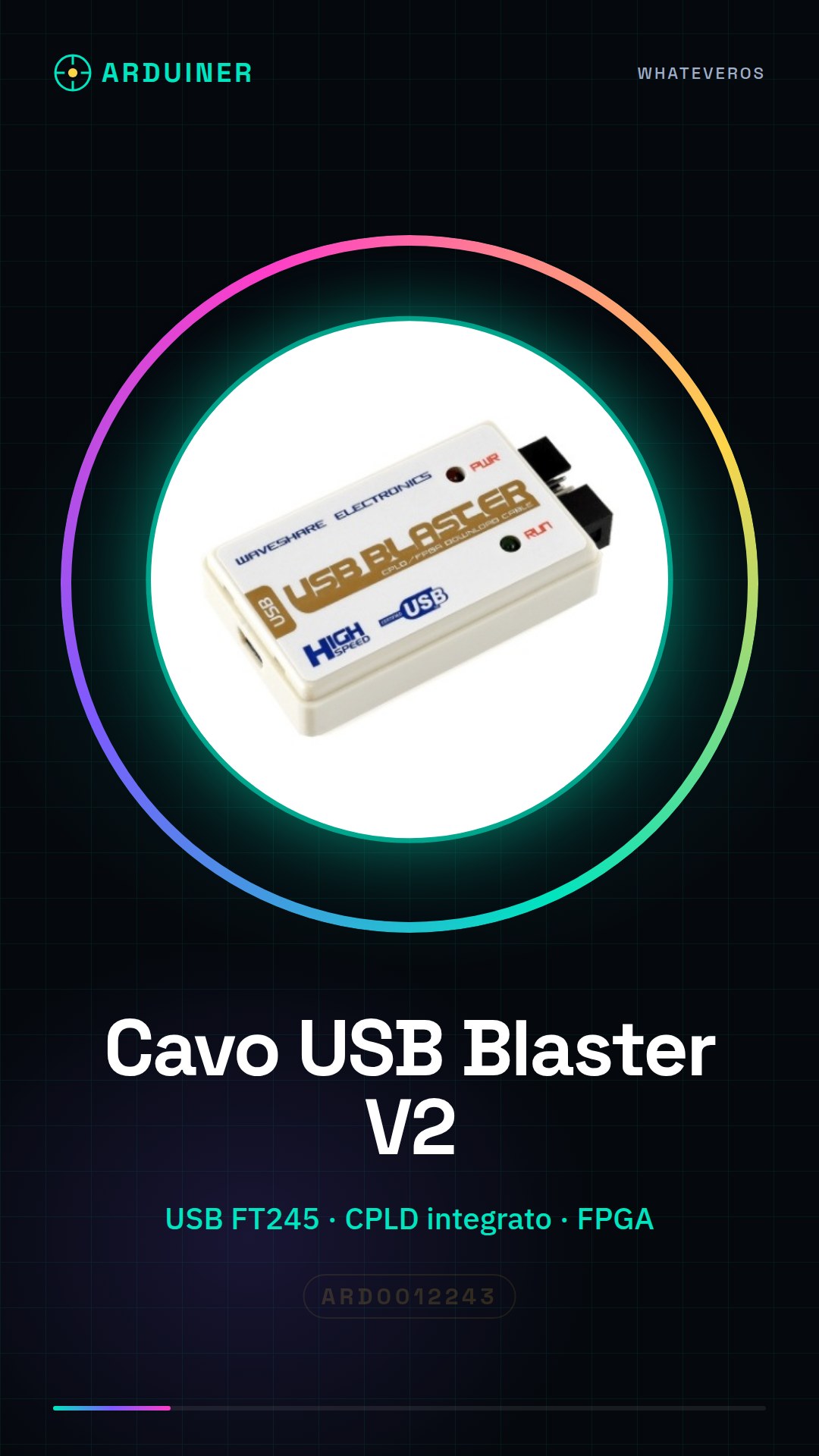
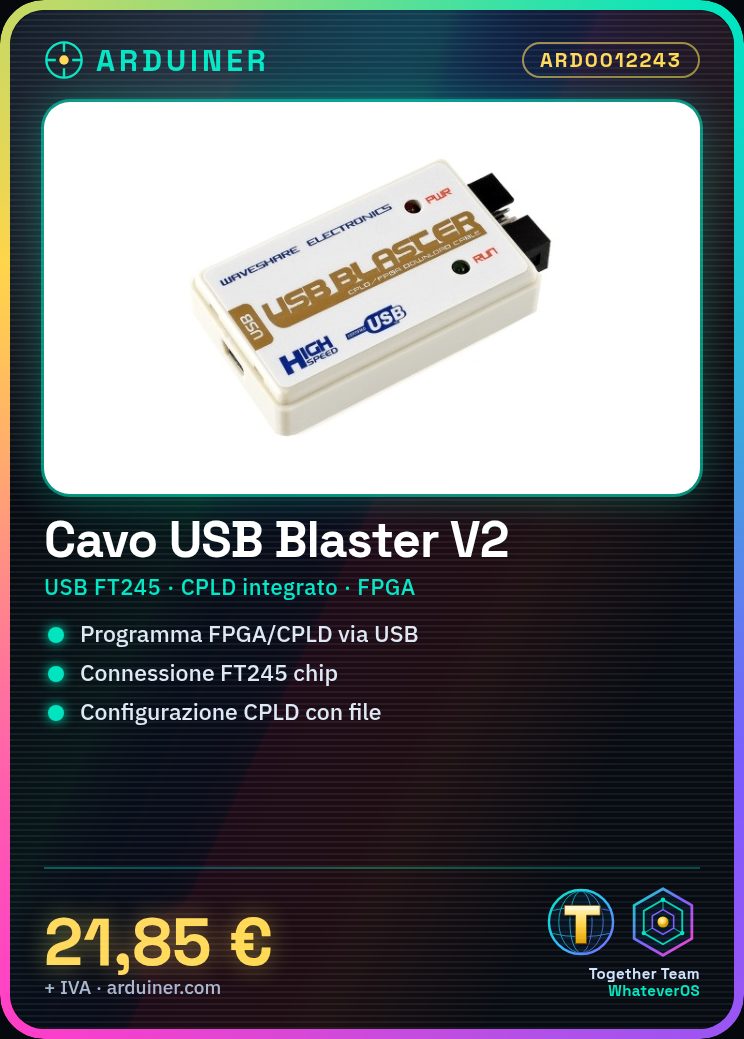
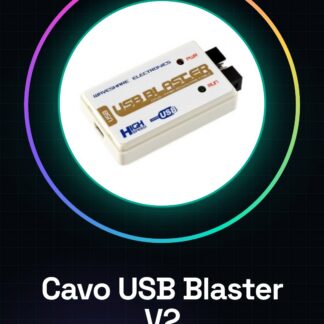
The USB Blaster V2 FT245 + CPLD Download Cable is an accessory for programming FPGA and CPLD devices.
Features
- USB Connection
- FT245 chip
- Integrated CPLD
What it is for
The cable allows for direct downloading of program codes onto FPGA and CPLD devices via USB connection. It can be used to configure a CPLD device with a configuration file.
Tutorial: How to use USB Blaster V2 FT245 + CPLD Download Cable
The USB Blaster V2 FT245 + CPLD Download Cable is an essential tool for makers working with FPGA and CPLD systems. It allows for direct downloading of program codes onto these devices via USB connection.
What you need
- Computer with USB port
- FPGA programming software
- FPGA or CPLD device
Steps
- Connect the cable to the computer via USB port.
- Open the FPGA programming software.
- Select the FPGA or CPLD device to program.
- Download the configuration file to the device via the USB Blaster cable.
- Check the connection and the file download in the software.
- Close the programming software properly.
- Remove the USB Blaster cable from the computer.
Mini project
Basic Project: Download a configuration file to a CPLD device using the USB Blaster V2 FT245 + CPLD.
Common mistakes
- Does not recognize the USB Blaster device
- Connection issues with the FPGA/CPLD device
- Error during configuration file download
- Programming software recognition issues
Recommended accessories
- FPGA programming software
- FPGA or CPLD device
- FPGA power supply cable
- FPGA development board
Frequently asked questions
How can I check if my computer recognizes the USB Blaster cable?
Check the device manager panel in your operating system.
What is the difference between FT245 and FT2232?
FT245 is for bidirectional serial communication, while FT2232 supports two independent serial channels.
Where can I find the datasheet for the USB Blaster V2 FT245 + CPLD cable?
Check the available datasheet on the manufacturer’s website.
Reviews
There are no reviews yet.