 EN
 IT Italiano
 ES Español
 FR Français
 DE Deutsch
Description
What it is
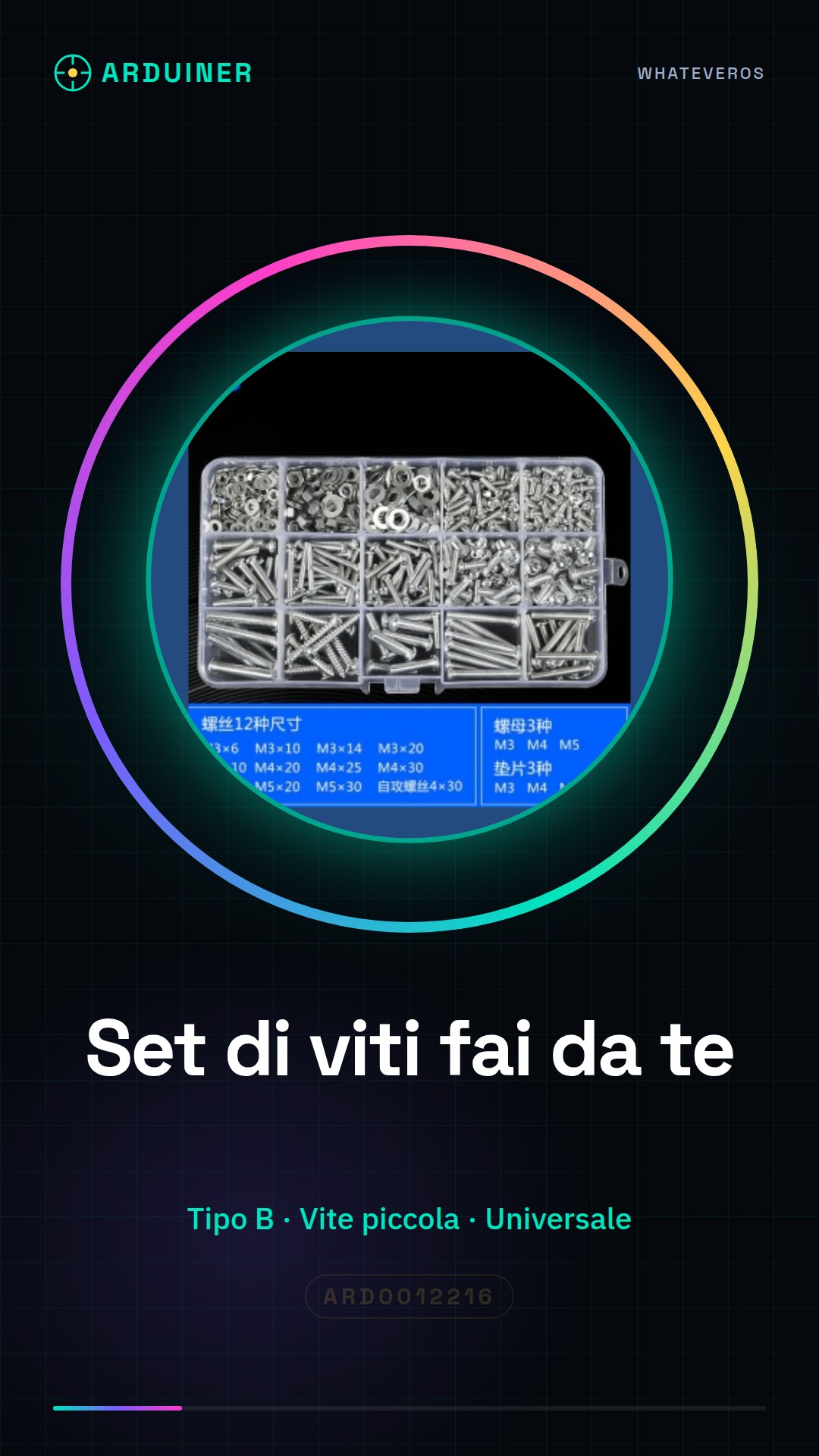
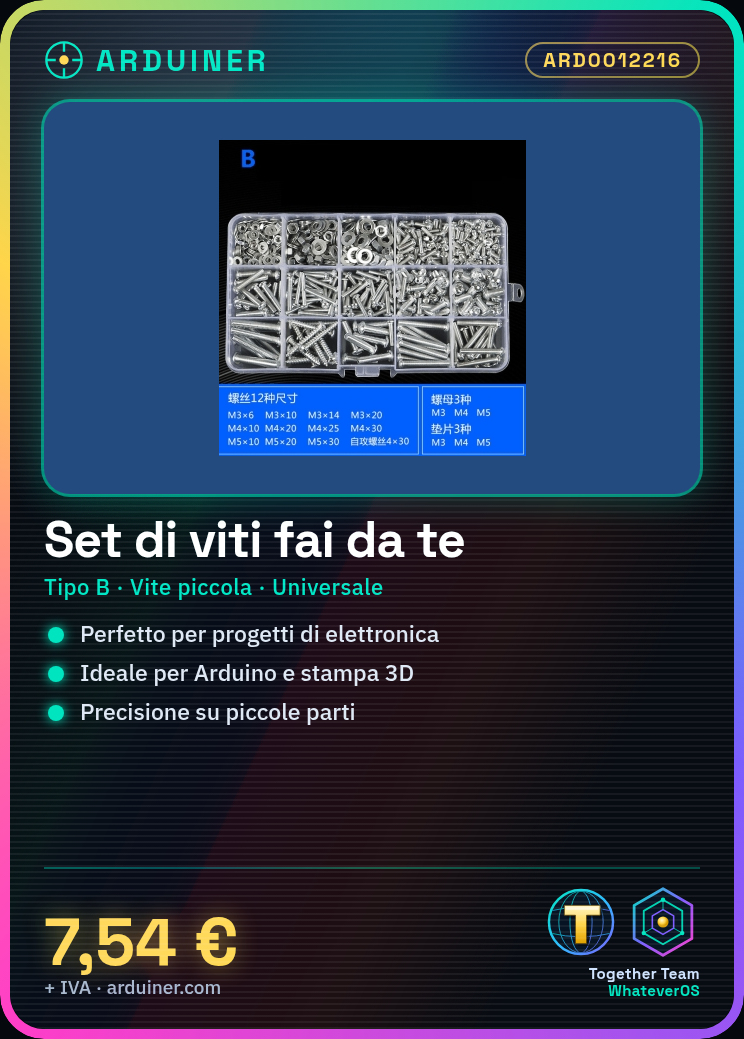
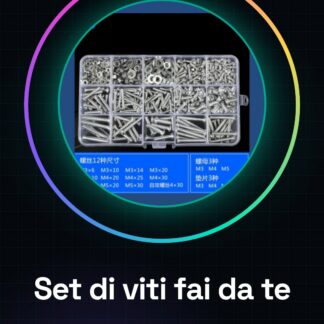
DIY Digital Electronic Screwdriver Type B set, consisting of small and universal screws. Ideal for electronics projects, Arduino, and 3D printing.
Features
- Type: B
- Format: Small and universal screws
- SKU: ARD0012216
- Price: 7.54 €
What it is for
This screw set is perfect for those working with small parts and requiring precision. Useful for beginner and intermediate makers. Can be used to create mounts for motion sensors, connect electronic components, and much more.
Tutorial: How to use the DIY Screw Set
The DIY Screw Set is ideal for those working with small parts and wanting to be more precise. Useful for beginner and intermediate makers.
What you need
- DIY Screw Set
- Digital Screwdriver
- Mounting materials (check the datasheet)
Steps
- 1. Turn on the digital screwdriver and select the ‘Screw Set’ mode.
- 2. Insert the screws into the set and assign a number to each one (check the datasheet).
- 3. Connect the digital screwdriver to an Arduino (check the datasheet).
- 4. Write the Arduino code to control the screws (check the datasheet).
- 5. Mount the screws in the parts using the digital screwdriver.
- 6. Verify the screw grip with a test.
- 7. Repeat for all screws in the set.
- 8. Save the code for future projects.
Example code
```void setup() {}
void loop() {
  // Verifica presa viti
  if (digitalRead(pino_viti) == HIGH) {
    Serial.println("Vita presa correttamente");
  }
}```
Mini project
Create a mount for a motion sensor using a screw and a piece of wood in 30 minutes.
Common mistakes
- Do not follow the datasheet instructions correctly.
- Do not assign numbers to screws correctly.
- Do not verify the screw grip.
- Do not save the code for future projects.
Recommended accessories
- Arduino
- Digital Screwdriver
- Motion Sensor
- Piece of wood
Frequently asked questions
How to assign numbers to screws?
Follow the datasheet instructions or assign manually.
Which types of screws work with this set?
Check the datasheet for the full list.
Does the digital screwdriver work only with Arduino?
Check the datasheet for further details.
Can I use this set for 3D printing projects?
Check the datasheet for further details.
Reviews
There are no reviews yet.