 EN
 IT Italiano
 ES Español
 FR Français
 DE Deutsch
Description
What it is
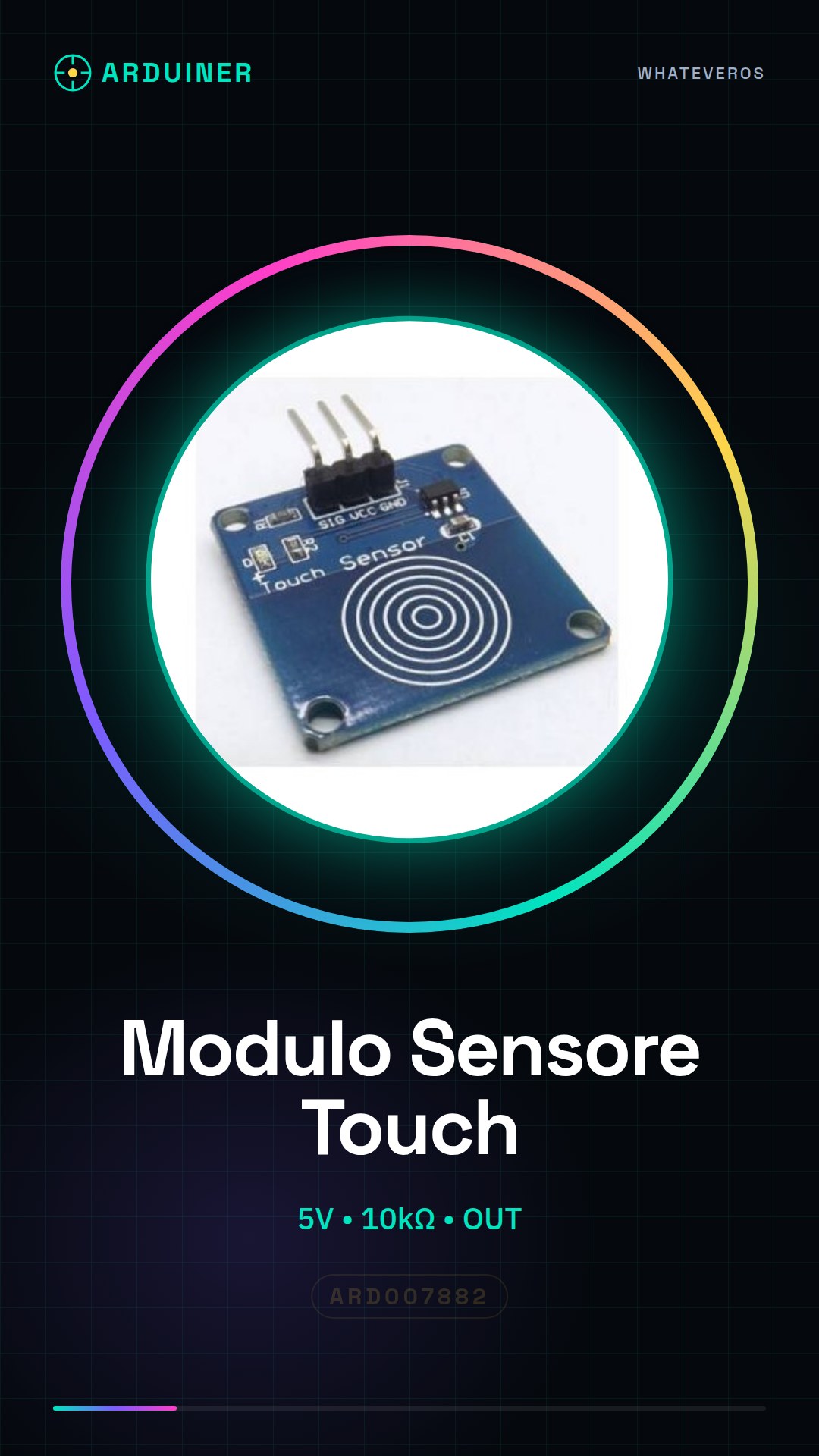
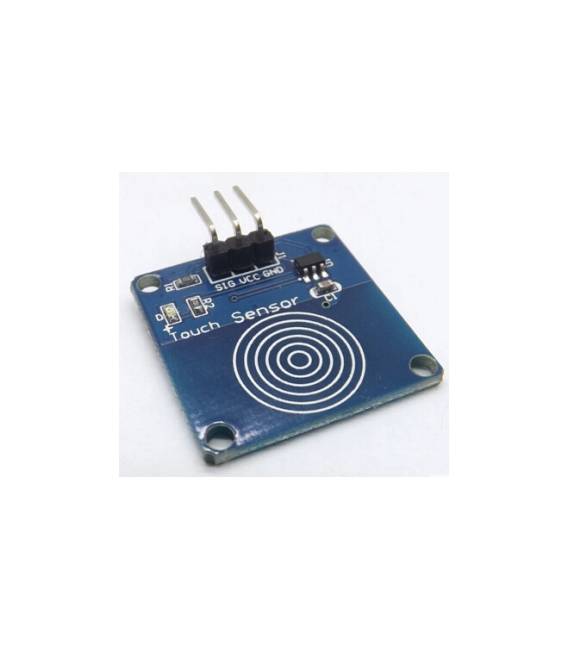
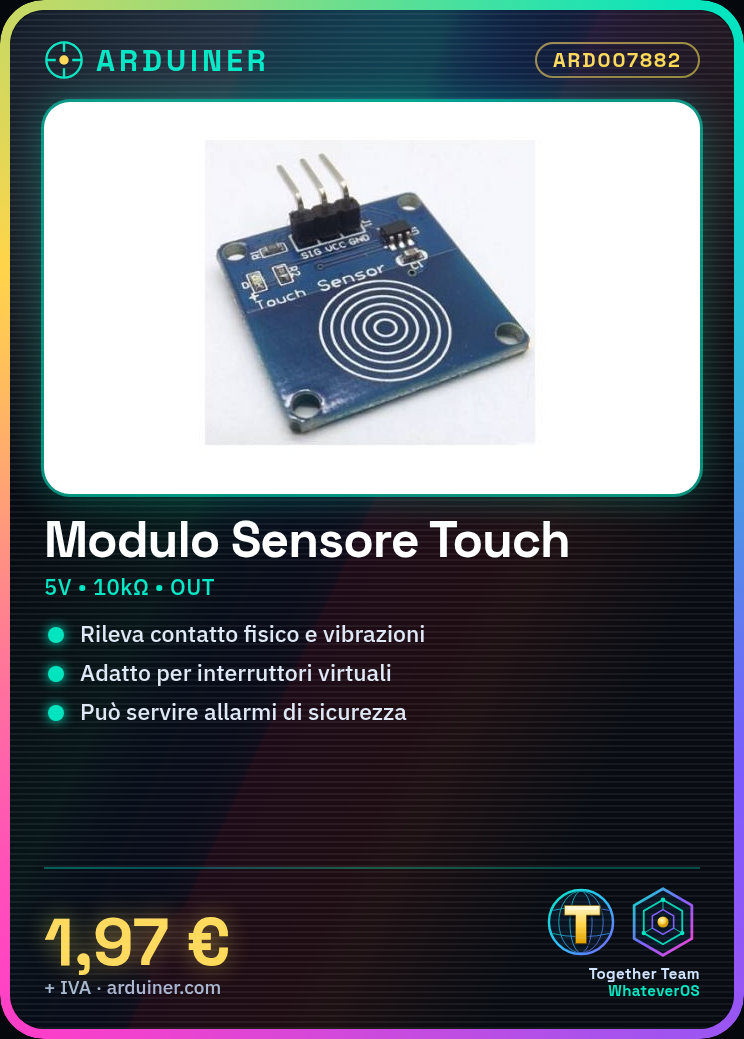
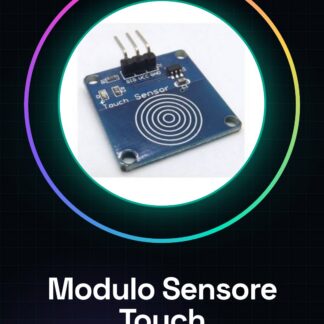
The Touch Sensor Module is an electronic component designed to detect physical contact or vibrations, making it ideal for creating touch-sensitive user interfaces. This module can be used in various types of applications such as virtual switches or motion sensors.
Features
- Detects physical contact and vibrations.
- Ideally suited for projects that require manual intervention.
What it is for
The Touch Sensor Module is usable in applications such as security alarms, where it can be connected to an LED or other electronic devices to signal when it is touched. It is compatible with Arduino and ESP.
Tutorial: How to Use Touch Sensor Module
The Touch Sensor Module helps detect physical contact, ideal for projects that require manual intervention. Useful for beginners and intermediates.
What you need
- Touch Sensor Module ARD007882
- Arduino
- Power Supply Cable
- 10kΩ resistor (check the datasheet)
Steps
- 1. Mount the touch sensor on the protoboard or circuit.
- 2. Connect the VCC pin to the 5V of the Arduino.
- 3. Connect the GND pin to the GND of the Arduino.
- 4. Connect the OUT pin to a digital pin on the Arduino (for example D2).
- 5. Connect a 10kΩ resistor between the VCC pin and the OUT pin.
- 6. Upload the source code to the Arduino.
- 7. Run the code and check the results.
- 8. Adapt the code to your project.
Example code
```cpp
int touchPin = 2;
int value;

void setup() {
  pinMode(touchPin, INPUT);
}

void loop() {
  value = digitalRead(touchPin);
  if (value == HIGH) {
    Serial.println("Touch detected!");
  }
}
```
Mini project
Create a simple security alarm. Connect the touch sensor to an LED and trigger it when touched.
Common mistakes
- Trigger the function without touching the sensor.
- Incorrect connection between VCC and GND.
- Missing 10kΩ resistor.
- Incorrect pin used for the touch sensor.
Recommended accessories
- LED
- 220Ω resistor (for the LED)
- Push button
- 10kΩ pull-up resistor (for the button)
Frequently asked questions
Does the touch sensor work only with fingers?
No, it works with any conductive object.
Can I connect multiple touch sensors?
Yes, but make sure to connect VCC, GND, and OUT correctly.
Is the touch sensor water resistant?
No, avoid use in wet conditions.
Which Arduino pins can I use?
Any digital pin, but preferably the internal ones.
Reviews
There are no reviews yet.