 EN
 IT Italiano
 ES Español
 FR Français
 DE Deutsch
Description
Tutorial: How to Use STM32F205ZGT6 MCU
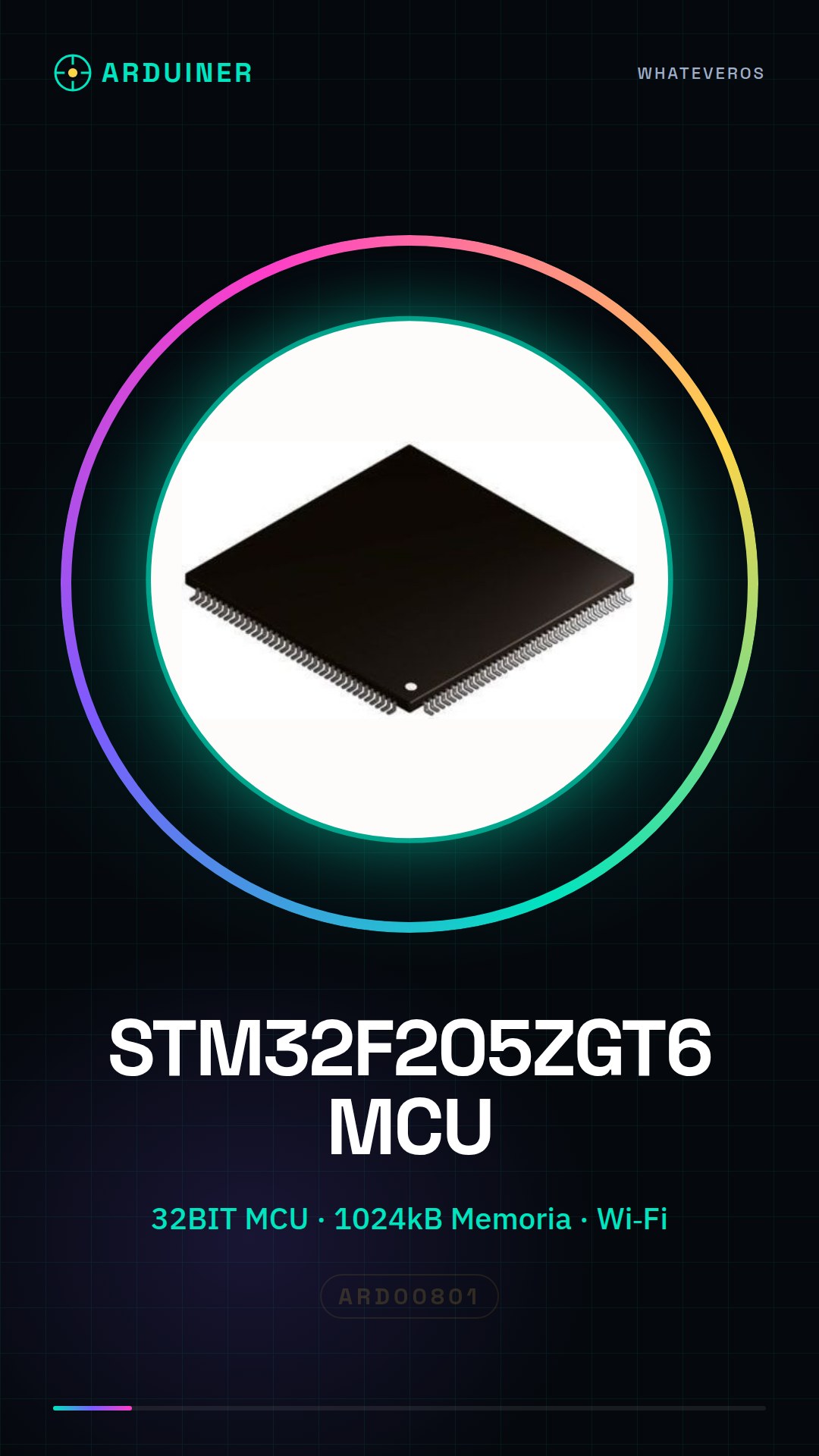
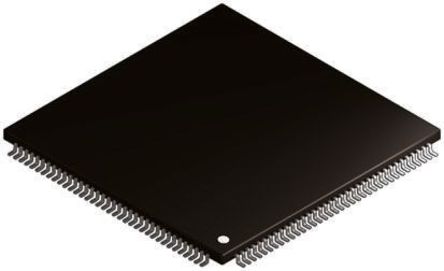
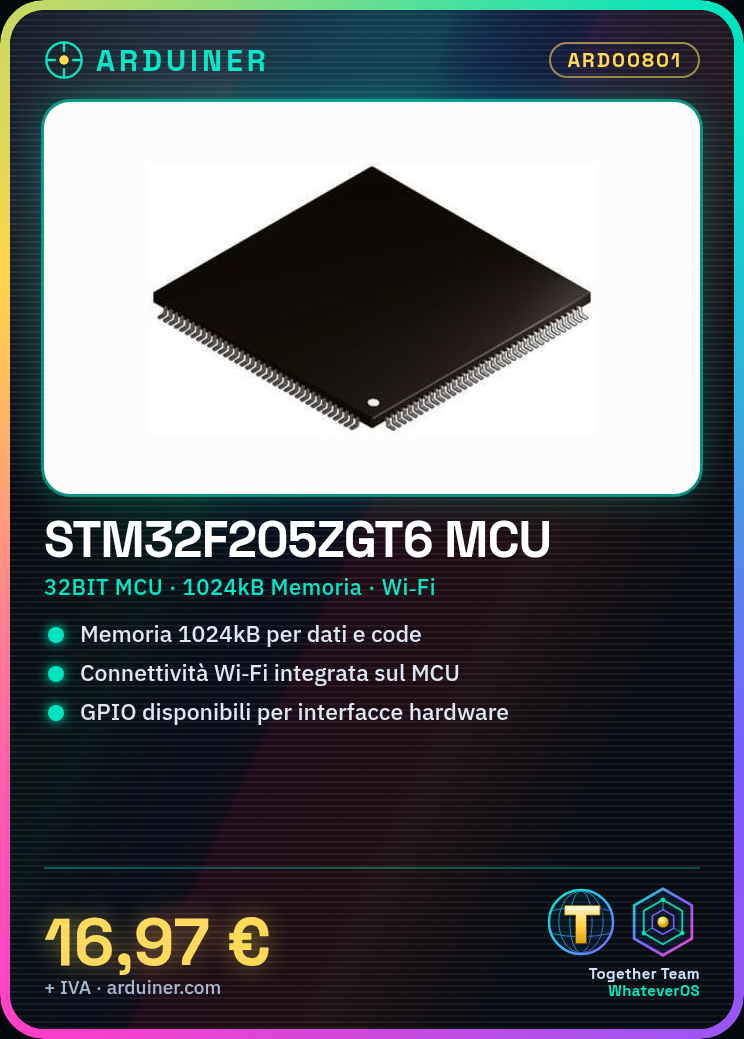
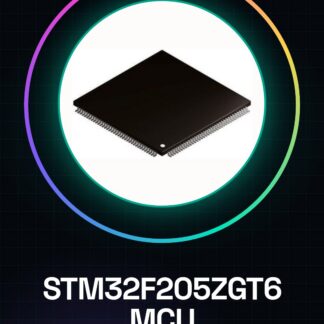
The STM32F205ZGT6 microcontroller is a high-performance component for projects requiring computational power and advanced connectivity capabilities. This tutorial will guide you through the initial steps with this device, ideal for both expert developers and curious beginners.
What you need
- Arduino IDE
- USB Driver
- JTAG Connection
- STM32Cube Programming Software
Steps
- Install the Arduino IDE and the necessary USB driver to connect the microcontroller to the computer.
- Download and install the STM32Cube development software to configure the MCU’s features.
- Configure the JTAG board or another compatible programming method for the STM32F205ZGT6.
- Load a basic sketch in the Arduino IDE (or use the official STM32Cube IDE) to verify that everything is correctly set up.
- Explore the specific features of the MCU such as connectivity and memory, consulting the datasheet for technical details.
- Implement a simple test project using the GPIO pins available on the device.
Example code
// Utilizzare uno sketch base per Arduino o un file .c/.cpp con STM32Cube
void setup() {
  // Inizializza le funzioni del microcontrollore
}

void loop() {
  // Aggiungi il codice principale qui
}
Mini project
Create a Wi-Fi controllable smart lamp using the integrated Wi-Fi connectivity in the STM32F205ZGT6.
Common mistakes
- Device recognition issues due to missing installation of USB drivers.
- Incorrect configurations during the installation of the STM32Cube SDK.
- Incorrect use of GPIO functions or other MCU peripherals.
- Missing verification on the datasheet for detailed technical specifications.
Recommended accessories
- JTAG connection
- Wi-Fi antenna
- USB power supply
- STM32 development board
Frequently asked questions
What are the advantages of using the STM32F205ZGT6 compared to other microcontrollers?
The STM32F205ZGT6 offers greater computational power and advanced connectivity capabilities, making it ideal for complex projects.
Where can I find the complete component datasheet?
The datasheet can be downloaded from the official STMicroelectronics website.
Reviews
There are no reviews yet.