 EN
 IT Italiano
 ES Español
 FR Français
 DE Deutsch
Description
What it is
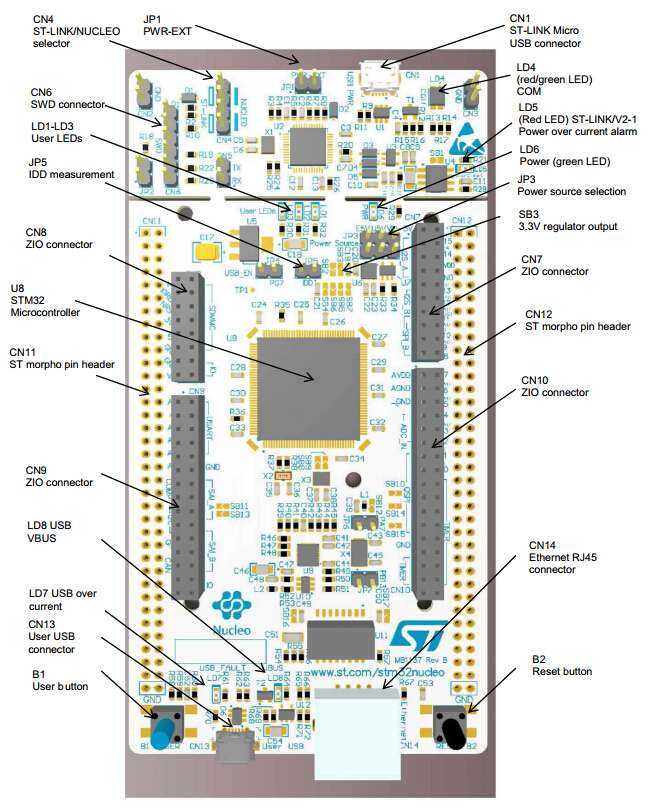
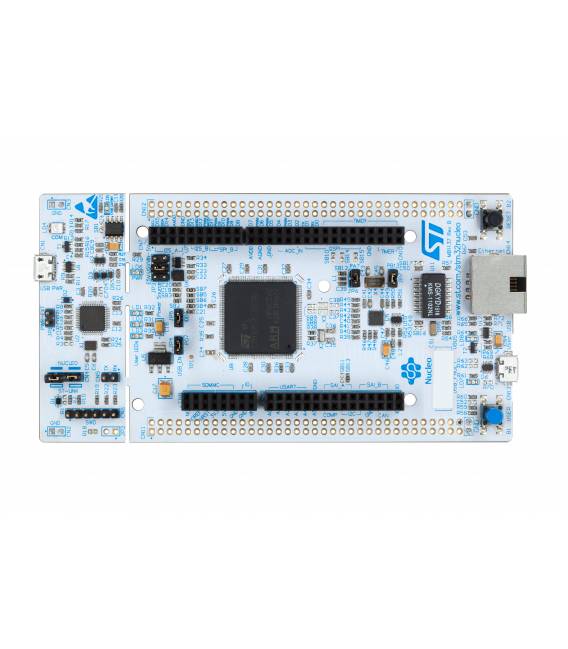
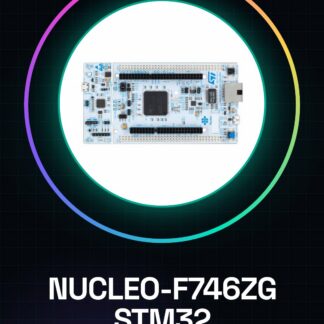
The NUCLEO-F746ZG is a 32-bit STM32 development board, ideal for advanced Arduino projects. It offers a powerful and flexible processor, supporting various power supply voltages and communication interfaces.
Features
- STM32 F746ZG Microcontroller
- 32 bit
- Power Supply: 3.3 V, 5 V, 7 V to 12 V
- USART Interface
- USB Interface
What it is for
The NUCLEO-F746ZG is suitable for projects requiring a powerful and flexible processor, such as device control, real-time data management, and user interface creation. Its compatibility with Arduino makes it easy to use for projects of varying complexity.
Tutorial: How to Use the NUCLEO-F746ZG Development Board
The NUCLEO-F746ZG STM32 development board is ideal for projects requiring a powerful and flexible processor. It is suitable for both beginners and experts, offering many features such as USART, USB, and a wide range of power supply voltages.
What you need
- PC with Windows, macOS, or Linux operating system
- Cordic USB A-Micro B
- STM32CubeIDE development software
Steps
- Install STM32CubeIDE from the official website.
- Connect the NUCLEO-F746ZG board to the PC via the Micro USB connector.
- Open STM32CubeIDE and create a new project.
- Select ‘STM32F746xx’ as the device in the hardware configurator.
- Configure the desired features (USART, USB) in the application configurator.
- Generate the code for the new configuration.
- Load the application onto the microcontroller via STM32CubeIDE.
- Verify that everything is properly connected and functioning.
Example code
// Esempio di codice base
int main(void) {
  HAL_Init();
  SystemClock_Config();
  // Inizializza USART, USB o altre funzionalità qui
}
Mini project
Create a small project in 30 minutes that uses the NUCLEO-F746ZG to read data from a temperature sensor and send it via USART to a console.
Common mistakes
- I am unable to upload the code to the microcontroller.
- The LED does not turn on after configuration.
- The USART does not transmit data correctly.
- Issues with the board power supply.
Recommended accessories
- DS18B20 Temperature Sensor
- 16×2 LCD Display
- USB-C to Micro-B Power Supply
- External Power Supply Adapter
Frequently asked questions
How can I determine which voltage is supported by the board?
Check the NUCLEO-F746ZG datasheet for power supply specifications.
What software tools are required?
STM32CubeIDE and a text editor like Notepad++ or VSCode.
Reviews
There are no reviews yet.