 EN
 IT Italiano
 ES Español
 FR Français
 DE Deutsch
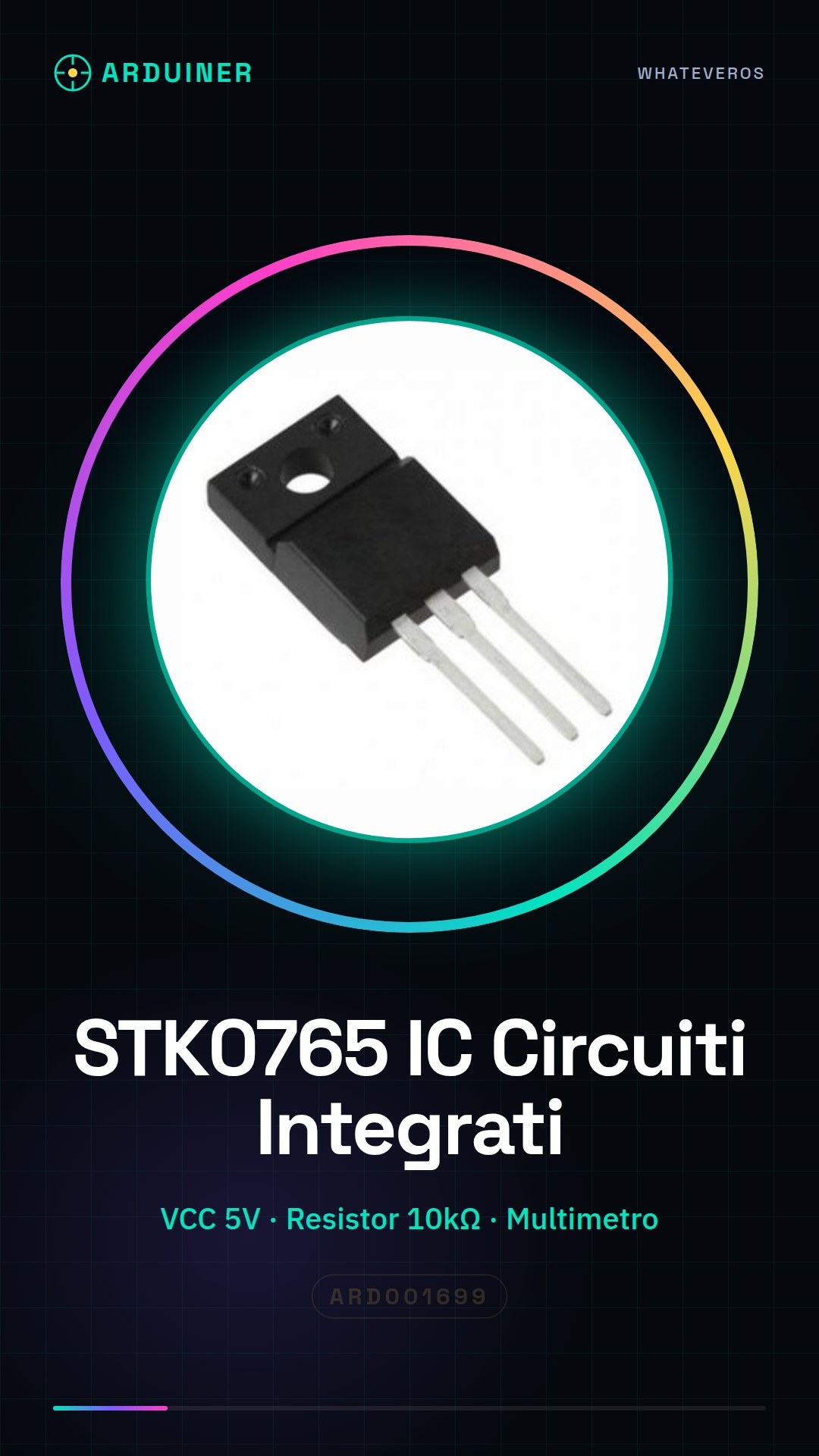
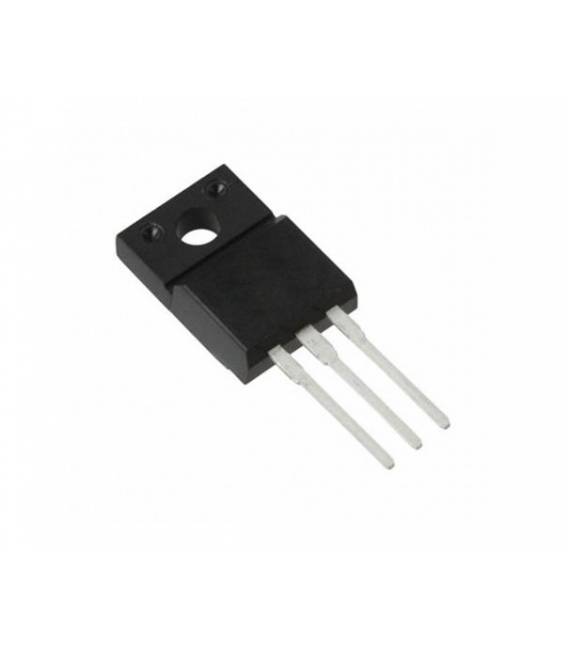
Description
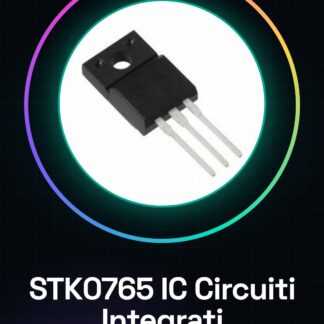
STK0765-IC-Circuiti-Integrati
Tutorial: How to Use STK0765 IC Integrated Circuits
The STK0765 IC is a fundamental component for digital electronics projects. Useful for beginners and intermediates, it is used to manage logic signals in various applications.
What you need
- STK0765 IC
- Arduino
- 10kΩ Resistor
- Multimeter
Steps
- Check the datasheet for the specifications of the STK0765.
- Connect the VCC of the STK0765 to the 5V of Arduino.
- Connect the GND of the STK0765 to the GND of Arduino.
- Connect a pin of the STK0765 to a pin of Arduino.
- Connect a resistor between a pin of STK0765 and GND.
- Connect a multimeter to test the signals.
- Upload a simple sketch to Arduino.
- Verify the operation of the circuit.
Mini project
Create a simple binary counter on Arduino using the STK0765 as a decoder.
Common mistakes
- Connect the VCC to 3.3V instead of 5V.
- Omit the protective resistor.
- Do not check signals with a multimeter.
- Do not use a sample sketch.
Recommended accessories
- Arduino UNO
- 10kΩ Resistors
- Digital Multimeter
- USB Cable
Frequently asked questions
How can I check signals with the multimeter?
Measure the voltage on a pin of the STK0765.
What specifications should I verify on the datasheet?
Check the power supply voltage and input/output pins.
Can I use a compatible Arduino?
Yes, any Arduino compatible with the STK0765 pins.
Is the resistor mandatory?
Yes, to protect the STK0765.
Reviews
There are no reviews yet.