 EN
 IT Italiano
 ES Español
 FR Français
 DE Deutsch

Description
What it is
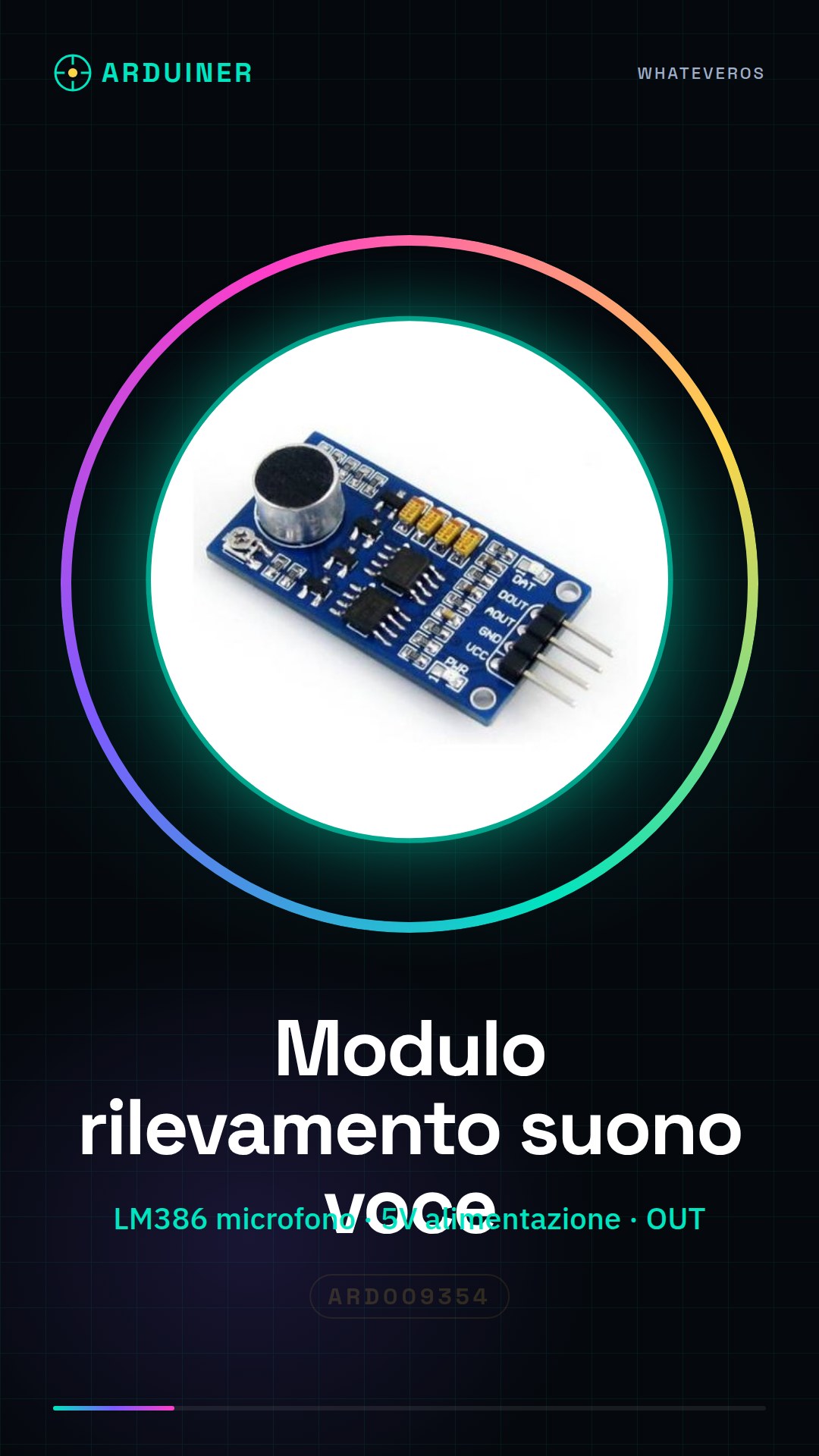
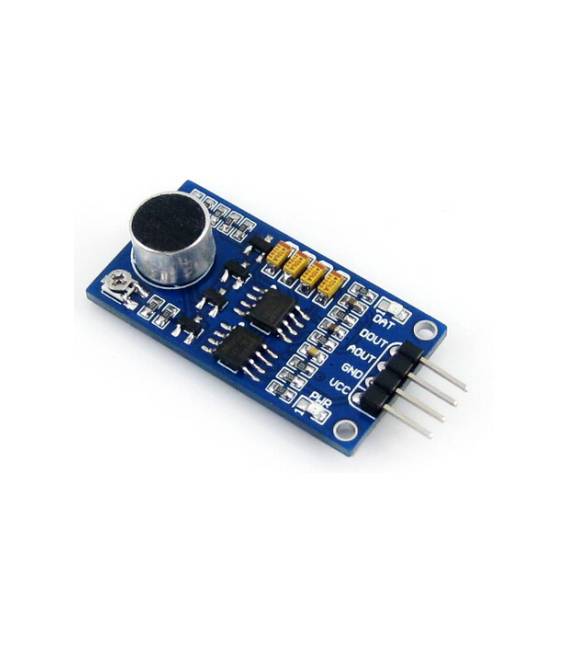
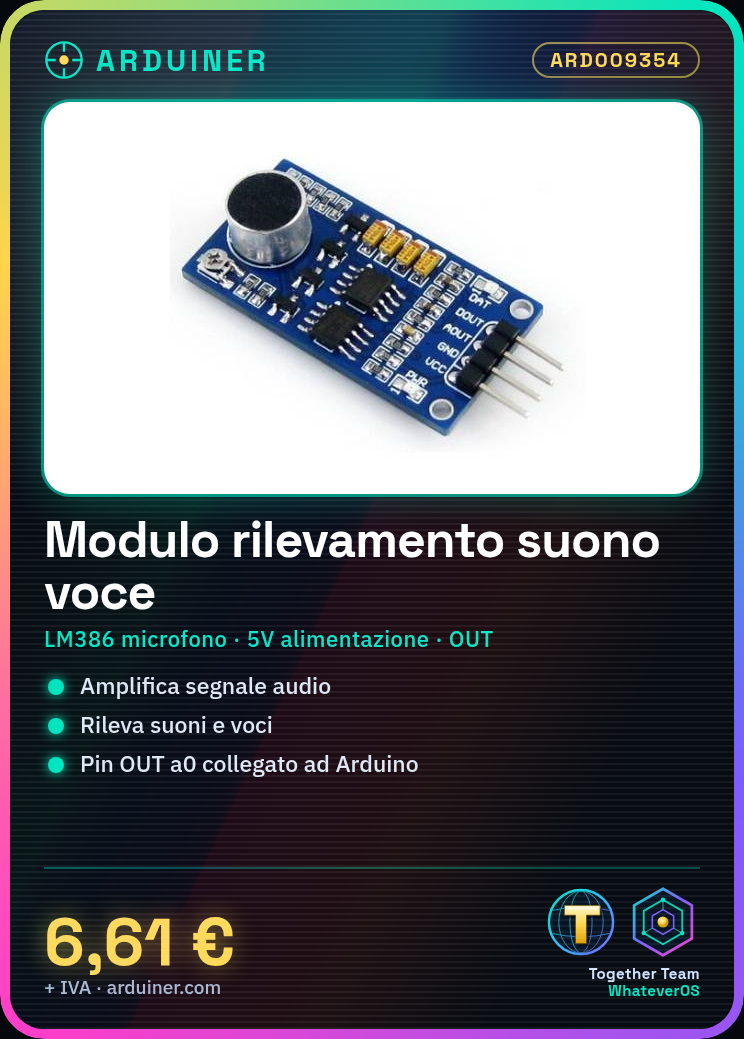
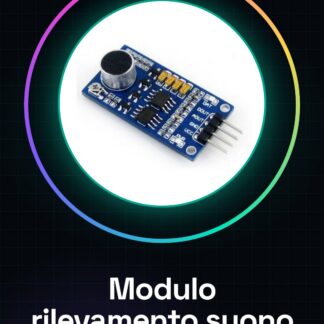
Sound and voice detection module for Arduino, based on the LM386 detector with built-in microphone. Allows amplifying the audio signal in Arduino projects and detecting sounds and voices.
Features
- LM386 Audio Detector
- Built-in microphone
- Connection to Arduino
What it is for
Ideal for projects requiring sound and voice detection, such as simple alarms, voice recognition or audio interactions. Compatible with Arduino and similar platforms.
Tutorial: How to use the Sound and Voice Detection Module
This LM386 detector with built-in microphone is ideal for projects requiring sound and voice detection. Useful for beginners and intermediate makers.
What you need
- Arduino
- Power supply cable (5V)
- 10kΩ resistor
- Connection cable
Steps
- 1. Mount the detector on a protoboard or a compatible Arduino module.
- 2. Connect the VCC pin to the 5V pin of the Arduino.
- 3. Connect the GND pin to the GND pin of the Arduino.
- 4. Connect the OUT pin to the A0 pin of the Arduino.
- 5. Connect pin R1 to an available digital pin on the Arduino.
- 6. Connect a 10kΩ resistor between pin R1 and GND.
- 7. Upload the code to your Arduino.
- 8. Test the sensor with a sound or voice.
Example code
int soundSensor = A0;
void setup() {
  Serial.begin(9600);
}
void loop() {
  int soundLevel = analogRead(soundSensor);
  Serial.println(soundLevel);
  delay(100);
}
Mini project
Create a simple sound alarm. Connect the sensor to pin A0, an LED to pin 3, and a button to pin 2. When the sound exceeds a certain level, the LED turns on and the button disconnects the sensor.
Common mistakes
- Connect the pin VCC to 3.3V instead of 5V.
- Forget to connect resistor R1.
- Do not use a digital pin as an analog read pin.
- Do not test the sensor with a low sound.
Recommended accessories
- LED
- Button
- Protoboard
- Connection cable
Frequently asked questions
Does the sensor work well in all environmental conditions?
Check the datasheet: the optimal conditions are specified in the datasheet.
Can I connect the sensor directly to the 5V pin?
No, connect the pin VCC to 5V and the GND to GND of the Arduino.
Does the sensor work only with Arduino?
No, it works with any microcontroller that supports analog signals.
Reviews
There are no reviews yet.