 EN
 IT Italiano
 ES Español
 FR Français
 DE Deutsch
Description
What it is
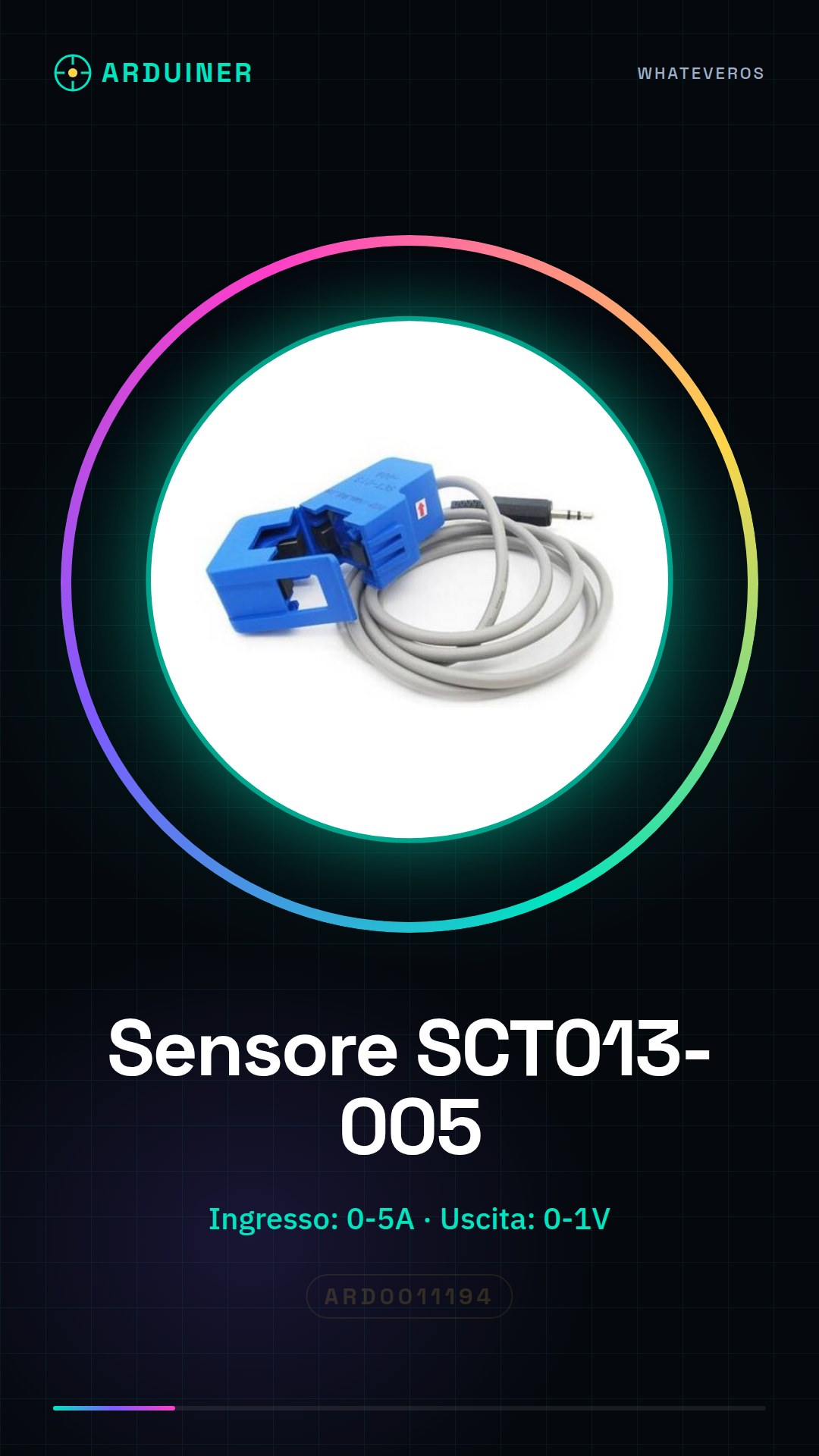
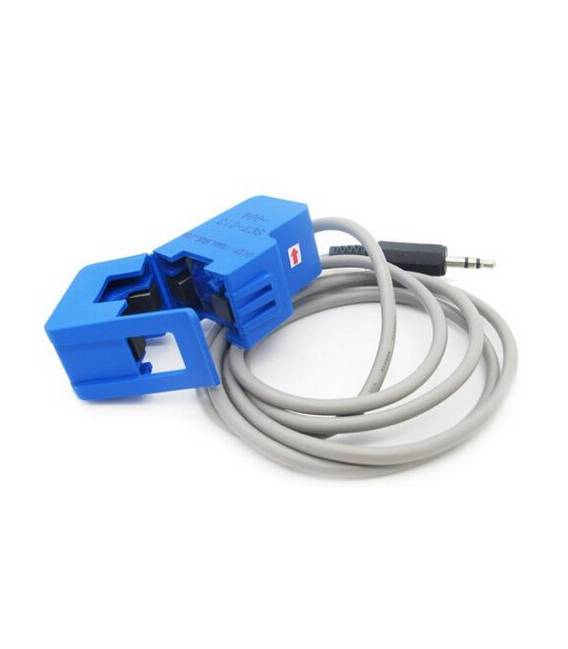
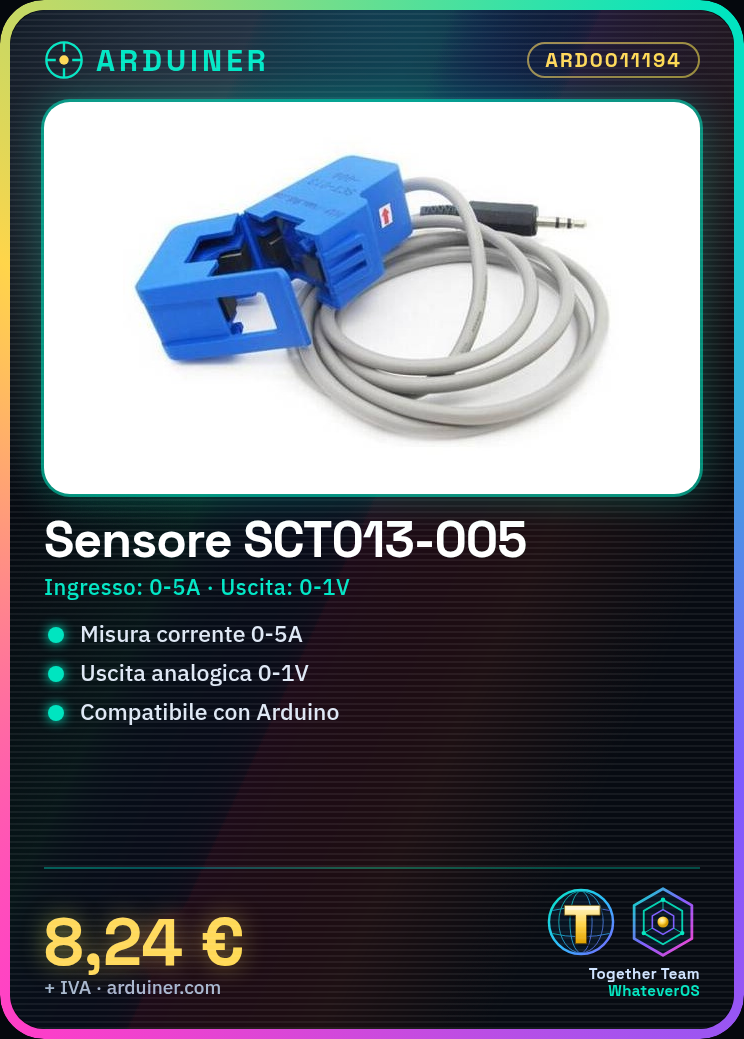
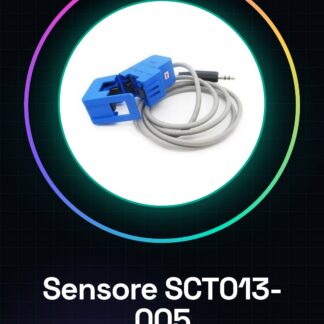
The SCT013-005 is a current transformer sensor with a split core. It is used to measure alternating current in an electrical circuit.
Features
- Input: 0-5A
- Output: 0-1V
- SKU: ARD0011194
- Price: 8.24 €
- Category: Pre-order
What it is for
The SCT013-005 is useful for monitoring electrical current in electrical circuits. It can be used to create energy monitoring systems, energy counters, and for circuit protection. It is compatible with Arduino and similar platforms.
Tutorial: How to use SCT013-005
The SCT013-005 is a current transformer sensor with a split core, ideal for monitoring electrical current in electrical circuits. It is particularly useful for energy monitoring projects and energy counters.
What you need
- Arduino Uno
- Connection cable
- Energy logging
Steps
- Connect the SCT013-005 sensor to an electrical circuit to monitor.
- Connect the sensor output to an analog pin on the Arduino.
- Write and upload the Arduino sketch to read the sensor values.
- Display the current values in a monitoring software like Serial Monitor.
- Check the sensor operation with a variable load.
- Calibrate the sensor if necessary (check the datasheet).
- Use the collected data to create graphs or monitoring energy reports.
- Implement additional features such as an overload alarm (check the datasheet).
Example code
void setup() {
  Serial.begin(9600);
}

void loop() {
  int sensorValue = analogRead(A0);
  float voltage = sensorValue * (5.0 / 1023.0);
  float current = voltage * 5.0; // Verifica sul datasheet
  Serial.print("Corrente: ");
  Serial.println(current);
  delay(1000);
}
Mini project
Create an energy monitoring system in 30 minutes by connecting the SCT013-005 to an Arduino and displaying the data in Serial Monitor.
Common mistakes
- Connect the sensor incorrectly.
- Do not calibrate the sensor.
- Ignore the sensor output voltage.
- Do not consider the overload of the monitored circuit.
Recommended accessories
- Arduino Uno
- LCD Display
- Portable Battery
- Wi-Fi Module
Frequently asked questions
How do I calibrate the sensor?
Check the specifications on the sensor datasheet and calibrate the output values based on test loads.
Can I connect multiple sensors?
Yes, but make sure to use a multiplexer or separate the Arduino’s analog pins.



Reviews
There are no reviews yet.