 EN
 IT Italiano
 ES Español
 FR Français
 DE Deutsch
Description
What it is
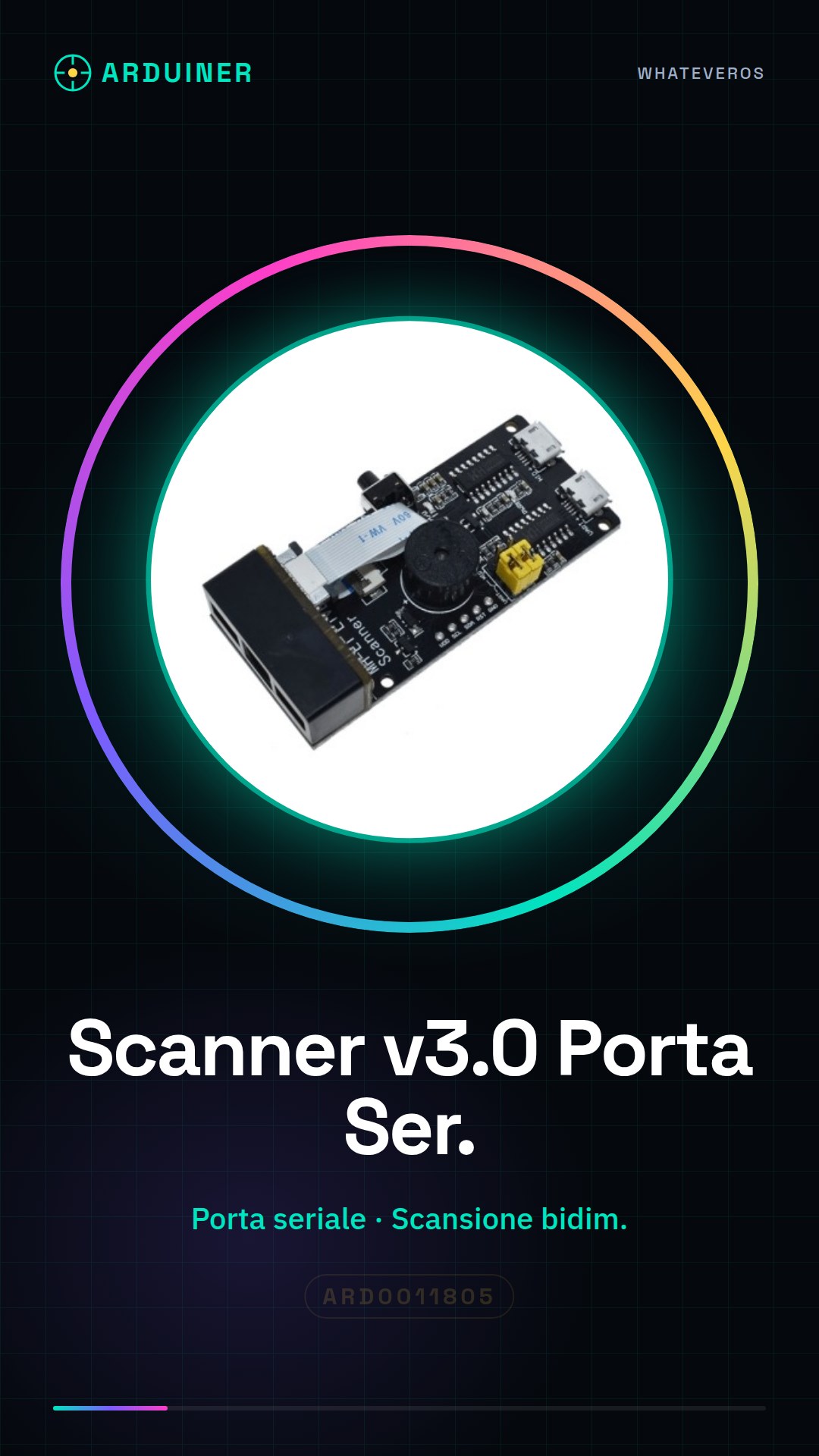
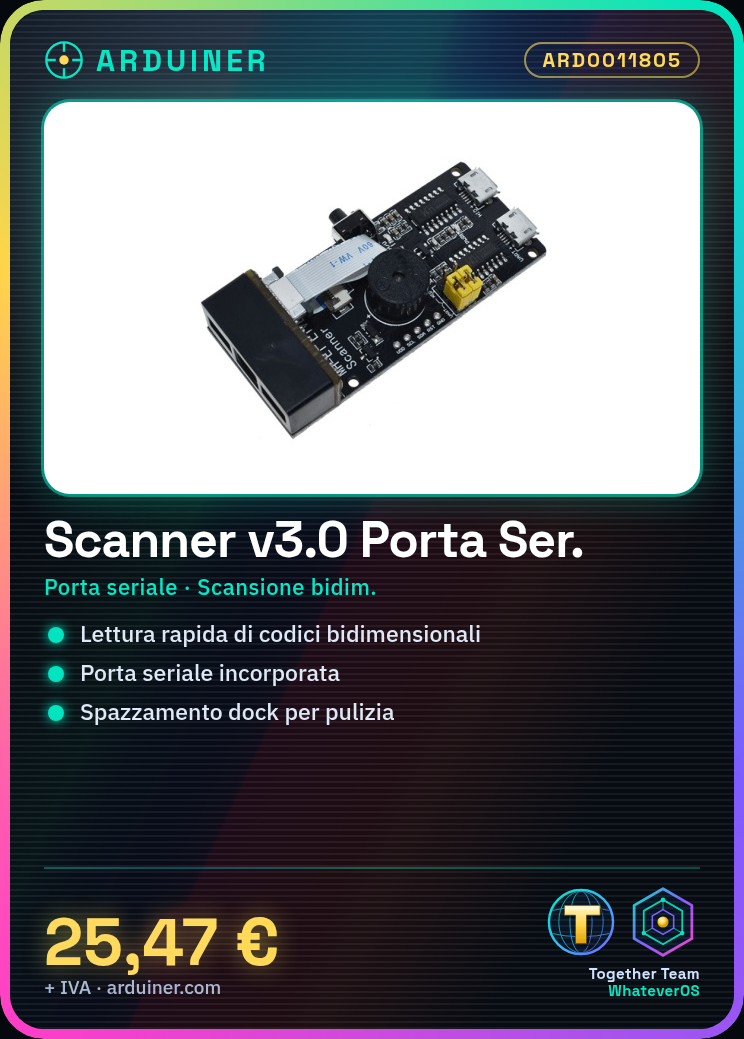
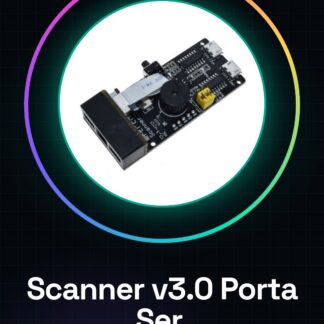
The Scanner v3.0 is a two-dimensional barcode reading device equipped with an integrated serial port, ideal for applications requiring the rapid and accurate scanning of information.
Features
- Includes an integrated serial port
- Two-dimensional barcode scanning motor
- Barcode scanning identification module
- Dock cleaning device
What it is for
Ideal for projects requiring the rapid and accurate reading of two-dimensional barcodes. It can be used in home or business inventory systems, where it automatically records the entry and exit of items. Check the datasheet for further information on compatibility with Arduino or ESP.
Tutorial: How to use Scanner v3.0
The Scanner v3.0 is a two-dimensional barcode reading device with an integrated serial port, ideal for projects requiring rapid and precise detection of information.
What you need
- Arduino Uno or compatible
- USB type A-B cable
- Computer with Arduino IDE software installed
Steps
- Connect the scanner v3.0 to the Arduino using a serial cable (TX of the module to RX of Arduino, RX of the module to TX of Arduino).
- Install the necessary library to manage the hardware of the module in the Arduino IDE software.
- Write and upload a sketch that reads data from the scanner module and sends it to the serial port of the Arduino.
- Open the serial monitor in Arduino IDE to view the barcodes read by the device.
- Check the datasheet of the scanner module v3.0 for specific settings such as data transmission speed.
- Use the Arduino GPIO signals to control additional functions of the module, such as starting the scan or controlling the dock sweeping motor (check the datasheet).
- Test the correct reading of various types of 2D barcodes.
- Implement the received data from the scanner module into a larger project, such as an inventory system or a point-of-sale application.
Example code
Serial.begin(9600);
while (Serial.available()) {
  String data = Serial.readStringUntil('
');
  // Processa i dati ricevuti dal modulo scanner
}
Mini project
Create a home inventory system that automatically records the entry and exit of items using your scanner v3.0.
Common mistakes
- Set the wrong serial speed
- Connect TX of the module to TX of the Arduino instead of RX
- Do not check the datasheet for specific GPIO functions for motor and dock waste control.
- Ignore the reset or start scan commands necessary for the proper initialization of the module.
Recommended accessories
- RS232 serial cable
- LiPo 18650 battery
- 16×2 LCD display
- Relay Module
Frequently asked questions
How can I control the dock sweeping motor?
Check the datasheet for specific GPIO pins and write a sketch that turns the motor on and off.
The scanner module does not read barcodes correctly.
Check the serial configuration, verify the physical connection between Arduino and module, test with different barcodes.
What is the difference between this scanner and previous versions?
The v3.0 includes an integrated serial port for a more direct and faster connection.
Reviews
There are no reviews yet.