 EN
 IT Italiano
 ES Español
 FR Français
 DE Deutsch
Description
What it is
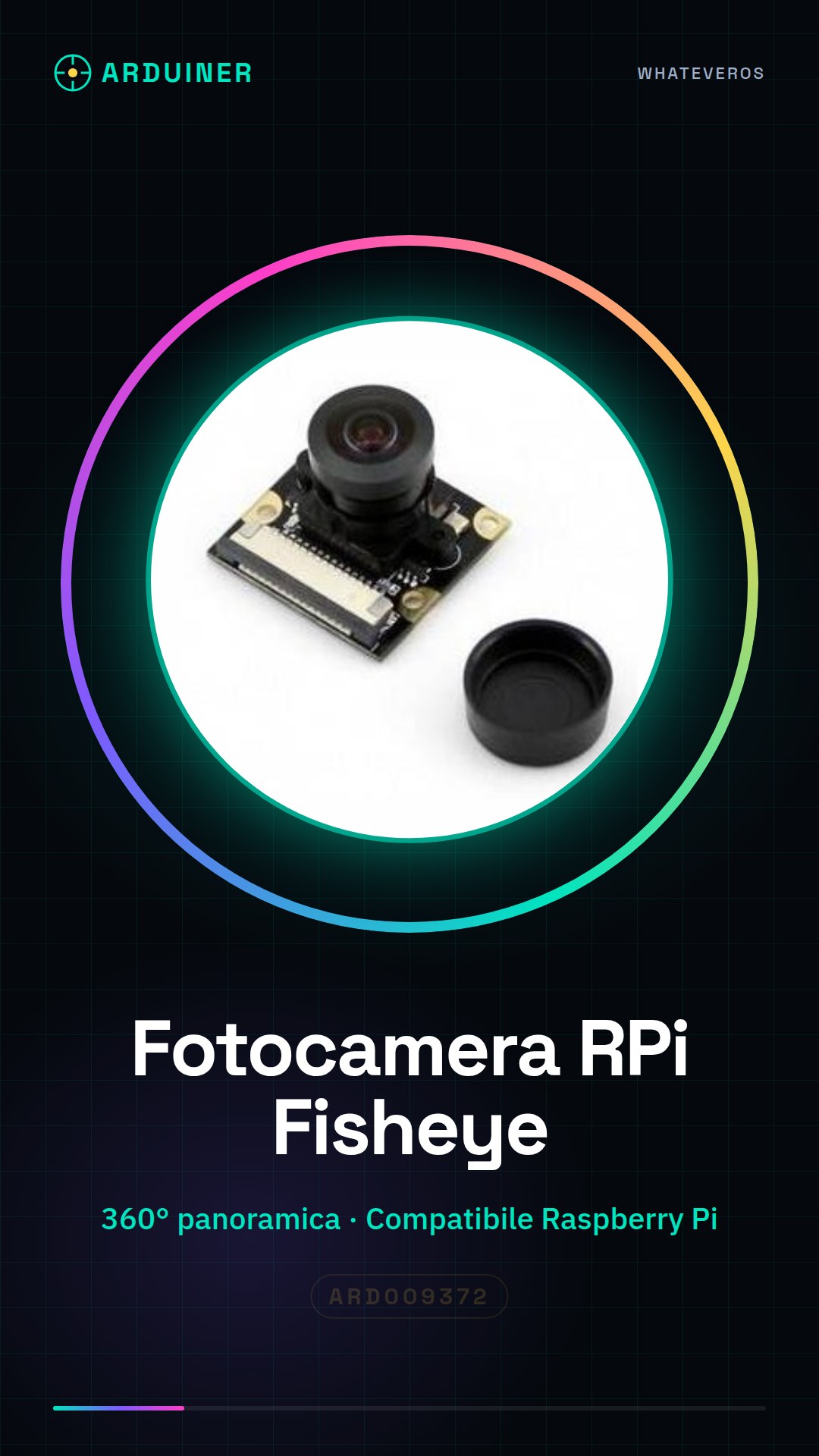
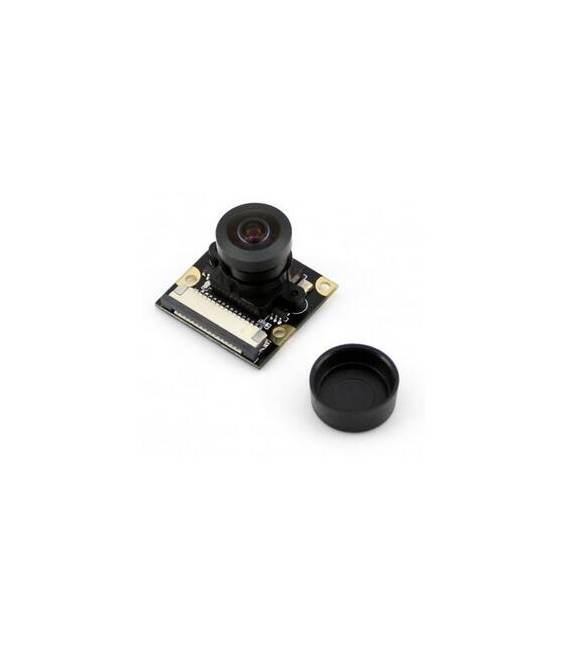
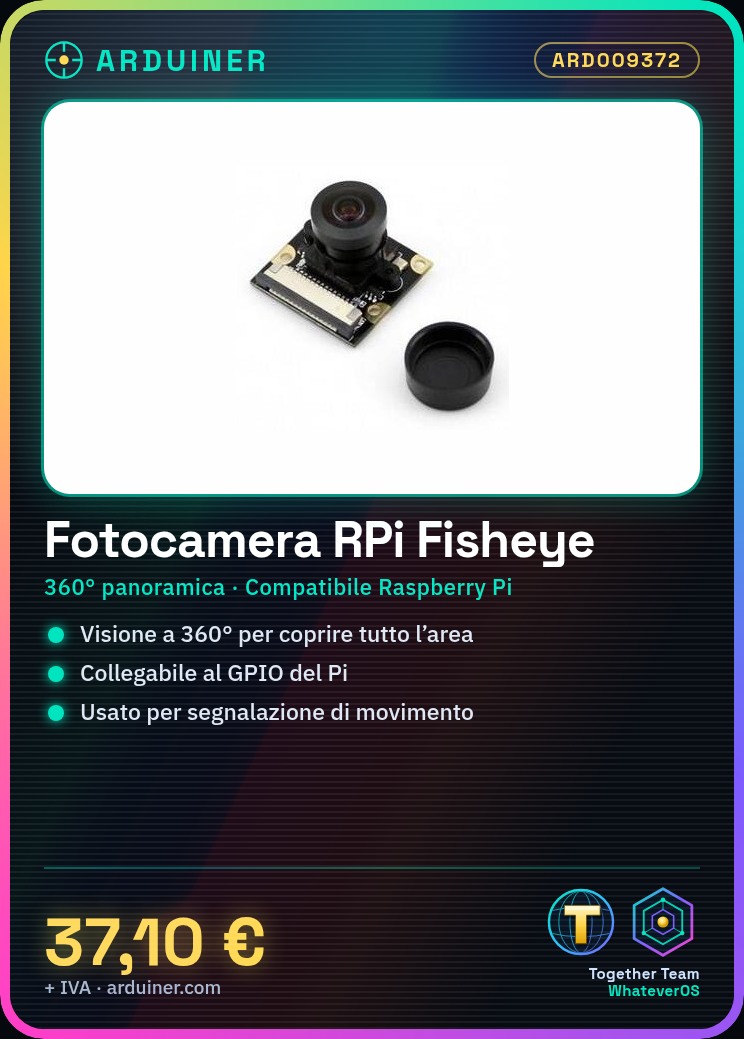
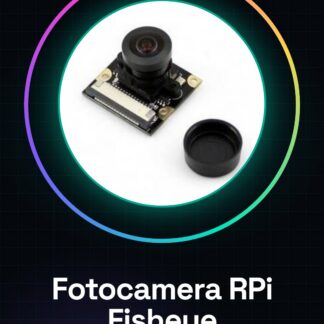
The RPi (I) Camera with Fisheye Lens is a device designed for use in various Raspberry Pi projects, offering a 360° panoramic view thanks to the fisheye lens.
Features
- RPi (I) Camera
- Fisheye Lens
What it is for
The camera is ideal for projects requiring a wide and panoramic view, such as motion detection systems. It is compatible with Raspberry Pi.
Tutorial: How to Use RPi (I) Camera
The fisheye RPi camera is ideal for wide and panoramic view projects on Raspberry Pi. Useful for beginners and intermediates.
What you need
- RPi (I) Camera
- Raspberry Pi
- MicroSD for storage
- Micro USB cable
Steps
- 1. Install the Raspberry Pi OS and control interface (e.g., Raspbian).
- 2. Connect the fisheye camera to the Raspberry Pi via the GPIO connector.
- 3. Check the datasheet for correct power supply.
- 4. Install the camera driver with the command: `sudo apt-get install raspi-cam-config`.
- 5. Configure the field of view with `raspi-cam-config`.
- 6. Create a `config.txt` file to customize the configuration: `sudo nano /boot/config.txt`.
- 7. Add resolution and field of view settings. Check the datasheet.
- 8. Try to take a photo with the command: `raspistill -o foto.jpg`.
Mini project
Build a motion detection system with panoramic view in 30 minutes.
Common mistakes
- Do not verify the correct power supply on the datasheet.
- Omit the driver configuration.
- Do not use a microSD card to save photos.
- Connect the camera to the wrong GPIO.
Recommended accessories
- 32GB microSD
- Micro USB cable
- Tripod for Raspberry Pi
- Headphones for listening to alert sounds
Frequently asked questions
How can I verify the correct power supply?
Check the datasheet for the maximum current required by the camera and ensure that the Raspberry Pi can provide it.
Can I use the camera without a Raspberry Pi?
No, the RPi camera is designed to be used only with Raspberry Pi.
What resolutions are supported?
Check the datasheet for the list of supported resolutions.
Can I use the camera with other versions of Raspberry Pi?
Check the datasheet for compatibility with different versions of Raspberry Pi.
Reviews
There are no reviews yet.