 EN
 IT Italiano
 ES Español
 FR Français
 DE Deutsch
Description
What it is
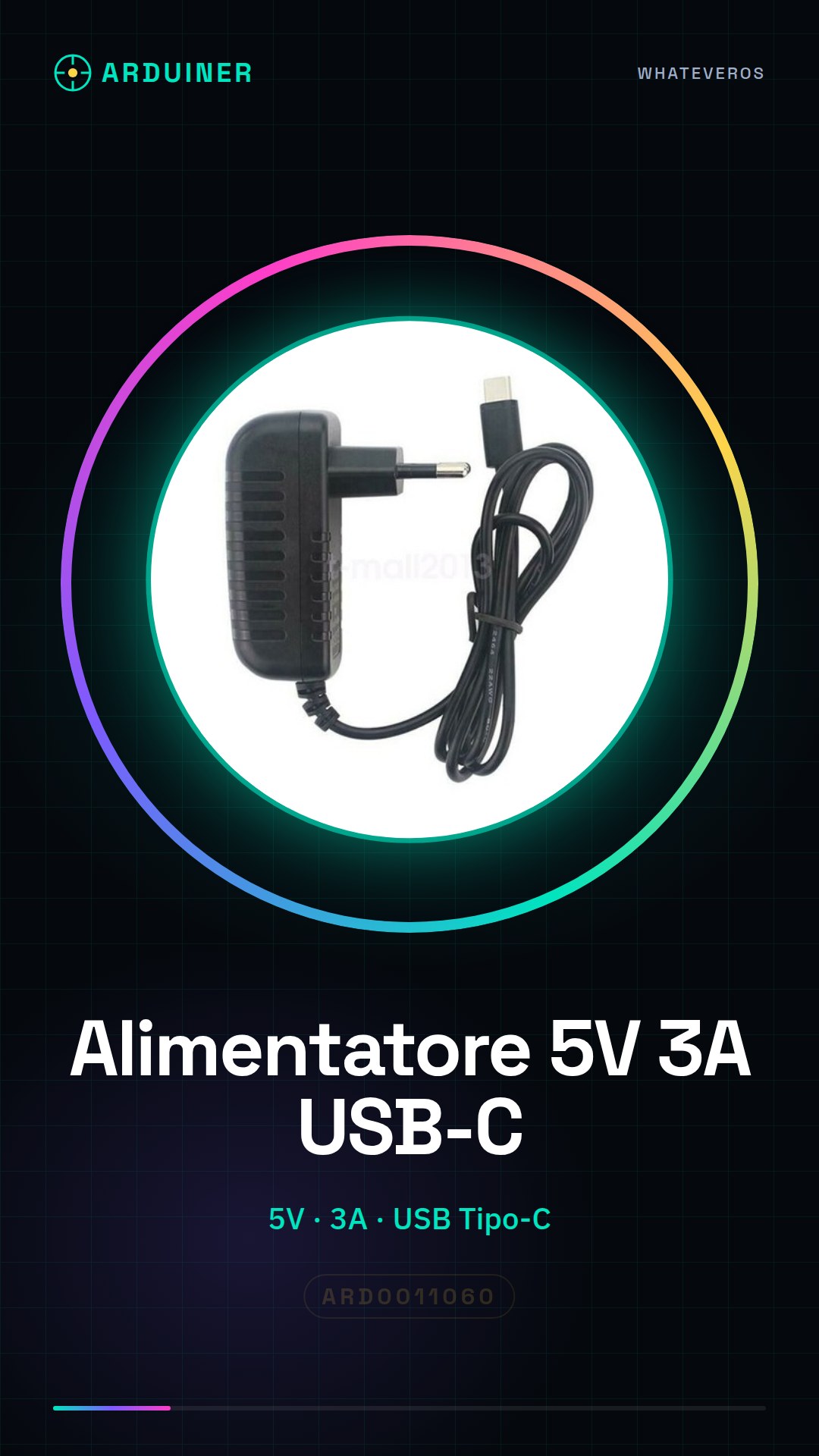
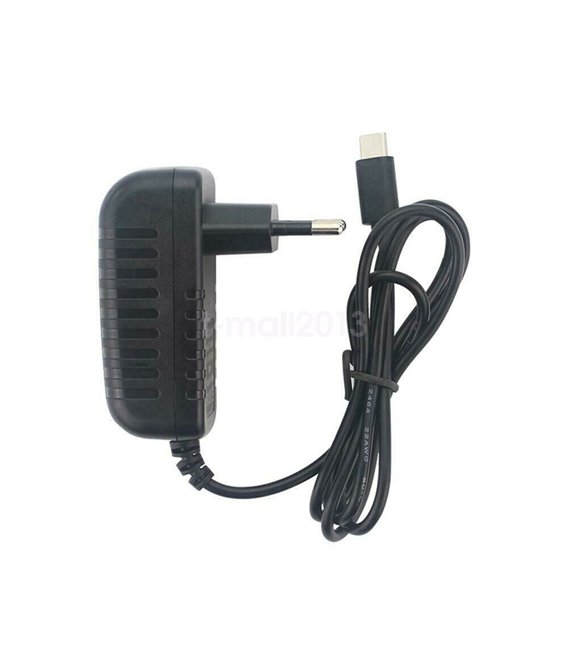
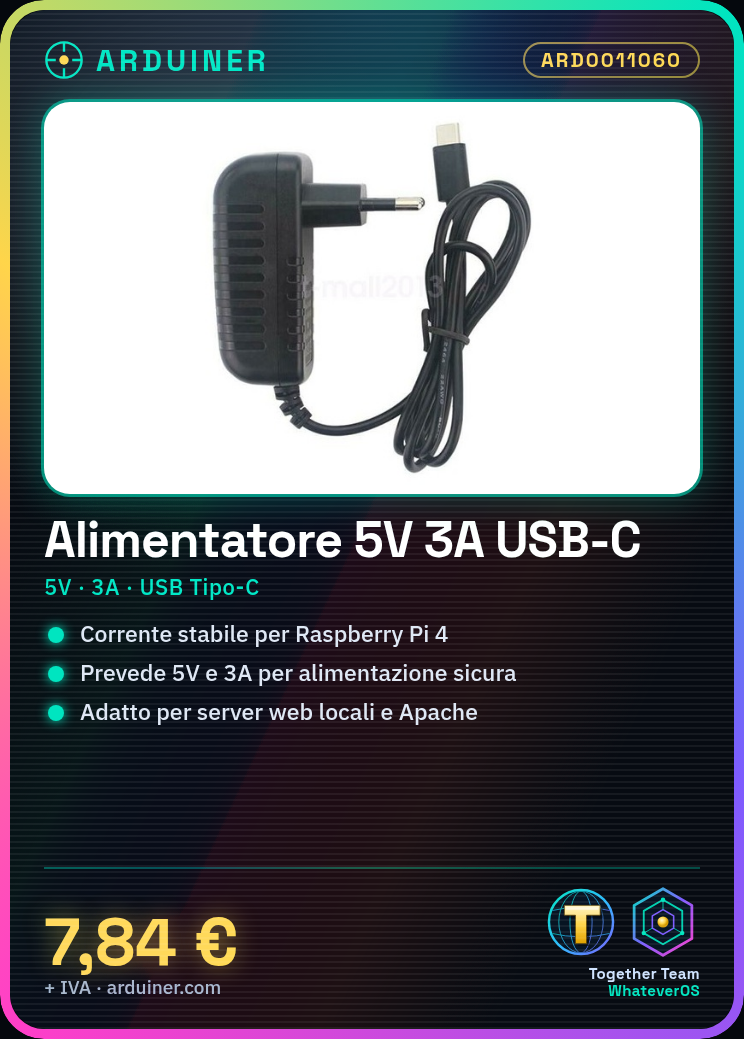
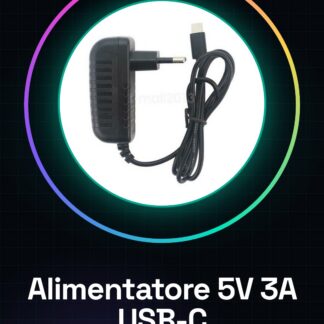
The USB Type-C power supply for Raspberry Pi 4 is an essential device that provides the necessary electrical current for your Raspberry Pi 4 to function. With an output voltage of 5V and the ability to supply up to 3A, this power supply ensures optimal electronic efficiency.
Features
- Output Voltage: 5V
- Maximum Current: 3A
- USB Type-C Input
- Input Voltage Range: 100-240V
What it is for
The power supply is designed to ensure stable and safe operation of the Raspberry Pi 4, preventing any issues related to overloading or undercurrent. It is ideal for users setting up local web servers, running network applications, or testing operating systems like Apache from the browser.
Tutorial: How to use USB Type-C Power Supply for Raspberry Pi 4
This 5V and 3A USB Type-C power supply is specifically designed to provide a constant current to your Raspberry Pi 4, ensuring stable and safe operation of the device. Ideal for users who want to avoid overloading or undercurrent issues.
What you need
- USB Type-C Power Supply ARD0011060
- Raspberry Pi 4
Steps
- Make sure your Raspberry Pi 4 is turned off before starting.
- Place the power supply near the device to avoid interruptions during use.
- Connect the USB Type-C cable from the power supply to the corresponding output on the Raspberry Pi 4.
- Check that the plug is compatible with your country’s electrical specifications (100-240V).
- Insert the plug into the wall socket switch.
- Wait a moment to ensure that the Raspberry Pi 4 is receiving power correctly.
- Check the device activity through integrated LEDs or screen.
- If necessary, perform additional operating system configuration.
Mini project
Set up a local web server with your Raspberry Pi 4 properly powered. You can install Apache and test it from the browser.
Common mistakes
- Connect the power supply to a socket that does not meet the product’s voltage specifications.
- Fail to completely shut down the Raspberry Pi before installing the power supply.
- Use a non-compatible or damaged USB Type-C cable.
- Do not monitor the electrical current supplied by the device.
Recommended accessories
- Ethernet cable to connect the Raspberry Pi 4 to the network
- Raspberry Pi protection kit
- MicroSD with pre-installed operating system
Frequently asked questions
Why do I need this specific power supply?
This power supply provides the exact electrical current your Raspberry Pi 4 needs to operate without risk of overloading or undercurrent.
Can I use another type of power supply?
Yes, but make sure it provides a stable current of 5V and 3A as specified in the Raspberry Pi 4 datasheet.
Reviews
There are no reviews yet.