 EN
 IT Italiano
 ES Español
 FR Français
 DE Deutsch
Description
What it is
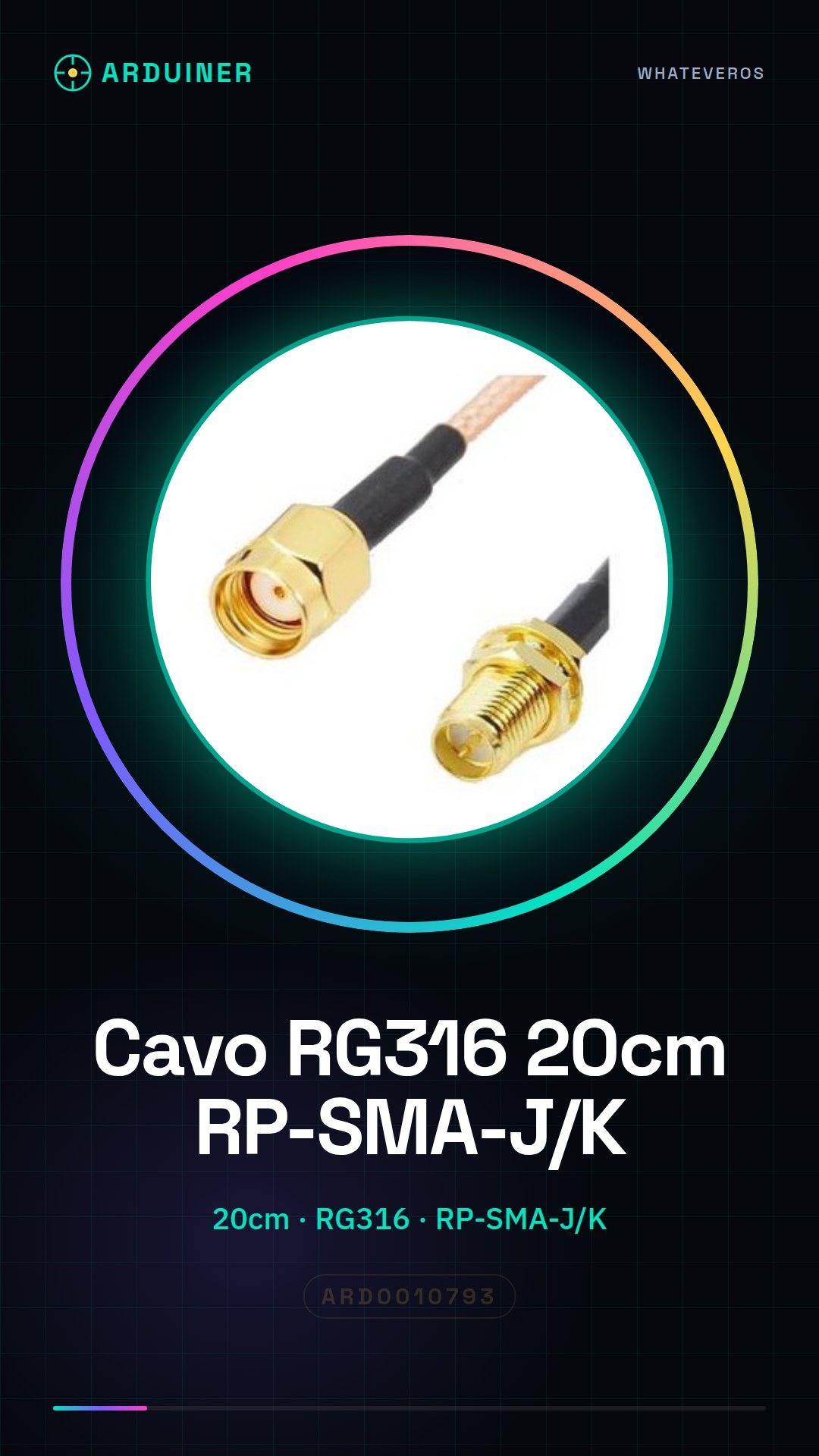
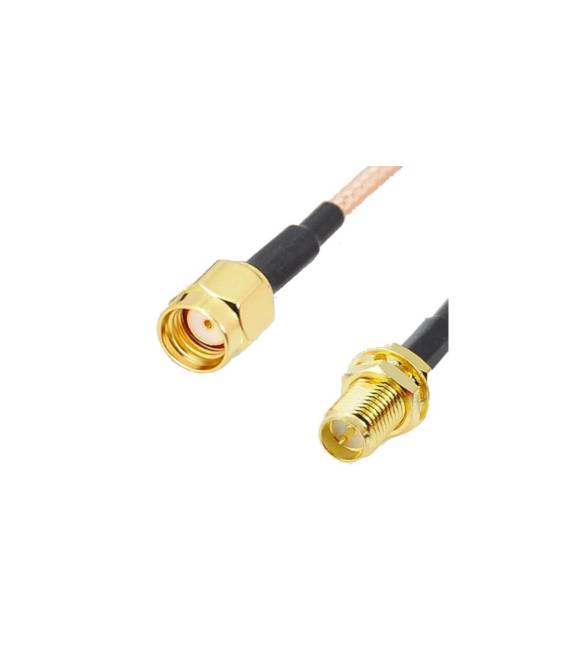
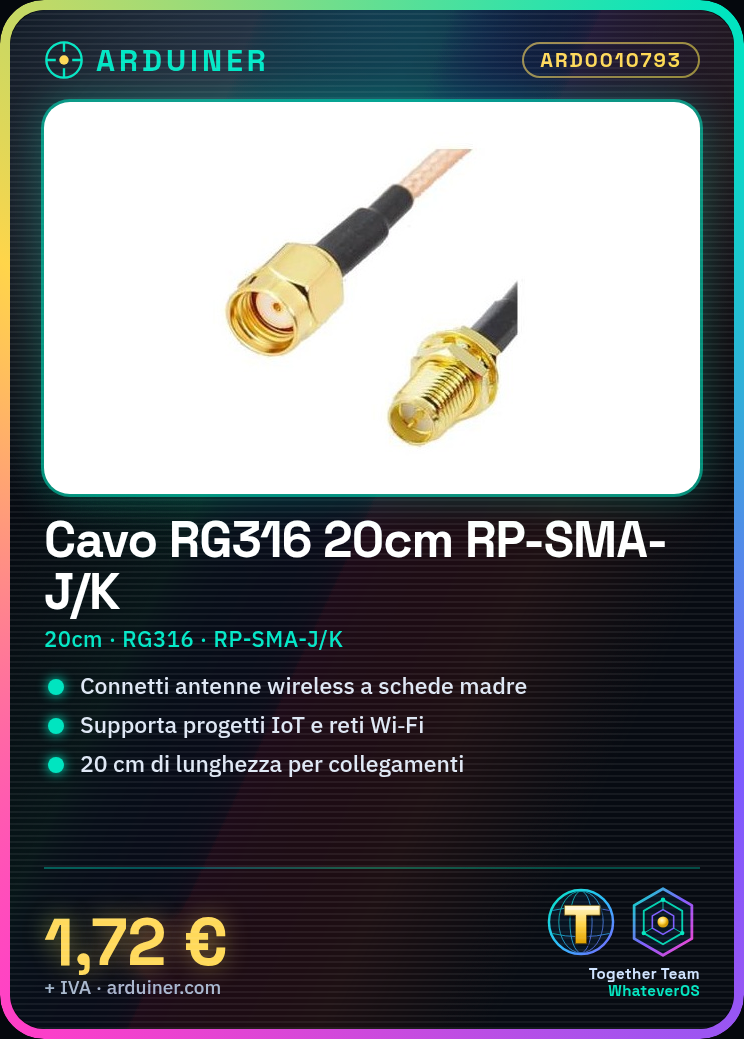
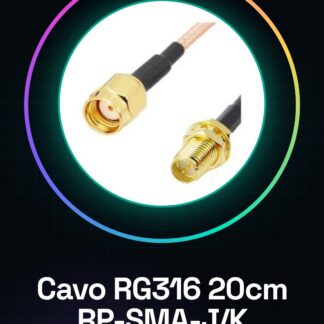
20cm cable RG316 with RP-SMA-J female and RP-SMA-K male connectors.
Features
- Length: 20cm
- Cable type: RG316
- Connector 1: RP-SMA-J female
- Connector 2: RP-SMA-K male
What it is for
This RG316 cable is ideal for easily connecting wireless antennas to boards or communication modules. It is particularly useful for makers working on wireless network projects, such as IoT sensors and Wi-Fi networks.
Tutorial: How to use RG316 RP-SMA-J/F – RP-SMA-K/M cable
This RG316 cable is ideal for easily connecting wireless antennas to boards or communication modules. It is particularly useful for makers working on wireless network projects, such as IoT sensors and Wi-Fi networks.
What you need
- Wi-Fi or Bluetooth module
- External RP-SMA antenna
Steps
- Check the specifications of the Wi-Fi or Bluetooth module to ensure it accepts the RP-SMA-K connector.
- Check the compatibility of the external antenna with the RP-SMA-J connector.
- Connect the female end (RP-SMA-J) to the communication module.
- Connect the male end (RP-SMA-K) to the external antenna.
- Verify the stability of the connection to prevent interference or signal loss.
Mini project
Create a remote monitoring system with an Arduino board and a Wi-Fi module, using the external antenna to improve network coverage.
Common mistakes
- Do not check the connector specifications first.
- Incorrectly connecting the connectors causing damage.
- Using the cable in wet environments without protection.
- Ignoring signal quality.
Recommended accessories
- ESP8266 Wi-Fi Module
- External RP-SMA Antenna
- Digital Multimeter
- Arduino Development Board
Frequently asked questions
How can I verify the type of connector?
Check the module or board documentation.
Can I use this cable for any RP-SMA antenna?
Check the datasheet of the antenna and module to ensure compatibility.
Reviews
There are no reviews yet.