 EN
 IT Italiano
 ES Español
 FR Français
 DE Deutsch
Description
What it is
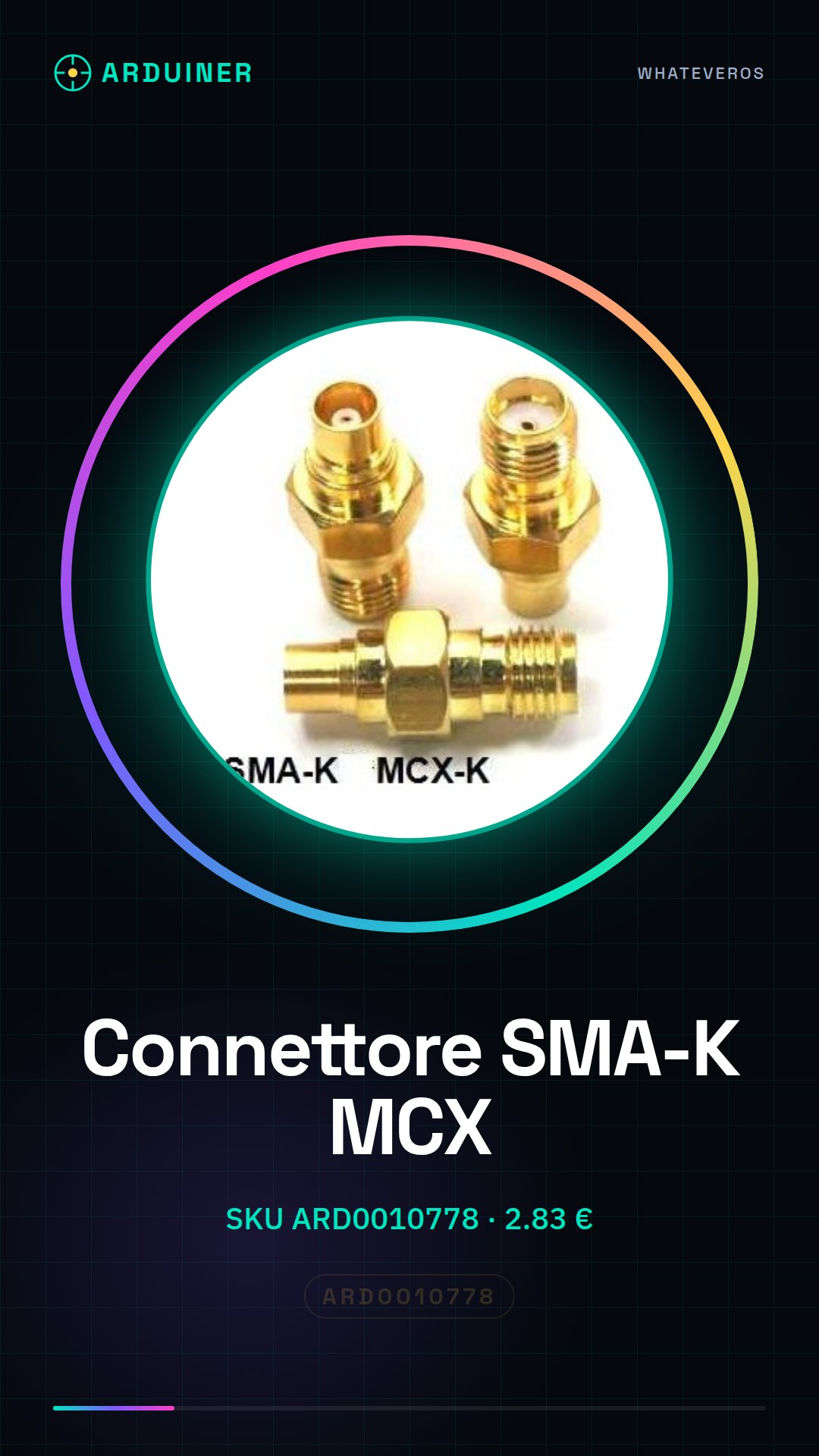
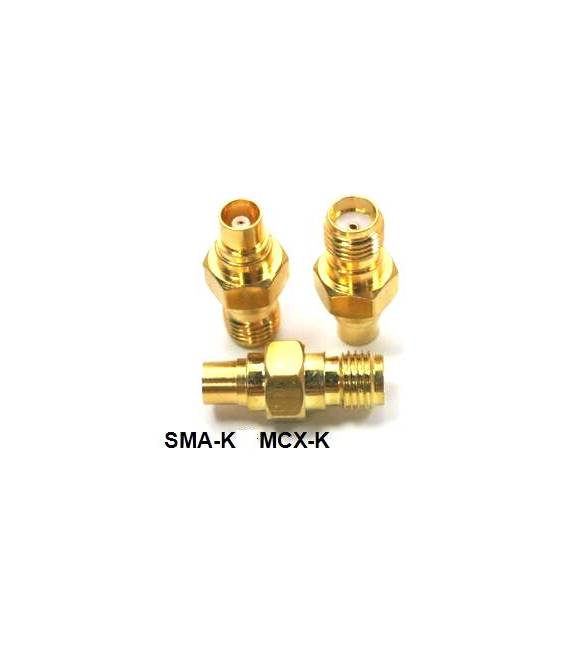
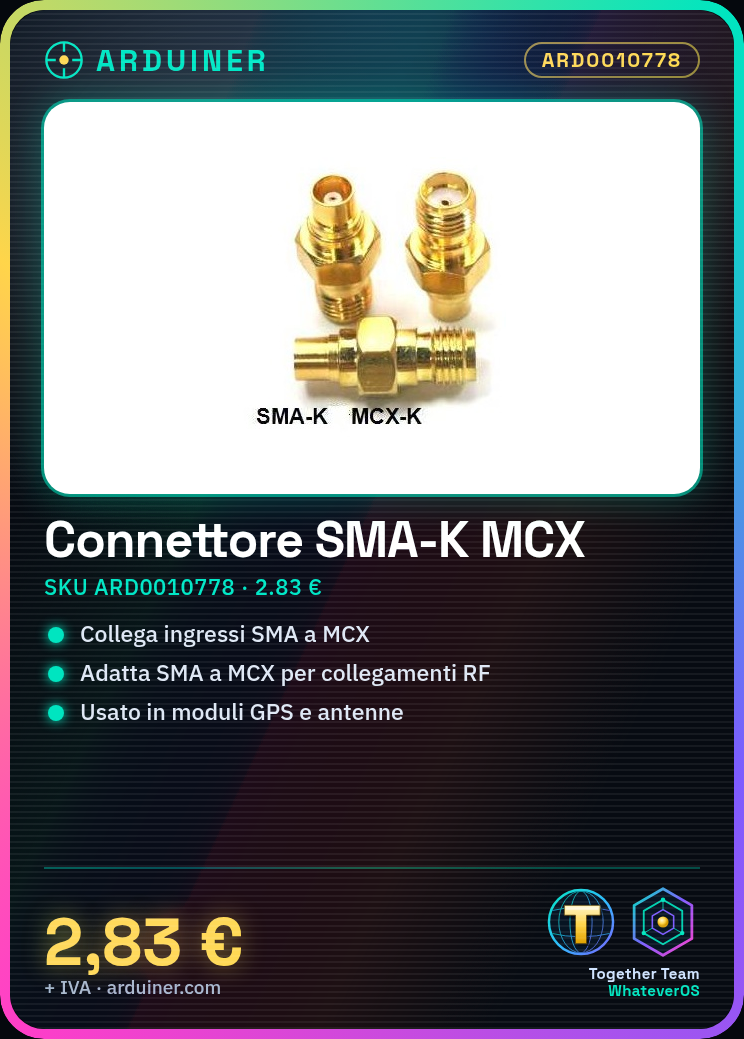
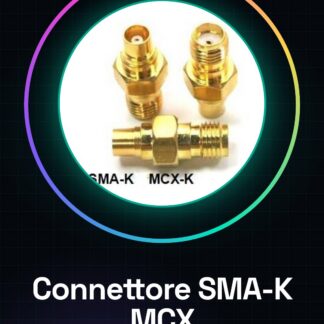
The SMA-K Female to MCX – Female Connector (SKU: ARD0010778) is an adapter that allows connecting devices with SMA inputs to devices with MCX inputs.
Features
- Type: SMA-K Female to MCX – Female
- Price: 2.83 €
- Category: Cables and Connectors » Antenna Connectors
What it is for
This connector is useful for creating high-quality connections in RF applications, such as radio communication systems and antennas. It can be used to connect a GPS module with an MCX input to an antenna with an SMA input, for example.
Tutorial: How to use SMA-K Female to MCX – Female Connector
The SMA-K Female to MCX – Female connector is an essential component for radio communication and antenna projects. It allows easy connection between devices with SMA or MCX inputs, ensuring good electrical matching.
What you need
- Radio Communication Projects
- Portable Antennas
- Wireless Systems
- GPS Modules
- Signal Amplifiers
Steps
- Check the connector compatibility with the devices you intend to connect.
- Prepare the cable or device to be connected, ensuring it is clean and undamaged.
- Gently insert the SMA-K Female connector into the MCX – Female.
- Connect the other end of the cable to a compatible device (e.g., a GPS module or a signal amplifier).
- Verify the stability of the connection and check for any signal loss.
- If necessary, use the datasheet to obtain detailed information on the connector specification.
Mini project
Create a simple GPS monitoring system connected to an external antenna using this SMA-K Female to MCX – Female connector. Connect it to a GPS module and test the signal reception.
Common mistakes
- Unstable or intermittent connection
- Cable damage during connector insertion
- Selection of an incompatible device
Recommended accessories
- External antenna SMA
- GPS Module with SMA Input
- RF Signal Booster
- Multimeter to test the connection
Frequently asked questions
Is this connector compatible only with SMA or MCX devices?
The connector can be used with both SMA and MCX devices, but make sure to check the datasheet for your device specifications.
How can I test the connection?
Use a multimeter to check the electrical signal between the two ends of the cable connected to the connector.
Reviews
There are no reviews yet.