 EN
 IT Italiano
 ES Español
 FR Français
 DE Deutsch
Description
What it is
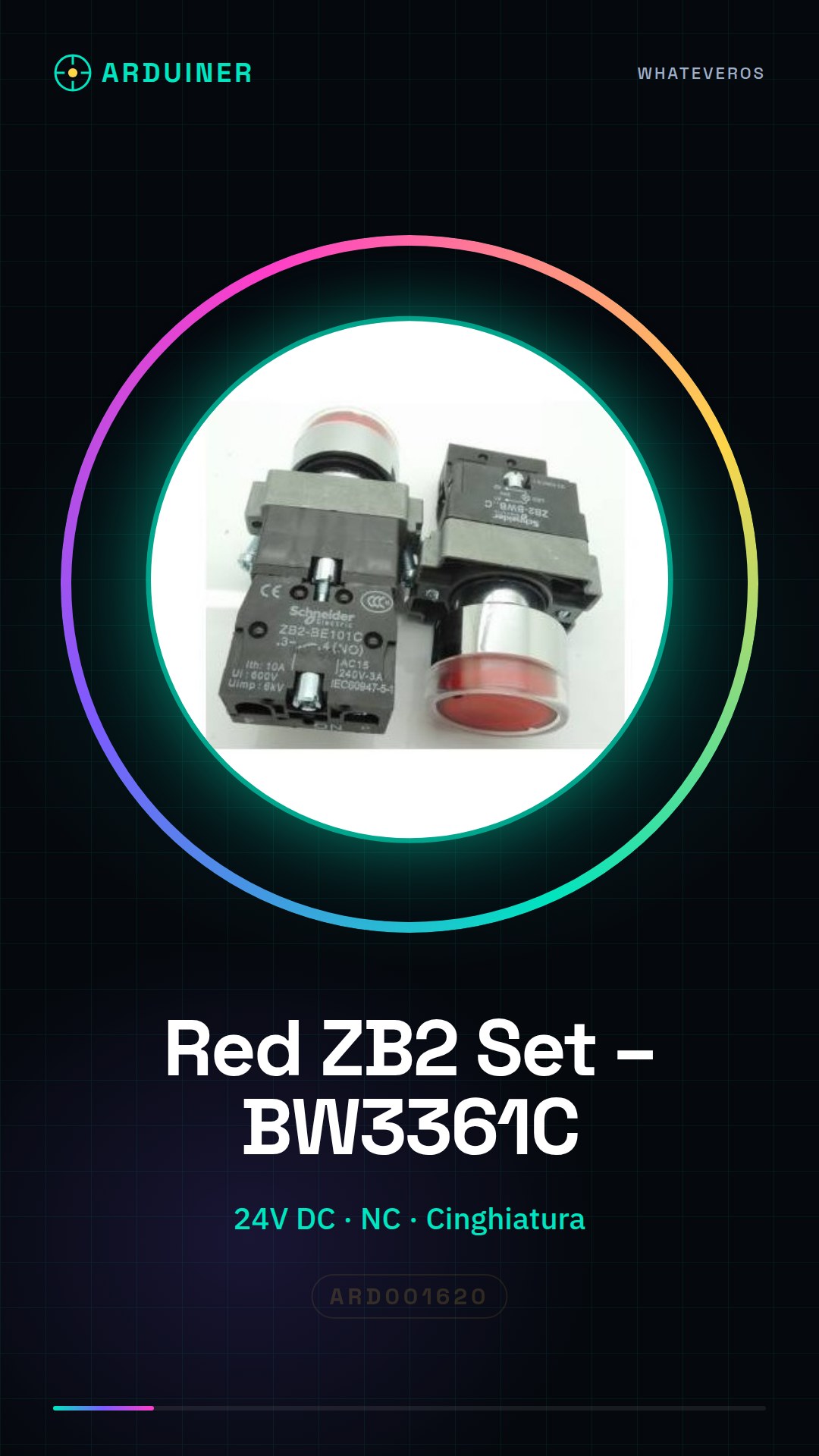
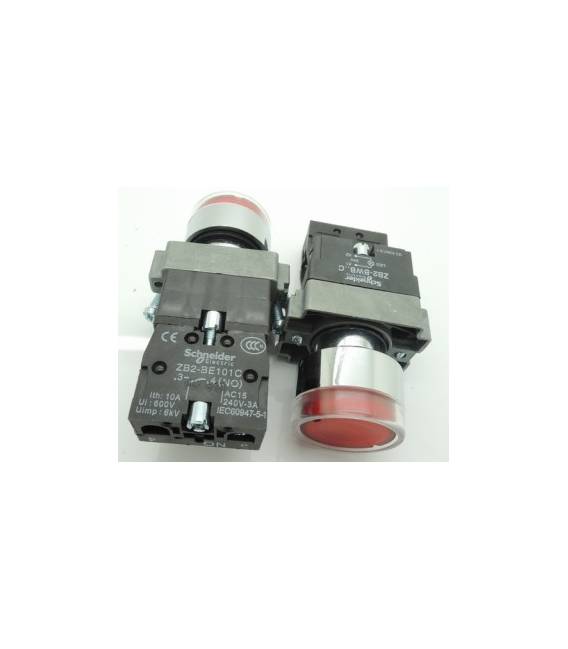
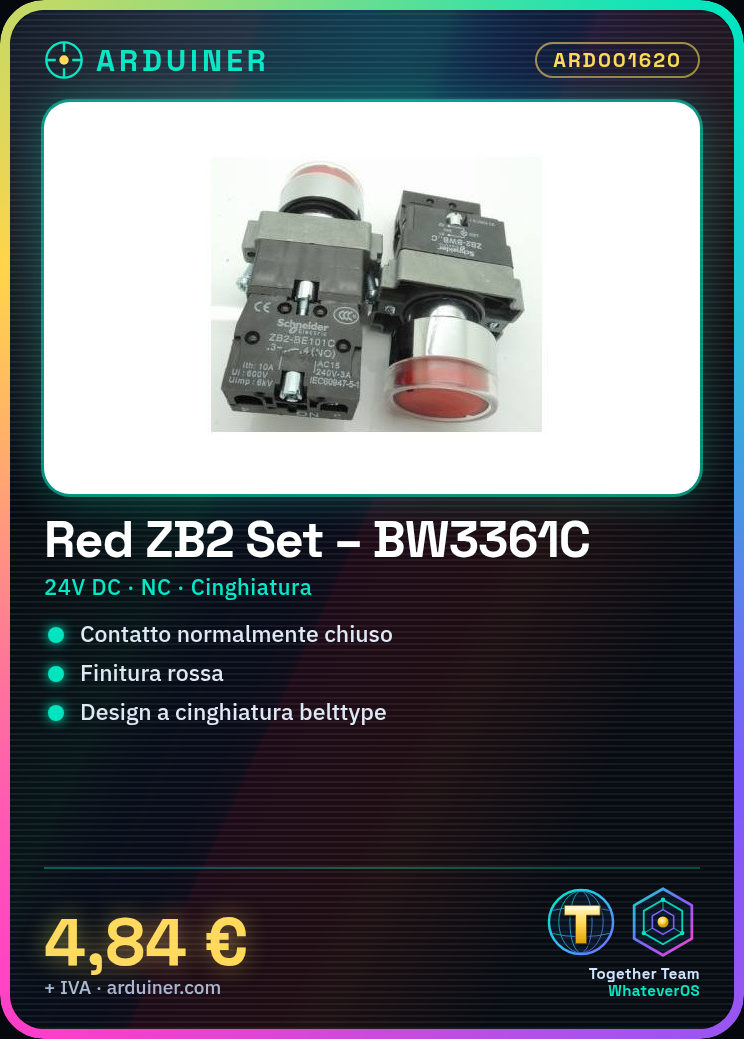
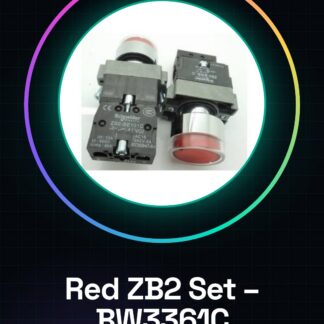
The Red ZB2) set – BW3361C is a high-quality 24V DC lever push button. It features a belt-type design and a red finish.
Features
- Operating Voltage: 24V DC
- Type: Belt-type Lever Push Button
- Color: Red
- Contact Type: NC (Normally Closed)
What it is for
This lever push button is ideal for projects requiring a high-voltage switch. It can be used to turn on/off LEDs, motors, or other 24V DC devices. It is compatible with Arduino and other microcontrollers.
Tutorial: How to Use Red ZB2 Set – BW3361C Belt-type
This 24V DC lever push button is ideal for projects requiring a high-voltage switch. Useful for beginners and intermediates.
What you need
- Red ZB2 Set – BW3361C
- Arduino
- 10kΩ Resistor
- 24V DC Power Cable
Steps
- 1. Ensure the power supply is compatible with 24V DC.
- 2. Connect the power cable to the lever.
- 3. Connect one end of the resistor to the input pin of a digital pin on the Arduino.
- 4. Connect the other end of the resistor to the GND pin of the Arduino.
- 5. Connect the potentiometer to the input pin of a digital pin on the Arduino.
- 6. Connect the GND pin of the potentiometer to the GND pin of the Arduino.
- 7. Load the Arduino code to control the state of the button.
- 8. Test the button to ensure it works correctly.
Example code
```void setup() { pinMode(2, INPUT); Serial.begin(9600);}void loop() { if (digitalRead(2) == HIGH) { Serial.println("Pulsante premuto"); } else { Serial.println("Pulsante rilasciato"); }}```Mini project
Create a simple switch to turn on/off an LED with a button. Connection: LED anode to pin 3, cathode to resistor (1kΩ), resistor to GND. Connect the button to pin 2.
Common mistakes
- Do not use an input voltage lower than 24V DC.
- Ensure the resistor is correct to protect the Arduino.
- Check that the digital input pin is correctly configured.
- Check the datasheet to see if the button supports the latching connector.
Recommended accessories
- LED 5mm
- Resistor 1kΩ
- 24V DC power cable
Frequently asked questions
Does the button work with voltages different from 24V DC?
Check the datasheet for operating voltages.
Which Arduino pins to use?
Use a digital pin like D2.
How can I protect the Arduino?
Connect a resistor between the button and the Arduino pin.
Reviews
There are no reviews yet.