 EN
 IT Italiano
 ES Español
 FR Français
 DE Deutsch
Description
What it is
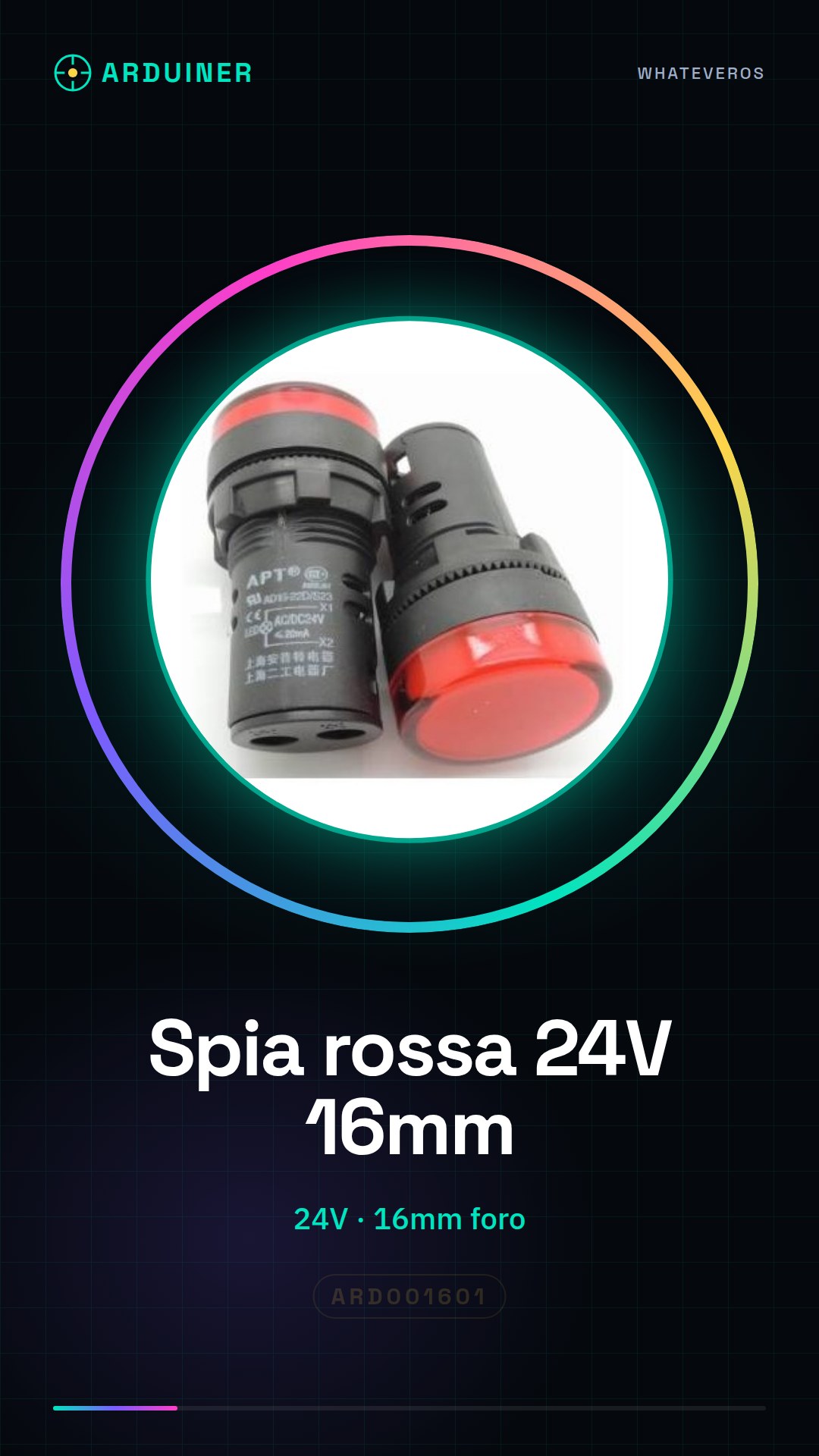
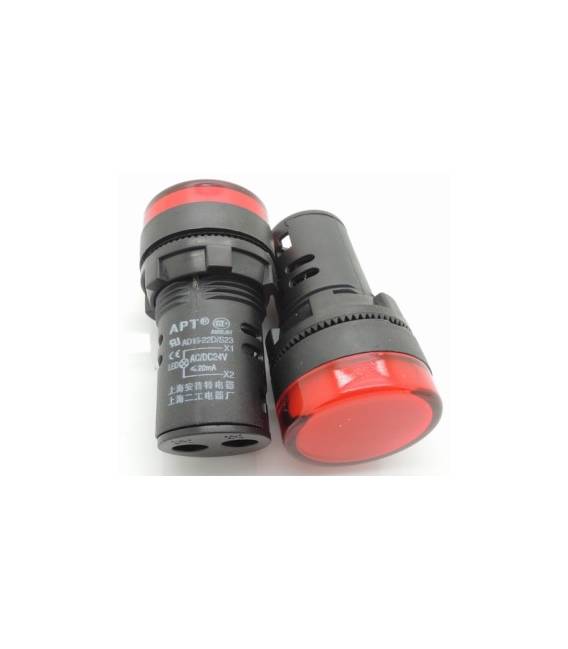
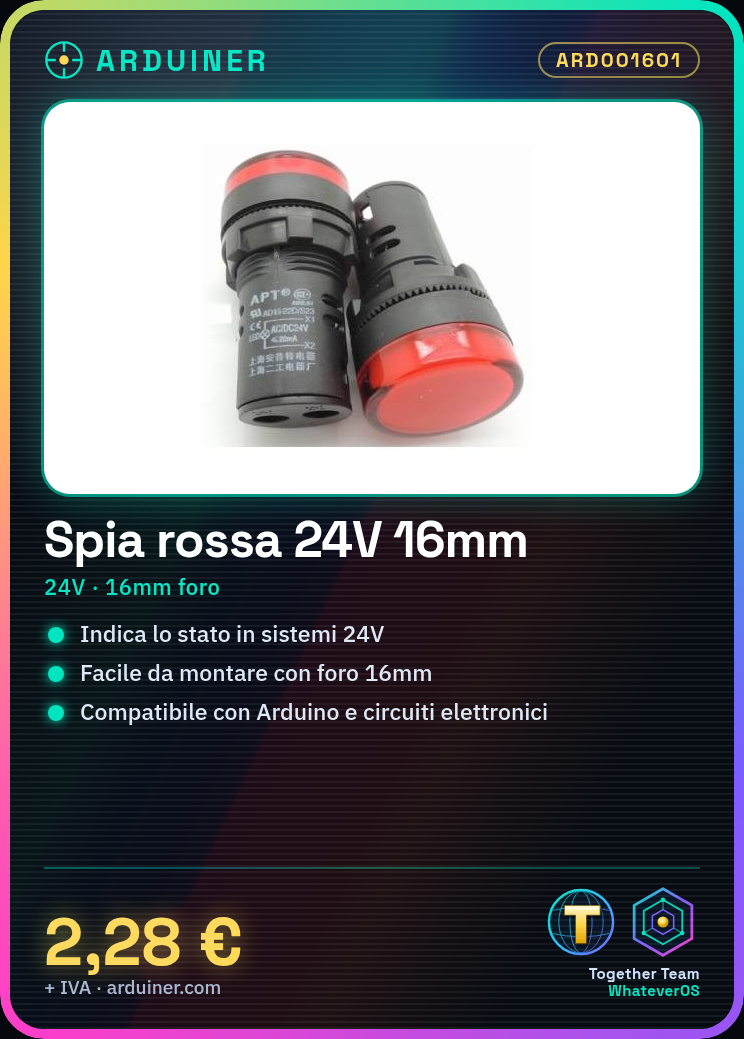
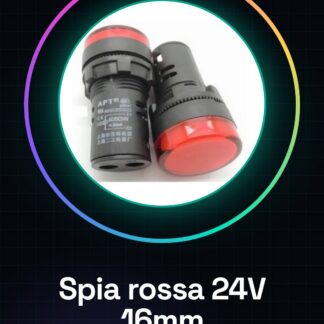
The red indicator light AD16-16C is an electronic component designed to indicate the activation or deactivation status in 24V powered systems. This device is particularly useful for visual indicators on panels.
Features
- Type: Red indicator light AD16-16C
- Operating voltage: 24V
- Hole diameter: 16mm
What it is for
The indicator light can be used to monitor the power supply of electronic systems. It is ideal for makers, students, and professionals working with Arduino or other electronic circuits. For example, you can create a simple alarm system that turns on the indicator light when the system is activated.
Tutorial: How to use AD16-16C 24V indicator light
The AD16-16C indicator light is a useful component for indicating the activation or deactivation status in electronic systems. Ideal for makers, students, and professionals working with Arduino or electronic circuits.
What you need
- Arduino
- 24V Power Supply
- Connection Cable
Steps
- Check the system voltage (it should be 24V).
- Connect the positive terminal of the indicator to your 24V power supply.
- Connect the negative terminal of the indicator to GND of the Arduino.
- Select a digital pin on the Arduino to control the indicator.
- Write a sketch that alternately turns the indicator on and off.
- Check the datasheet if necessary to understand the current limits of the indicator.
Example code
void setup() {
  pinMode(13, OUTPUT);
}

void loop() {
  digitalWrite(13, HIGH);
  delay(500);
  digitalWrite(13, LOW);
  delay(500);
}
Mini project
Create a simple alarm system that turns on the indicator when the system is activated. Insert a push button to deactivate it.
Common mistakes
- Connect the indicator to a voltage different from 24V.
- Do not check the current limits of the indicator.
- Use an analog pin instead of a digital pin on the Arduino.
- Omit the GND connection.
Recommended accessories
- 5V Relay
- Momentary Push Button
- LED Resistor
Frequently asked questions
How can I control the indicator with a sensor?
Connect a sensor to a digital pin on the Arduino and modify the sketch to turn on the indicator when the sensor detects something.
Can I use this 24V indicator with an Arduino that operates at 5V?
Yes, use a separate relay powered by 24V to control the indicator.
Reviews
There are no reviews yet.