 EN
 IT Italiano
 ES Español
 FR Français
 DE Deutsch
Description
What it is
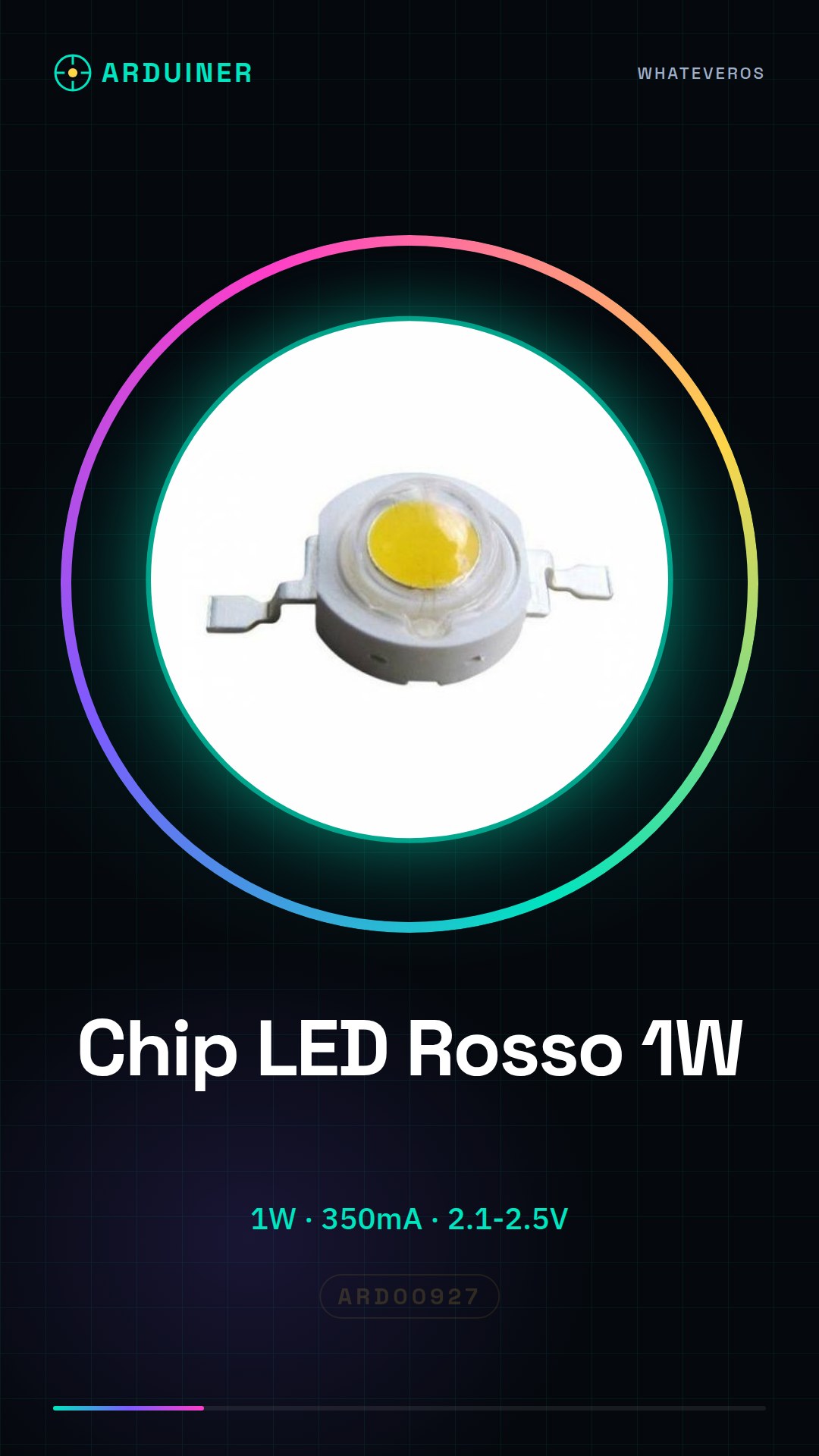
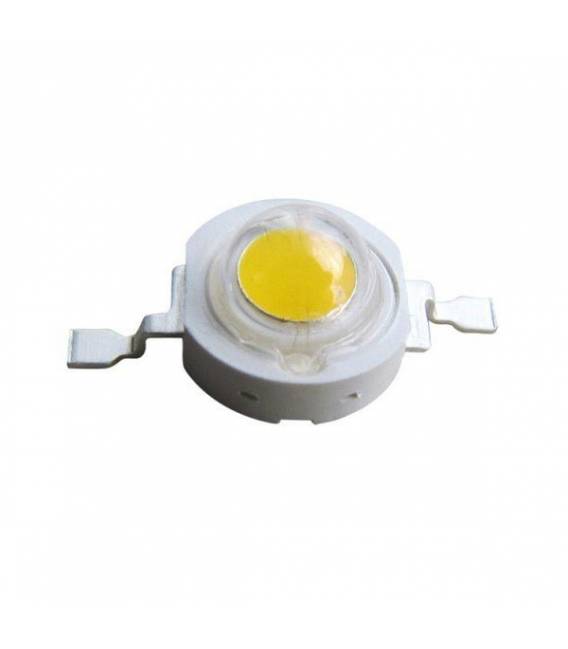
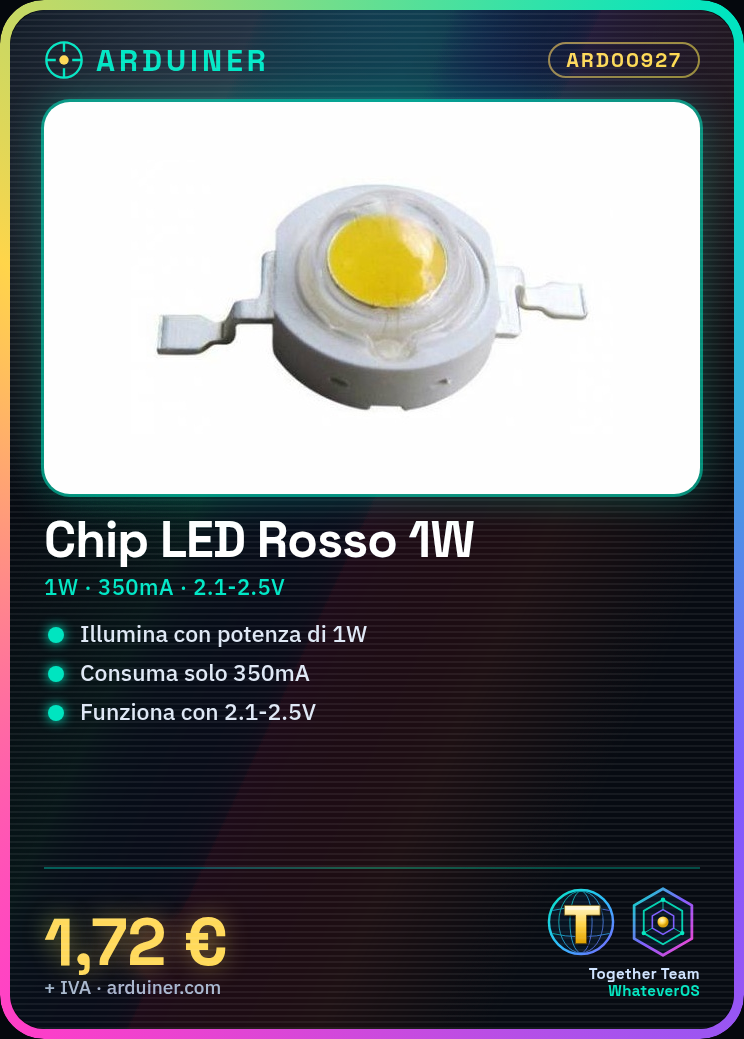
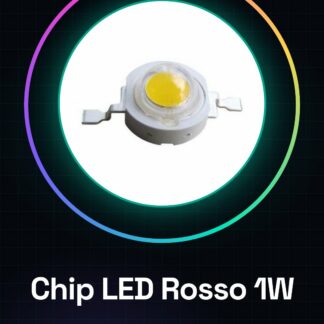
The Red 1W LED Chip is an electronic component designed to provide strong illumination in various types of applications. This red LED chip can be used by both beginners and experts to integrate a powerful light source into their projects.
Features
- Power: 1W
- Operating Voltage: 2.1V – 2.5V
- Maximum Current: 350mA
What it is for
This red LED chip can be used to create projects such as table lamps controlled by a button or any other application that requires strong illumination. It is compatible with various circuits and can be easily integrated into Arduino or ESP projects.
Tutorial: How to Use Red 1W LED Chip
This high-intensity red LED chip is ideal for lighting projects where a strong light output is required. It is particularly suitable for beginners who want to start with powerful LEDs.
What you need
- Arduino Uno
- USB cable
- push button
- resistor
Steps
- Step 1: Check the operating voltage of the LED chip (2.1V – 2.5V) and connect it to a compatible power source.
- Step 2: Connect a resistor between the Arduino control pin and the anode of the LED to protect the Arduino from excessive current.
- Step 3: Connect the cathode of the LED to ground (GND) of the Arduino.
- Step 4: Verify that the selected resistor limits the current to the maximum of 350mA specified in the datasheet.
- Step 5: Write an Arduino sketch to control the LED via a push button.
Example code
void setup() {
  pinMode(13, OUTPUT);
pinMode(2, INPUT_PULLUP);}

void loop() {
digitalWrite(13, digitalRead(2));}
Mini project
Create a table lamp that can be turned on and off with a push button. Connect the 1W red LED chip to a simple circuit that turns on and off when you press the button.
Common mistakes
- Connect the anode of the LED directly to the Arduino output pin without a resistor.
- Use a voltage higher than the tolerance of the LED chip.
- Do not check the maximum current allowed by the datasheet.
Recommended accessories
- 10 Ohm resistor
- Push button
- Arduino prototyping kit
Frequently asked questions
How can I control the LED brightness?
Add a transistor or MOSFET between the Arduino pin and the LED anode to vary the current.
How much heat does this LED chip emit during maximum use?
Check the datasheet for precise information on thermal dissipation.
Reviews
There are no reviews yet.