 EN
 IT Italiano
 ES Español
 FR Français
 DE Deutsch

Description
What it is
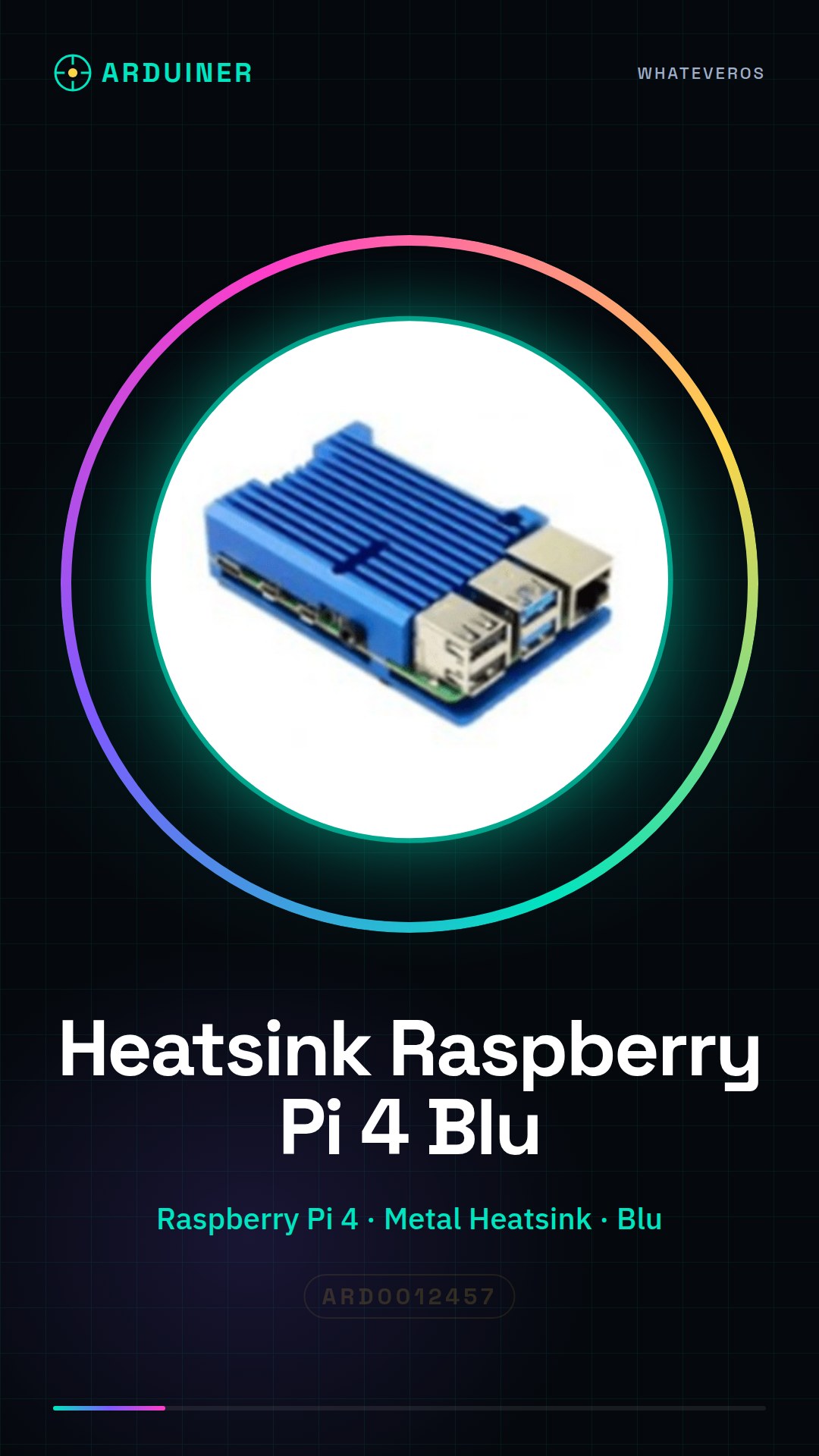
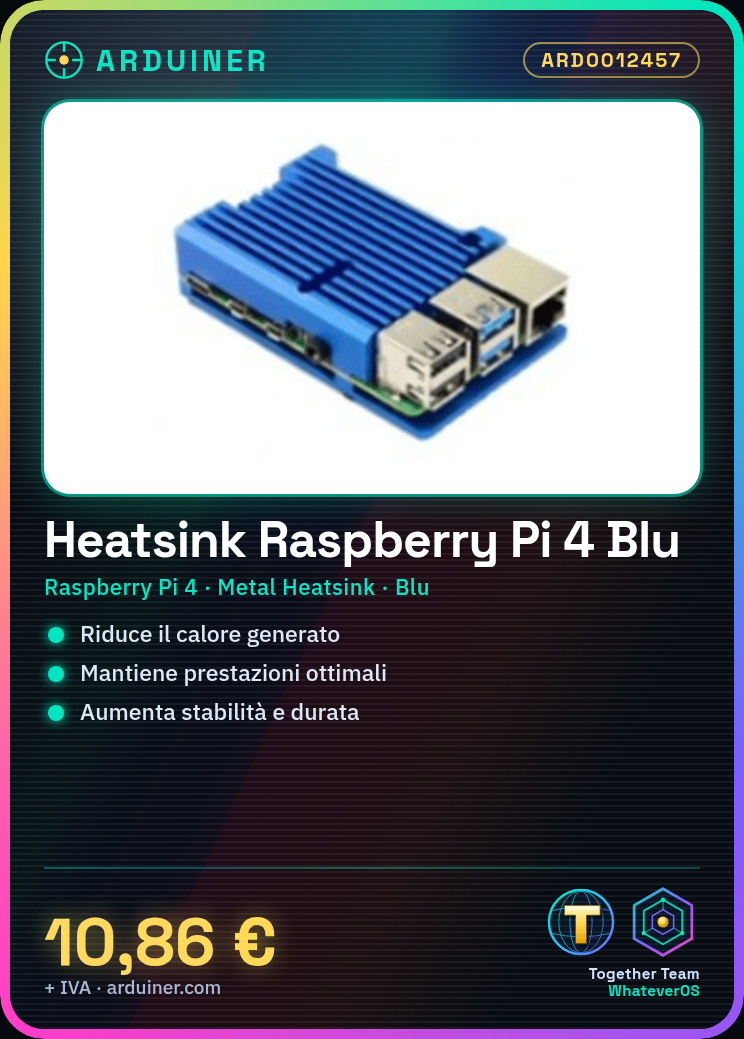
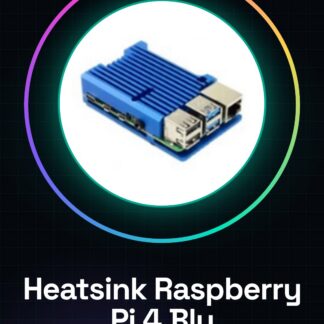
The Raspberry Pi 4 Metal Heatsink blue is a cooling device designed to reduce the heat generated by the Raspberry Pi 4 during intensive use. This metal cooler helps maintain optimal performance of the device, improving stability and longevity of its usage.
Features
- Product: Raspberry Pi 4 Metal Heatsink blue
- SKU: ARD0012457
- Price: 10.86 €
- Categories: Cases, RaspBerry Components
- Color: Blue
- Designed for: Raspberry Pi 4
What it is for
Ideal for projects that require high computational load or for environments with elevated temperatures. The blue heat sink for Raspberry Pi 4 is compatible with the Raspberry Pi 4 and can be used to create a local web server or for any other project that requires efficient cooling.
Tutorial: How to use Blue Heat Sink for Raspberry Pi 4
The Blue Heat Sink for Raspberry Pi 4 is an essential component to improve heat dissipation and ensure stable operation of your Raspberry Pi. Ideal for projects that require high computational load or for environments with elevated temperatures.
What you need
- Raspberry Pi 4
- screwdriver
- pliers
- thermal paste (optional)
Steps
- Completely disconnect the Raspberry Pi 4 from the power source.
- Use the screwdriver to remove any additional components from the top side of the Raspberry Pi 4.
- Position the blue heat sink over the processor of the Raspberry Pi 4. If necessary, apply a thin strip of thermal paste.
- Gently press the heat sink onto the processor to ensure optimal contact.
- Check that the heat sink is securely attached and does not move.
- Reconnect the Raspberry Pi 4 to the power source and start the system to verify proper operation.
Mini project
Create a local web server using your Raspberry Pi 4 with the blue heat sink installed. Insert the Raspberry Pi into your home network and configure a web service like Apache or Nginx to share files or manage websites.
Common mistakes
- Do not apply thermal paste correctly, compromising the effectiveness of the heat sink.
- Mount the heat sink too rigidly, risking damage to the processor.
- Install the heat sink on a component other than the processor.
- Do not regularly check the temperature of the Raspberry Pi during heavy use.
Recommended accessories
- Thermal paste
- External fan
- Metal case for Raspberry Pi 4
- Digital thermometer for computers
Frequently asked questions
Is it necessary to use thermal paste?
Yes, if there is no thermal paste already applied, it is recommended to use a thin layer to achieve optimal contact between the heat sink and the processor.
Can the heat sink damage the processor?
No, if it is installed correctly and is not mounted too rigidly.

Reviews
There are no reviews yet.