 EN
 IT Italiano
 ES Español
 FR Français
 DE Deutsch
Description
What it is
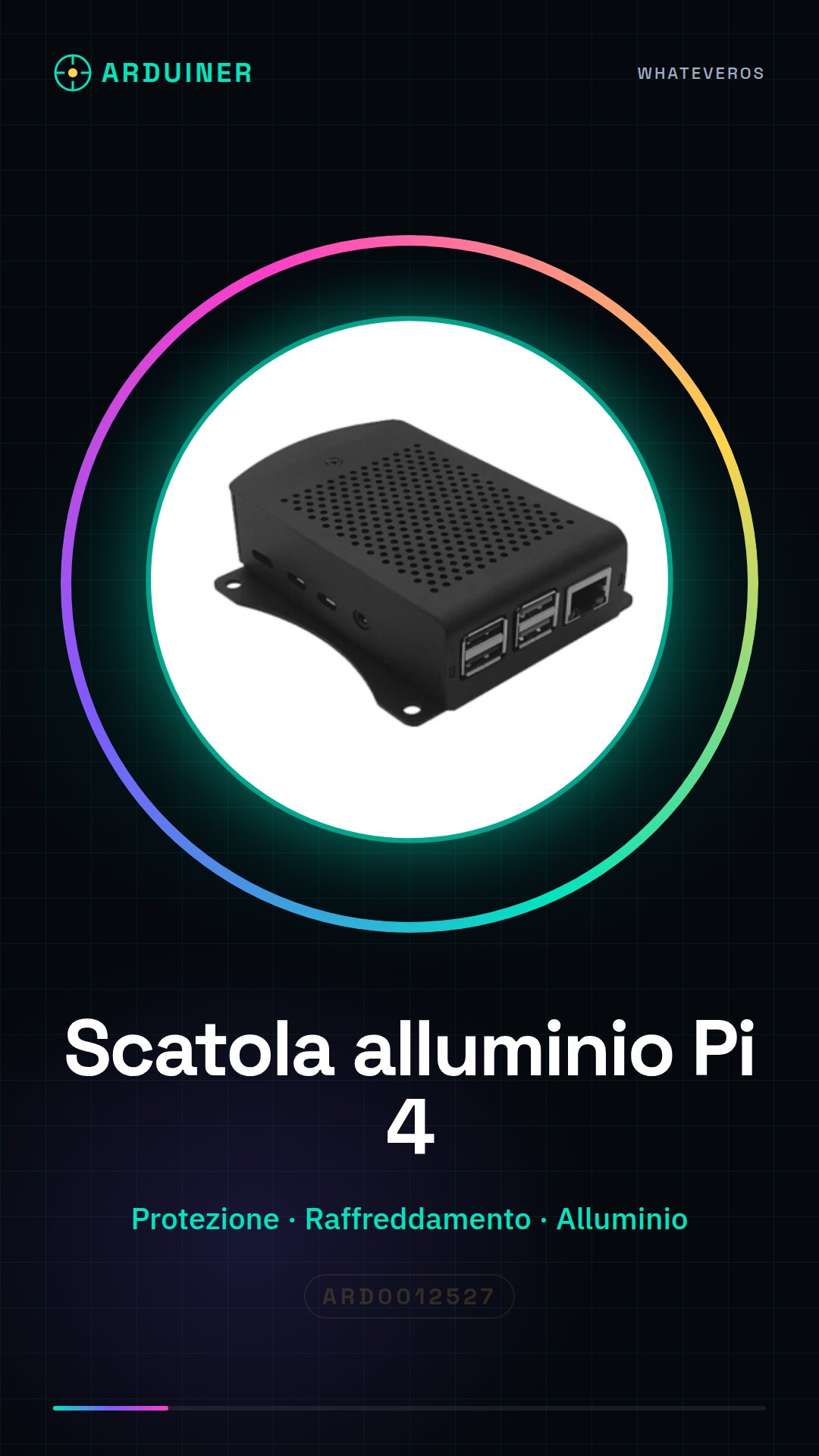
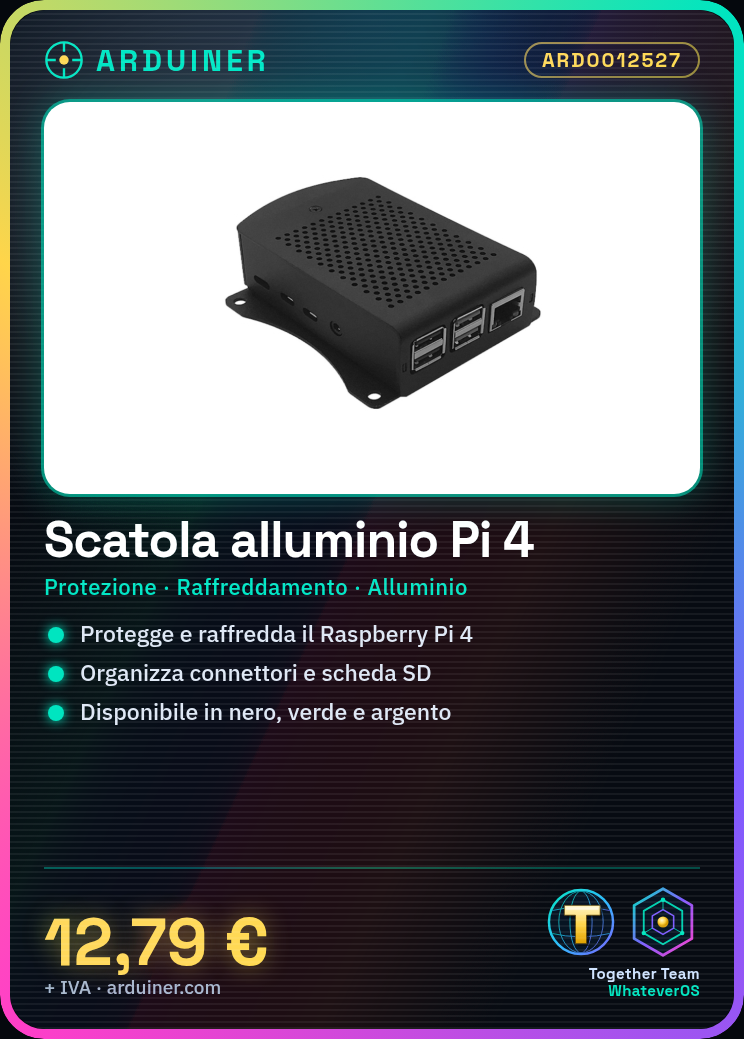
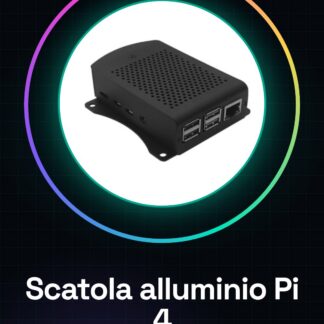
The aluminum case for Raspberry Pi 4 is an accessory designed to protect and improve the cooling of your Raspberry Pi 4. Available in various colors, including black, green, and silver, it offers a robust and well-organized solution for your system.
Features
- Protection and support for Raspberry Pi 4
- Available in black, green and silver
- High-quality aluminum materials
- Check the datasheet for further technical specifications
What it is for
The aluminum case for Raspberry Pi 4 is ideal for enthusiasts and professionals who want a robust and well-organized system. You can use it to create a multimedia system by installing Kodi and connecting a monitor and a set of speakers, starting your multimedia center in less than 30 minutes.
Tutorial: How to use Aluminum Case for Raspberry Pi 4
The aluminum case for Raspberry Pi 4 is an essential component to protect your Raspberry Pi and improve its cooling. Ideal for enthusiasts and professionals who want a robust and well-organized system.
What you need
- Raspberry Pi 4
- SD Card
- USB-C Power Supply
Steps
- Completely disconnect the Raspberry Pi 4 from the electrical system.
- Open the aluminum case and check that it is clean and scratch-free.
- Insert the Raspberry Pi 4 into the case, making sure that all connectors are properly aligned.
- Check that the Raspberry Pi 4 is securely fastened inside the case.
- Insert the USB-C power adapter into the case.
- Connect the USB-C power supply to the Raspberry Pi 4.
- Verify that the Raspberry Pi 4 is recognized by the operating system.
- If necessary, add additional connectors or SD card slots to the outside of the case.
Mini project
Create a multimedia system with Raspberry Pi 4: install Kodi, connect a monitor and a set of speakers, and start your multimedia center in less than 30 minutes.
Common mistakes
- Do not check that the Raspberry Pi 4 is securely mounted inside the case.
- Do not check that all connectors are properly aligned.
- Do not clean the case before installing the Raspberry Pi 4.
- Do not check that the Raspberry Pi 4 is recognized by the operating system after installation.
Recommended accessories
- USB-C Power Supply for Raspberry Pi 4
- SD Card for Raspberry Pi 4
- Passive Cooling Kit for Raspberry Pi 4
- External Connector Kit for Raspberry Pi 4
Frequently asked questions
Is the aluminum case compatible with all versions of Raspberry Pi 4?
Check the datasheet for specific compatibility.
Can I mount other external components to the case?
Yes, but make sure they do not interfere with the cooling of the Raspberry Pi 4.
How can I clean the aluminum box?
Use a soft cloth and an aluminum cleaner.
Reviews
There are no reviews yet.