 EN
 IT Italiano
 ES Español
 FR Français
 DE Deutsch
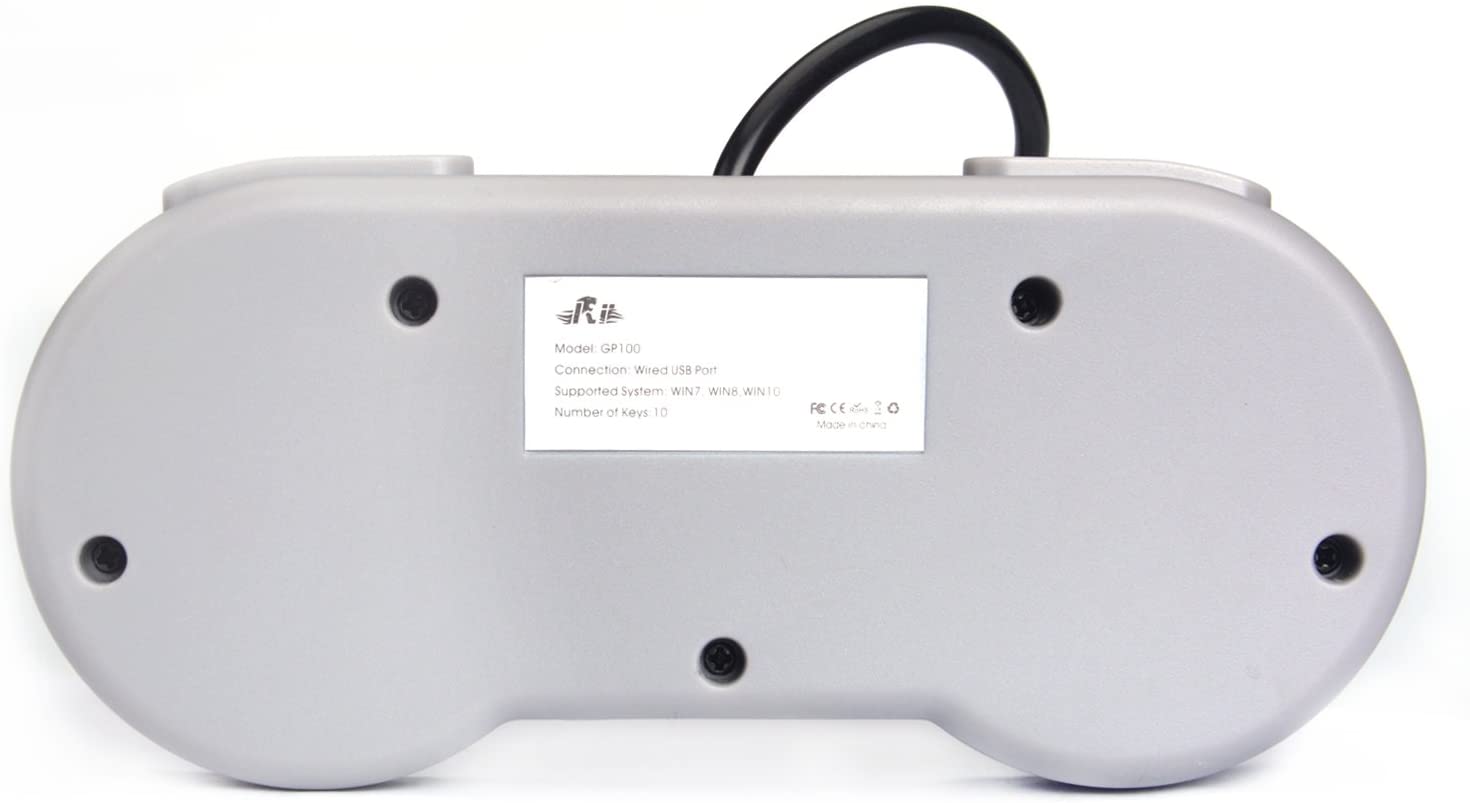
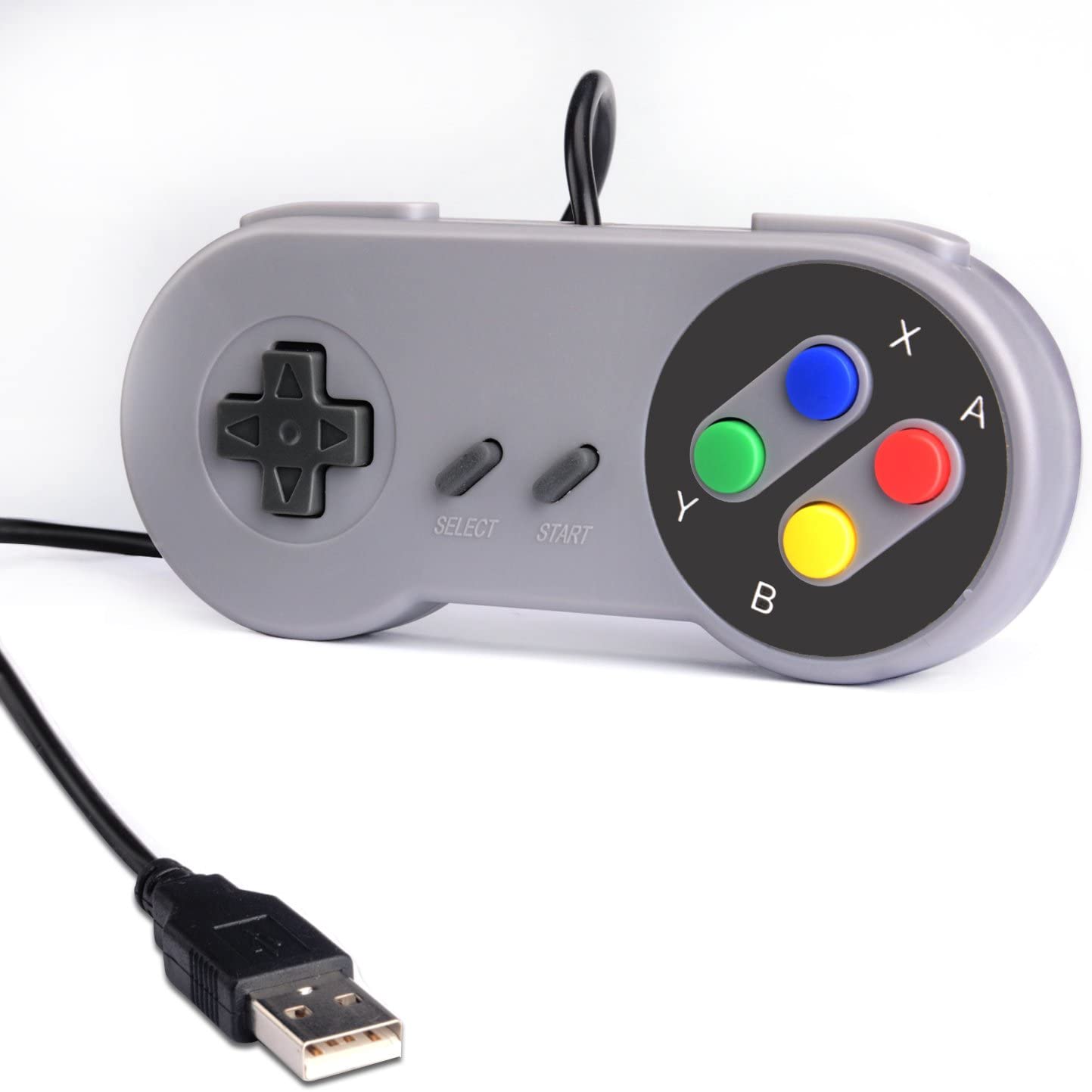
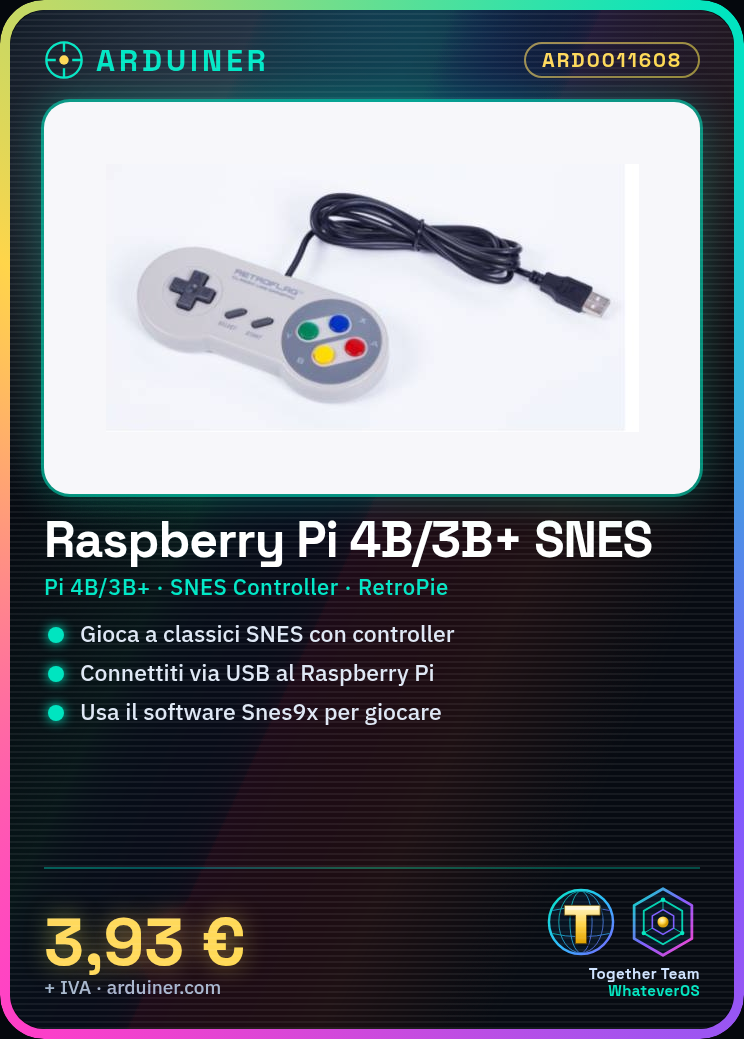
Description
What it is
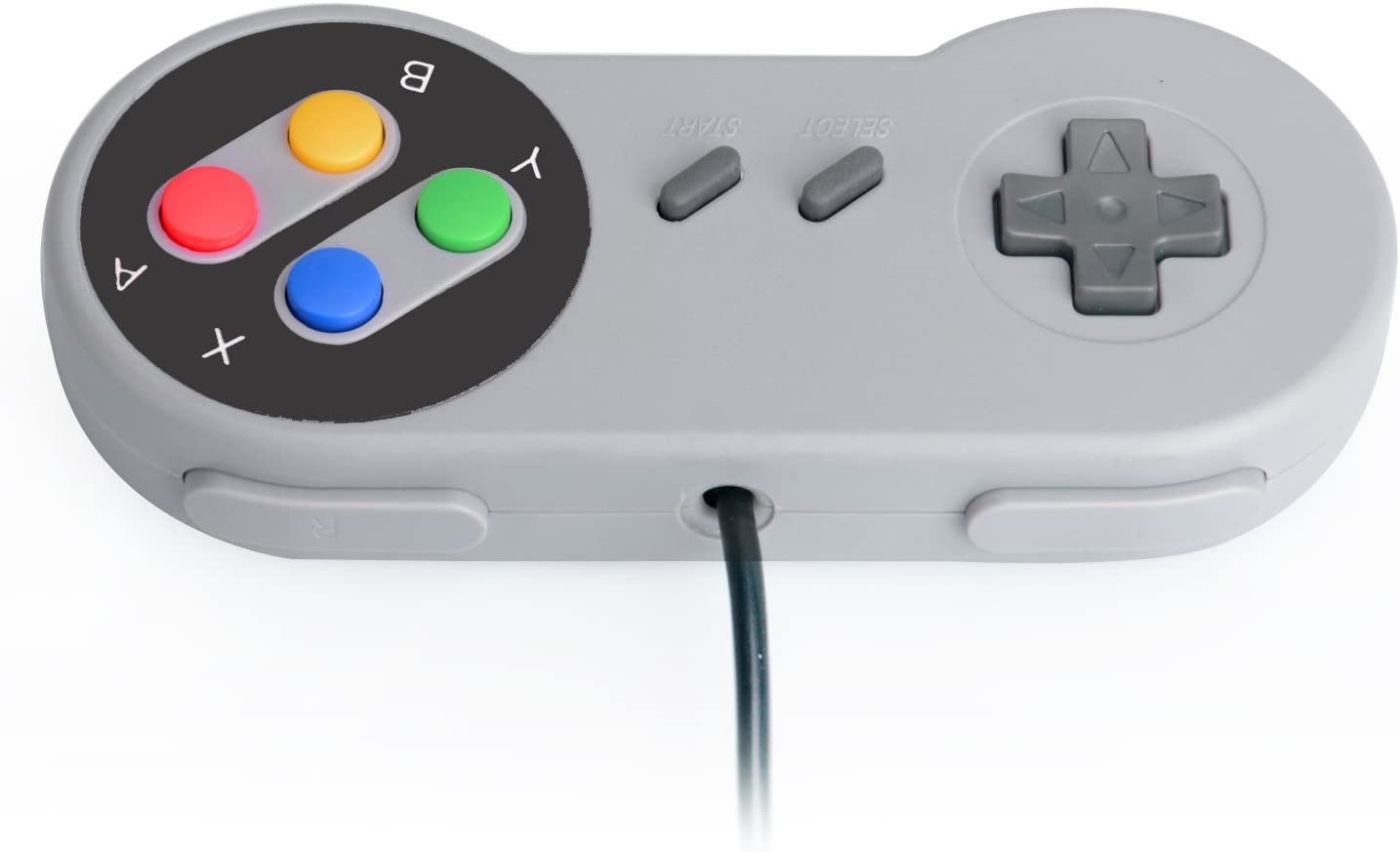
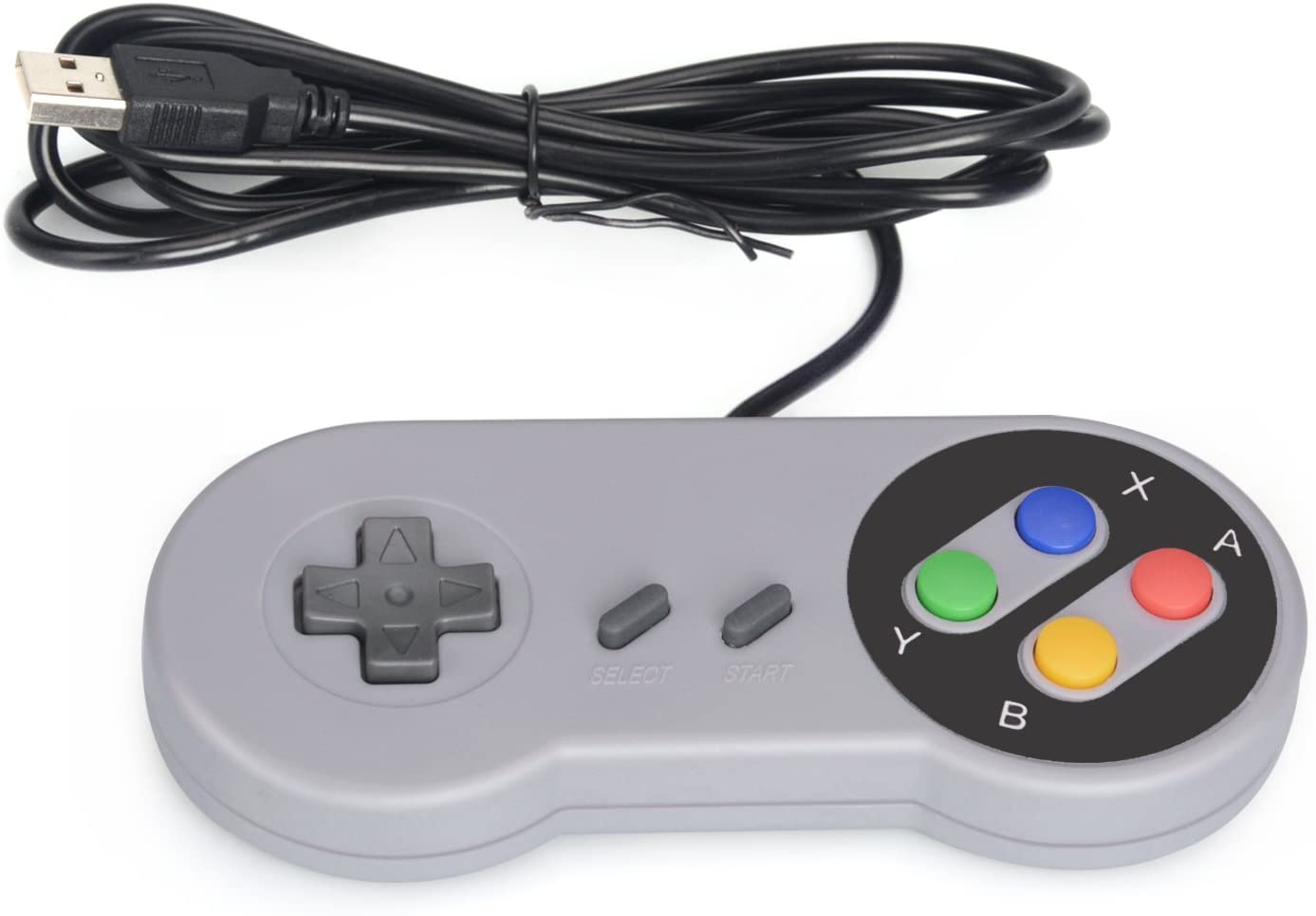
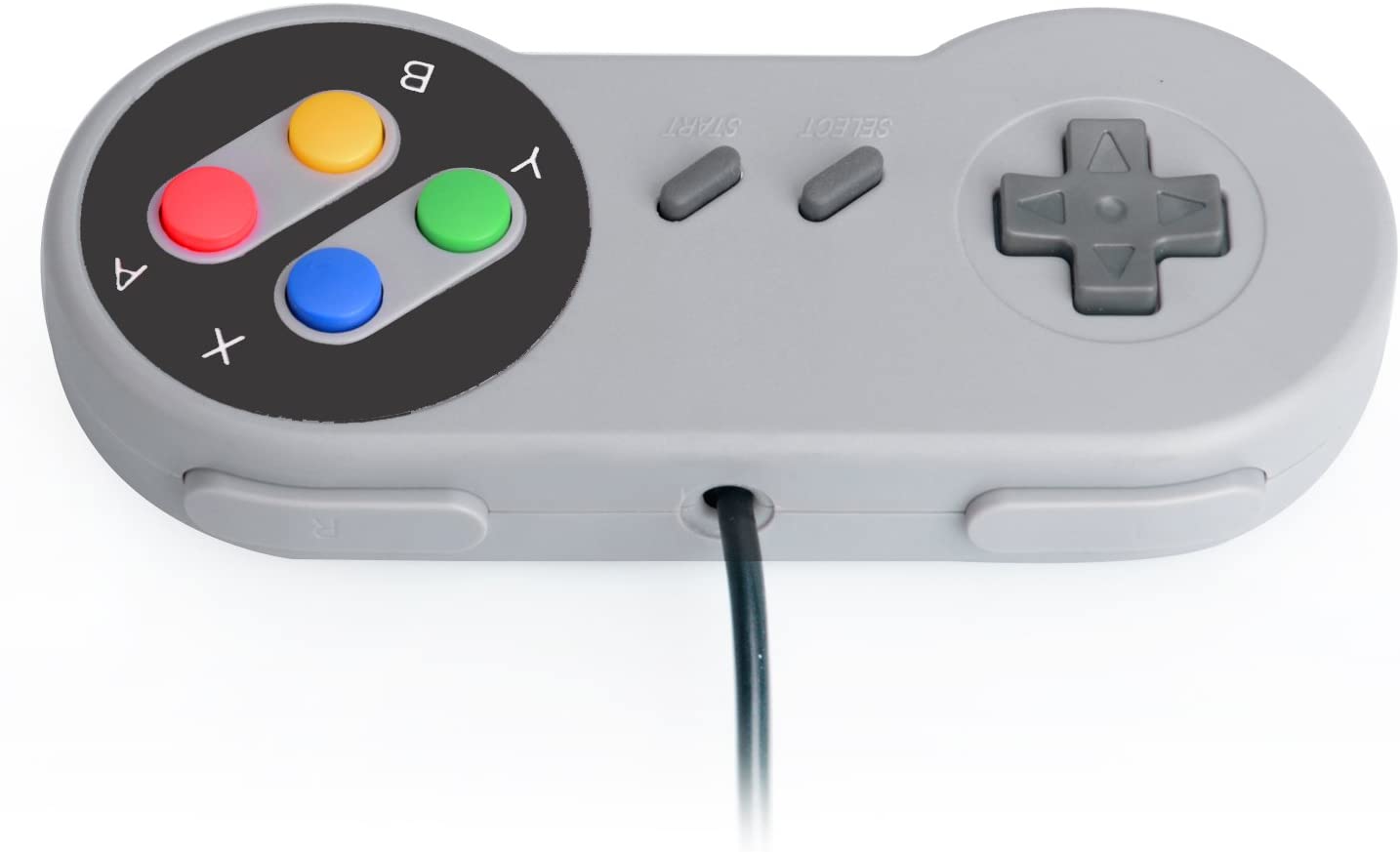
The Raspberry Pi 4B/3B+ is a small but powerful computer, ideal for development and gaming. The product also includes the Arcade Controller RetroPie for a perfect retro gaming experience.
Features
- Raspberry Pi 4B/3B+
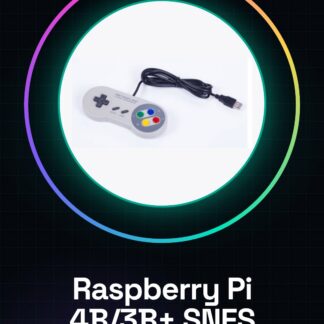
- Arcade Controller RetroPie compatible with RetroPie
- Compatible with SNES games
What it is for
This product is ideally suited for those who love retro games and want a vintage gaming experience. You can configure the Raspberry Pi to play classics like Super Mario Bros using the SNES controller.
Tutorial: How to use the SNES Controller with Raspberry Pi 4B/3B+
This SNES controller allows you to play classic SNES games on your Raspberry Pi. Ideal for those who love retro games and want a vintage gaming experience.
What you need
- SNES Controller
- Raspberry Pi 4B/3B+
- USB cable
Steps
- 1. Make sure you have the SNES controller, the USB cable, and the Raspberry Pi.
- 2. Connect the USB cable to the SNES controller.
- 3. Connect the USB cable to the Raspberry Pi.
- 4. Turn on the Raspberry Pi.
- 5. Log in to the Raspberry Pi operating system.
- 6. Open the terminal or graphical interface.
- 7. Type the command ‘sudo apt-get update’ to update the system.
- 8. Type the command ‘sudo apt-get install snes9x’ to install the game software.
- 9. Start the game with the command ‘snes9x’ followed by the name of the game file.
- 10. Use the SNES controller to play.
Mini project
Configure the Raspberry Pi to play Super Mario Bros SNES using the SNES controller. Start with the installation of Snes9x and follow the instructions to load the game.
Common mistakes
- Do not connect the controller to another USB port on the Raspberry Pi.
- Make sure the USB cable is properly connected.
- Check the datasheet to see if the controller is supported by the Raspberry Pi 4B/3B+.
- If you do not see the game, make sure Snes9x is installed correctly.
Recommended accessories
- MicroSD for the Raspberry Pi
- HDMI Monitor
- USB Keyboard
- USB Mouse
Frequently asked questions
Does the controller work with Raspberry Pi 4B/3B+?
Check the datasheet. Some controllers may not be compatible with newer versions of Raspberry Pi.
Can I use this controller with other games?
Yes, but it may be necessary to install and configure the correct game software.
Does the controller work with Raspberry Pi without internet connection?
Yes, but it may be necessary to manually load the game software.
Does the controller work with Raspberry Pi 2?
Check the datasheet. The controller may not be compatible with older versions of Raspberry Pi.



Reviews
There are no reviews yet.