 EN
 IT Italiano
 ES Español
 FR Français
 DE Deutsch
Description
What it is
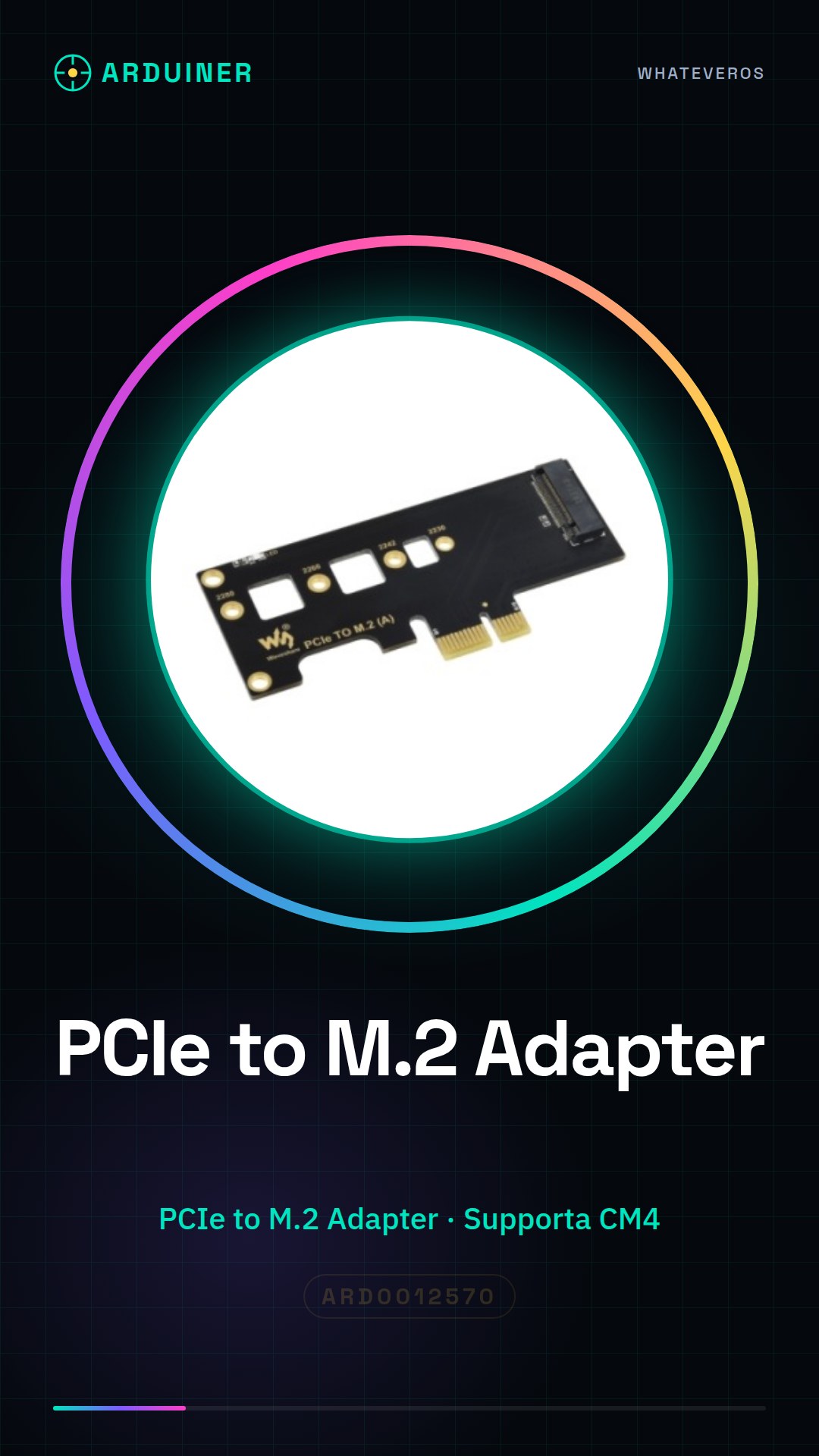
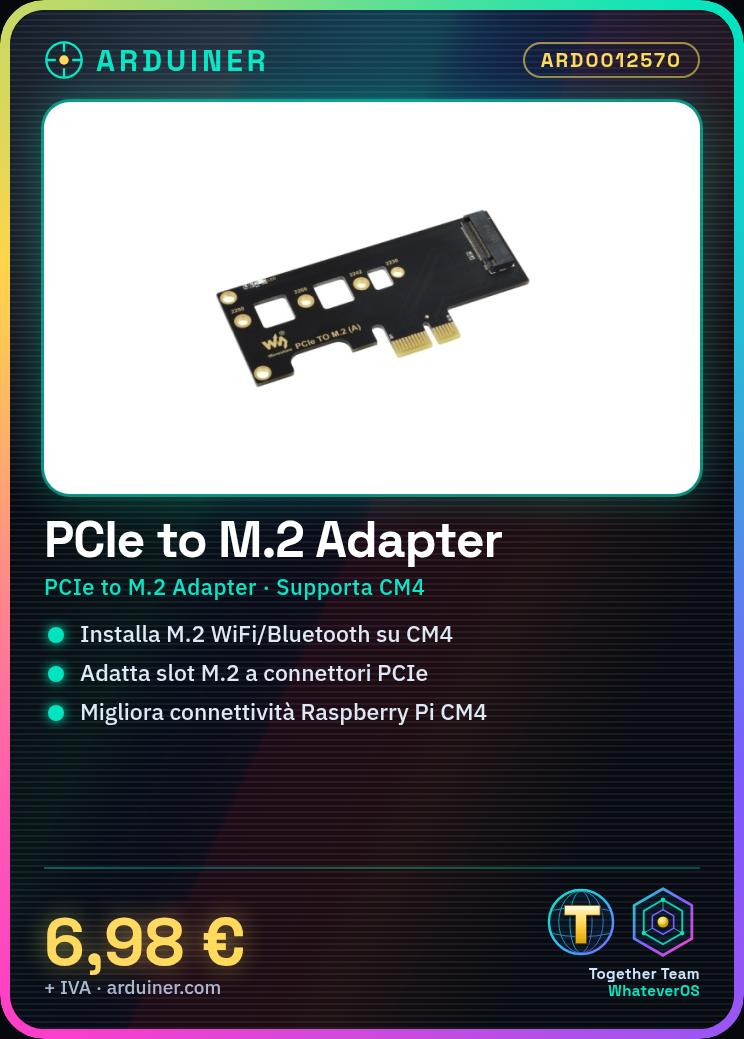
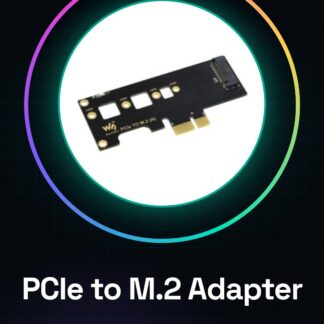
The PCIe to M.2 adapter for Raspberry Pi Compute Module 4 is a device that allows adding M.2 support to a Raspberry Pi Compute Module 4, enabling the installation of M.2 cards such as WiFi/Bluetooth.
Features
- Supports Raspberry Pi Compute Module 4
- Adapts M.2 slots to PCIe connectors
What it is for
This adapter is useful for improving the connectivity of a Raspberry Pi Compute Module 4 by installing M.2 WiFi/Bluetooth cards. It is compatible with Raspberry Pi CM4.
Tutorial: How to use PCIe to M.2 Adapter for Raspberry Pi CM4
This PCIe to M.2 adapter is ideal for those who want to add M.2 support to a computer or a Raspberry Pi Compute Module 4. It allows the use of M.2 cards in environments with PCIe connectors.
What you need
- PCIe to M.2 Adapter
- PCIe Connection
- M.2 Card
- Raspberry Pi Compute Module 4
Steps
- Check that your system supports the PCIe connector.
- Install the M.2 adapter on the PCIe connector of the system.
- Check the proper installation of the adapter.
- Place the M.2 card on the M.2 side of the adapter.
- Check the proper installation of the M.2 card.
- Verify that the system correctly recognizes the M.2 card.
- Configure the system to use the M.2 card.
- Verify the functionality of the M.2 card with the system.
Mini project
Install a WiFi/Bluetooth M.2 card on a Raspberry Pi Compute Module 4 to improve connectivity.
Common mistakes
- Ensure that the M.2 card is compatible with the adapter.
- Verify that the system supports the PCIe connector.
- Check the proper installation of the adapter and the M.2 card.
- Configure the system correctly to recognize the M.2 card.
Recommended accessories
- WiFi/Bluetooth M.2 card
- Raspberry Pi Compute Module 4
- External WiFi antenna
- USB-C power supply for Raspberry Pi
Frequently asked questions
Which systems does this adapter support?
Check the system datasheet to ensure it supports PCIe connectors.
How can I verify that the M.2 card is installed correctly?
Check the M.2 card datasheet for signs of correct installation and ensure the system recognizes it.
Which M.2 cards are compatible?
Check the M.2 card datasheet for compatibility with the adapter.
Reviews
There are no reviews yet.