 EN
 IT Italiano
 ES Español
 FR Français
 DE Deutsch
Description
What it is
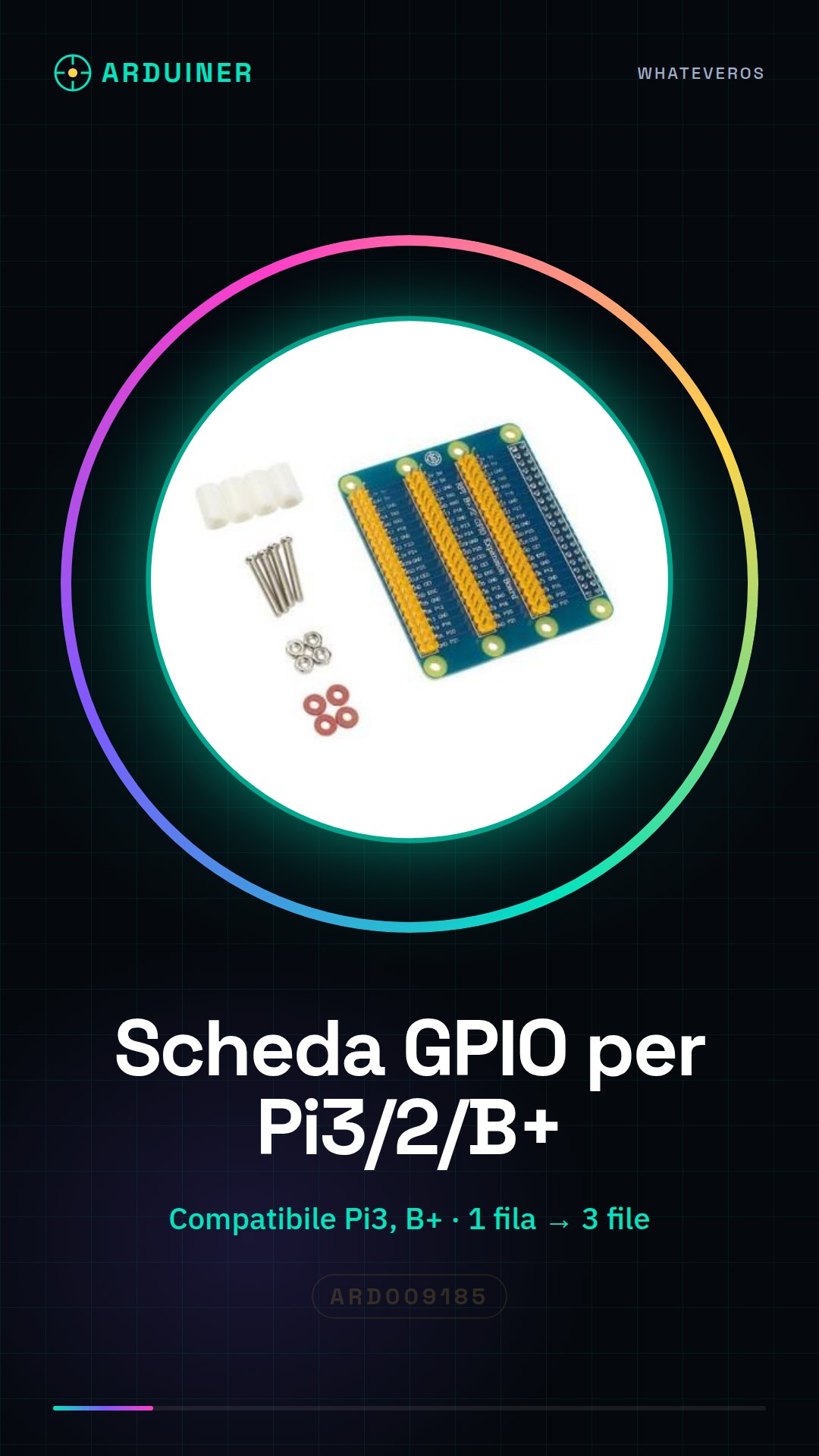
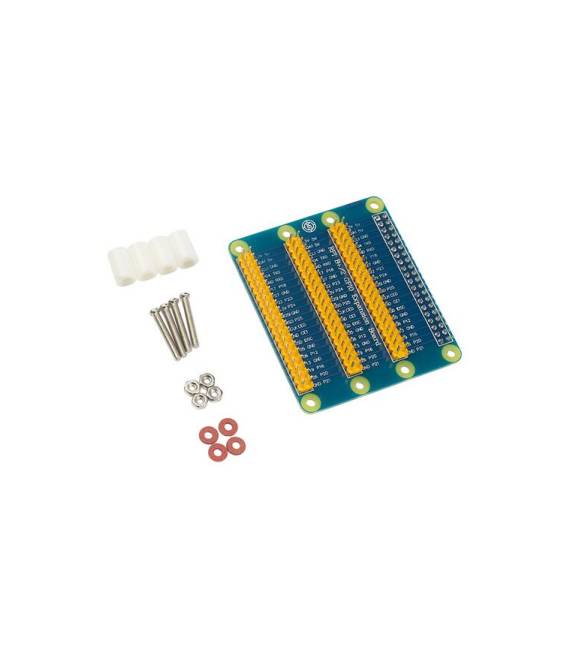
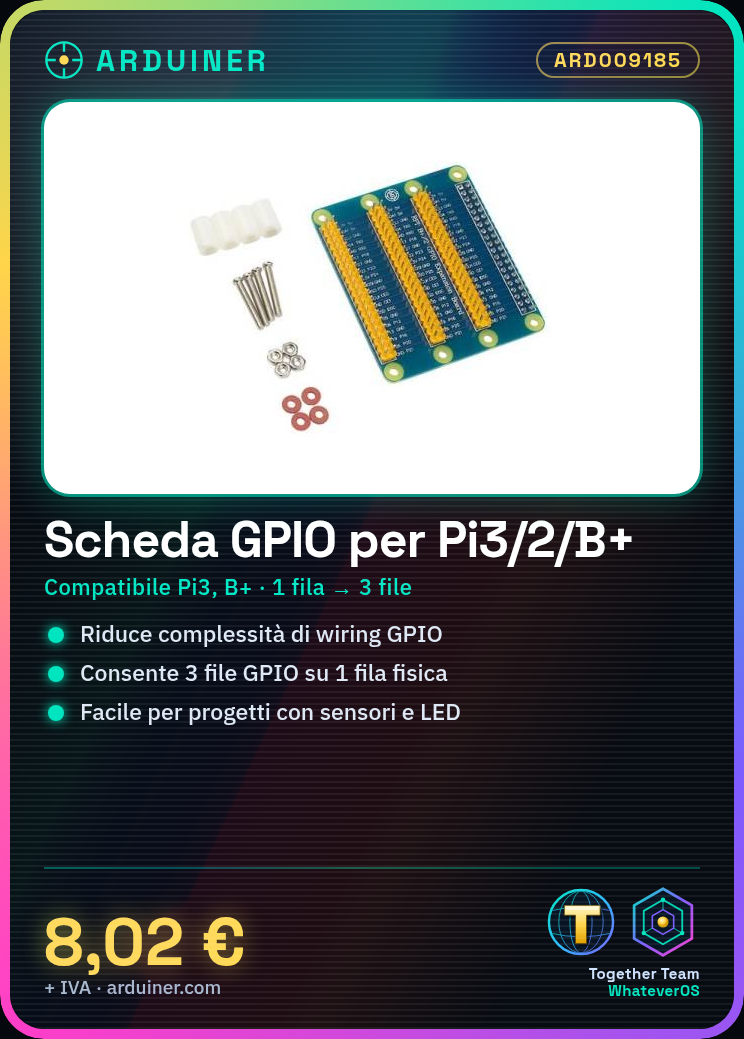
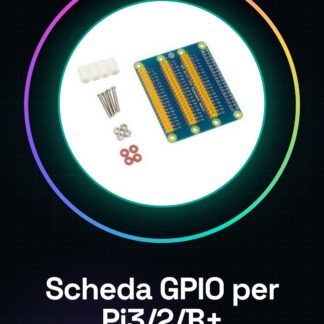
The GPIO expansion board for Raspberry Pi 3, Pi 2 and Model B allows the use of GPIO interfaces on a single physical row as if they were three separate rows. This greatly simplifies the connection with various electronic components.
Features
- Compatible with Raspberry Pi 3, Pi 2 and Model B
- Reduces complexity of GPIO wiring
- Ability to use three GPIO rows on a single physical row
What it is for
This board is ideal for projects that require interfacing with sensors, LEDs and other components. Useful for both beginners and experts in creating simple circuits such as a button-controlled lighting system.
Tutorial: How to use the GPIO Expansion Board
This GPIO expansion board allows you to expand the GPIO connectors of the Raspberry Pi 3, Pi 2, and Pi Model B+, making it easier to interface with electronic components. Ideal for beginner and intermediate makers.
What you need
- GPIO Expansion Board
- Raspberry Pi 3, Pi 2, or Pi Model B+
- 4-pin cables
- Electronic components to interface
Steps
- 1. Ensure the Raspberry Pi is turned off.
- 2. Remove the USB cable from the Raspberry Pi.
- 3. Connect the GPIO expansion board to the Raspberry Pi using the connectors.
- 4. Check that the pins align correctly.
- 5. Turn on the Raspberry Pi.
- 6. Verify pin compatibility on the datasheet.
- 7. Connect electronic components to the board pins.
- 8. Configure the pins in your operating system or script.
Mini project
Create a simple lighting circuit with an LED and a button.
Common mistakes
- Connect the Raspberry Pi with the GPIO expansion board during use.
- Do not check pin compatibility.
- Omit pin configuration in the operating system.
- Connect electronic components without first verifying correct polarity.
Recommended accessories
- LED
- Button
- 330 Ohm resistor
- 4-pin cable
Frequently asked questions
How can I check pin compatibility?
Check the datasheet of the Raspberry Pi and the GPIO expansion board.
Can I use the GPIO expansion board with any Raspberry Pi?
The board is compatible with Raspberry Pi 3, Pi 2, and Pi Model B+.
What are the main pins to configure?
Configure GPIO, I2C, SPI, and UART pins as needed for your project.
Reviews
There are no reviews yet.