 EN
EN IT Italiano
 ES Español
 FR Français
 DE Deutsch
Description
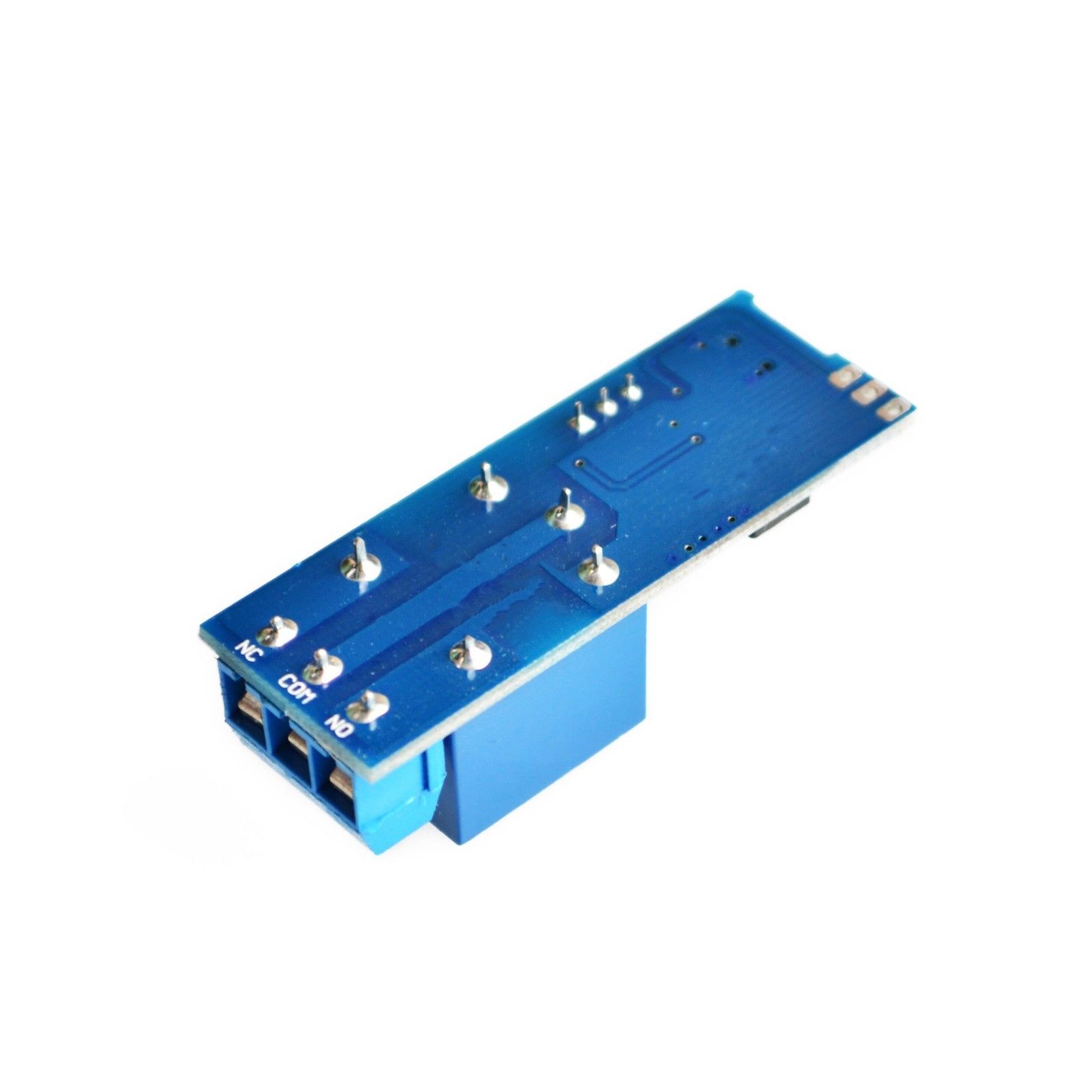
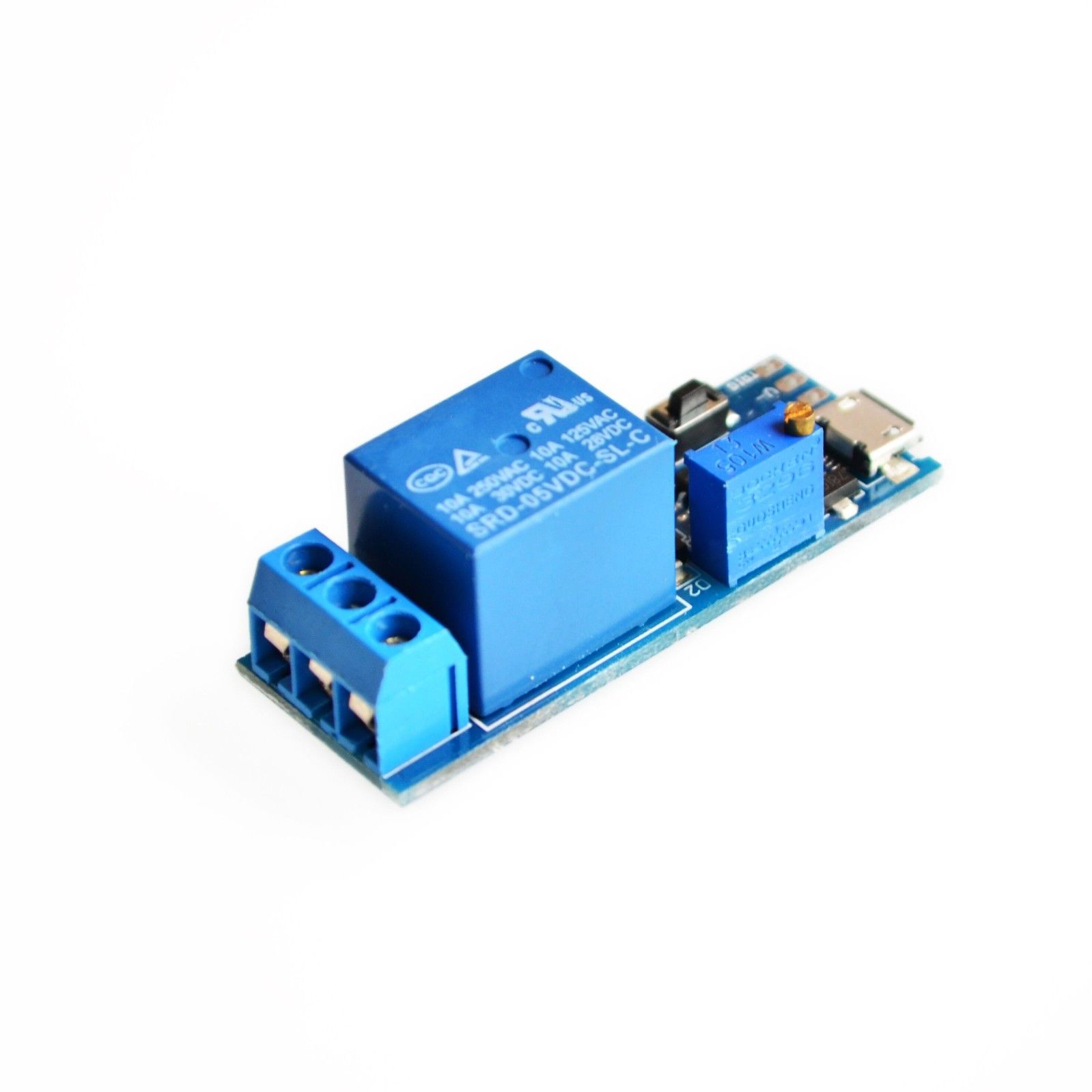
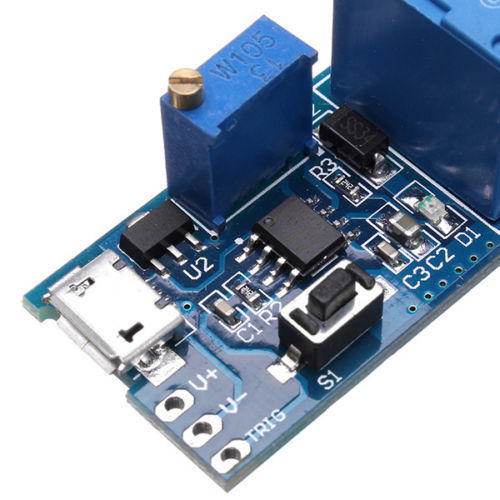
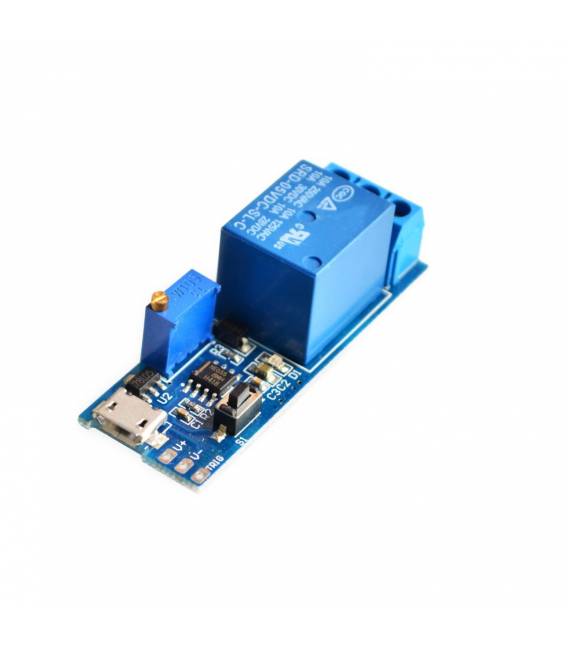
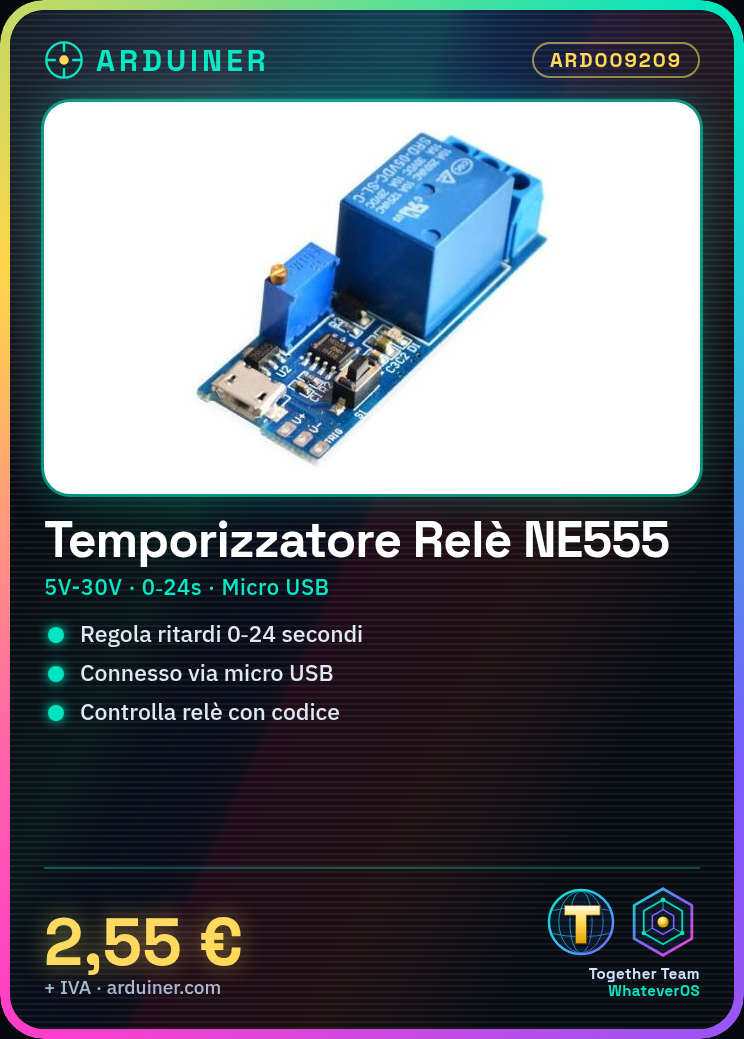
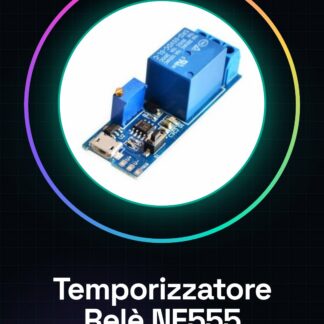
NE555 Timer Module Micro USB 5V-30V with adjustable trigger timer 0-24 seconds relay delay Tutorial: How to use the NE555 Timer Module This NE555 timer module allows you to create adjustable delays from 0 to 24 seconds, ideal for electronic and automation projects. What’s needed Arduino or microcontroller with digital pins Micro USB cable 10kΩ resistor Relay Power supply 5V-30V Steps 1. Connect the module to your Arduino via micro USB. 2. Connect VCC of the module to 5V. 3. Connect GND of the module to GND. 4. Set TRIG pin as digital output. 5. Connect TRIG pin of the module to a digital pin on your Arduino. 6. Connect OUT pin of the module to a relay. 7. Connect the relay to a load or device to control. 8. Configure delay via Arduino code. Example code “`cpp int trigPin = 2; int relayPin = 3; void setup() { pinMode(trigPin, OUTPUT); pinMode(relayPin, OUTPUT); } void loop() { digitalWrite(trigPin, HIGH); delay(10000); // Delay of 10 seconds digitalWrite(trigPin, LOW); delay(10000); digitalWrite(relayPin, HIGH); } “` Mini-project Create a delayed alarm system with a doorbell. Connect the relay to the doorbell and program a 10-second delay before activation. Common mistakes Setting TRIG and OUT pins correctly. Check the datasheet for power supply voltage range. Ensure the relay is compatible with the power supply voltage. Verify correct delay configuration. Recommended accessories Relay Doorbell Power supply 12V Test cable Frequently asked questions How to set a 24-second delay? Set the TRIG pin HIGH for 24 seconds. Can it work with voltages other than 5V? Check the datasheet for the power supply voltage range. Which pins should be used for the relay? Connect the OUT pin of the module to the relay.

Reviews
There are no reviews yet.