 EN
 IT Italiano
 ES Español
 FR Français
 DE Deutsch
Description
What it is
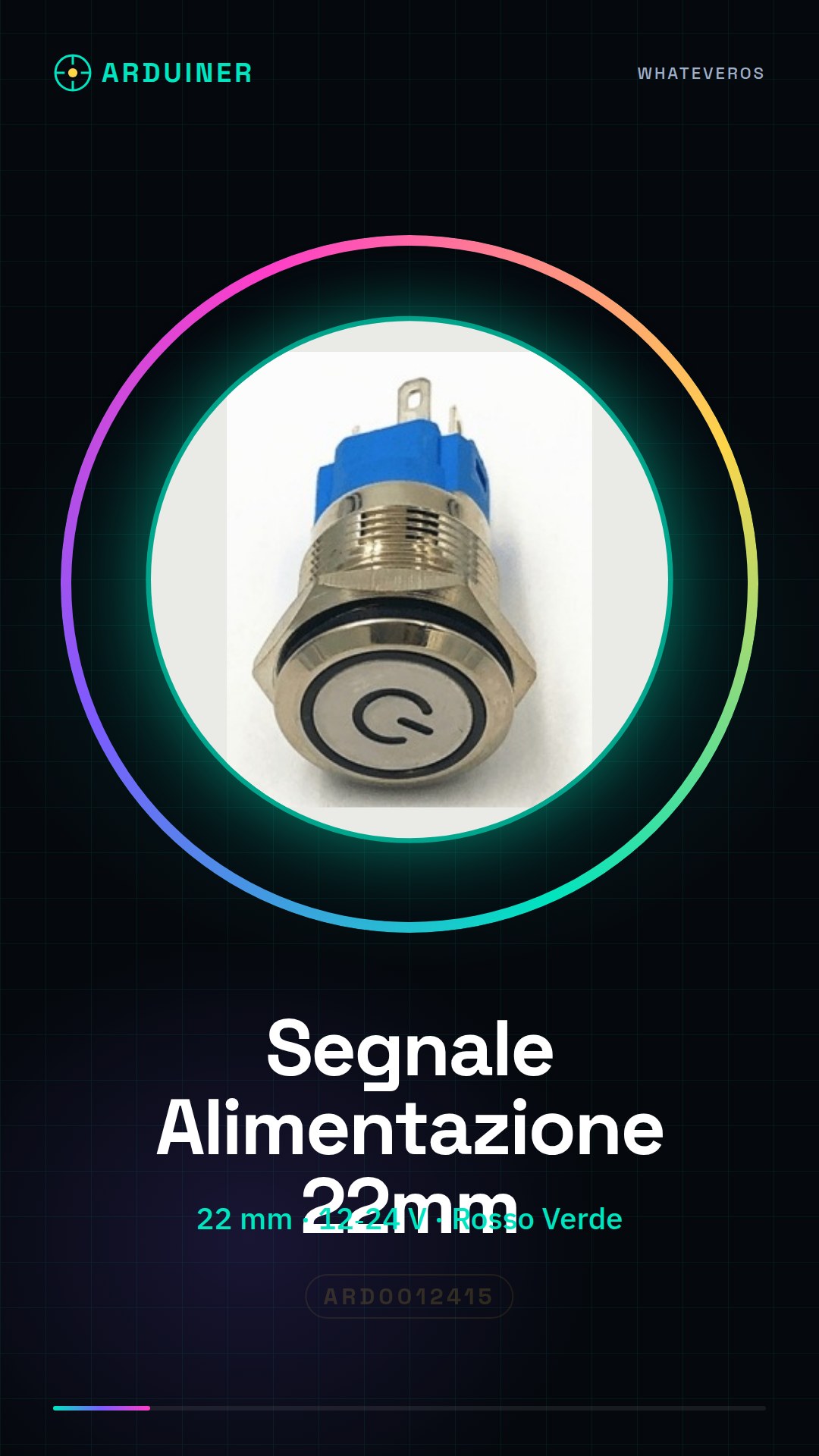
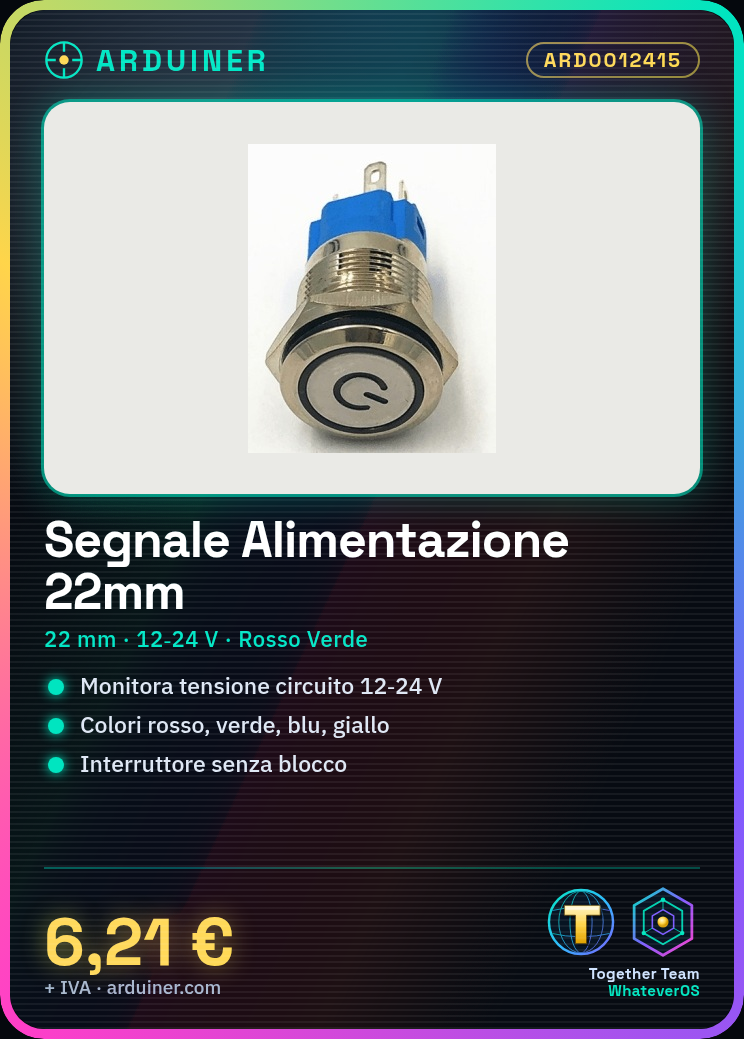
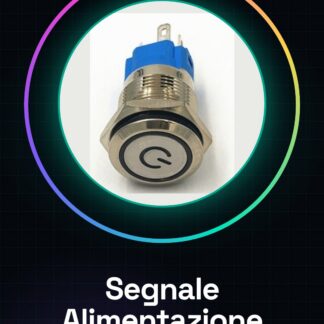
Power signal indicator with 22 mm switch button, suitable for monitoring the power status of an electronic circuit.
Features
- Dimensions: 22 mm
- Operating voltage: 12-24 V
- Button type: non-locking switch
- Available colors: Red, Green, Blue, Yellow
What it is for
This power signal button is ideal for monitoring the power supply of an electronic circuit. It is useful for Arduino projects, 3D printers, and security systems. It can be used to create a power monitoring system for a 3D printer by connecting it to the circuit and using an Arduino to send notifications when the voltage is low.
Tutorial: How to use 22mm Power Signal Button
This power signal button is ideal for monitoring the power supply of an electronic circuit. It is useful for Arduino projects, 3D printers, and security systems.
What you need
- Arduino Projects
- Security Systems
- 3D Printers
- Electronic Circuits
- Control Boards
Steps
- Check the power supply voltage of your circuit (12-24V).
- Select the desired power signal color (red, green, blue, yellow).
- Connect the power signal to the circuit.
- Verify the correct illumination of the button.
- If necessary, add a resistor to limit the current.
- Configure your device to monitor the power signal.
- Verify that the signal changes correctly when the voltage varies.
Mini project
Create a power monitoring system for a 3D printer. Connect the button to the circuit and use an Arduino to send notifications when the voltage is low.
Common mistakes
- Connect the button to the circuit without verifying the supply voltage.
- Do not add a resistor to limit the current.
- Do not monitor the power supply signal with a control device.
- Do not verify the correct illumination of the button.
Recommended accessories
- Resistor 1/4W
- Arduino Uno
- Connection cable
- Voltage sensors
Frequently asked questions
Does the button light up only when the voltage is high?
Check the product datasheet for the correct specification.
Can I use this button with a voltage below 12V?
Check the product datasheet for the correct specification.
How much current can the button handle?
Check the product datasheet for the correct specification.
Reviews
There are no reviews yet.