 EN
 IT Italiano
 ES Español
 FR Français
 DE Deutsch
Description
What it is
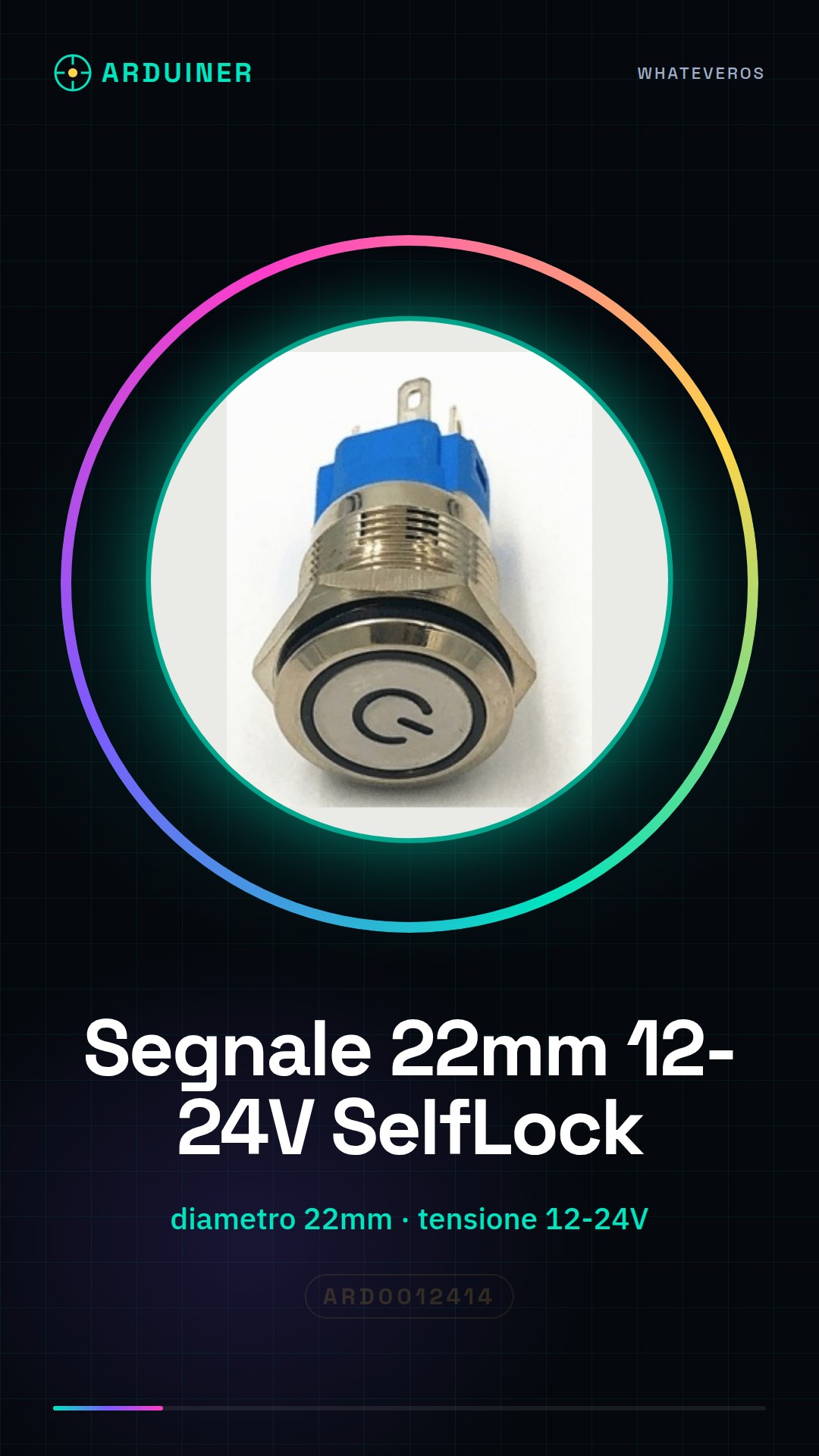
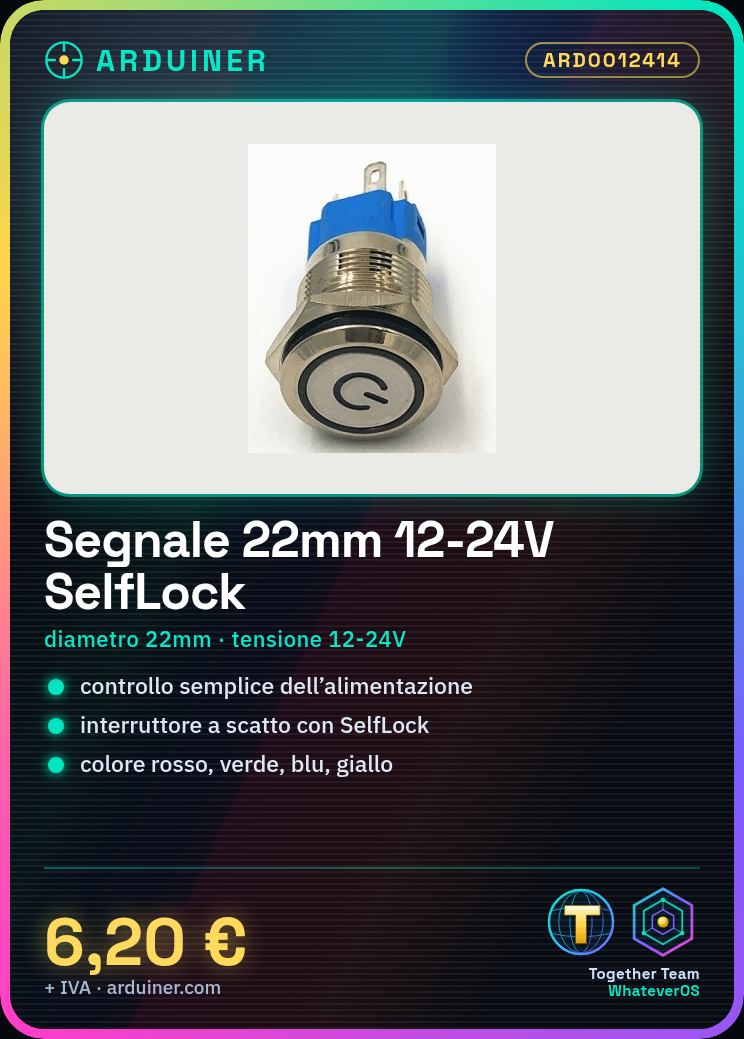
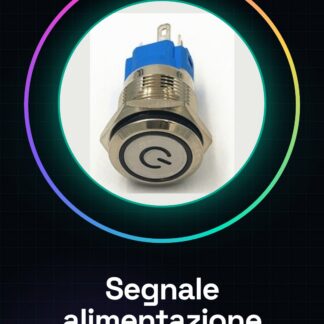
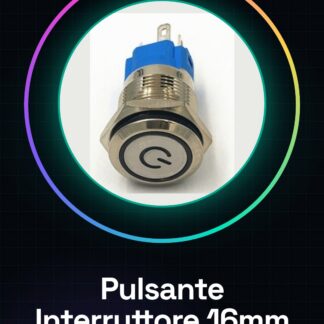
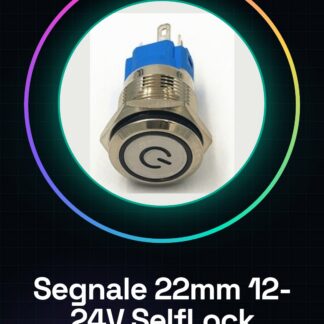
The Power Signal / 22mm 12-24V SelfLock is a push switch with a diameter of 22mm. It is available in four colors: red, green, blue, and yellow.
Features
- Dimensions: 22mm
- Supply Voltage: 12-24V
- Type: SelfLock Snap Switch
- Available Colors: Red, Green, Blue, Yellow
What it is for
This button is ideal for Arduino projects and general electronics when a simple and safe power control is needed. It is suitable for those who want to add an on/off switch to their devices. Examples of use: home alarm systems, electronic device control, power switches for DIY projects.
Tutorial: How to use 12-24V SelfLock Button
The SelfLock 12-24V button is a snap-action switch ideal for electronic projects that require simple and safe power control. It is perfect for beginner and intermediate makers who want to add power control to their devices.
What you need
- Arduino Uno
- Jumper wire
- Pull-up resistor
- 12-24V power connection
Steps
- Identify the pins of the SelfLock button: check the datasheet
- Connect the VCC pin of the button to the power supply voltage of your circuit (12-24V)
- Connect the GND pin of the button to the ground of the circuit
- Connect the signal pin of the button to an input pin of the Arduino
- Add a pull-up resistor between the signal pin and the power supply voltage of the Arduino
- Write the Arduino sketch to read the state of the button
- Test the button by pressing and releasing to verify that the signal is read correctly
Example code
const int pulsantePin = 2;
int statoPulsante = 0;
void setup() {
  pinMode(pulsantePin, INPUT_PULLUP);
  Serial.begin(9600);
}
void loop() {
  statoPulsante = digitalRead(pulsantePin);
  Serial.println(statoPulsante);
  delay(100);
}
Mini project
Create a home security system that activates and deactivates by pressing the SelfLock button. The alarm emits a sound when activated and turns off when deactivated.
Common mistakes
- Do not connect the pull-up resistor
- Press the button without connecting it properly first
- Use an unsupported power supply voltage (outside the 12-24V range)
Recommended accessories
- Variable resistors
- Siren doorbell
- Arduino Nano
- LED
Frequently asked questions
How can I check the state of the button?
Use the serial monitor to read the state of the Arduino input pin.
What is the difference between a SelfLock button and a normal button?
The SelfLock button maintains the pressed state even when the finger is no longer on the button.
Reviews
There are no reviews yet.