 EN
 IT Italiano
 ES Español
 FR Français
 DE Deutsch
Description
What it is
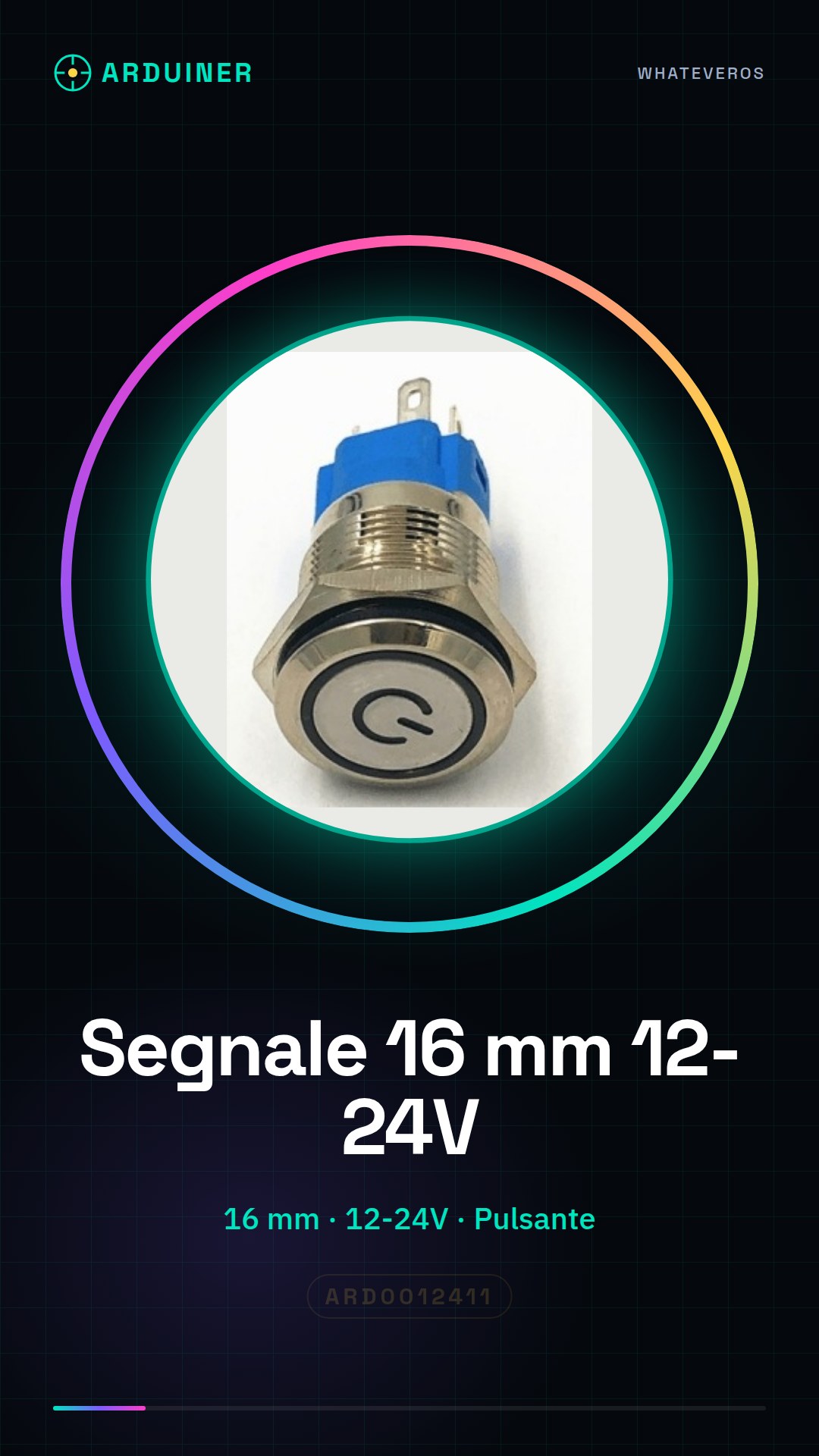
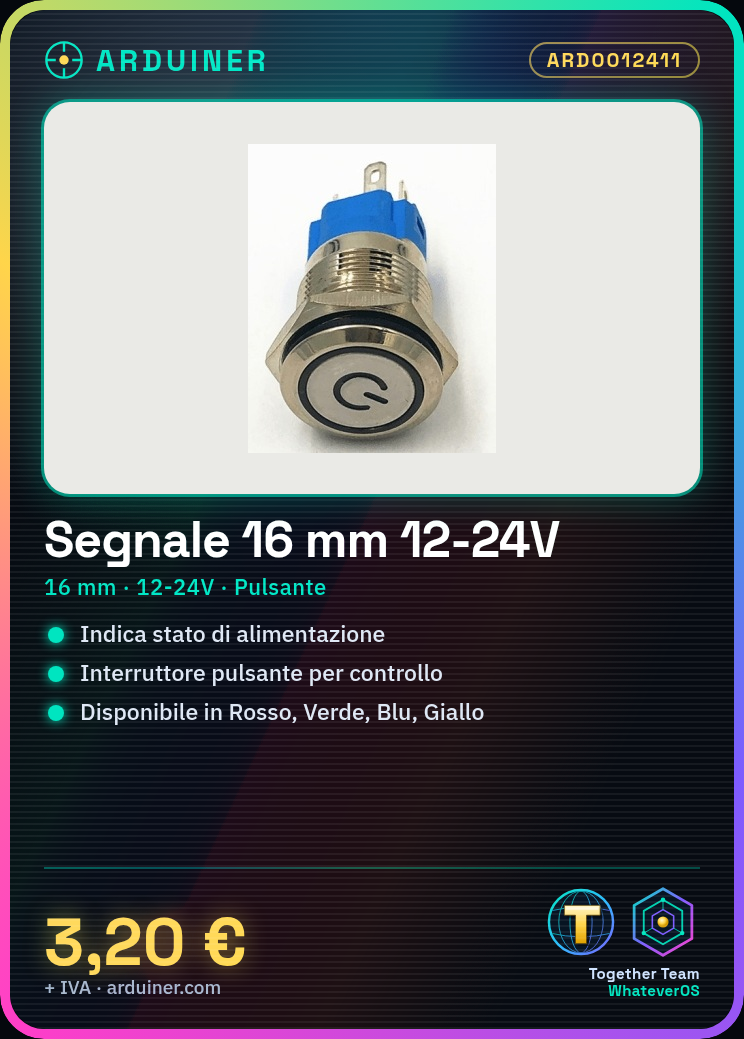
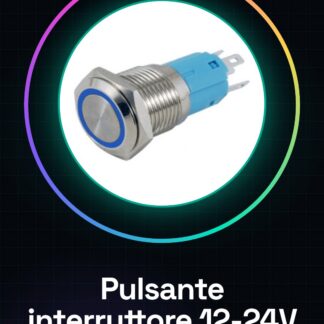
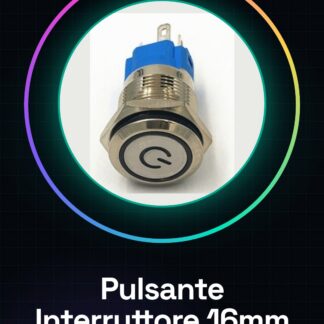
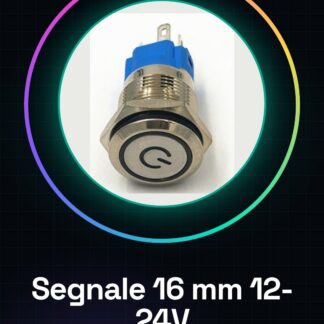
Power signal with push button switch 16 mm, ideal for displaying the power status of an electronic circuit.
Features
- Dimensions: 16 mm
- Supply voltage: 12-24 V
- Switch type: push button
- Packaging: Red / Green / Blue / Yellow
- Automatic latch: absent
What it is for
This component is useful for Arduino projects, 3D printing, and drones. It can be used to create simple alarm systems, indicate the power status of a circuit, or signal specific events.
Tutorial: How to use 16 mm Power Signal
The power signal is a useful component for displaying the power status of an electronic circuit. This component is ideal for Arduino projects, 3D printing, and drones.
What you need
- Arduino
- Connection cable
- Power supply
Steps
- Connect the power signal to the circuit using connection cables.
- Check the power supply voltage (12-24V) on the datasheet.
- Connect the power signal to the Arduino control pin.
- Select the power signal color (red, green, blue, yellow) based on preference or project.
- Test the power signal with the power supply connected.
- If the power signal does not turn on, check connections and power supply voltage.
Mini project
Create a simple alarm system that turns on the power signal when the house door is opened.
Common mistakes
- Connect the power signal to a voltage higher than its tolerance.
- Do not check the power supply voltage before connecting the power signal.
- Do not check connections before testing the power signal.
- Use a power signal color that is not visible or clear for the project.
Recommended accessories
- Connection wire
- Power supply
- Motion sensors
- Relay
Frequently asked questions
What is the minimum operating voltage?
Check the datasheet.
How do you connect the power signal?
Connect it to the electronic circuit using the connection wires.
What colors are available?
Red, green, blue, yellow.
Reviews
There are no reviews yet.