 EN
EN IT Italiano
 ES Español
 FR Français
 DE Deutsch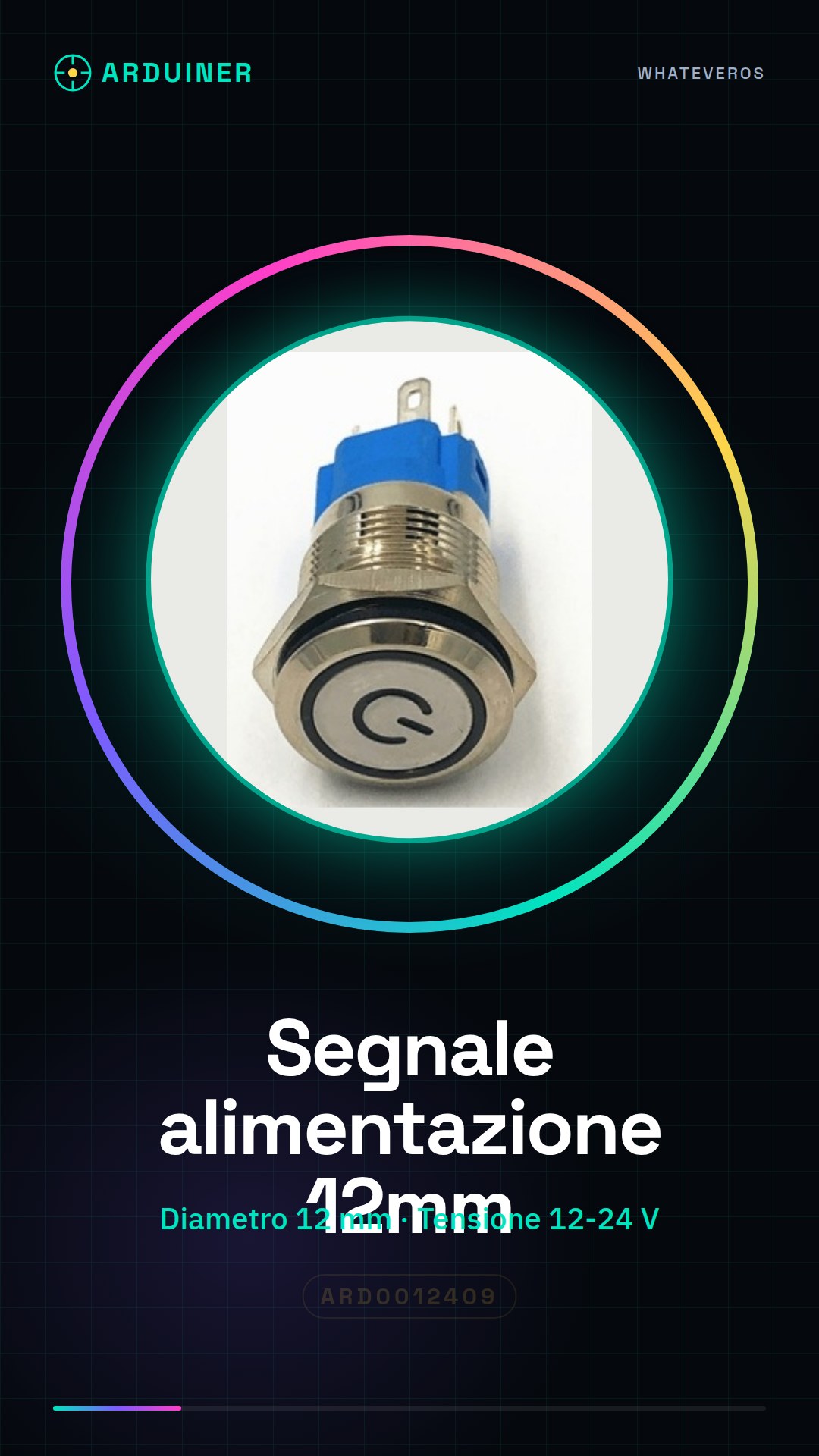
Description
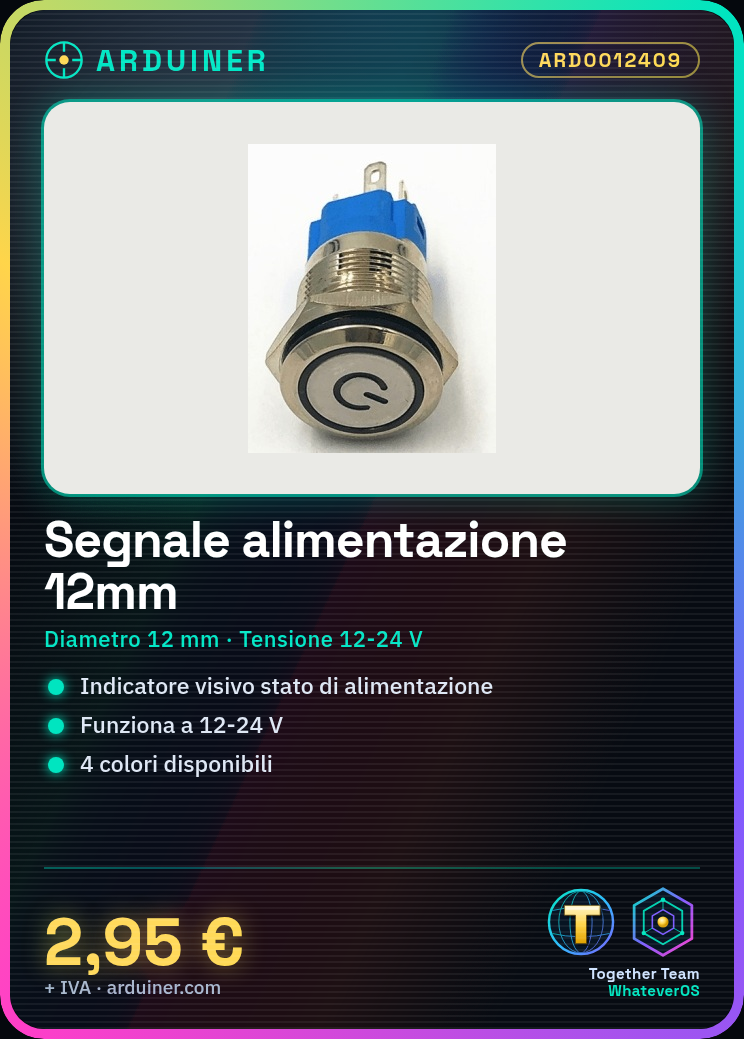
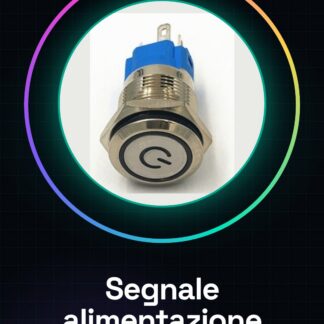
The non-latching push button power supply signal is a useful component for indicating the operational status of a device. With dimensions of 12 mm, it is designed to work with voltages from 12 to 24 V.
Features:
– Diameter: 12 mm
– Operating Voltage: 12-24 V
– Non-latching push button switch
– Available in red, green, blue and yellow colours
What does it do?
This power supply signal is ideal for Arduino projects or other electronic systems that require an immediate visual indication of the power status. It can be used to create a simple power monitoring system that integrates into your project in just minutes.
Tutorial: How to use 12 mm Power Supply Signal
This non-latching push button signal is perfect for indicating the operational state of your device. Suitable for both beginners and experts, it offers an immediate visual indication of the power status.
What you need:
– Arduino Uno
– Connection with 4 conductors (red, black, green, yellow)
– Power pins
Steps:
1. Connect the red pin of the signal to +5V on the Arduino board.
2. Connect the black pin of the signal to ground (GND) on the Arduino board.
3. Connect the green and yellow conductors to digital input pins on the Arduino board for power monitoring.
4. Write a simple sketch that changes LED brightness based on the power status.
5. Check the datasheet specifications of the power supply signal to configure the digital pins correctly on Arduino.
Example code:
void setup() {
pinMode(2, INPUT);
pinMode(3, INPUT);
}
void loop() {
digitalWrite(LED_BUILTIN, digitalRead(2) || digitalRead(3));
}
Mini-project: Create a power monitoring system for your next Arduino project in less than 30 minutes. Connect the power supply signal to digital pins and use a simple sketch to control the brightness of the built-in LED on the board.
Common mistakes:
– Incorrectly connecting conductors to +5V and GND.
– Ignoring the use of green and yellow conductors for monitoring power status.
– Failing to check the specifications of the power supply signal in the datasheet.
– Not using an appropriate Arduino sketch to control the power status.
Reviews
There are no reviews yet.