 EN
EN IT Italiano
 ES Español
 FR Français
 DE Deutsch
Description
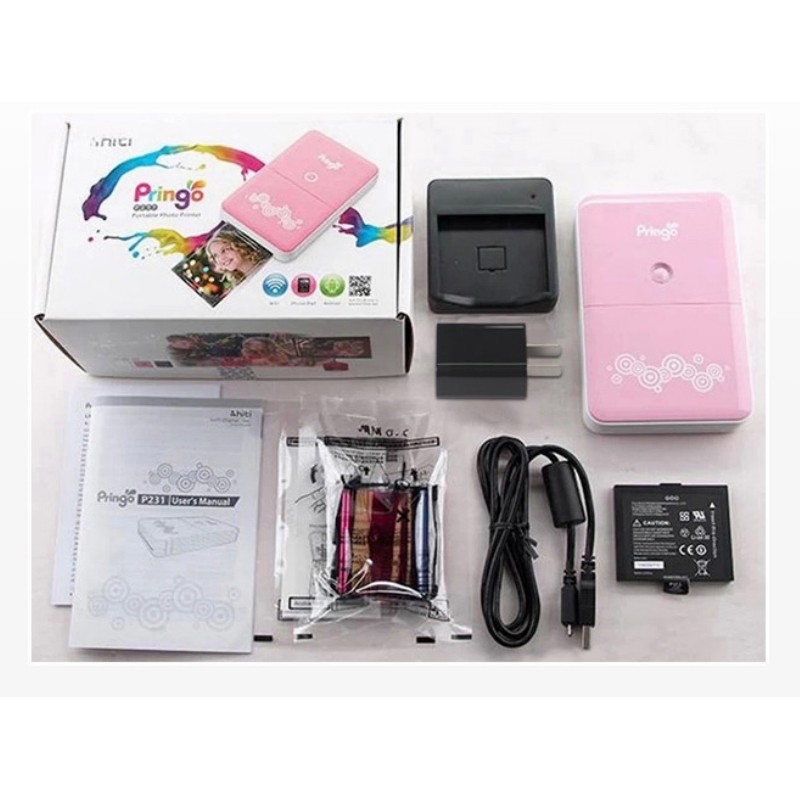
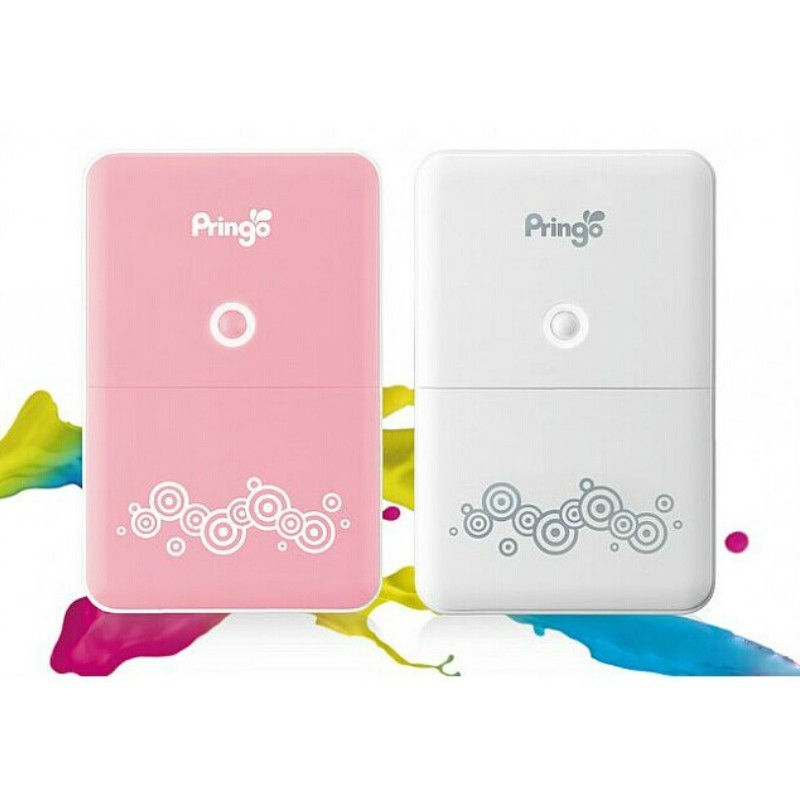
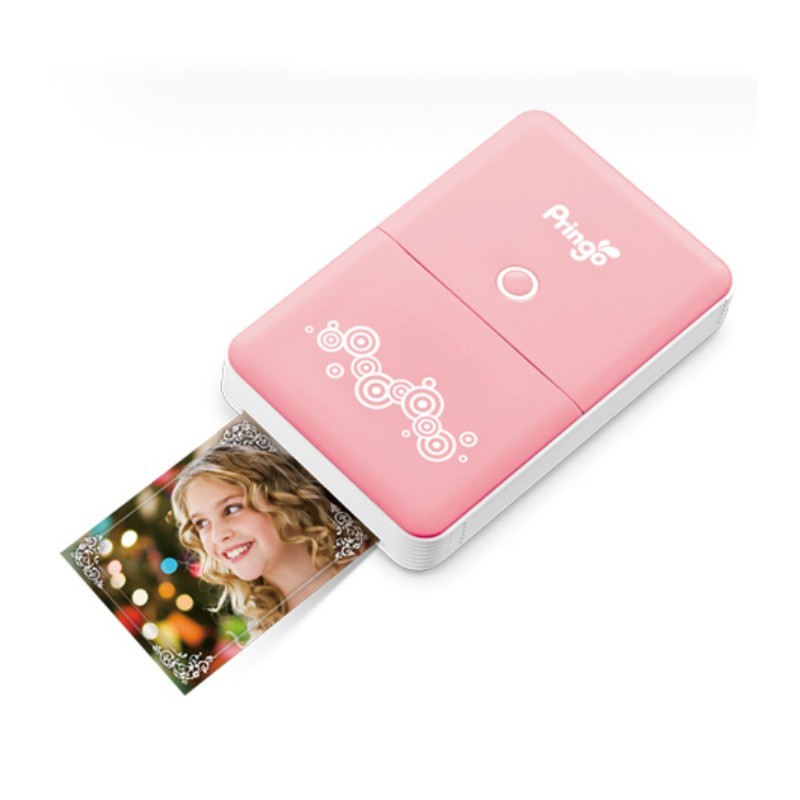
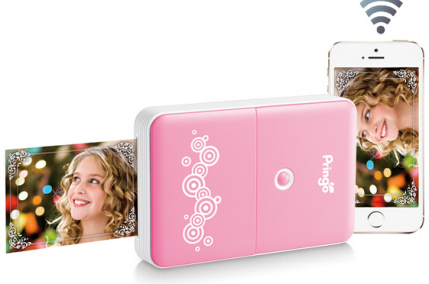
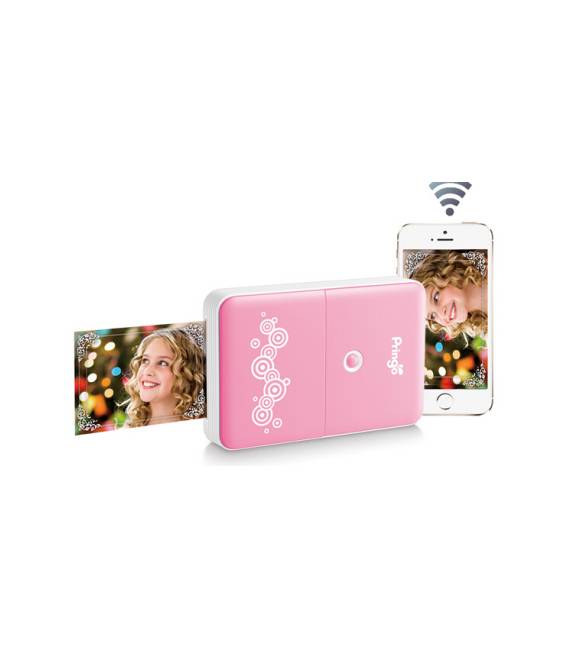
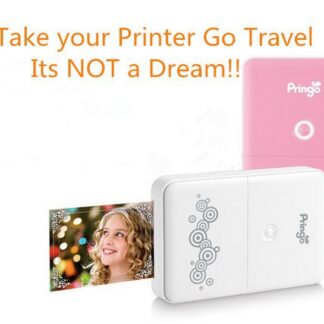
Tutorial: How to use Pringo P231 The portable photo printer Pringo P231 Wi-Fi is ideal for those who want to print photos directly from their smartphone without connecting to a computer. It works with both Android and iOS. What you need Pringo P231 Smartphone with Wi-Fi Photo paper Isopropyl alcohol (check datasheet) Steps 1. Load photo paper into Pringo P231. 2. Turn on the printer and wait for it to fully power up. 3. Download the Pringo app for smartphone. 4. Connect Pringo P231 to Wi-Fi. 5. Connect your smartphone to Wi-Fi. 6. Open the Pringo app and select the photo to print. 7. Move your smartphone close to Pringo P231. 8. Print the photo and dry it with a soft cloth. Mini-project Create a series of photos of a simple object (check datasheet) and print them one by one with Pringo P231. Common errors Do not dry the photo immediately after printing with a dry cloth. Do not use incompatible paper. Do not connect Pringo P231 to an insecure Wi-Fi network. Do not use a smartphone without Wi-Fi. Recommended accessories Photo paper Pringo Isopropyl alcohol Soft cloth for drying Tripod to stabilize smartphone (check datasheet)
Reviews
There are no reviews yet.