 EN
EN IT Italiano
 ES Español
 FR Français
 DE Deutsch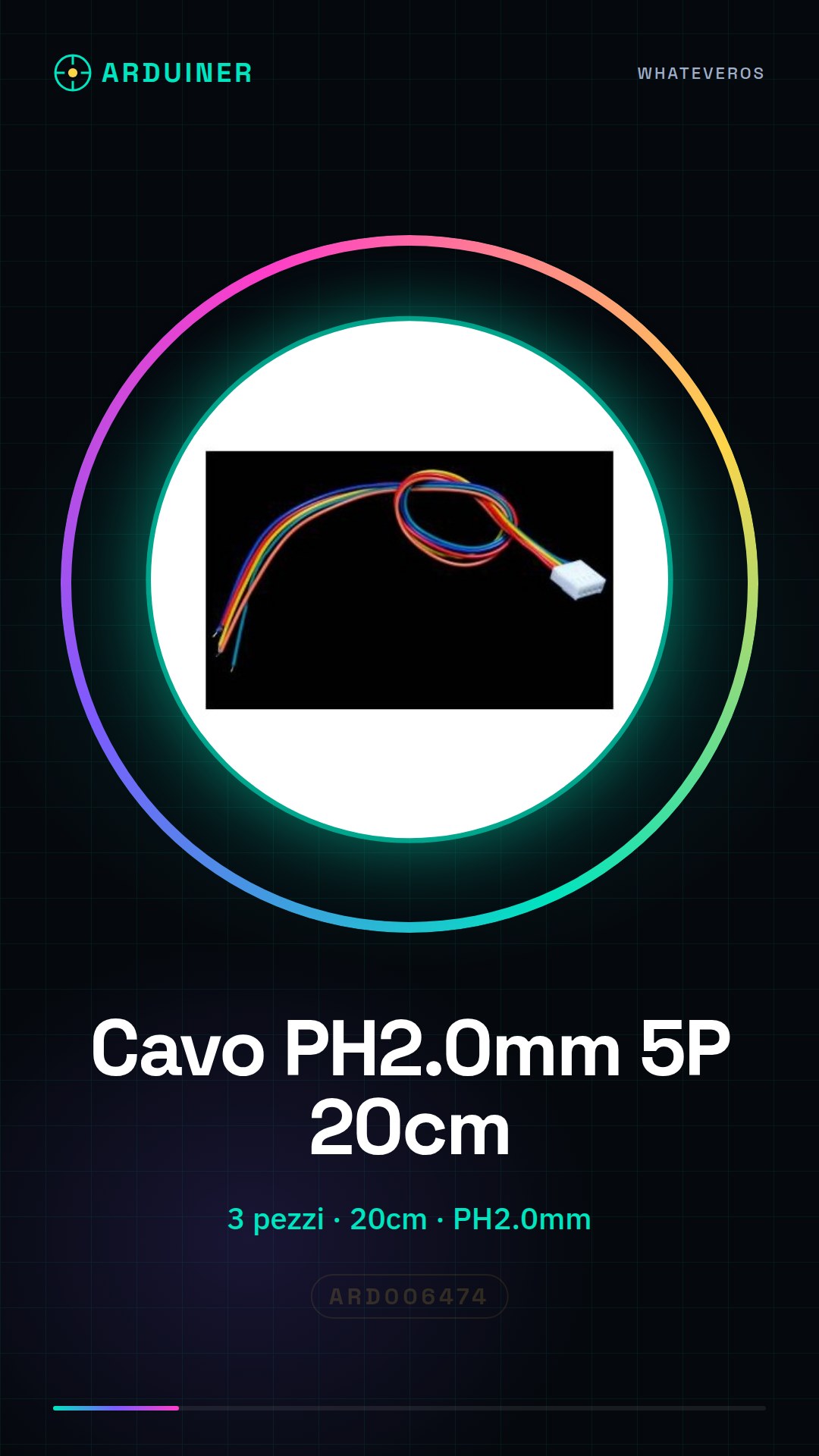
Description
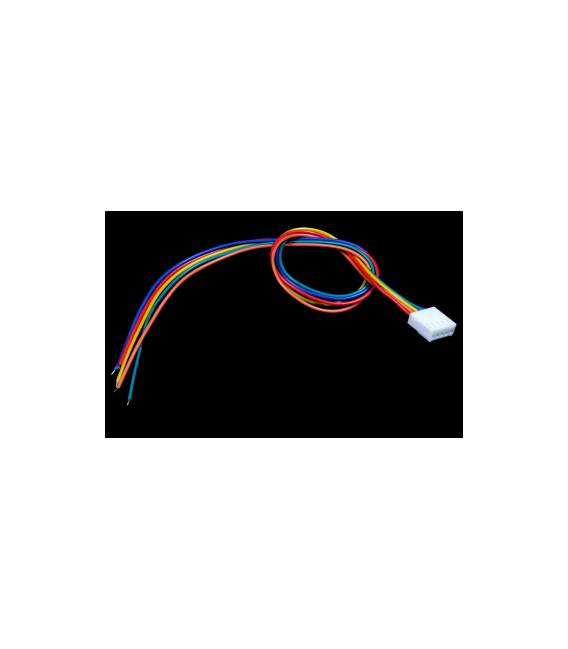
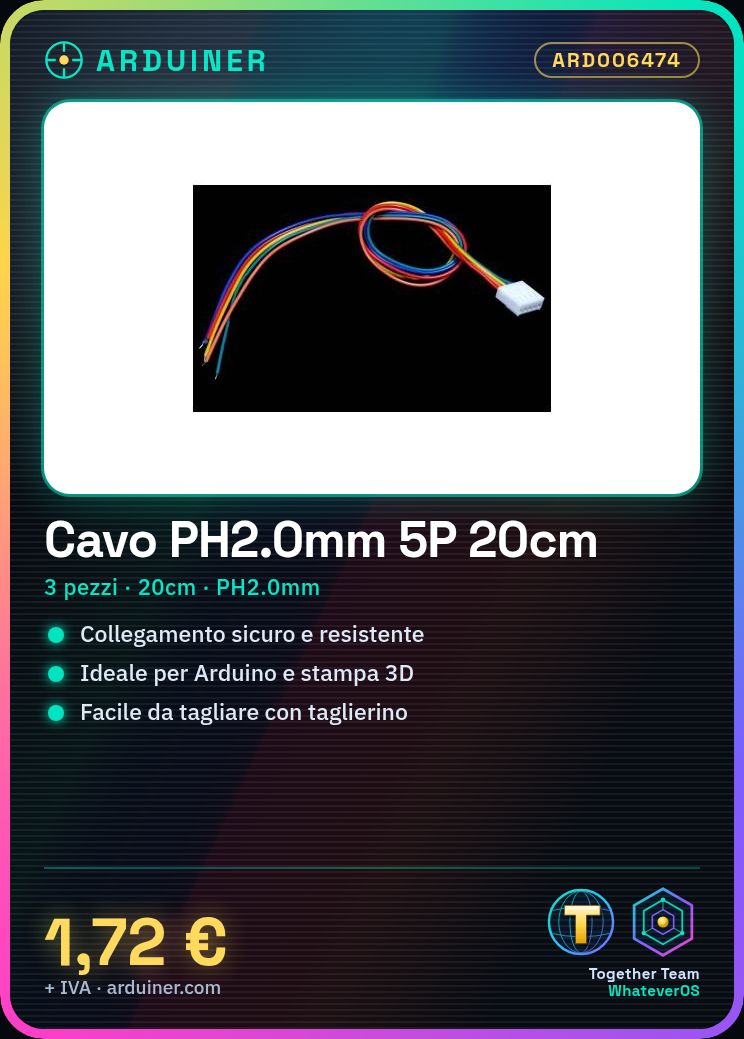
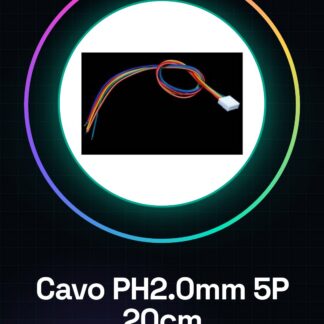
Tutorial: How to use PH2.0mm 5P Cable This cable is ideal for connecting electronic components that require a secure and robust connection. It is particularly useful for Arduino projects, 3D printing, and power systems. What you need: Arduino components, wire cutters or scissors Steps: Cut the PH2.0mm 5P cable to the desired length using wire cutters or scissors. Check the datasheet of the component that requires a PH2.0mm 5P connector to understand which part of the cable should be connected to which pin. Use the metal tips of the PH2.0mm 5P cable to make the required electrical connections. Verify the installation with a multimeter or an appropriate testing technique. Mini-project: Create a simple control interface using Arduino to monitor the electrical power levels at various points in your lab. Common errors: Cutting the cable without first checking the desired length. Connecting the wires in reverse order as required by the datasheet. Not using a multimeter to test the connection installation. Using inappropriate tools like sewing scissors to cut the cable. Recommended accessories: Multimeters, electric wire cutters, insulating tape, PH2.0mm 5P connectors. Frequently asked questions: Which components can be connected with this type of cable? Components that require a PH2.0mm 5P connector, such as Arduino boards or specific sensors. How can I protect the cut ends of the cable? Use insulating tape to cover and protect the ends of the wires.

Reviews
There are no reviews yet.