 EN
 IT Italiano
 ES Español
 FR Français
 DE Deutsch
Description
What it is
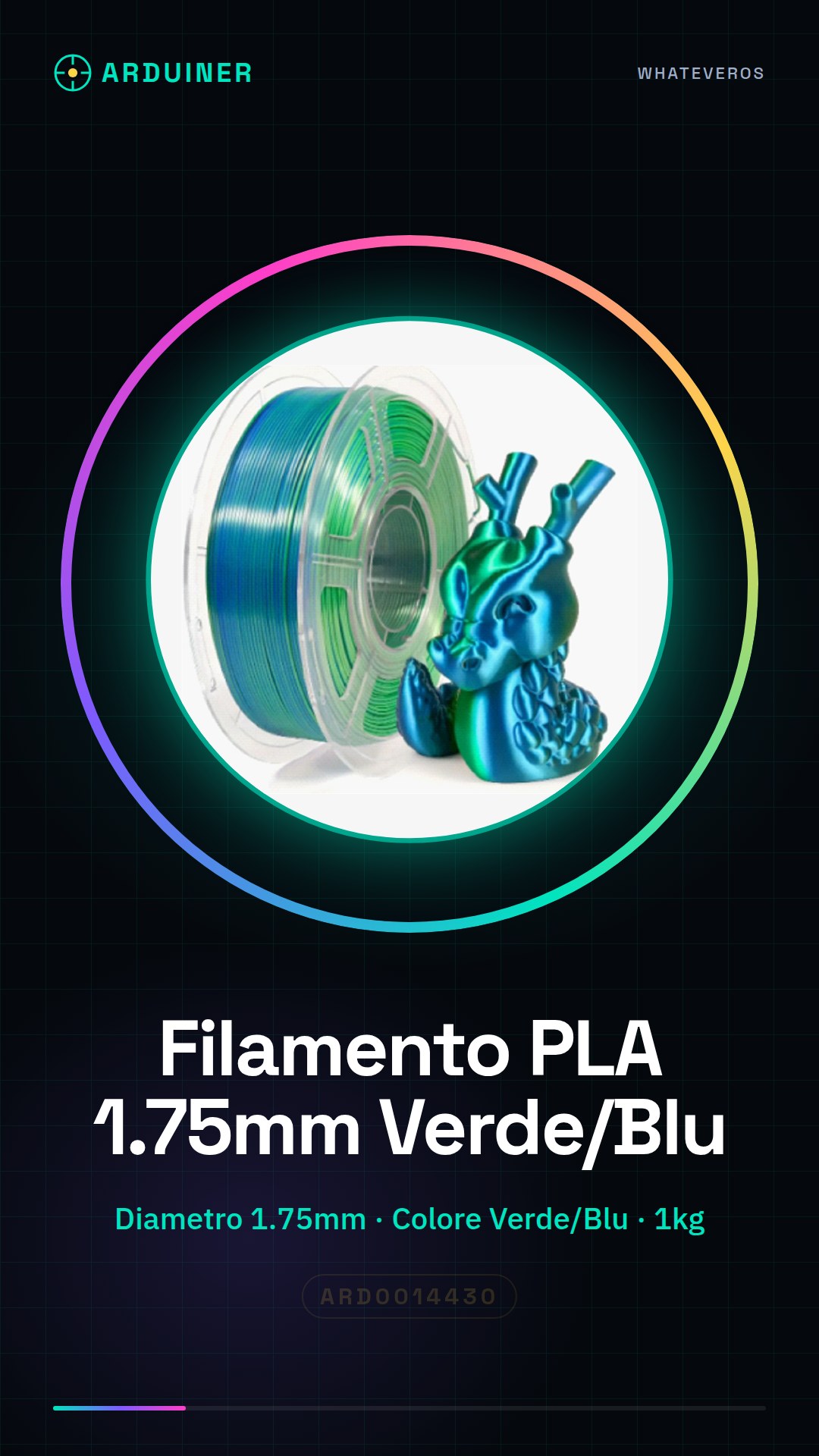
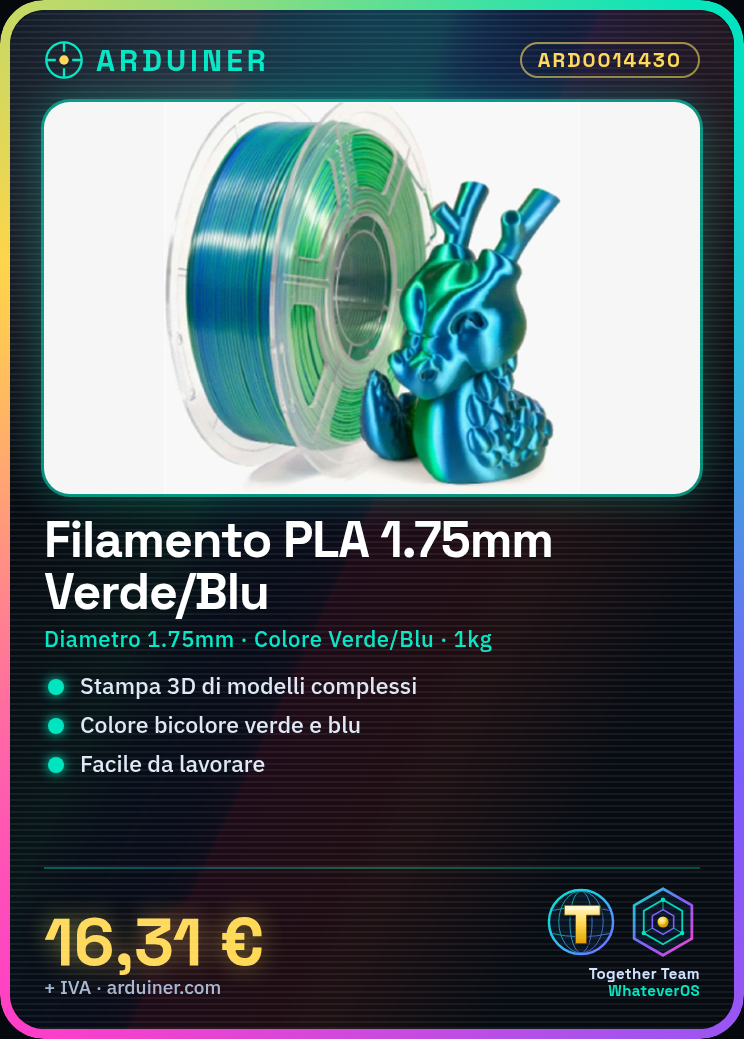
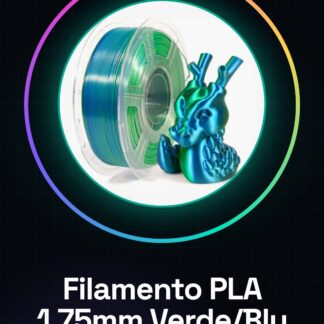
High-quality 1.75mm PLA filament, available in green/blue bicolor. Ideal for 3D printing complex models, thanks to its strength and quality.
Features
- Diameter: 1.75 mm
- Color: Green/Blue (bicolor)
- Length: 1 kg
- Type: PLA
What it is for
The green/blue bicolor PLA filament is suitable for 3D printing customized models, decorative objects, and prototypes. It can be used for a wide range of applications, such as keychains, home accessories, or game models.
Tutorial: How to Use Green/Blue Bicolor PLA Filament
The green/blue bicolor PLA filament is perfect for makers who want to add a visual touch to their 3D printing projects. This environmentally friendly and easy-to-work-with filament is suitable for both beginners and more experienced individuals.
What you need
- 3D Printer
- Filament Spool Calibrator
- Safety Cutter
Steps
- Check your 3d printer’s power supply type and ensure it is compatible with your PLA filament.
- Install the new filament cartridge correctly in the 3d printer, following the manufacturer’s instructions.
- Cut a small section from the end of the filament to remove any impurities or plastic residues.
- Load the filament spool into the extruder and ensure it is securely in place.
- Start the 3d printing software and load the STL file of the project to be printed.
- Set the material preferences for the green/blue bicolour PLA in the G-code file configuration or in the printing software.
- Start the print and monitor the progress, ensuring there are no jams or issues with the filament.
- Once the print is complete, carefully remove the piece from the 3d printer’s build plate.
Mini project
Print a simple green/blue two-color keychain to personalize your computer access.
Common mistakes
- Temperature settings too high or too low
- Filament getting jammed during print
- Incorrectly calibrated extruder
- STL project not properly configured for two-color filament
Recommended accessories
- Temperature sensors for the 3d printer
- Printer platform cleaning kit
- Additional PLA filaments in different colors
- Free 3D modeling software like Tinkercad
Frequently asked questions
The filament jams easily during print.
Check the printer’s temperature and speed settings, make sure the extruder is correctly calibrated.
What other colors are available?
Check our PLA consumables section to see all available filaments.
How can I clean my filament before printing?
Use a safety cutter to remove any impurities from the bottom of the filament.
Reviews
There are no reviews yet.