 EN
 IT Italiano
 ES Español
 FR Français
 DE Deutsch
Description
What it is
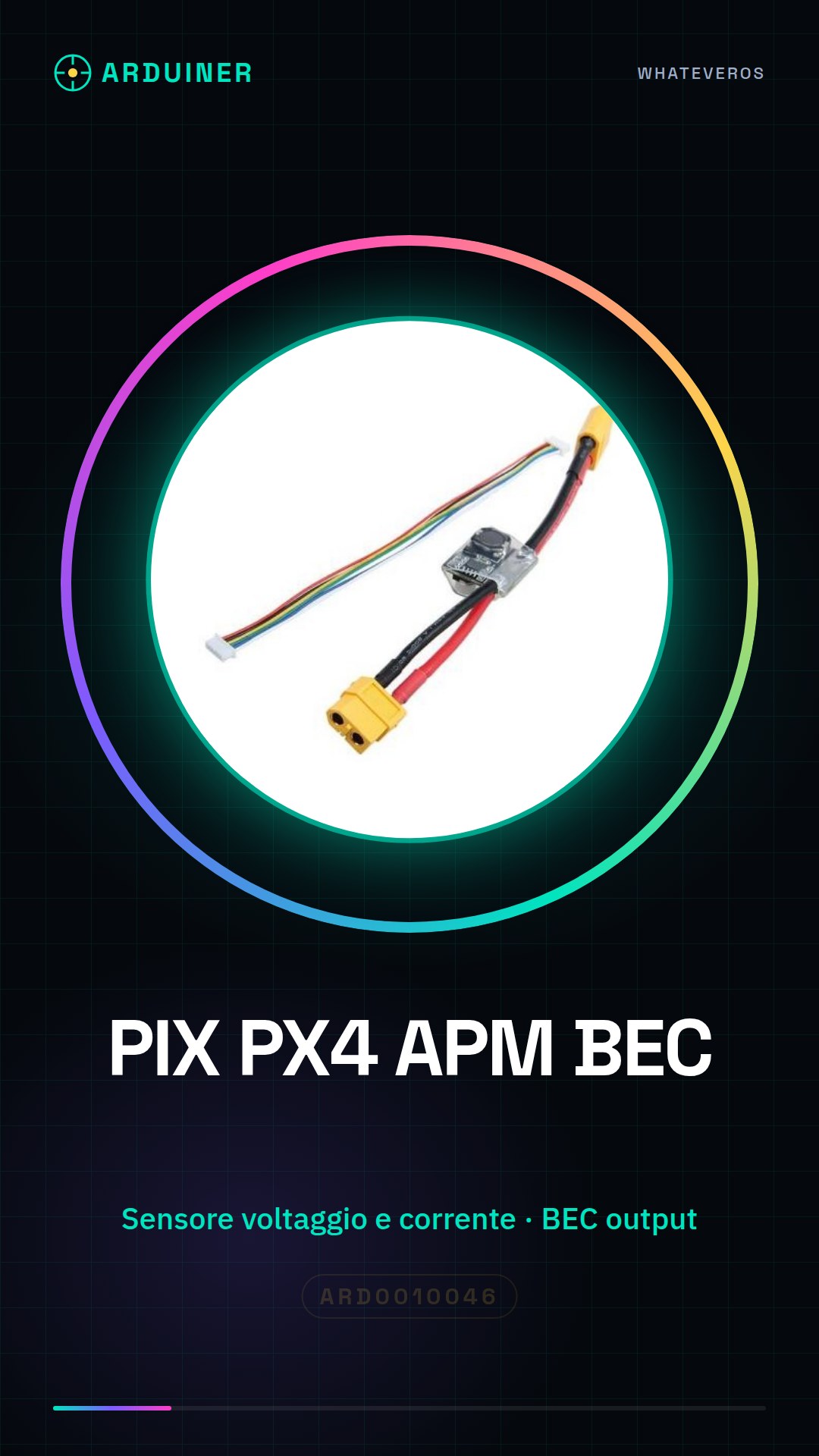
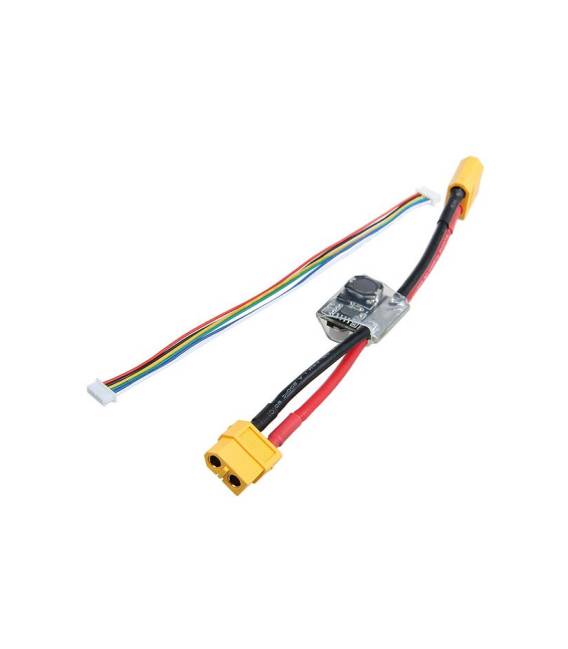
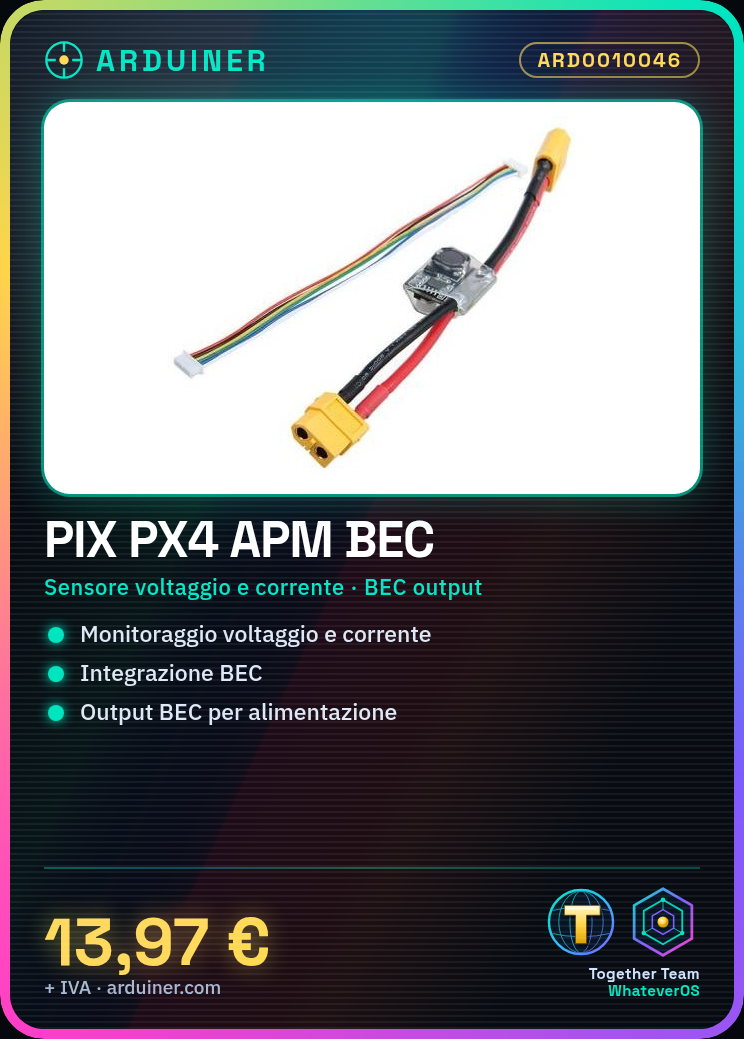
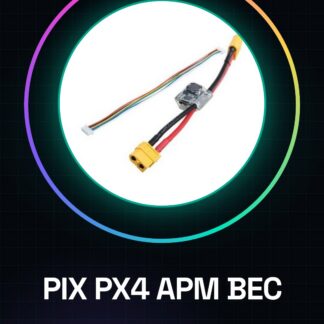
The PIX PX4 APM module is a device that allows monitoring voltage and current with BEC (Battery Elimination Circuit) integration. It is designed for use in drones and robotic systems.
Features
- Voltage and current sensor
- BEC output included
What it is for
This module is essential for monitoring power supply in drone projects. It allows real-time energy consumption control, essential for both beginners and experts. You can connect it to a microcontroller and display the data on an OLED screen.
Tutorial: How to use PIX PX4 APM Voltage and Current Sensor with BEC
The PIX PX4 APM voltage and current sensor is essential for monitoring power supply in drone projects. This module allows real-time energy consumption control, essential for both beginners and experts.
What you need
- Arduino Uno or compatible
- USB Connection
- LiPo Battery
Steps
- Connect the BEC output of the module to an Arduino board.
- Check the power supply voltage required by the module (check the datasheet) and ensure that the battery provides the correct voltage.
- Use the data pins to connect the sensor to the microcontroller.
- Download the Arduino sketch specific for reading voltage and current values from the module.
- Compile and run the sketch on your Arduino.
- Get real-time voltage and current data through the serial port.
- Analyze the received data to optimize the drone’s power consumption.
- Add an LCD or OLED display to show the values without a computer.
Example code
// Includi le librerie necessarie
#include <Wire.h>
// Definisci gli indirizzi e i registri del sensore (verifica sul datasheet)
#define I2C_ADDRESS 0x36
void setup() {
  Serial.begin(9600);
}
void loop() {
  // Leggi il voltaggio e la corrente dal sensore
  int voltage = readVoltage();
  int current = readCurrent();
  Serial.print("Voltaggio: ");
  Serial.println(voltage);
  Serial.print("Corrente: ");
  Serial.println(current);
}
// Implementa le funzioni per leggere i valori dal sensore (verifica sul datasheet)
Mini project
Create an energy monitoring system for your drone. Connect the PIX PX4 APM to the microcontroller and display the data on an OLED screen.
Common mistakes
- Connect the battery with a voltage higher than the module’s tolerance.
- Do not properly configure the I2C address of the sensor (check the datasheet).
- Omit installing the necessary libraries to communicate with the sensor.
- Ignore the maximum current limits that the BEC can provide.
Recommended accessories
- OLED Display 0.96″, SKU: ARD0010234
- LiPo Battery 3S, SKU: ARD0010567
- JST-XH Battery Connector, SKU: ARD0010890
- USB Type B Cable, SKU: ARD0010214
Frequently asked questions
What is the precision of the sensor?
Check the datasheet for specific details on measurement precision.
Can it handle very high currents?
Check the module’s characteristics (check the datasheet) for maximum current handling.
Reviews
There are no reviews yet.