 EN
 IT Italiano
 ES Español
 FR Français
 DE Deutsch
Description
What it is
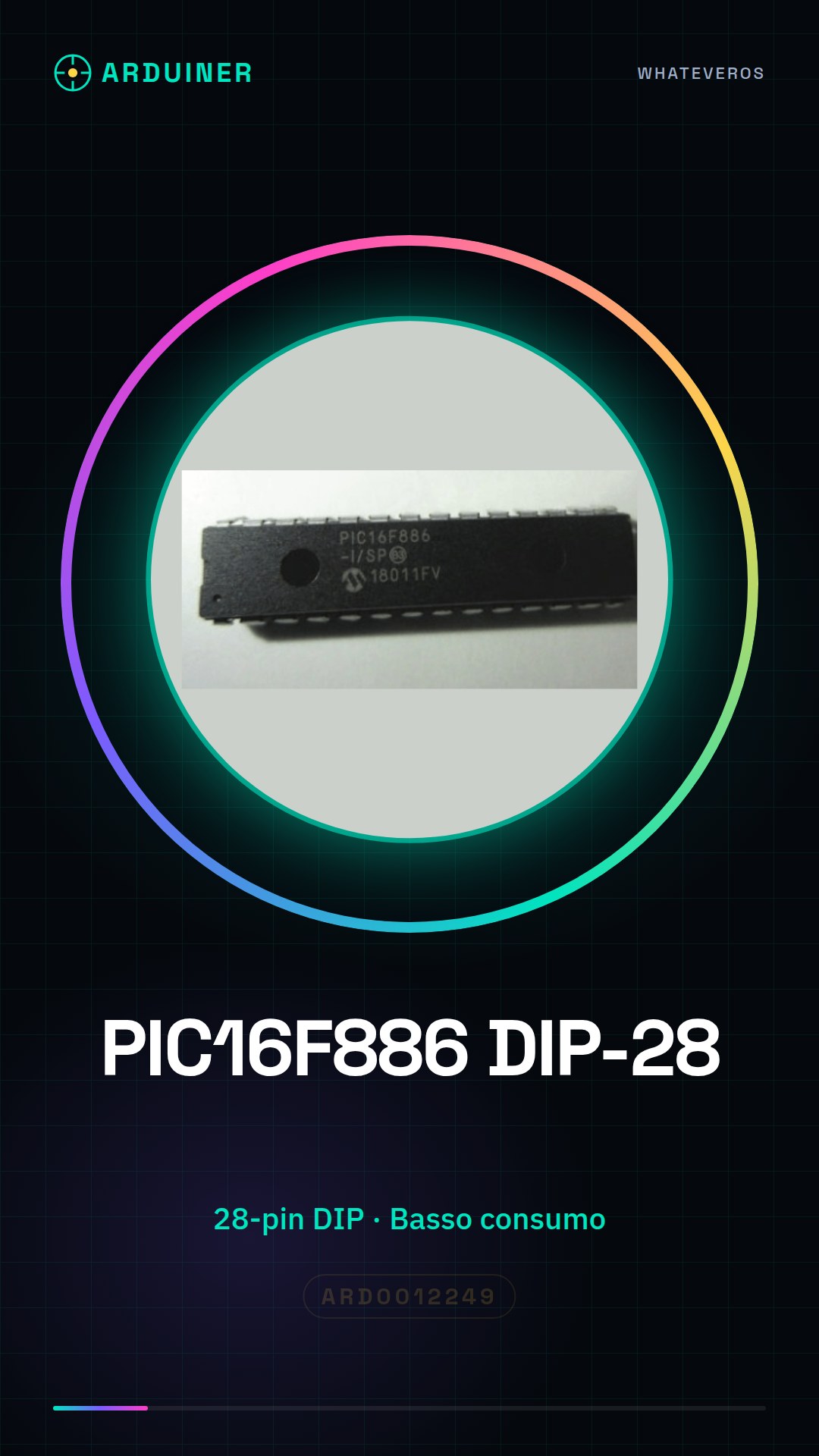
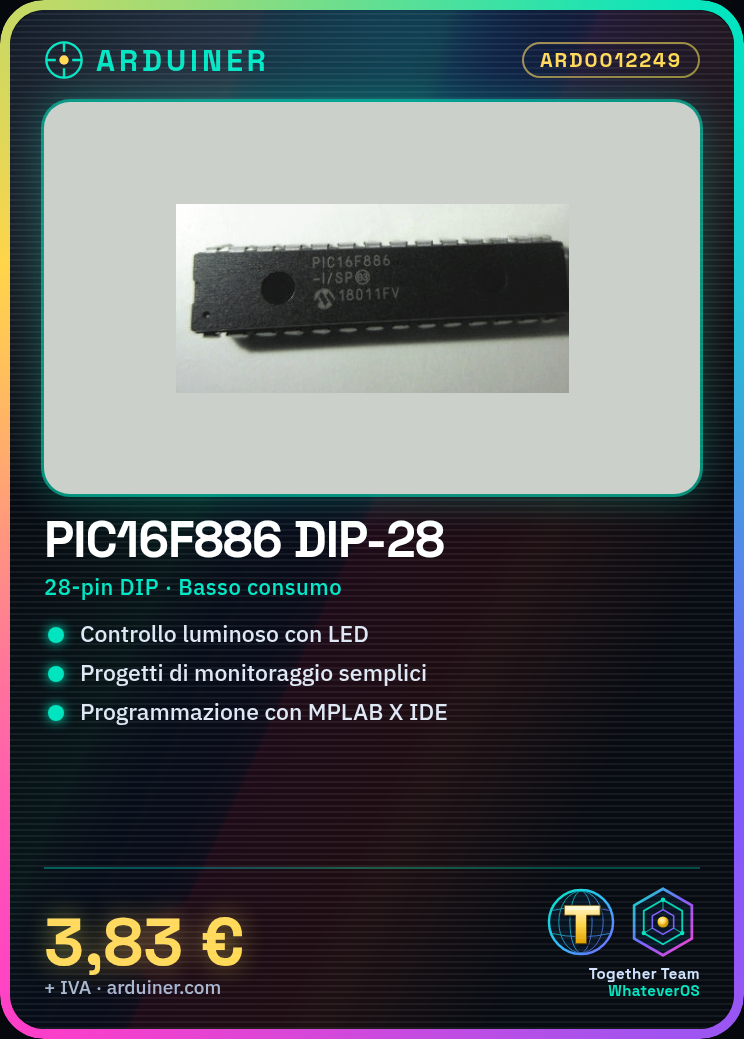
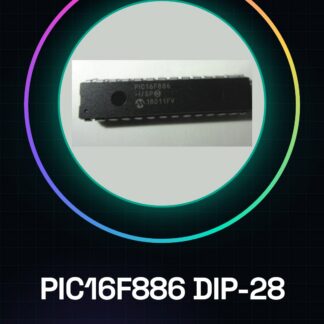
The PIC16F886-I / SP DIP-28 is a low-power microcontroller used in various electronic projects. It is ideal for programming and automation, with applications including monitoring devices, automatic controls, and small robots.
Features
- Microcontroller PIC16F886-I / SP
- DIP-28 Contact
- Low power consumption
- Check the datasheet for detailed technical specifications
What it is for
The PIC16F886-I / SP DIP-28 is used to create small lighting control devices, monitoring systems, and automatic controls. It is compatible with various programming languages and can be integrated into small projects requiring good control and flexibility.
Tutorial: How to use PIC16F886-I / SP DIP-28
The PIC16F886-I / SP DIP-28 is a low-power microcontroller ideal for small projects that require good control and flexibility. This component is particularly useful for makers who want to create monitoring devices, automatic controls, and small robots.
What you need
- Arduino Uno or compatible
- USB cable
- breadboard
- capacitors
- resistors
- LEDs
Steps
- Install the USB driver for the microcontroller
- Connect the PIC16F886 to the breadboard
- Check the power supply voltage on the datasheet
- Connect the electrolytic capacitor for decoupling
- Connect the resistors and LEDs to the circuit
- Configure the MPLAB X IDE software
- Write and load the code onto the microcontroller
- Test the circuit operation
Example code
/* Esempio di codice per il PIC16F886 */
#define _XTAL_FREQ 8000000
void setup() {
  TRISA = 0b00000000; // Imposta i pin come output
}
void loop() {
  PORTA = 0b11111111; // Accende tutti i LED
  __delay_ms(500);
  PORTA = 0b00000000; // Spengi tutti i LED
  __delay_ms(500);
}
Mini project
Create a small light control device with the PIC16F886. Connect a light sensor and an LED to the microcontroller to create a system that automatically turns on the lighting when the light is insufficient.
Common mistakes
- Forget to install the USB driver
- Use a power supply voltage that does not conform to the datasheet
- Fail to correctly configure the MPLAB X IDE software
- Forget to connect an electrolytic capacitor for decoupling
Recommended accessories
- Arduino Uno
- USB cable
- Breadboard
- Kit of resistors and capacitors
Frequently asked questions
What is the power supply voltage for the PIC16F886?
Check the datasheet
How can I load the code onto the microcontroller?
Use the MPLAB X IDE software to load the code
What type of capacitor should I use?
A small electrolytic capacitor for decoupling
Reviews
There are no reviews yet.