 EN
 IT Italiano
 ES Español
 FR Français
 DE Deutsch
Description
What it is
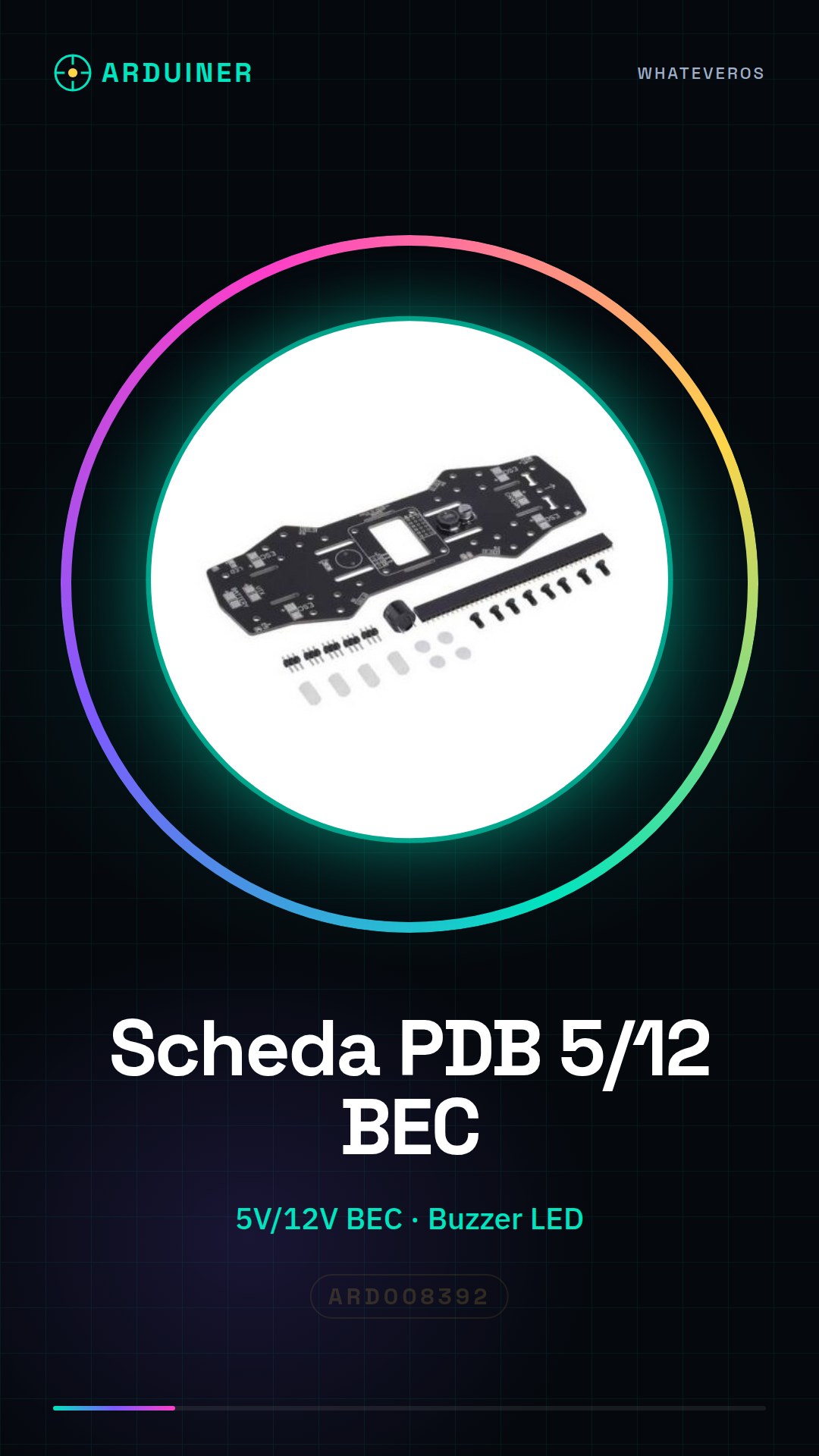
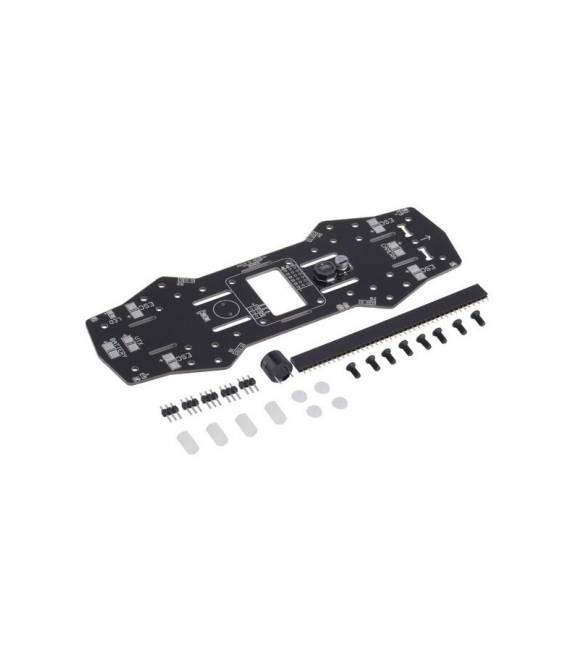
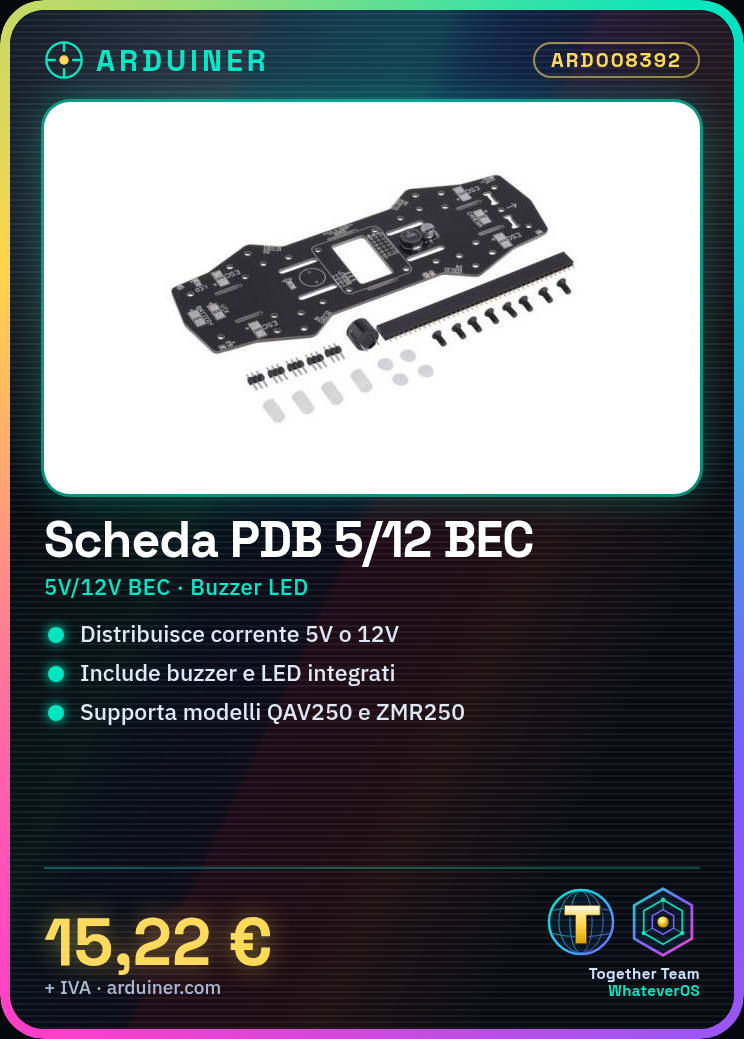
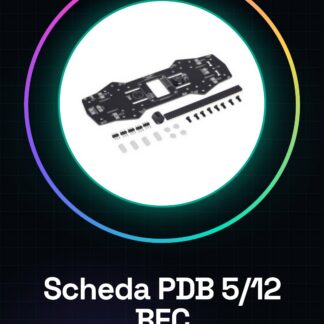
The PDB 5/12 BEC Buzzer LED Fr QAV250 ZMR250 Naze32 CC3D power distribution board is an essential component for drone construction and optimization. Designed to facilitate current management, this board provides a solid foundation for drone pilots seeking reliability and safety in their equipment.
Features
- PDB with BEC 5V/12V
- Compatible with QAV250 and ZMR250 models
- Support for Naze32 and CC3D control systems
- Inclusion of integrated buzzer and LED
What it is for
This PDB board is ideal for pilots who wish to build or customize small to medium-sized drones. It can be used in conjunction with LiPo batteries, brushless motors, and control systems such as Naze32 and CC3D.
Tutorial: How to use PDB 5/12 BEC Buzzer LED Power Distribution Board
This board is ideal for drone pilots looking for a safe and reliable current distribution system. Its ability to provide power at various levels (5V or 12V) makes this PDB suitable for both small and larger models, ensuring optimal performance during flight operations.
What you need
- Drone frame
- LiPo battery
- Flight controller (Naze32 or CC3D)
- Brushless motors
Steps
- Install the PDB board on the drone frame, ensuring it is securely fastened.
- Connect the flight controller to the specified connector on the PDB.
- Connect the brushless motors to the corresponding connectors on the PDB.
- Power the PDB with the LiPo battery, verifying the correct orientation of the positive and negative poles.
- Check that the power LED is on, indicating a proper installation.
- If necessary, connect sensors or other devices to the BEC (Battery Eliminator Circuit) to provide 5V power.
- Test the PDB with a small test flight of the drone.
- Check the datasheet for the type and power of the connectors to ensure proper installation.
Mini project
[‘Build a small quadcopter using this PDB, a LiPo battery, brushless motors and a Naze32 flight controller. Configure the system for a short test flight.’, ‘Duration: approximately 30 minutes’]
Common mistakes
- Do not properly verify the orientation of the battery during power-up.
- Connect the motors to the wrong connectors, causing damage to the system.
- Omit checking the BEC to power other necessary devices.
- Do not test the PDB before the actual flight.
Recommended accessories
- LiPo battery
- Naze32 flight controller
- 2212 brushless motors
- IMU sensors
Frequently asked questions
Q: How can I verify if the PDB is installed correctly?
Check that the power LED is on and ensure that all connectors are securely connected.
Q: Can I use this PDB with other flight controller models?
Yes, but make sure to check the datasheet for the specific compatibility of your flight controller model.
Reviews
There are no reviews yet.