 EN
 IT Italiano
 ES Español
 FR Français
 DE Deutsch
Description
What it is
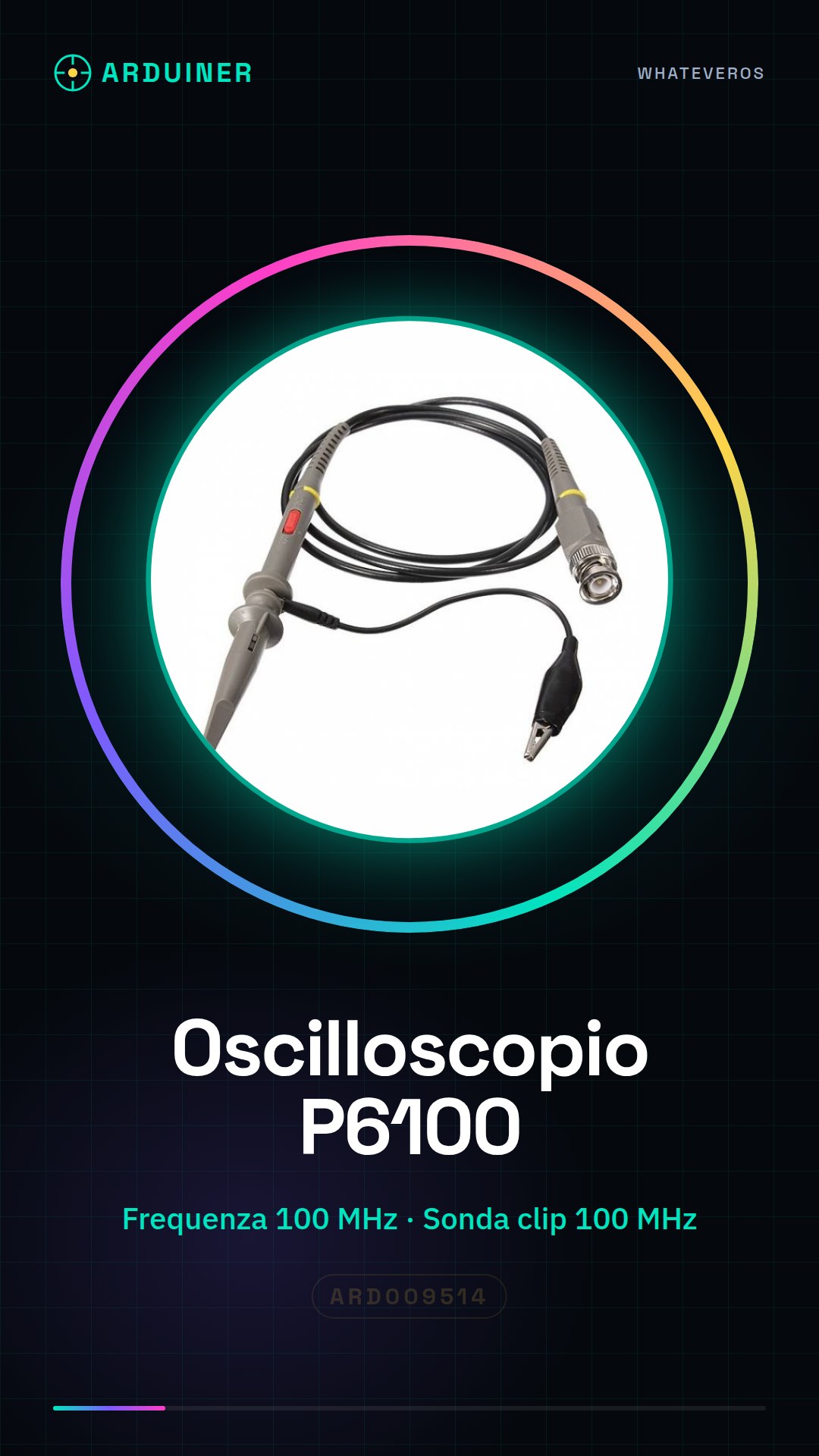
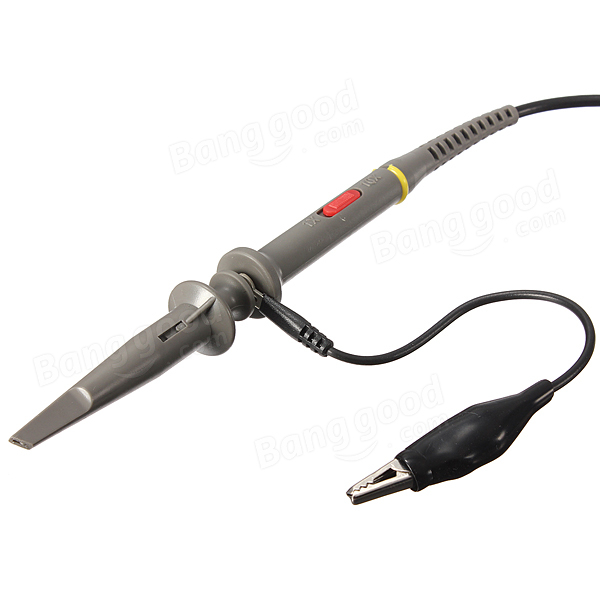
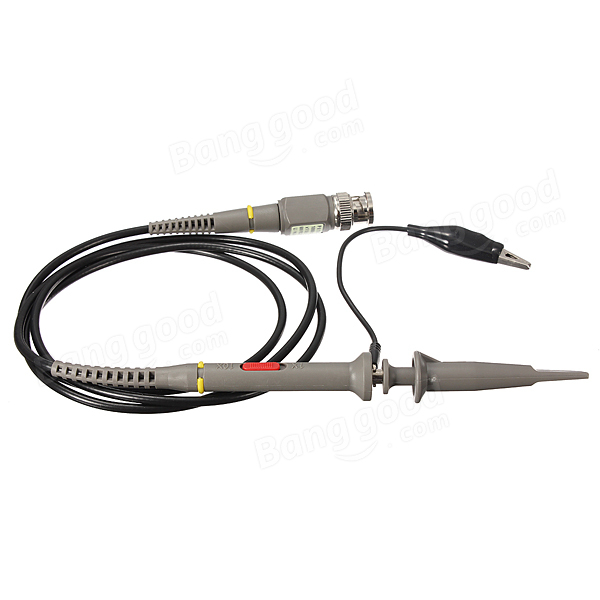
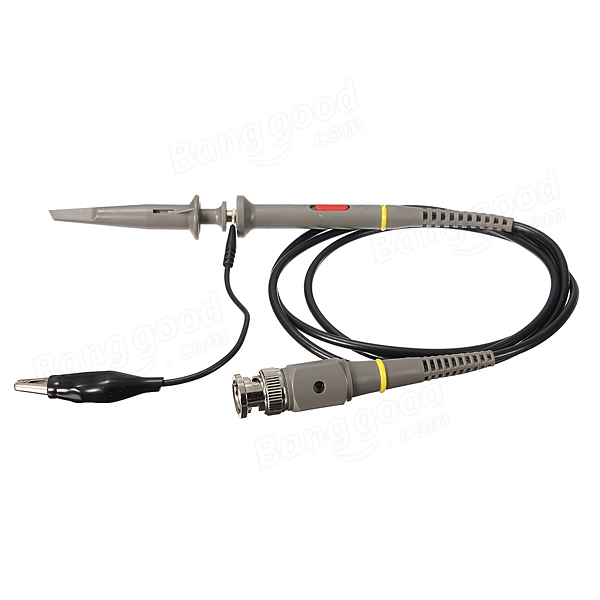
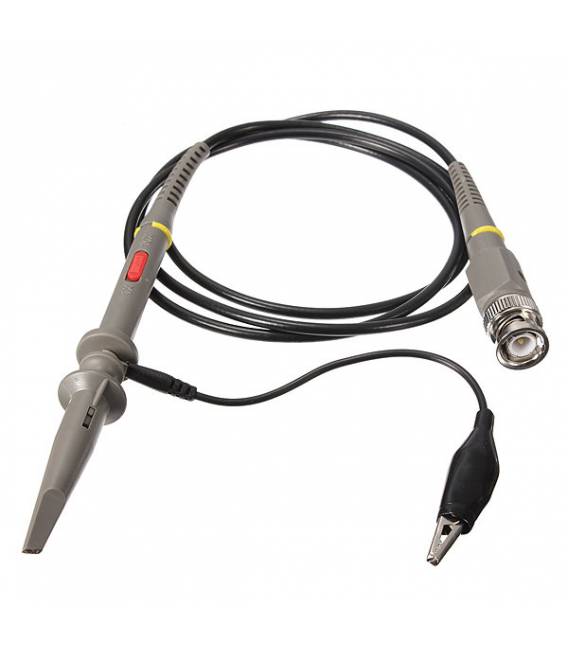
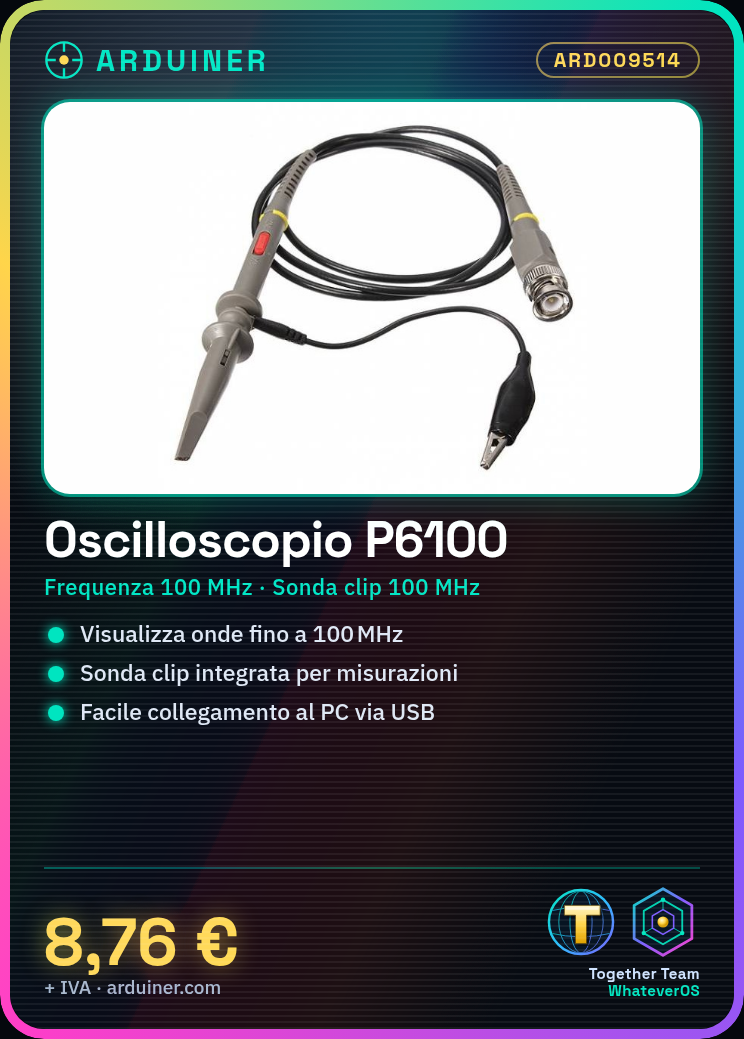
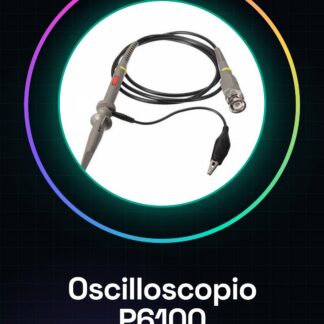
The P6100 oscilloscope is an electronic measurement device that allows you to visualize and analyze electrical waves. Equipped with a built-in 100MHz clip probe, this tool is ideal for makers and electronics students.
Features
- Maximum frequency: 100MHz
- Integrated clip probe: Yes
What it is for
The P6100 oscilloscope is used for signal analysis and complex project work. Examples of use include verifying the PWM signal generated by an Arduino digital pin, monitoring the performance of electronic circuits, and resolving engineering issues.
Tutorial: How to use P6100 Oscilloscope Clip Probe
The P6100 oscilloscope is an essential device for makers and electronics students who wish to visualize and analyze electrical waves. This low-cost instrument allows monitoring signals up to 100MHz, making it perfect for both laboratory projects and practical applications.
What you need
- P6100 Oscilloscope
- Computer with compatible oscilloscope software
- USB cable (if necessary)
- 5V power supply
Steps
- Connect the oscilloscope to the computer via USB cable or serial port.
- Install the driver and oscilloscope software on the computer.
- Verify the connection between the oscilloscope and the computer by opening the software.
- Connect the probe clips to the oscilloscope to measure signals.
- Configure the sensitivity and signal scale settings in the software.
- Apply the probe to the desired points on the circuit to be analyzed.
- Display the signal in real-time on the computer screen.
- Adjust the settings to optimize signal visualization.
Mini project
PWM signal analysis: Connect the oscilloscope to an Arduino digital pin emitting a PWM signal and analyze its parameters.
Common mistakes
- Unable to establish USB connection.
- Incorrect sensitivity or signal scale settings.
- Use of inadequately insulated clips.
- Lack of sufficient power supply for the oscilloscope.
Recommended accessories
- USB cable
- 5V power supply
- Electronic test kit
- Compatible oscilloscope software
Frequently asked questions
How can I verify the correct installation of the driver?
Check if the oscilloscope software detects the oscilloscope as a connected device.
What are the frequency limits of the probe?
Check the datasheet for precise specifications.
Reviews
There are no reviews yet.