 EN
 IT Italiano
 ES Español
 FR Français
 DE Deutsch
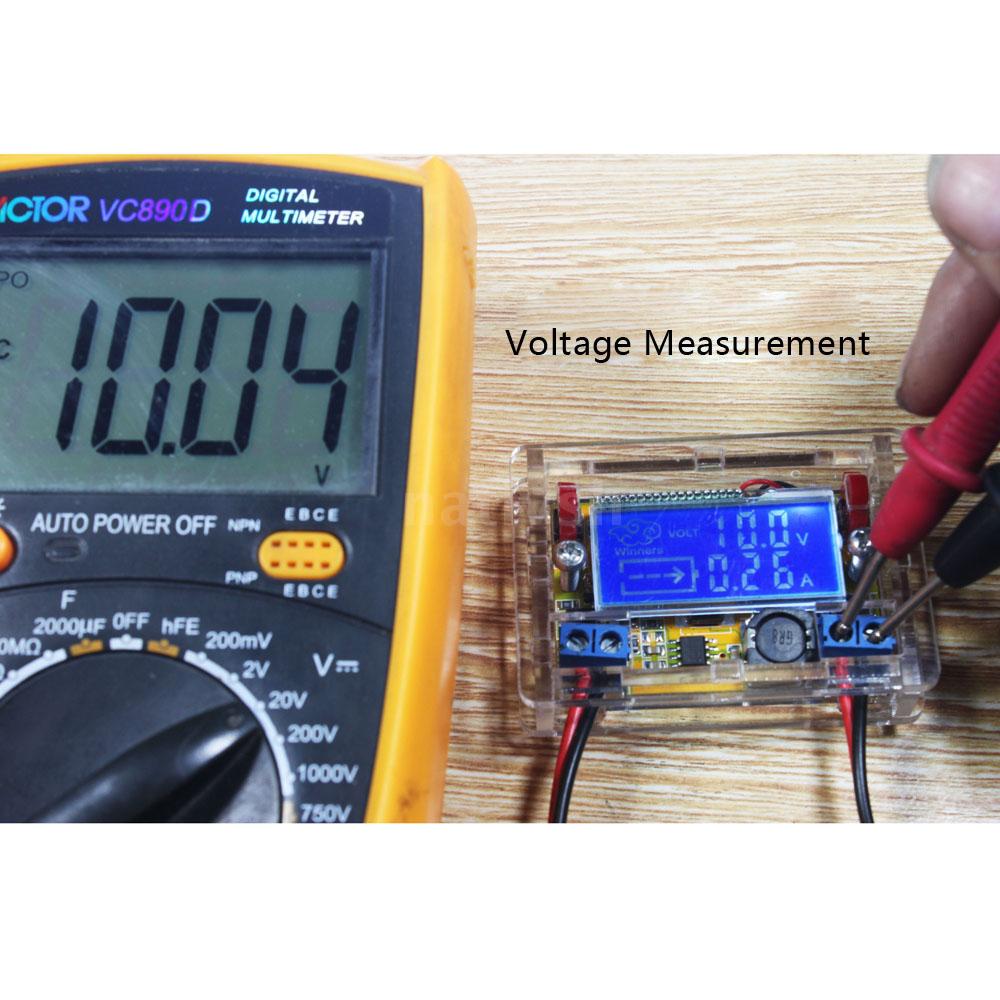
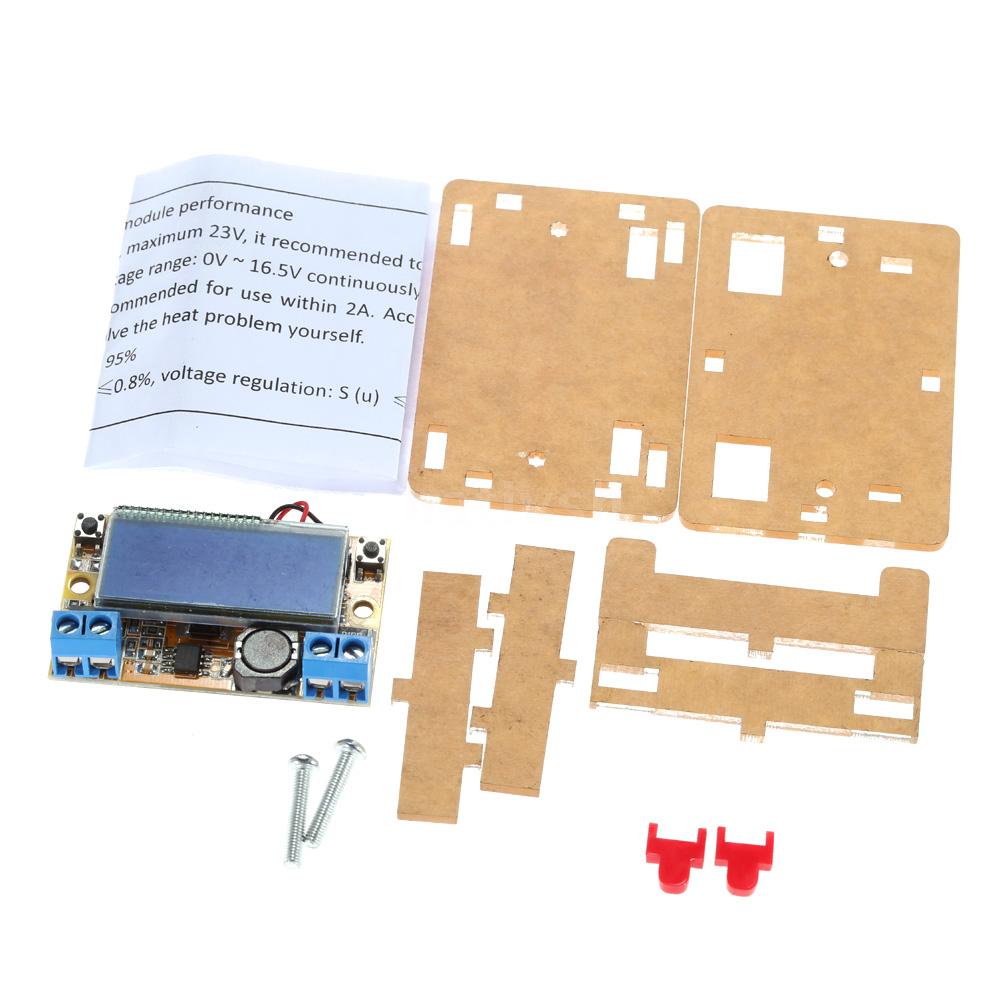
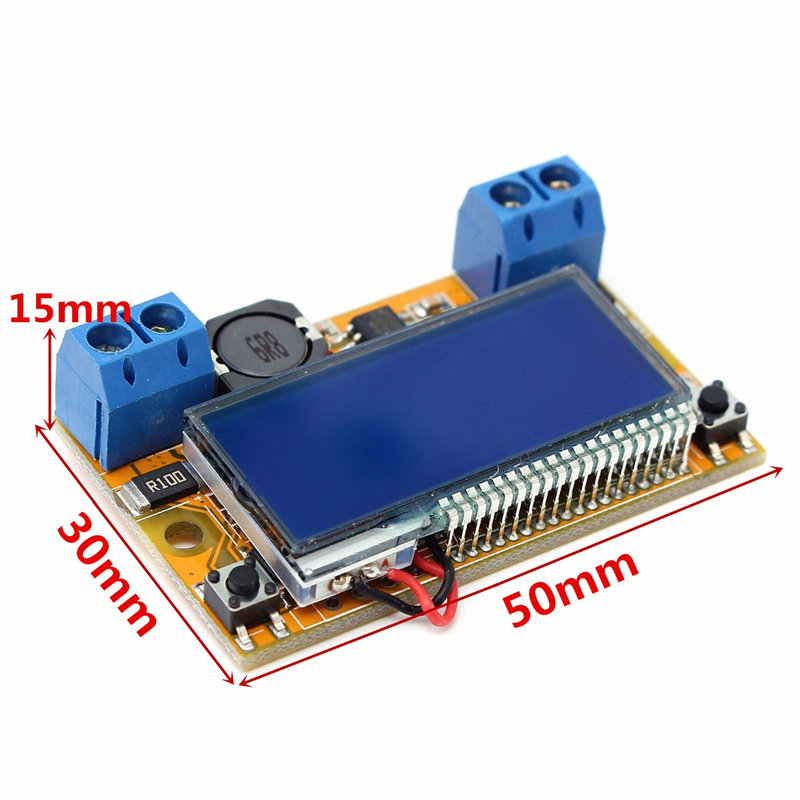
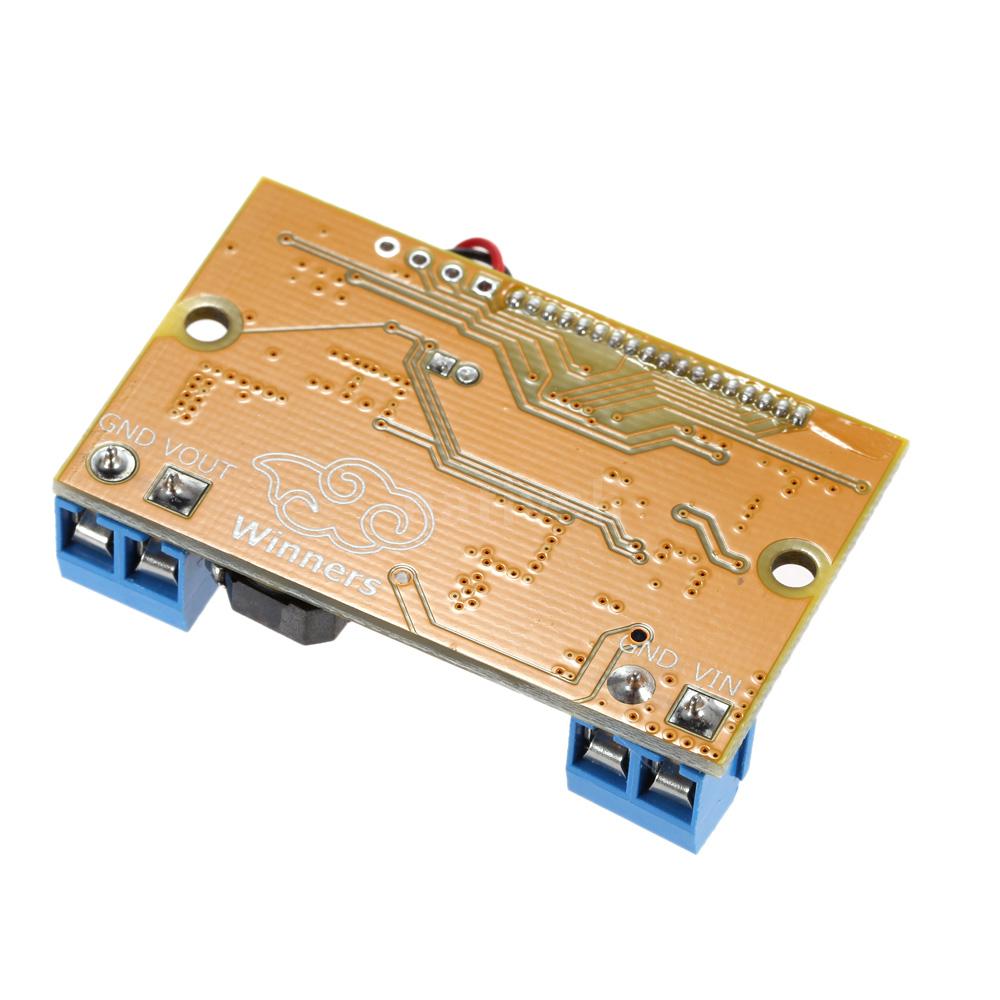
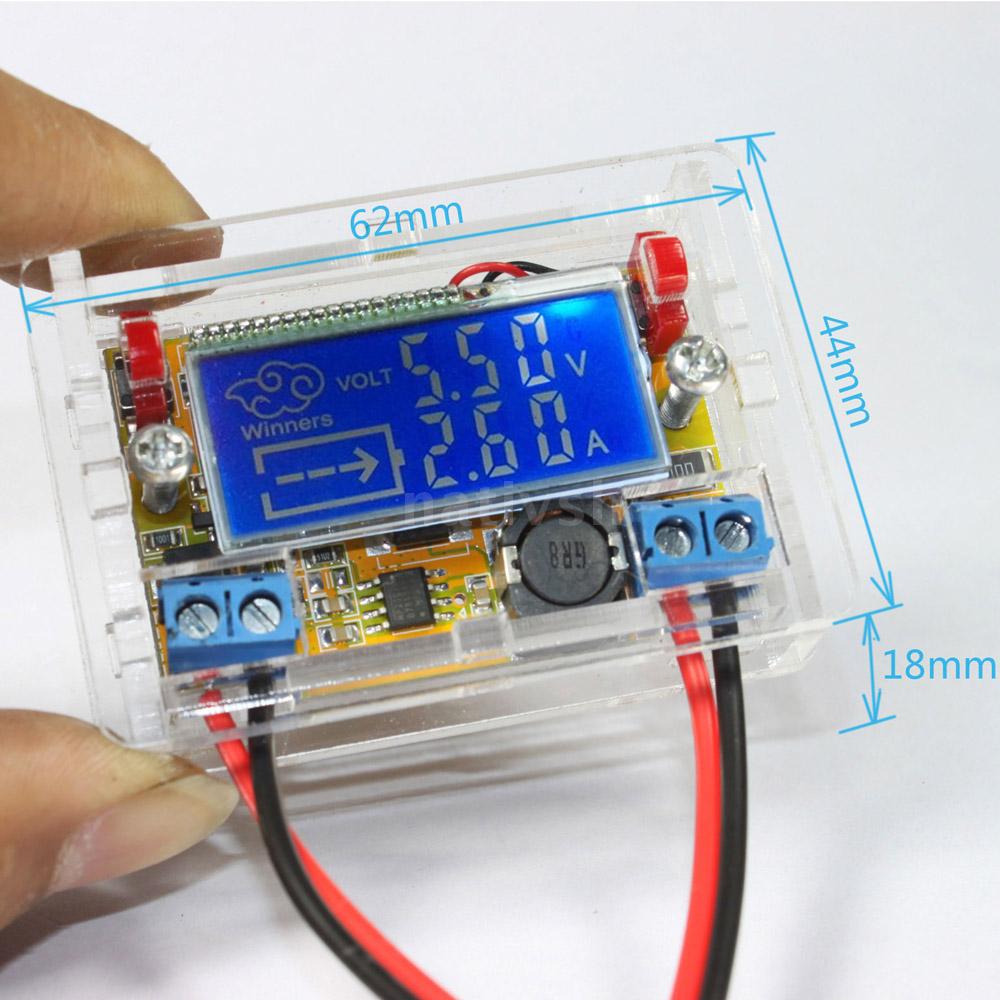
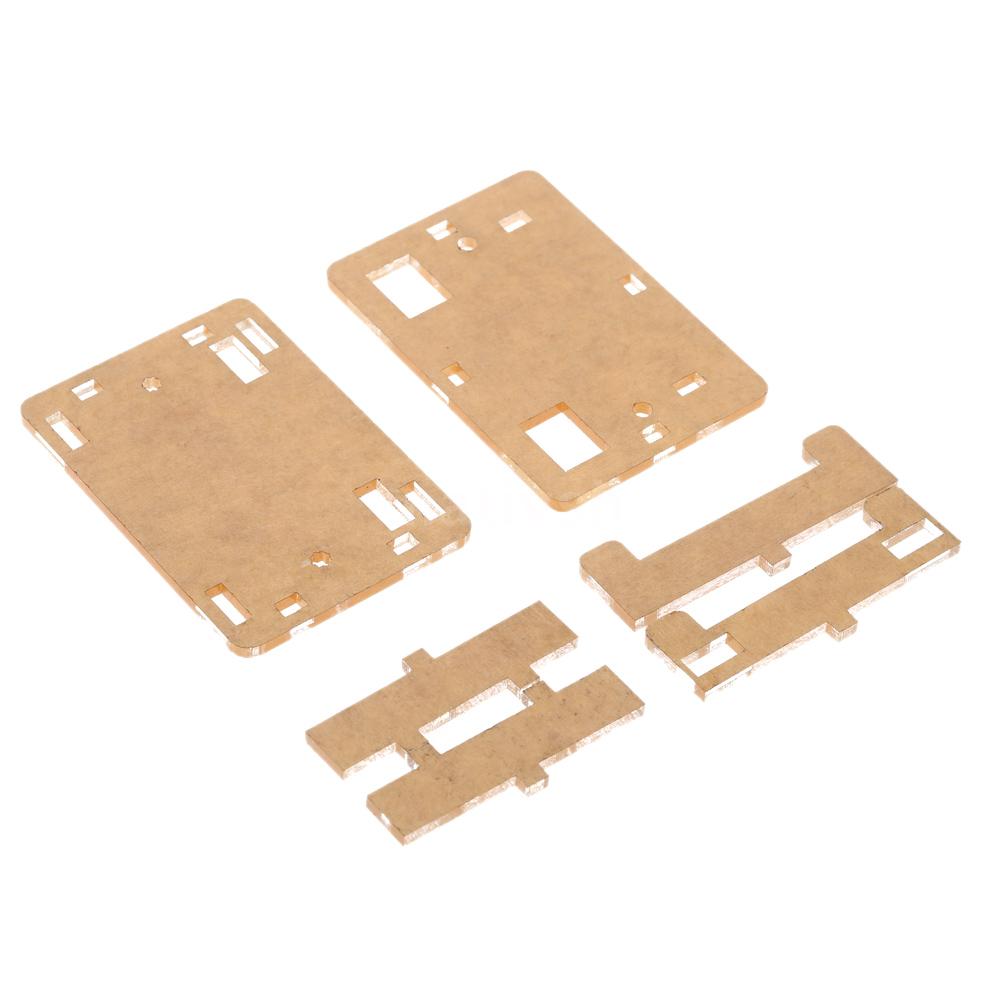
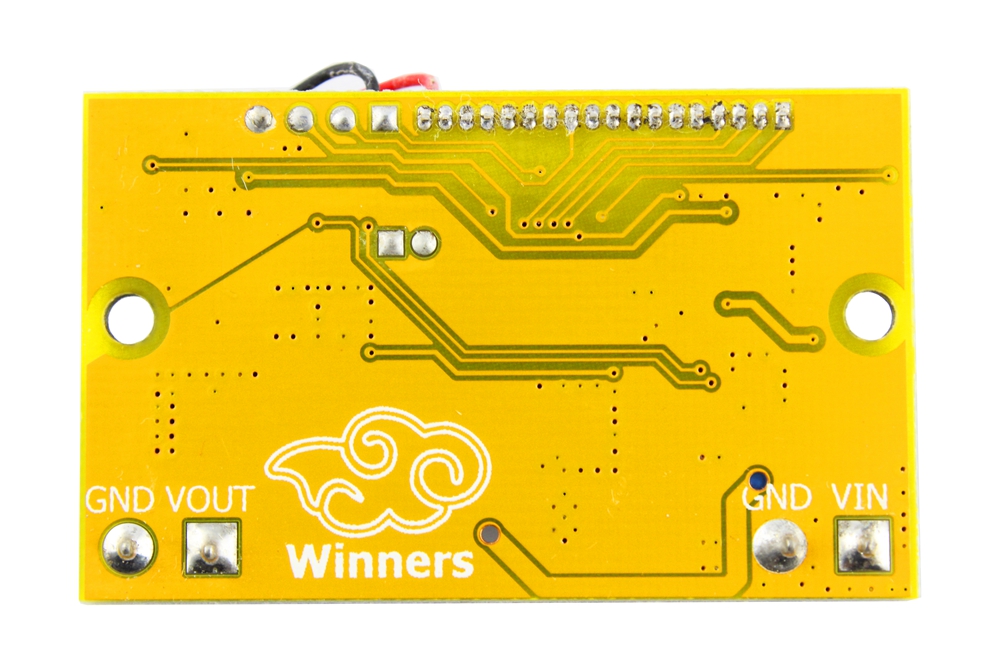
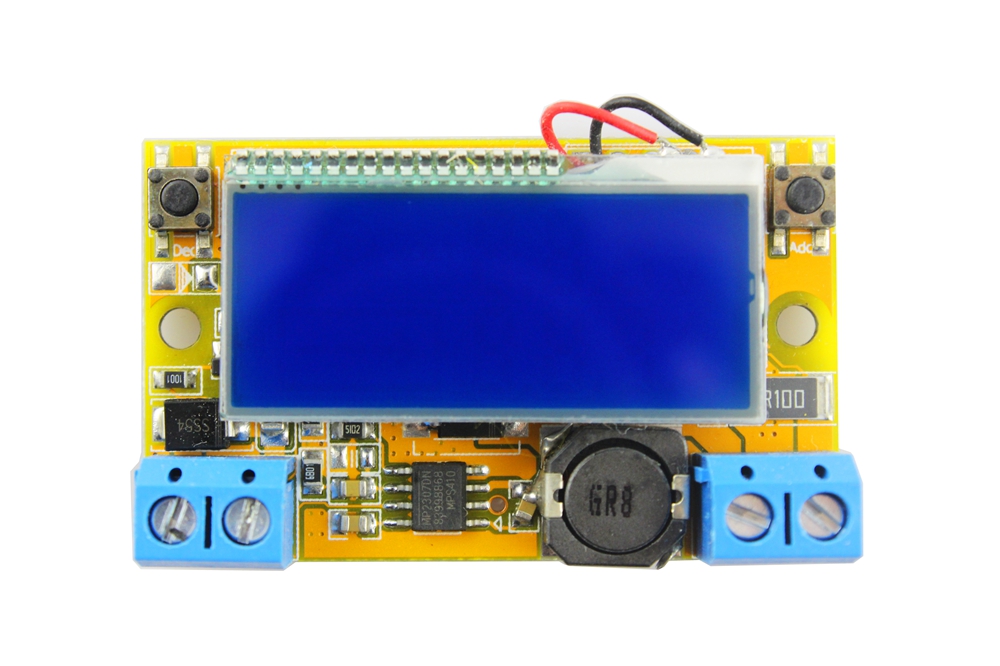
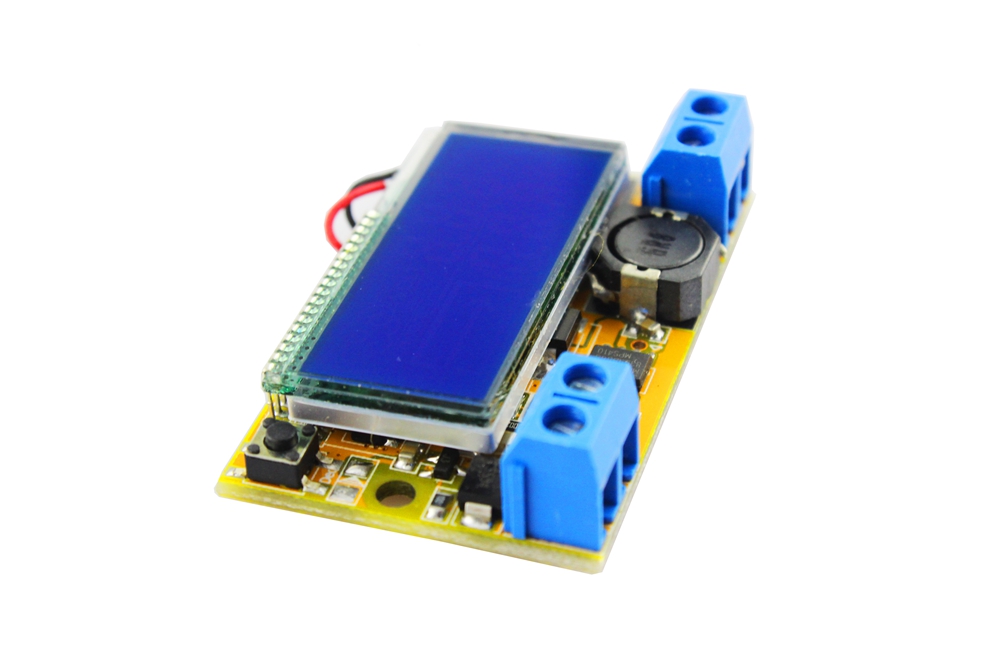
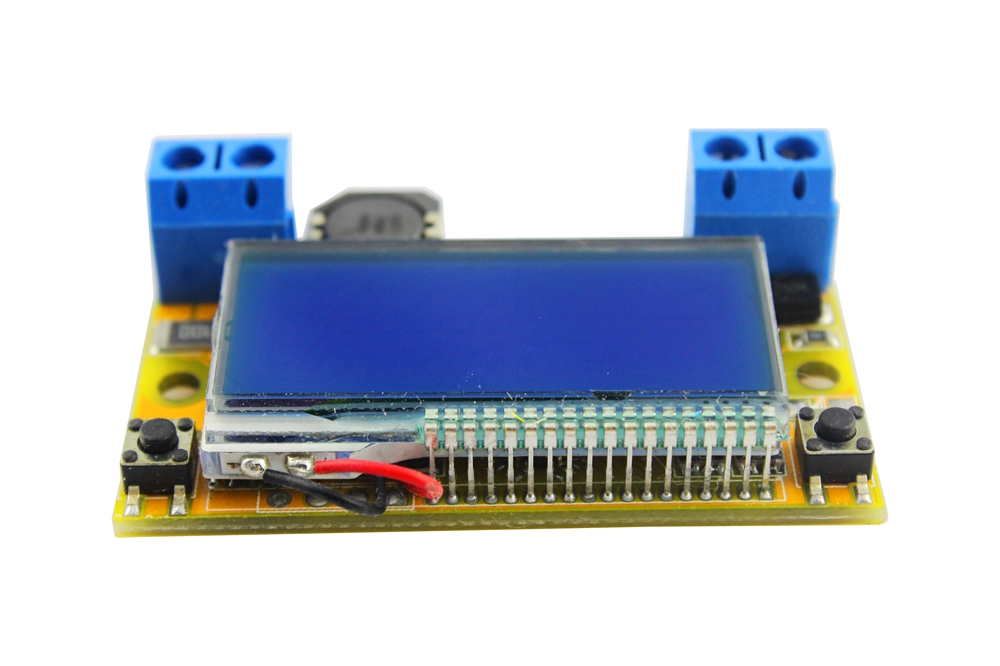
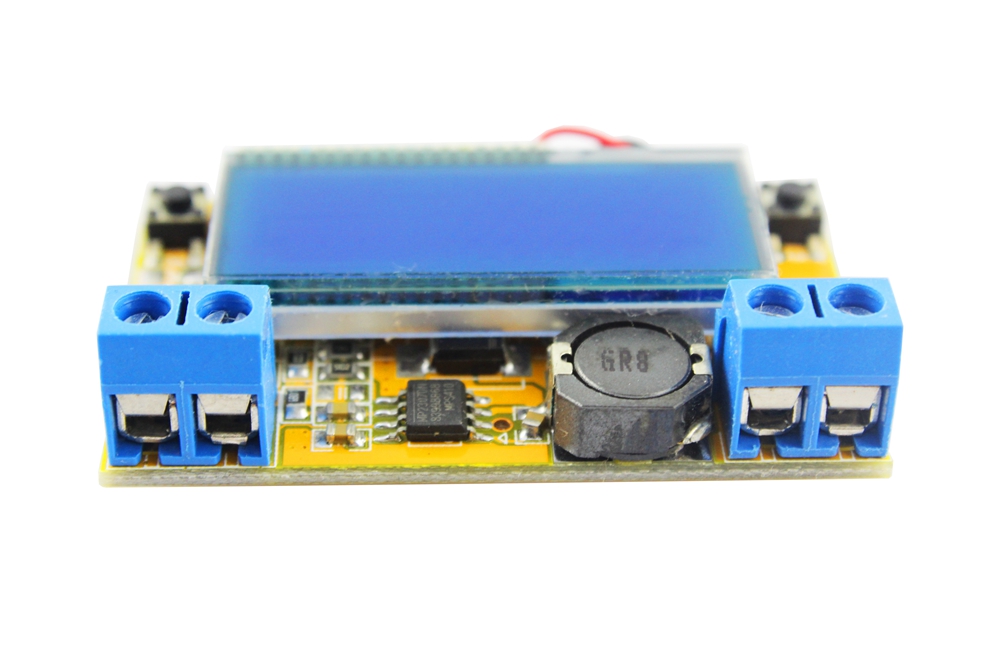
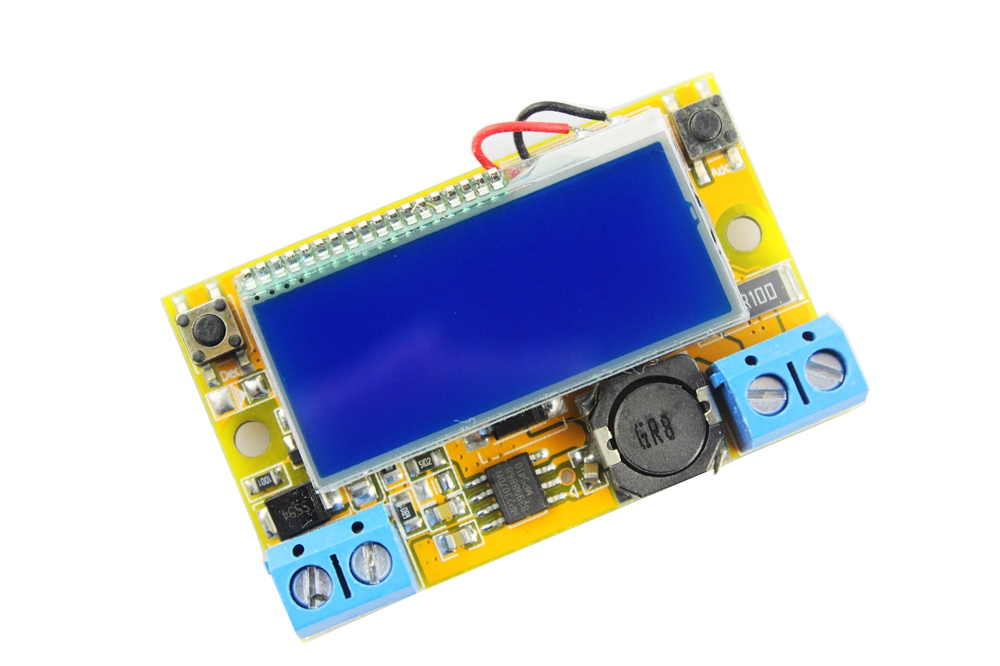
Description
What it is
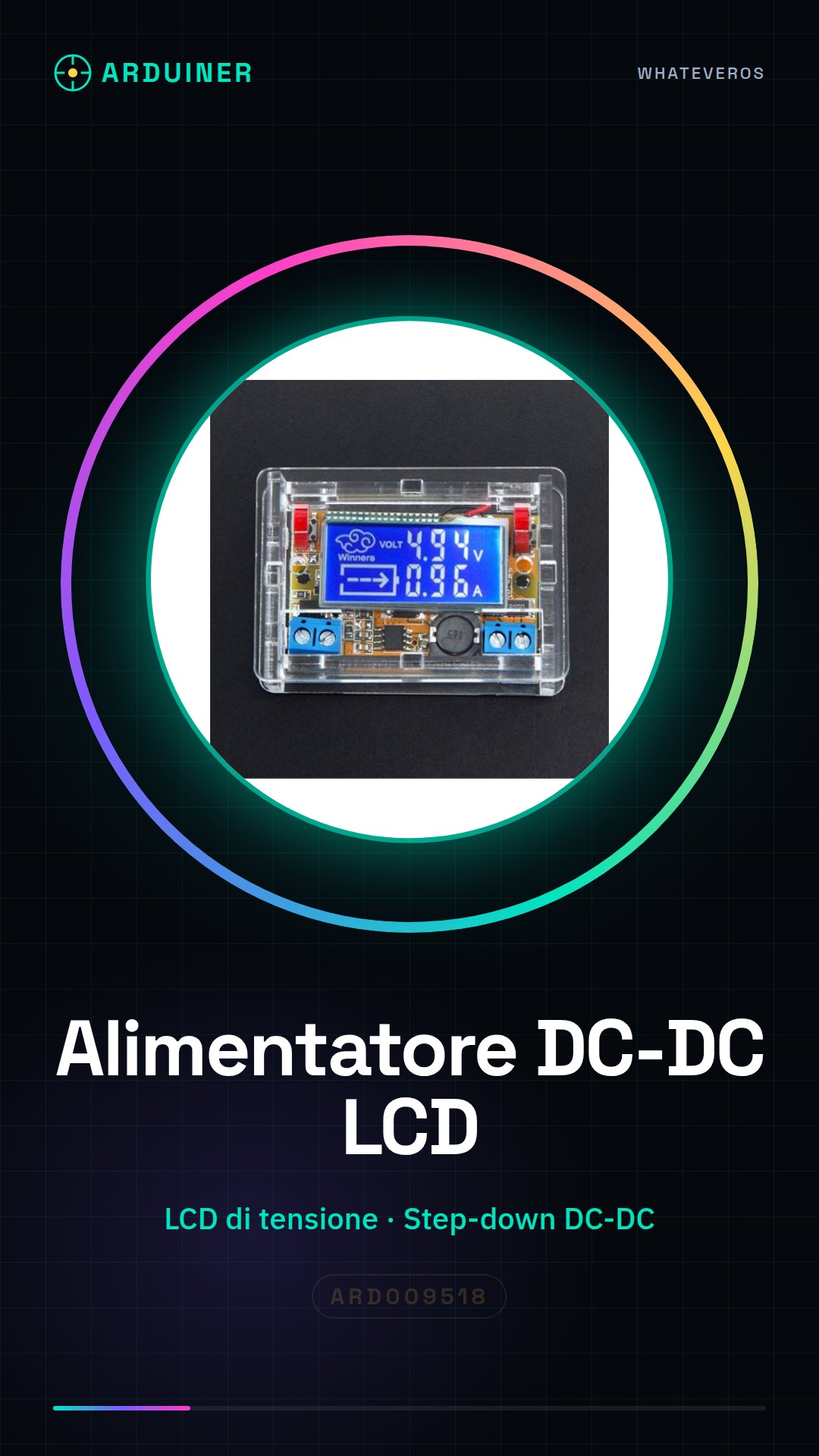
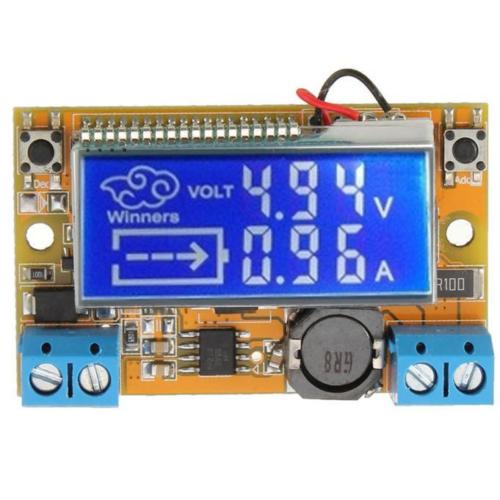
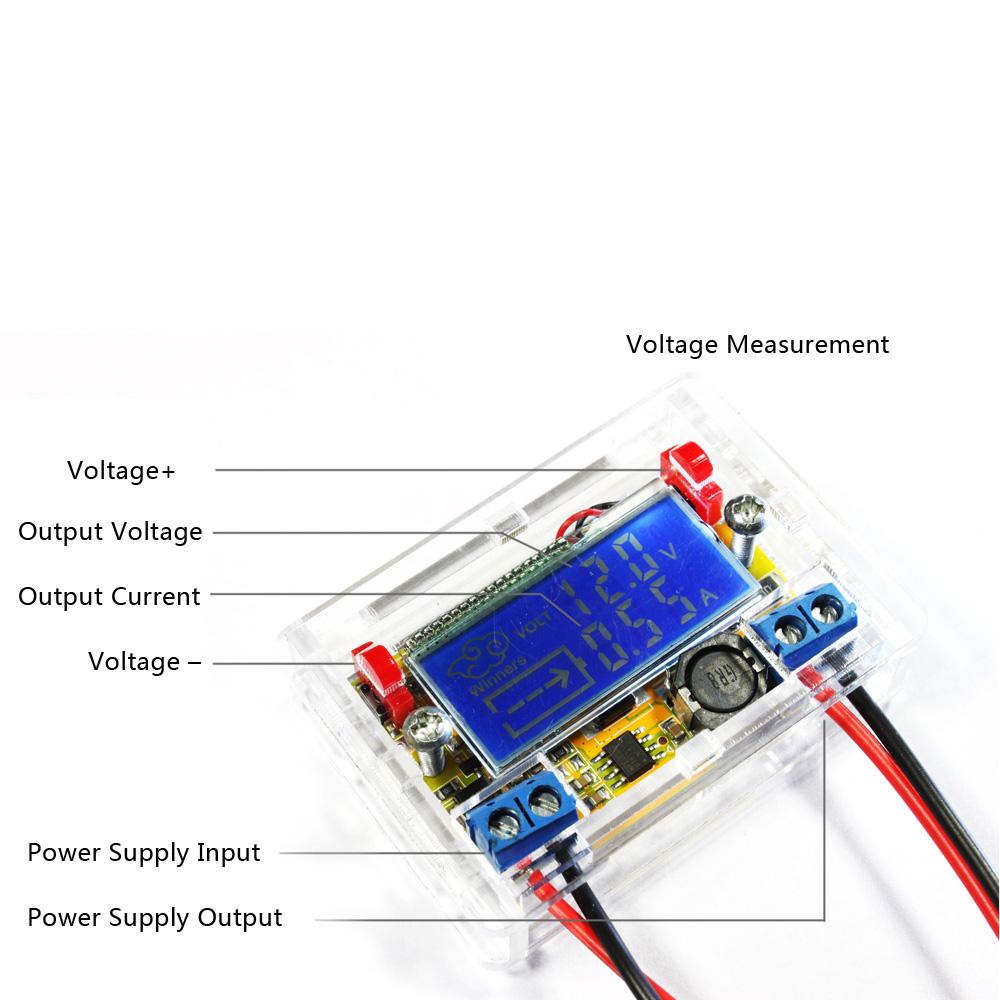
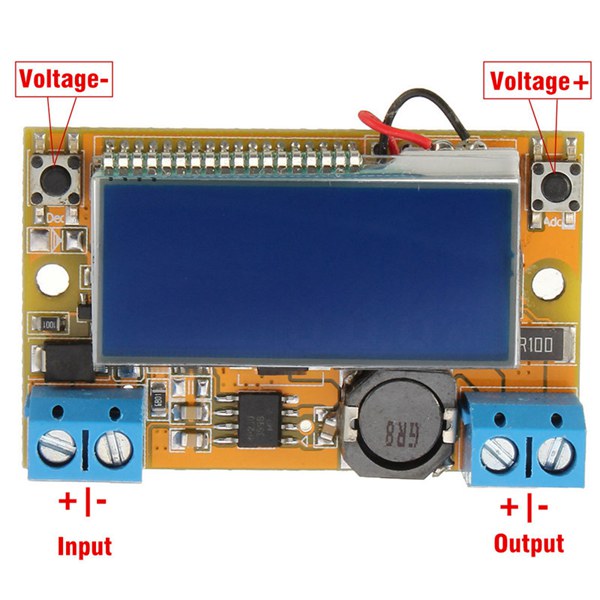
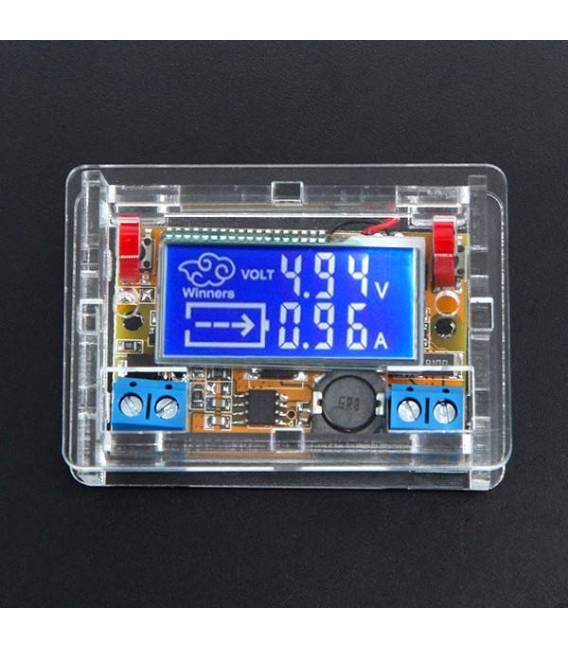
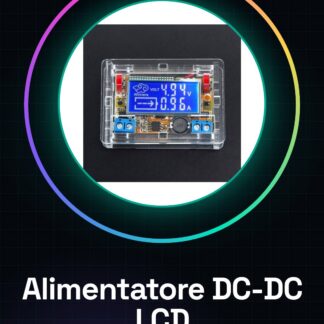
The DC-DC step-down power supply with LCD voltage and current display is a useful device for precise voltage and current monitoring in the lab or DIY projects. This power supply allows regulated voltage conversion, providing clear and visible data on the LCD display.
Features
- LCD voltage and current display
- DC-DC step-down conversion
What it is for
This power supply is ideal for projects requiring regulated voltage conversion, such as building a voltage converter to power an LED. It is suitable for both beginners and intermediates in the field of electronics.
Tutorial: How to use the DC-DC Step-Down LCD Power Supply
This DC-DC step-down power supply with LCD display is ideal for electronic projects requiring regulated voltage conversion. Perfect for beginners and intermediates.
What you need
- DC-DC step-down LCD power supply
- Arduino
- Power supply cable
- Sensors or loads to power
Steps
- 1. Check the specifications on the datasheet for input and output voltage.
- 2. Connect the power supply cable to the input of the power supply.
- 3. Connect the Arduino to the micro USB.
- 4. Connect the power supply to the Arduino via the power pins.
- 5. Connect the sensors or load to the output terminal of the power supply.
- 6. Connect the LCD to the microcontroller.
- 7. Upload the code to Arduino.
- 8. Check the voltage and current displayed on the LCD.
Mini project
Build a simple voltage converter to power an LED. Connect the LED to the output terminal of the power supply and check the voltage on the display.
Common mistakes
- Do not check the specifications on the datasheet.
- Connect the power supply without verifying the correct input voltage.
- Omit connecting the LCD display.
- Do not check the displayed voltage and current.
Recommended accessories
- Temperature sensors
- Status LED indicator
- Connection cables
Frequently asked questions
The display does not turn on?
Check the connection with the microcontroller and the power supply voltage.
How to set the output voltage?
Check the datasheet or contact the supplier.
The display shows incorrect values?
Check the connection and the power supply voltage.
Does the product work only with Arduino?
The product can work with any compatible microcontroller.
Reviews
There are no reviews yet.