 EN
 IT Italiano
 ES Español
 FR Français
 DE Deutsch
Description
What it is
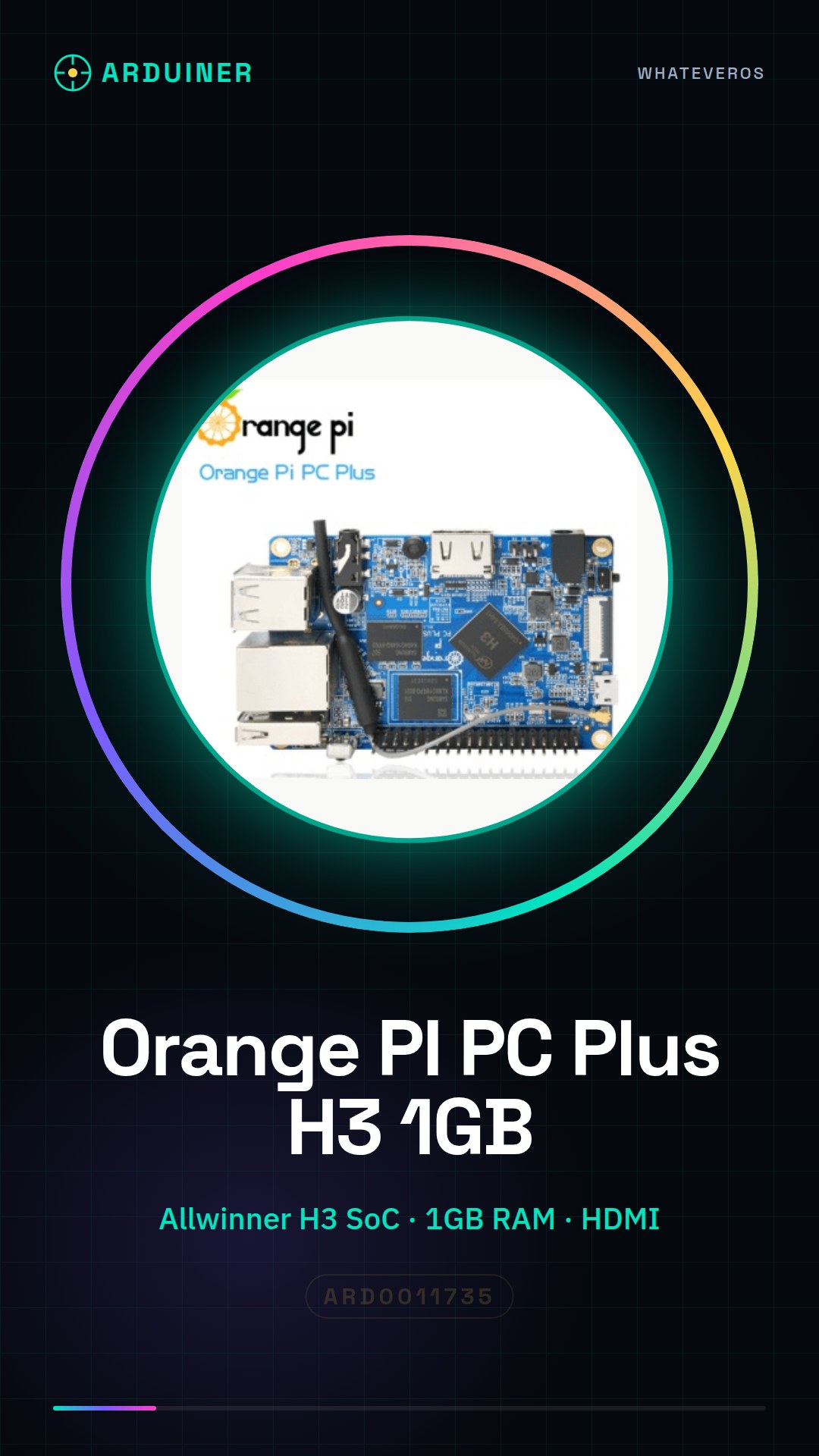
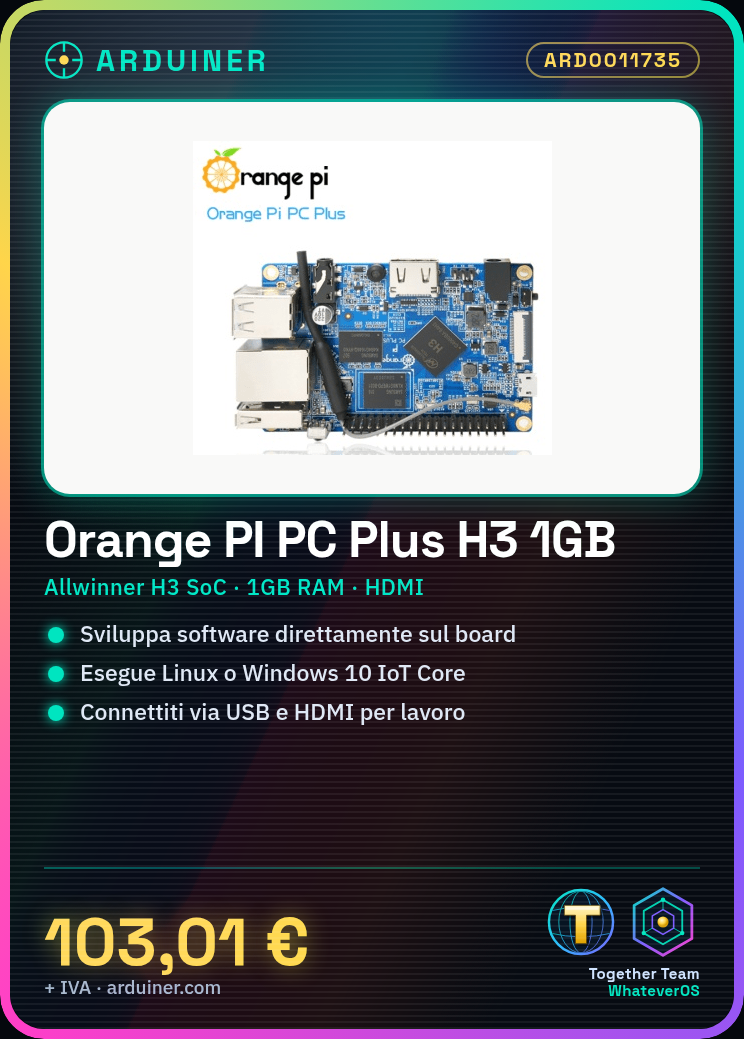
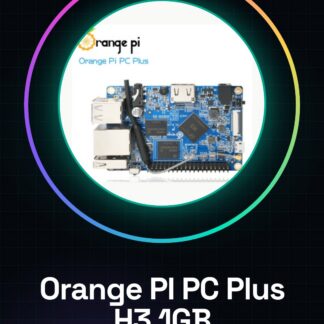
The Orange PI PC Plus H3 with 1GB of RAM is a single board computer designed for developers and technology enthusiasts. This small device offers a powerful platform for software application development, operating system execution, and hardware project creation.
Features
- Single board computer based on Allwinner H3 SoC
- 1GB of RAM
What it is for
The Orange PI PC Plus H3 1GB is ideal for programmers, developers, and maker enthusiasts who want to create hardware projects or run software applications. It can be used as an alternative to Raspberry Pi for implementing simple web servers with Python frameworks like Flask.
Tutorial: How to use Orange PI PC Plus H3 1GB
The Orange PI PC Plus H3 1GB is a small computer designed for developing software applications, running operating systems, and creating hardware projects. Ideal for programmers, developers, and makers.
What you need
- Orange PI PC Plus H3 1GB
- USB 5V Power Supply
- Monitor or HDMI Screen
- Reset Button
- USB Cable for Connection
Steps
- 1. Connect the USB cable to the Orange PI and plug in the power supply.
- 2. Connect the Orange PI to the monitor or screen via the HDMI cable.
- 3. Press the reset button to start the system.
- 4. Install an operating system such as Linux or Windows 10 IoT Core.
- 5. Configure WiFi or Ethernet network.
- 6. Install the necessary software for your project.
- 7. Try running a simple script or application.
- 8. Check the datasheet for memory and CPU specifications.
Mini project
Create a simple web server using a framework like Flask in Python.
Common mistakes
- Do not connect power before starting.
- Do not use a USB cable other than the specified one.
- Do not access the system without installing an operating system.
- Do not forget to update the network configurations.
Recommended accessories
- USB Power Supply 5V
- HDMI Cable
- Reset Button
- Monitor or Screen
Frequently asked questions
How can I install an operating system on Orange PI?
Use a live USB or a microSD with the pre-installed operating system.
What are the hardware specifications of Orange PI?
Check the datasheet for exact specifications.
Can I use Orange PI as a server?
Yes, it can be used as a web or computing server.
What are the prerequisites for using Orange PI?
You need a monitor or HDMI screen, a USB cable, and a USB power supply 5V.
Reviews
There are no reviews yet.