 EN
 IT Italiano
 ES Español
 FR Français
 DE Deutsch
Description
What it is
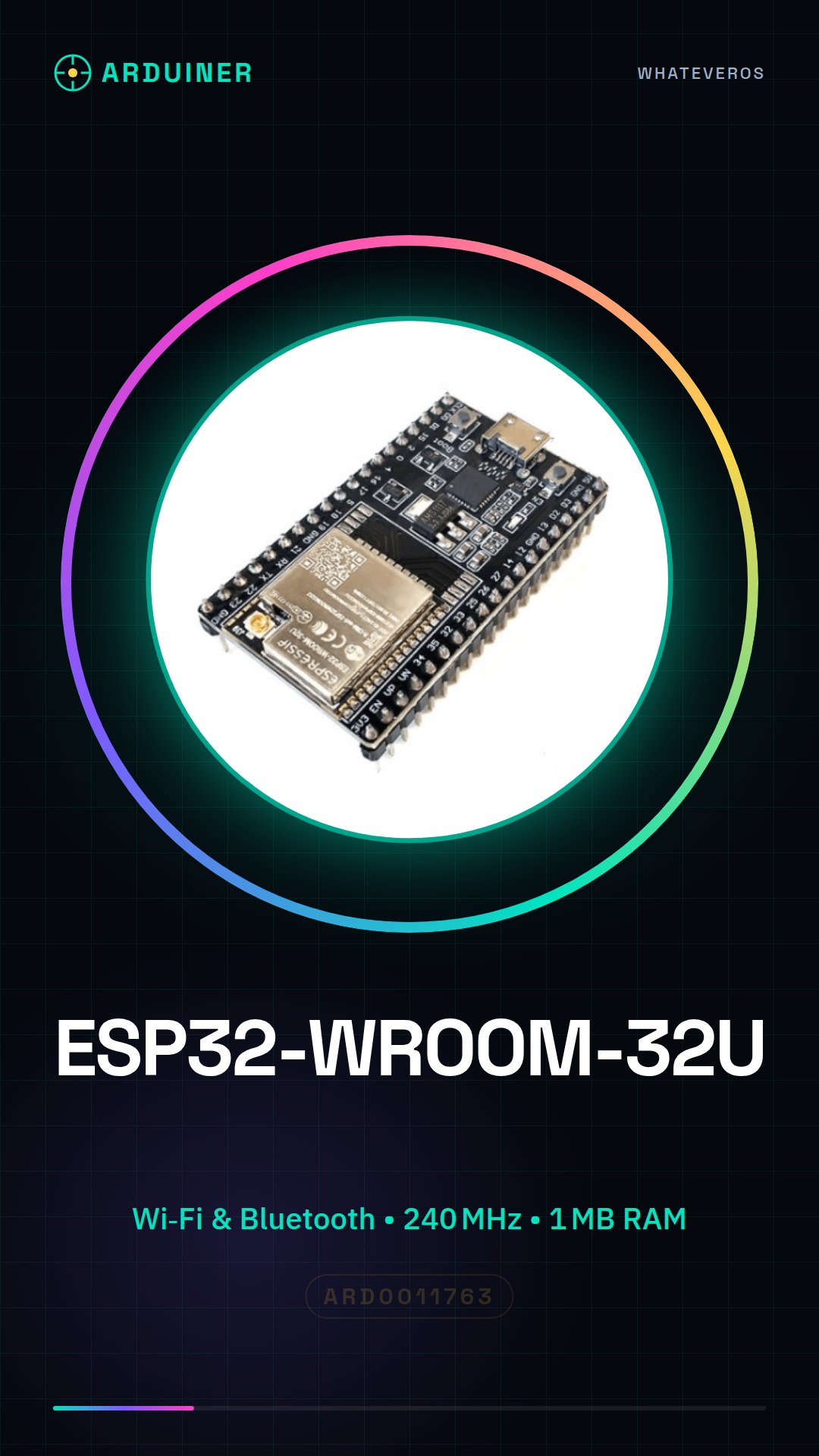
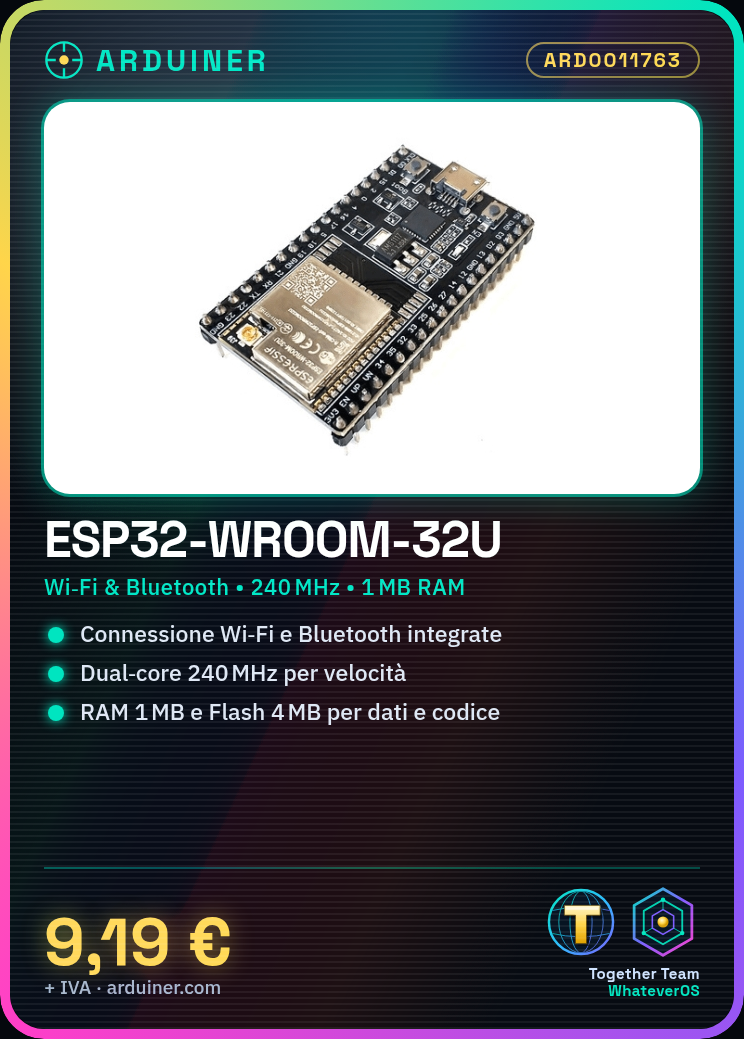
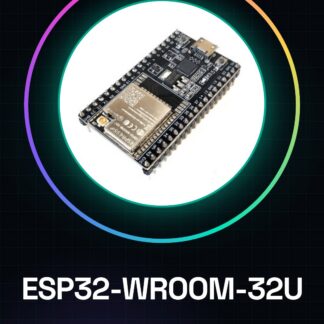
The ESP32-WROOM-32U is a microcontroller module that integrates Wi-Fi and Bluetooth functionality, ideal for Internet of Things (IoT) and robotics projects. With superior computational power compared to traditional Arduino microcontrollers, it offers a wide range of applications.
Features
- Integrated Wi-Fi and Bluetooth technology
- Dual-core Xtensa LX6 microcontroller at 240 MHz
- RAM: 1 MB (check the datasheet)
- Internal flash: 4 MB (check the datasheet)
What it is for
The ESP32-WROOM-32U is suitable for IoT, robotics, and advanced programming projects. It can be used with Arduino IDE to create smart devices such as environmental sensors, presence counters, or wireless interfaces.
Tutorial: How to use ESP32-WROOM-32U
The ESP32-WROOM-32U is a versatile microcontroller for IoT and Arduino projects. Useful for beginners and intermediates.
What you need
- ESP32-WROOM-32U
- Arduino IDE
- USB cable
- 10kΩ resistor
- LED
- Battery (optional)
Steps
- 1. Download and install Arduino IDE.
- 2. Connect the ESP32 to your PC with the USB cable.
- 3. Verify the correct power supply on the datasheet.
- 4. Configure the serial ports on your PC.
- 5. Download the USB driver if necessary.
- 6. Load the ‘Blink’ example sketch onto ESP32.
- 7. Connect the LED to pin GPIO2 and to 3.3V with a 10kΩ resistor.
- 8. Turn on the LED with Arduino code.
Example code
```void setup() { pinMode(2, OUTPUT);}void loop() { digitalWrite(2, HIGH); delay(1000); digitalWrite(2, LOW); delay(1000);}```Mini project
Create a simple alarm device with a button and an LED.
Common mistakes
- Incorrect power supply.
- Incorrect Arduino IDE configuration.
- USB connector not sufficiently stable.
- Incorrect GPIO pin parking.
Recommended accessories
- Prototype panel
- Button
- Motion sensors
- LCD display
Frequently asked questions
How can I power the ESP32?
Check the datasheet for correct power supply.
Which pins can I use for the USB connector?
Check the datasheet for power and reset pins.
What common mistakes should I avoid?
Check the datasheet for hardware specifications.
Can I use ESP32 with other IDEs?
Yes, but make sure to use Arduino support.
Reviews
There are no reviews yet.