 EN
 IT Italiano
 ES Español
 FR Français
 DE Deutsch
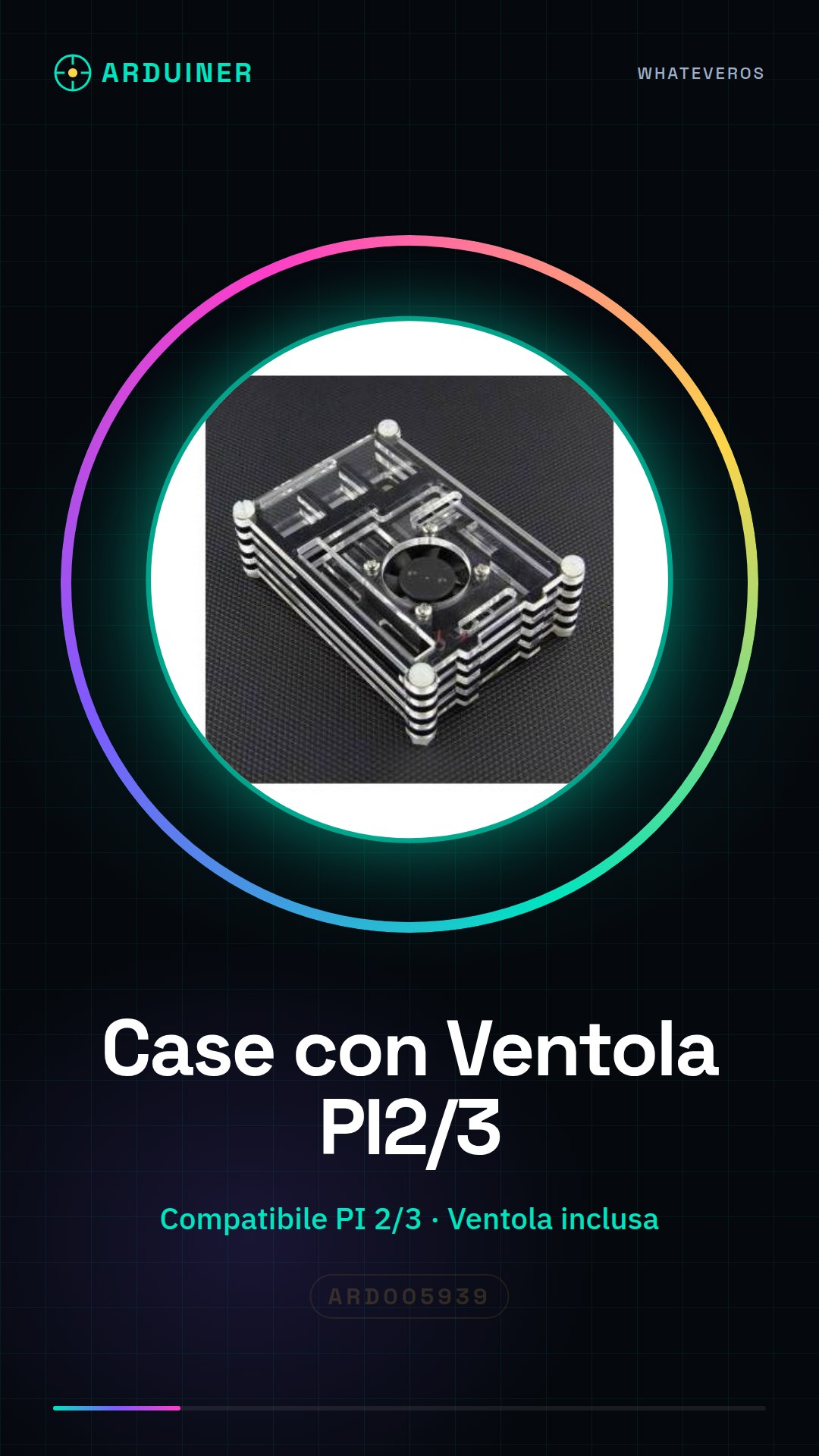
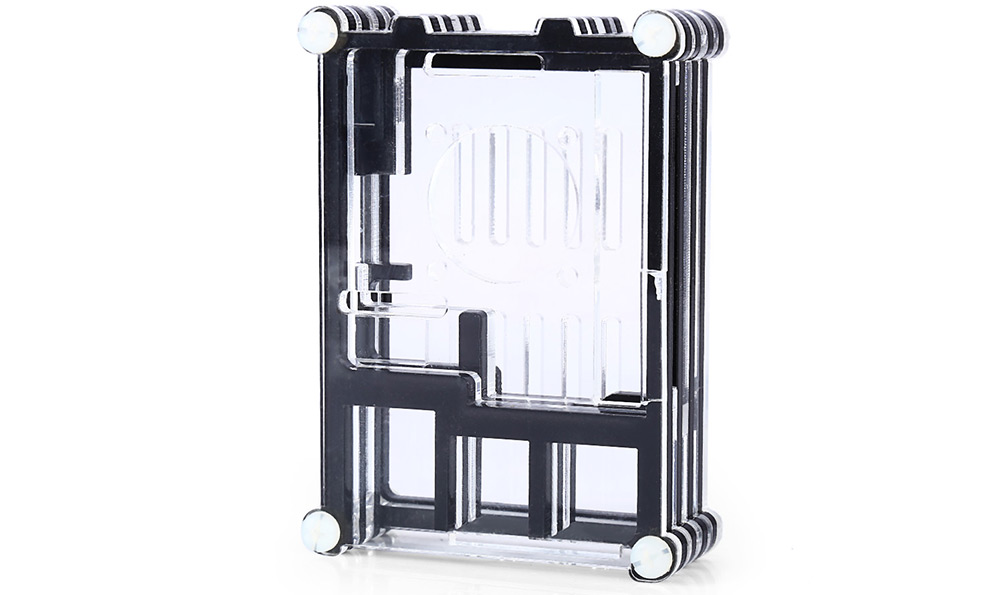
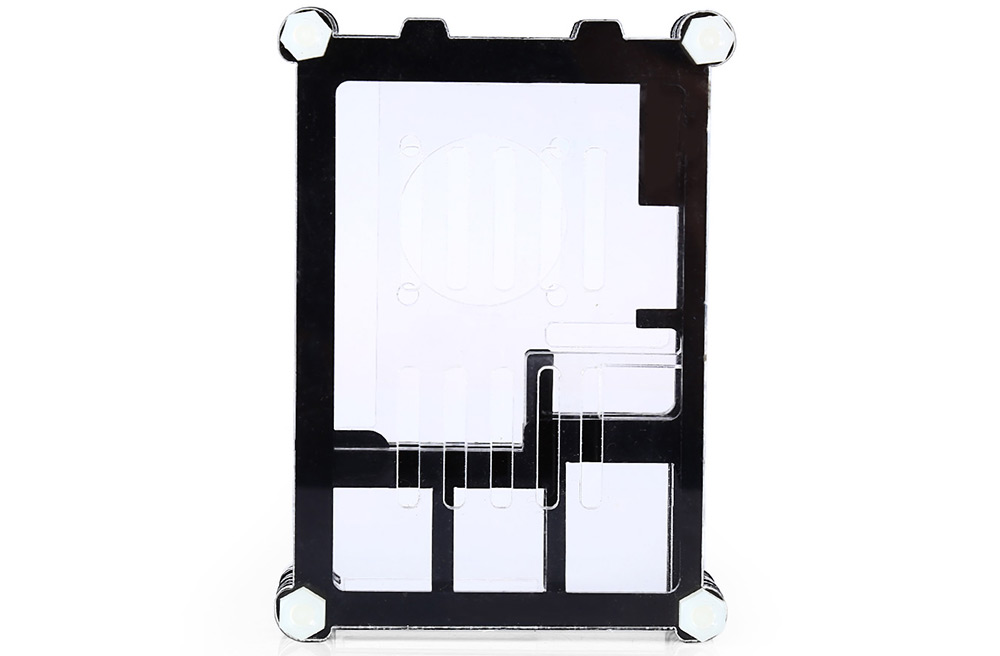
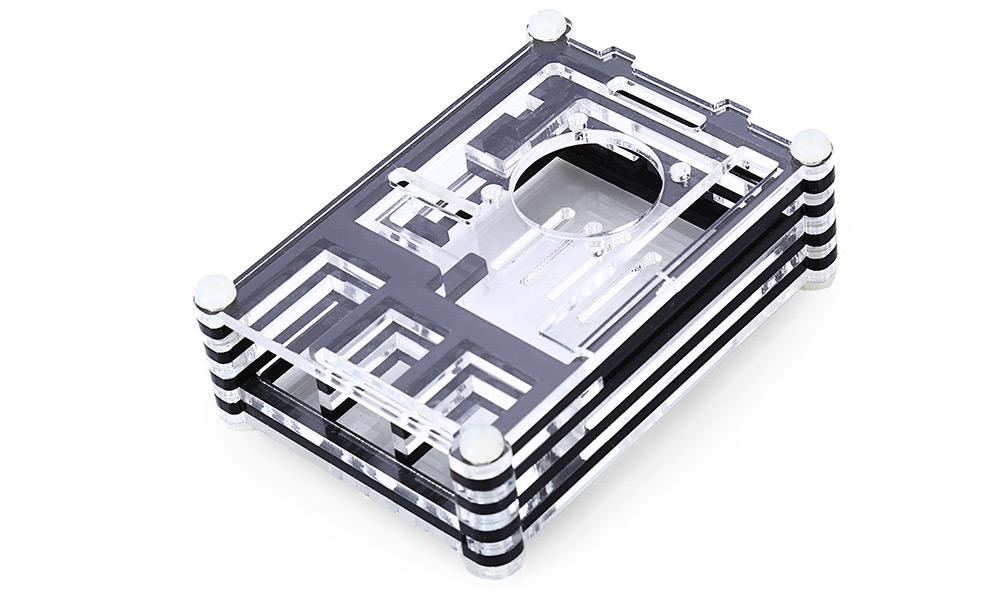
Description
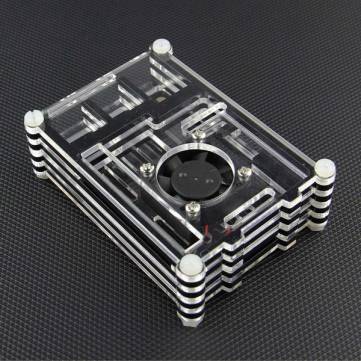
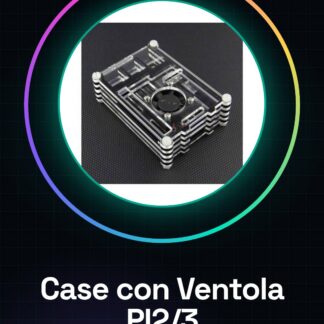
Multi-layer Case with Fan for Raspberry PI 2 / PI 3
Compatible with Raspberry PI 3
We have datasheets available for all components, should they not be present in the product download sheet, please send us a message through the contact us form and we will publish it as soon as possible on the website.
Tutorial: How to use Multi-layer Case with Fan for Raspberry PI 2 / PI 3
The multi-layer case with fan is designed to keep your Raspberry Pi board cool during intensive use, ensuring stable operation and extending the life of your device. Ideal for beginners who want to protect their Raspberry Pi from damage due to overheating.
What you need
- Raspberry PI 2 or 3
- SD Card with installed operating system
- USB Power Supply
Steps
- 1. Check the compatibility of your Raspberry Pi (2 or 3) with this case.
- 2. Completely shut down the Raspberry Pi and remove the SD card if necessary.
- 3. Gently insert the Raspberry Pi into the case, ensuring that all connections are properly seated without forcing.
- 4. Check the datasheet of the fan to see if it needs to be connected to a GPIO port to regulate speed or if it can operate independently with a separate power supply.
- 5. If necessary, connect the fan to the Raspberry Pi’s GPIO port following the specific product instructions.
- 6. Connect the USB power supply to the Raspberry Pi and make sure it is stable on the base of the case.
- 7. Power on the Raspberry Pi and check that the fan is functioning correctly, checking the datasheet to see if additional software needs to be installed to regulate the fan speed.
- 8. Configure any additional software such as lm-sensors or i2c-tools to monitor temperature and fan rotation speed (check the datasheet).
Mini project
Set up a Raspberry Pi-based alarm system that uses the case with fan to keep the CPU cool during continuous use. The project can be completed in 30 minutes and involves software installation, temperature configuration, and sensor setup.
Common mistakes
- Do not check compatibility with Raspberry Pi model.
- Force connections when inserting the Raspberry Pi into the case.
- Omit proper connection of the fan, causing overheating.
- Ignore configuration of necessary software to monitor and regulate temperature and fan speed.
Recommended accessories
- USB 5V Power Supply
- SD Card with Raspbian operating system installed
- Temperature sensors LM35 or DS18B20
Frequently asked questions
Does the case work with Raspberry Pi Zero?
Check the datasheet for specific compatibility.
How can I adjust the fan speed?
Follow the instructions in the datasheet or install additional software such as lm-sensors.
Reviews
There are no reviews yet.