 EN
EN IT Italiano
 ES Español
 FR Français
 DE Deutsch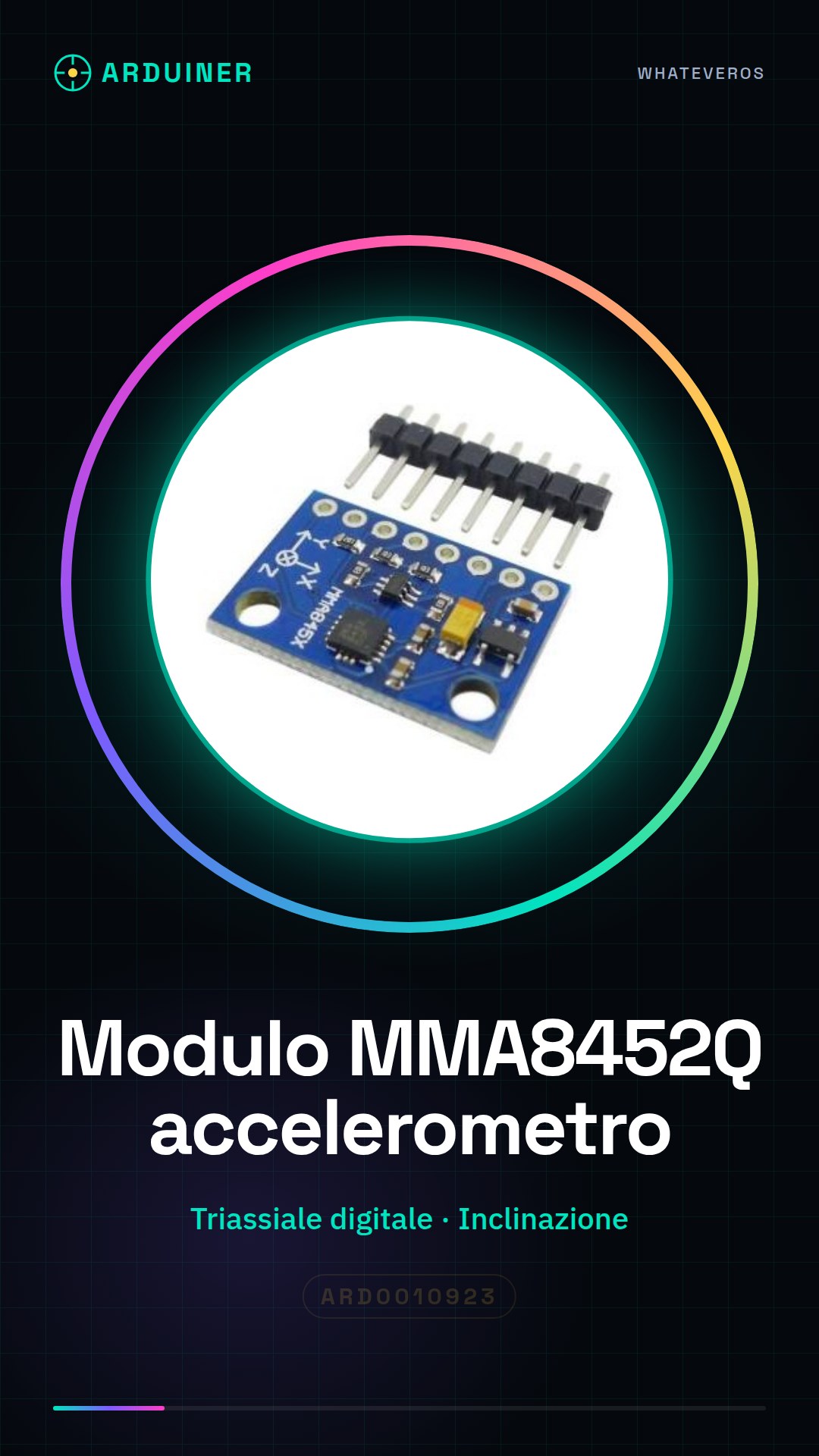
Description
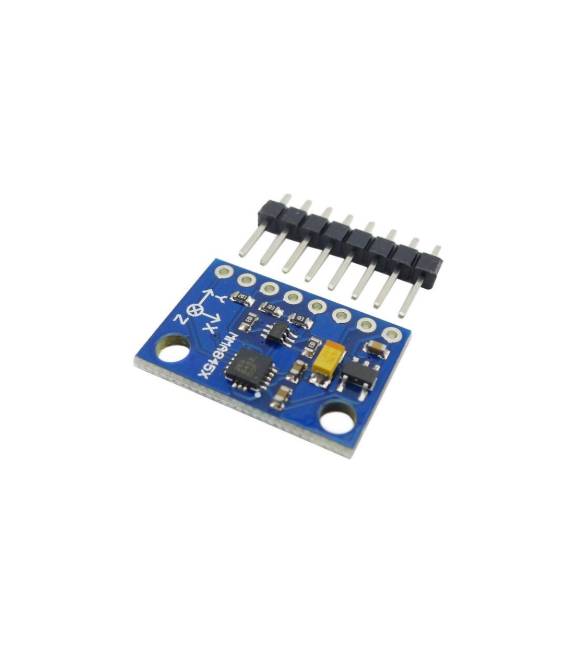
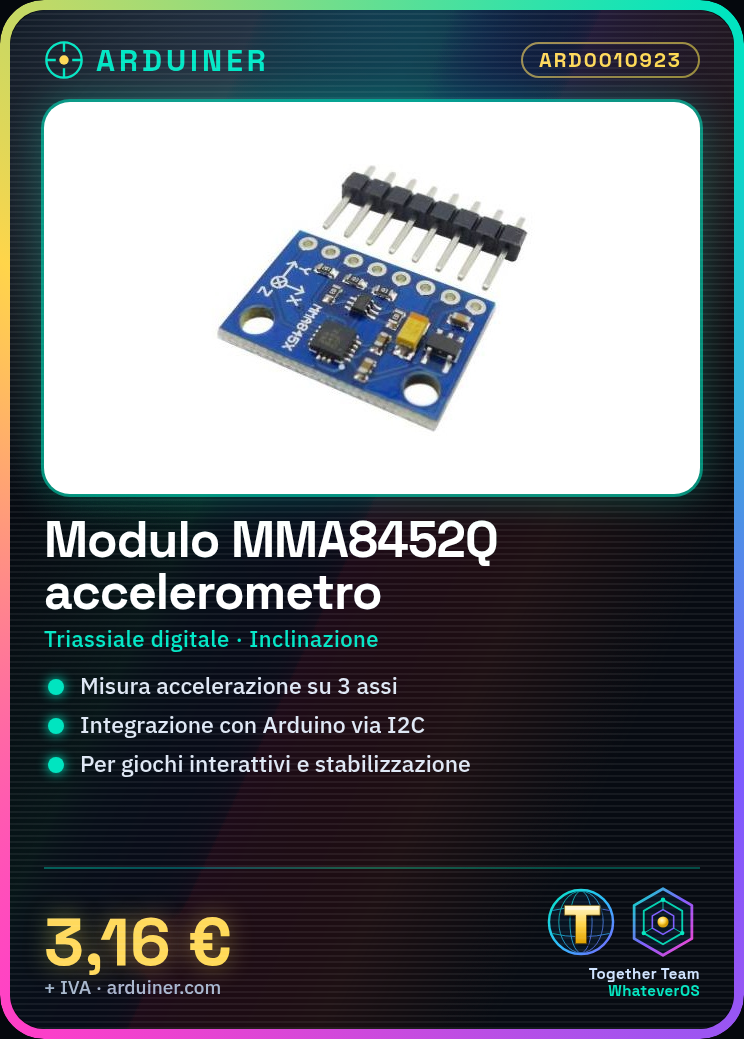
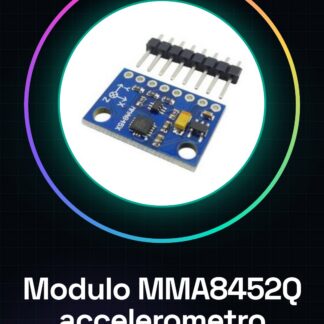
What is the MMA8452Q module? The MMA8452Q is a triaxial digital accelerometer that allows measuring tilt and movement in Arduino projects. This sensor is ideal for applications requiring detection of acceleration along three axes. Features – Triaxial Digital Accelerometer Sensor MMA8452Q – Measures tilt and movement in Arduino projects – Useful for monitoring, interactive games, and stabilization systems. You can use it to build a virtual clock that shows orientation in 3D.
Tutorial: How to Use the MMA8452Q Module The triaxial accelerometer MMA8452Q is ideal for measuring acceleration across three axes. It’s useful for monitoring projects, electronic games, and stabilization systems.
What You Need – Arduino – Power supply cable – Pull-up resistor – Multimeter
Steps 1. Installation: Download the I2C driver on Arduino IDE. 2. Connection: Connect VCC to 3.3V, GND to GND, SDA to pin A4 and SCL to pin A5. 3. Add the Wire library for I2C. 4. Insert code to initialise the accelerometer. 5. Read data and display it on Serial Monitor. 6. Check datasheet for sampling frequency. 7. Test orientation at various angles. 8. Adjust sensitivity (check datasheet).
Example Code “` #include #include MMA8452Q accer; void setup() { Wire.begin(); accer.init(); } void loop() { int x, y, z; accer.getAcceleration(&x, &y, &z); Serial.print(“X: “); Serial.print(x); Serial.print(” Y: “); Serial.print(y); Serial.print(” Z: “); Serial.println(z); } “`
Mini Project Build a virtual clock that shows orientation in 3D.
Common Errors – Forget to initialise the I2C library. – Incorrect pin connections. – Not setting correct sensitivity. – Not checking Serial Monitor for data.

Reviews
There are no reviews yet.