 EN
 IT Italiano
 ES Español
 FR Français
 DE Deutsch
Description
What it is
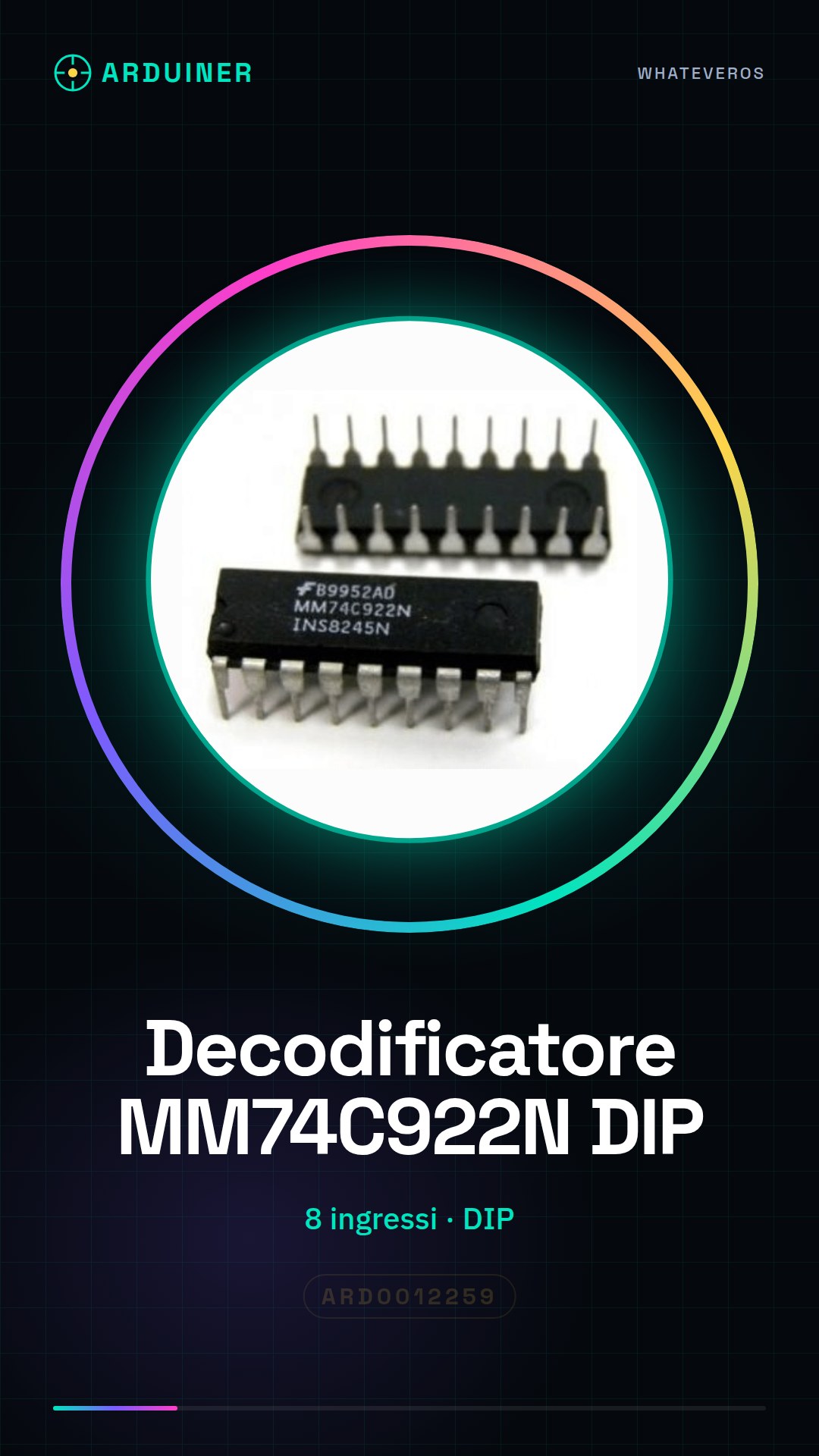
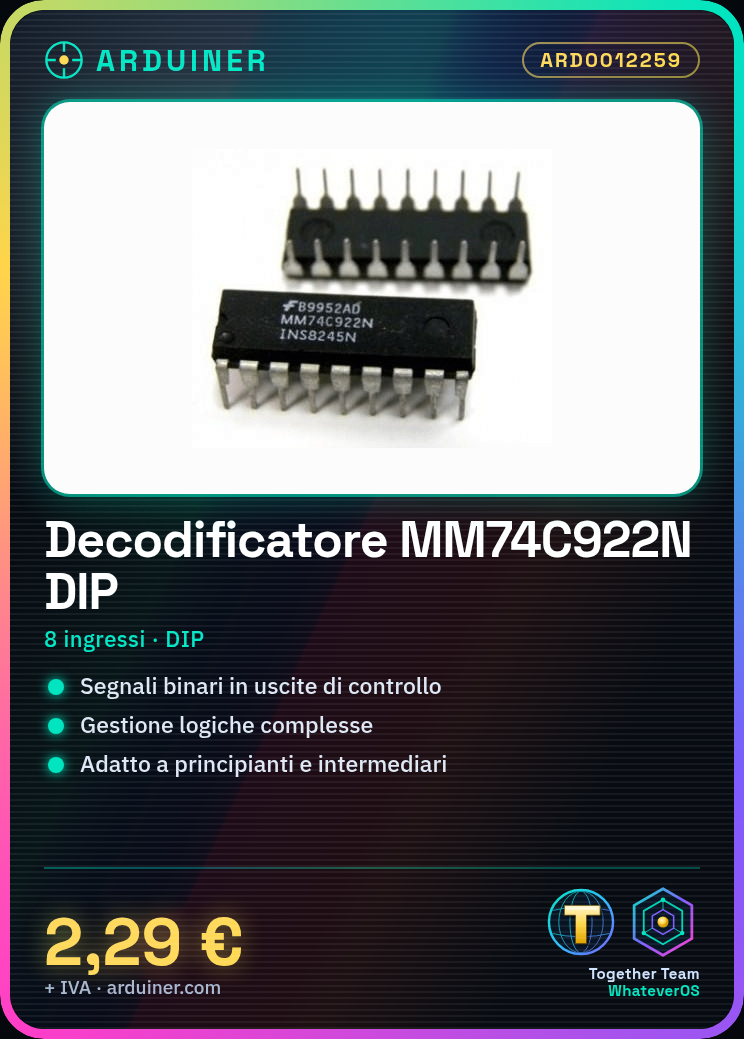
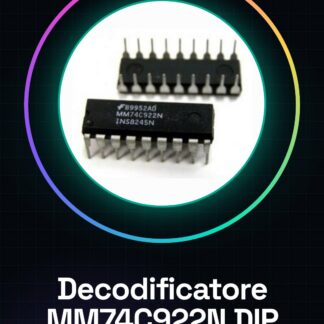
The MM74C922N DIP is an 8-input binary signal decoder used to translate binary signals into outputs compatible with control circuits. This component is essential for projects requiring the management of complex logic.
Features
- 8-Input Decoder
- DIP (Dual In-line Package) Format
What it is for
The MM74C922N DIP is suitable for creating control circuits, such as controlling lights through 8 buttons. It can be used by beginners and intermediates in projects that require precise management of binary signals.
Tutorial: How to Use MM74C922N DIP
The MM74C922N DIP is an 8-input binary signal decoder suitable for various control circuits. Suitable for beginners and intermediates.
What you need
- MM74C922N DIP
- Arduino
- Resistors (10kΩ)
- 5V Power Cable
Steps
- 1. Connect the MM74C922N DIP to your Arduino using 8 pins for input signals.
- 2. Connect pins 14 and 15 to VCC (5V) and GND respectively.
- 3. Connect 8 resistors (10kΩ) between the input pins of the MM74C922N and GND.
- 4. Connect pin 16 (VCC) to 5V of the Arduino.
- 5. Connect pin 8 (GND) to GND of the Arduino.
- 6. Write a simple sketch to control the input signals.
- 7. Upload the sketch to the Arduino.
- 8. Verify the output signals with a multimeter.
Example code
```void setup() {} void loop() { for (int i = 0; i < 8; i++) { if (digitalRead(i + 2) == HIGH) { Serial.println(i); } } } ```Mini project
Create a simple control circuit for lights using the MM74C922N DIP and 8 buttons.
Common mistakes
- Do not connect the power pins correctly.
- Forget to connect the input pins to resistors.
- Store data in unused outputs.
- Do not verify the output signals.
Recommended accessories
- Buttons
- 5V power supply cable
- Multimeter
- Resistors (10kΩ)
Frequently asked questions
How can I verify the output signals?
Use a multimeter to measure the voltage on the output pins.
Which resistors to use for input pins?
Use 10kΩ resistors between input pins and GND.
Can I use a power supply different from 5V?
Check the datasheet to see if the component supports other voltages.
Can the MM74C922N DIP handle logic input signals?
Check the datasheet to see if the component supports logic signals.
Reviews
There are no reviews yet.