 EN
 IT Italiano
 ES Español
 FR Français
 DE Deutsch
Description
What it is
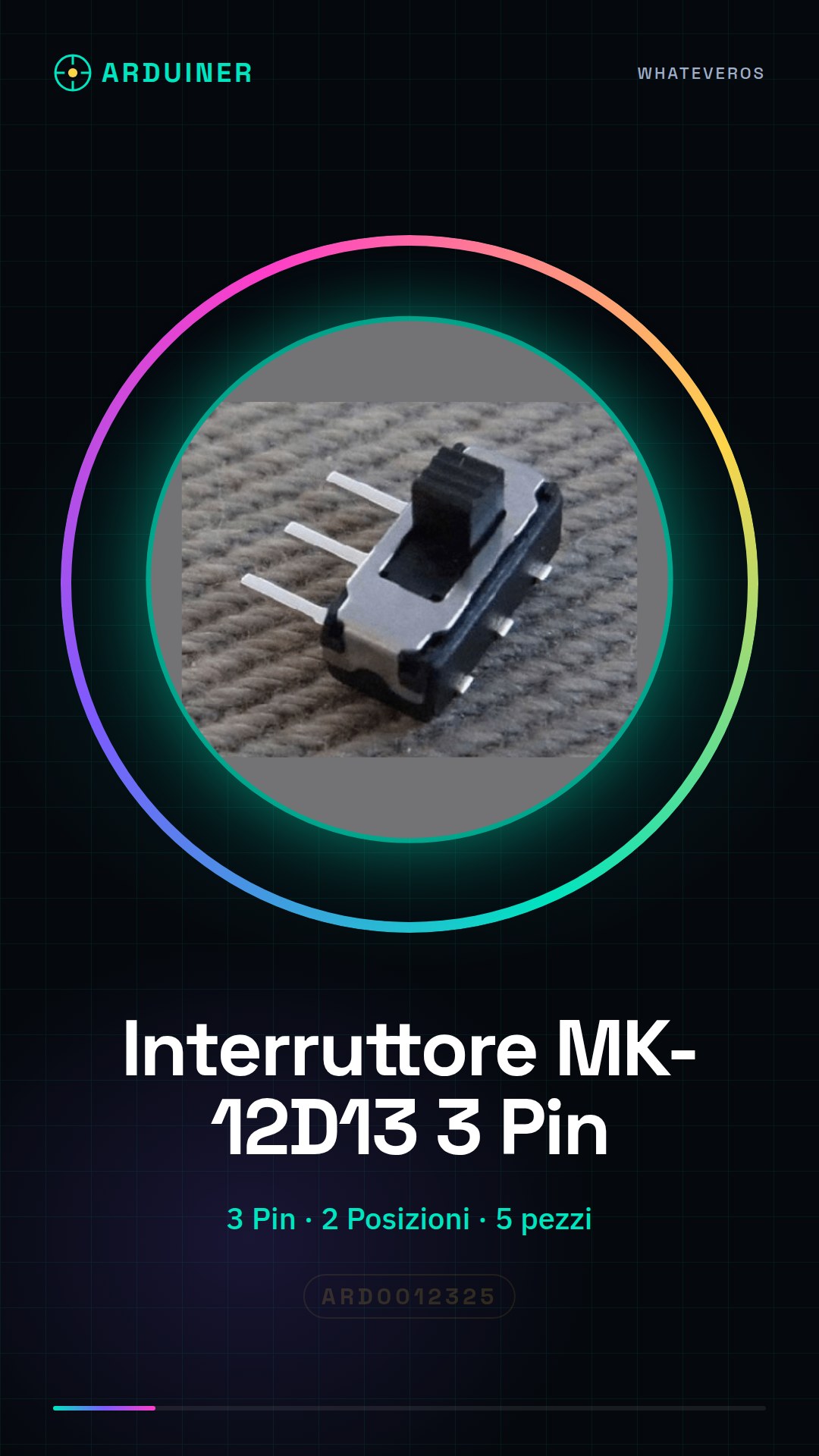
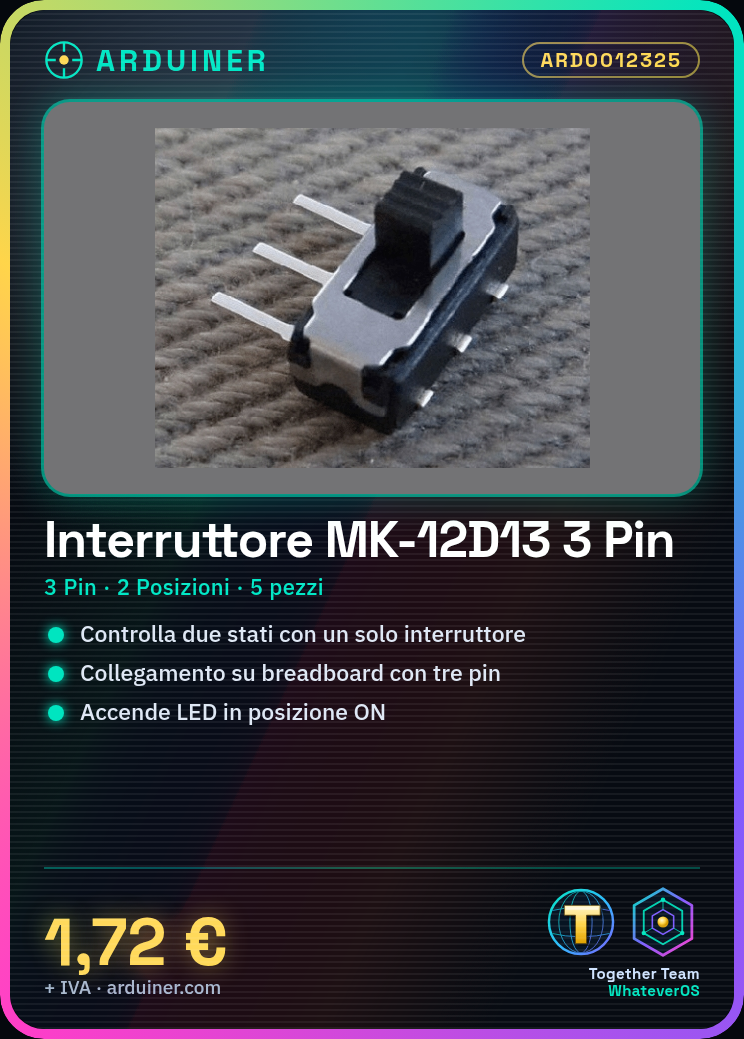
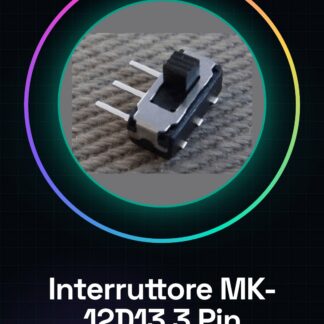
The MK-12D13 3 Pin 2 Position Lever Switch is an electronic component used to control two different states in various electronic and Arduino projects. This switch has three pins and offers two positions for simple and safe control of electronic circuits.
Features
- Type: Lever Switch
- Number of Pins: 3
- Number of Positions: 2
- Quantity: 5 pieces
- SKU: ARD0012325
- Price: 1.72 €
What it is for
The MK-12D13 lever switch is ideal for makers and Arduino developers to create projects that require the control of two different states. It can be used to control electronic circuits, for example, to turn on an LED when the switch is in the ‘ON’ position. It is compatible with Arduino and other microcontrollers.
Tutorial: How to Use the MK-12D13 3 Pin Lever Switch
The MK-12D13 toggle switch is a simple but essential component for electronic and Arduino projects. With 2 positions, it allows for easy and safe control of electronic circuits.
What you need
- Arduino Uno
- Connectors
- Connection cable
- Multimeter
- Breadboard
Steps
- Connect the switch to the breadboard using the connectors.
- Connect the breadboard to the Arduino using the connection cables.
- Verify the correct installation of the circuit with a multimeter.
- Write an Arduino sketch to read the state of the switch.
- Place the switch in one position and verify that the LED turns on/off correctly.
- Repeat the previous step for the other position of the switch.
- Test the complete circuit to ensure it works correctly.
- Adapt the sketch and circuit to your specific project requirements.
Example code
const int interrupterPin = 2;
int state = 0;
void setup() {
  pinMode(interrupterPin, INPUT);
}
void loop() {
  state = digitalRead(interrupterPin);
  if (state == HIGH) {
    Serial.println("Interruttore ON");
  } else {
    Serial.println("Interruttore OFF");
  }
}
Mini project
Create a simple alarm system that turns on an LED when the switch is in the ‘ON’ position.
Common mistakes
- Connect the switch to the circuit incorrectly.
- Do not check the circuit before uploading the sketch.
- Use a large resistor for an LED, causing damage.
- Do not read the datasheet documentation to understand the switch specifications.
Recommended accessories
- Arduino Uno
- LED
- Resistors
- Breadboard
Frequently asked questions
Does the switch have only two positions?
Yes, the switch has two positions: ‘ON’ and ‘OFF’.
What is the operating voltage of the switch?
Check the datasheet.


Reviews
There are no reviews yet.