 EN
 IT Italiano
 ES Español
 FR Français
 DE Deutsch
Description
What it is
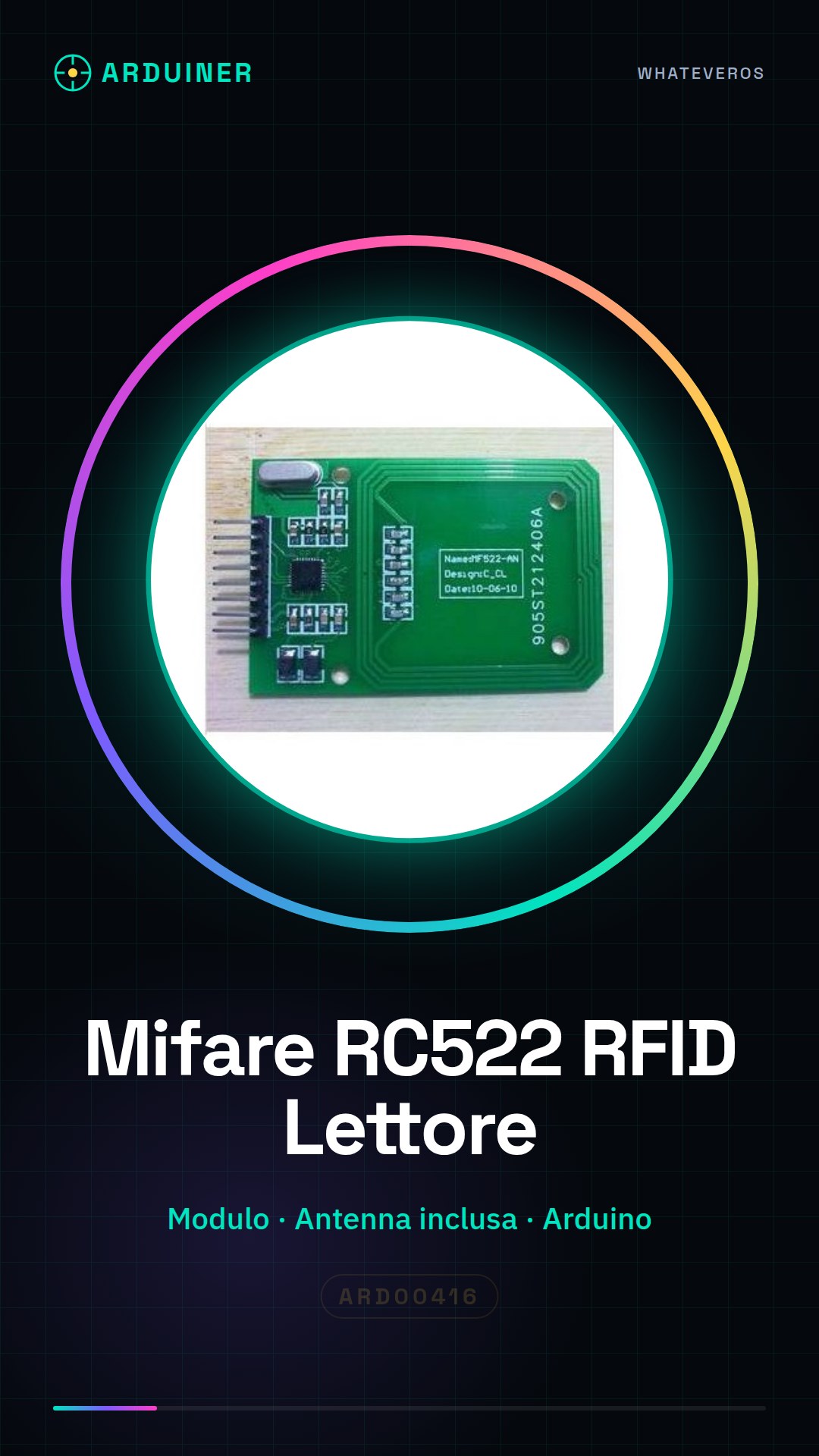
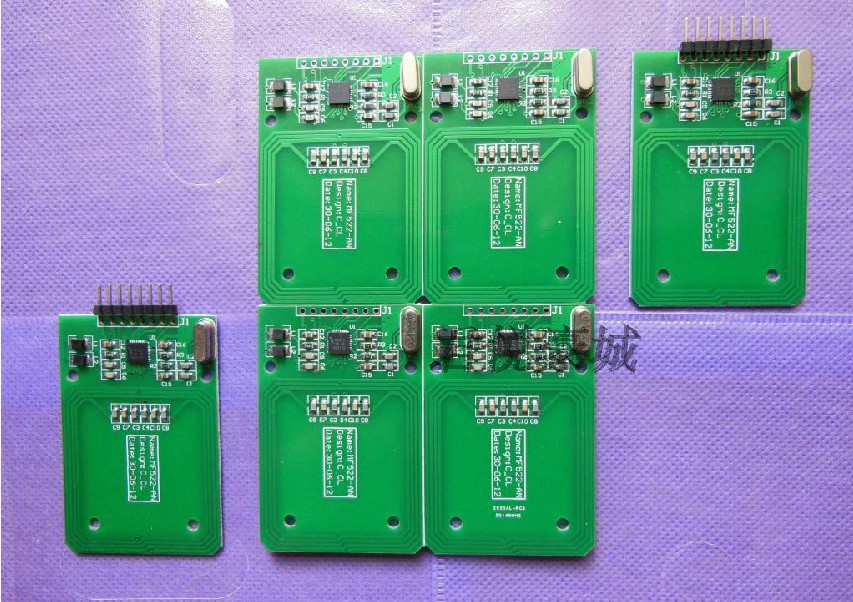
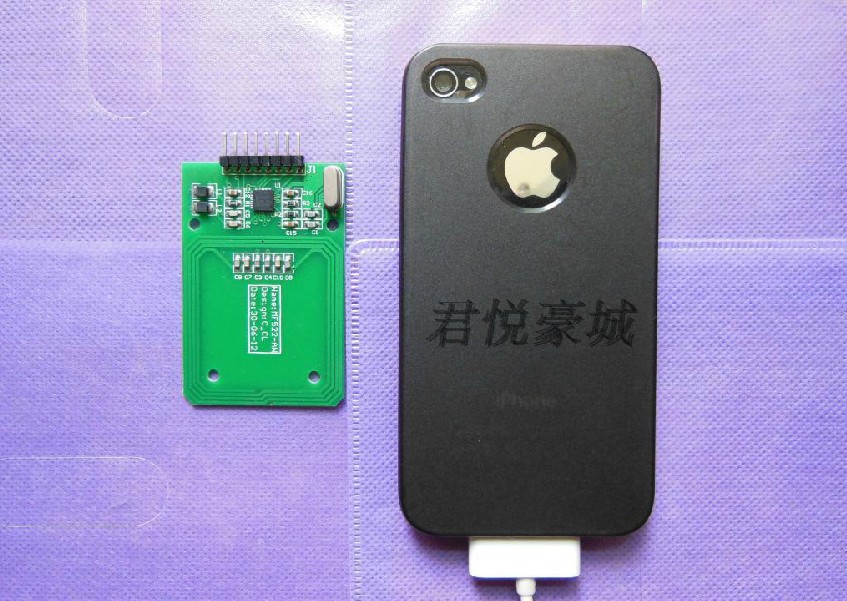
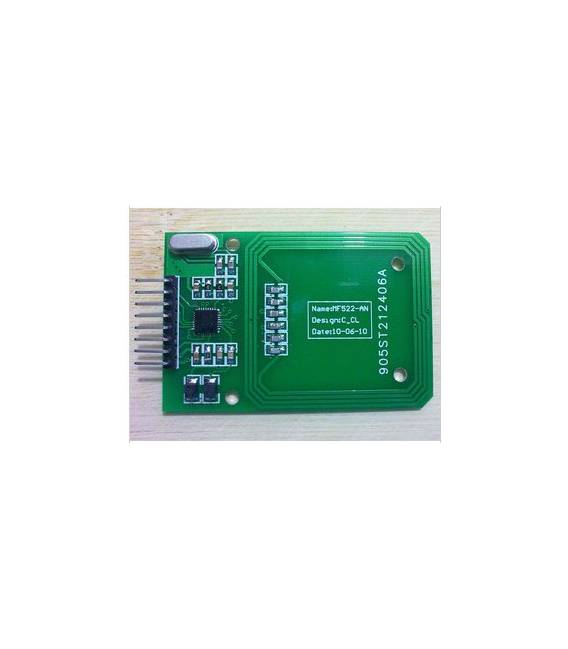
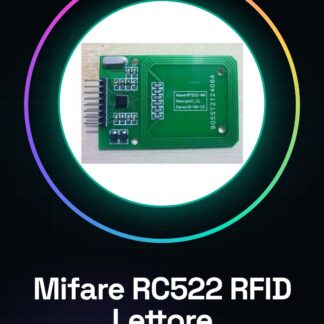
The Mifare RC522 RFID reader is a complete module that includes the antenna for reading and writing RFID tags. This device is designed to be used with Arduino or other compatible microcontrollers, offering advanced features for security and access control applications.
Features
- Complete Mifare RC522 RFID reader with antenna
- Ideally suited for security and access control projects
What it is for
The Mifare RC522 module can be used to create access control systems that control access to secure areas, turn on or off devices such as light bulbs when a specific RFID tag is detected. It is compatible with Arduino and similar microcontrollers.
Tutorial: How to use Mifare RC522 RFID Reader
The Mifare RC522 module is an RFID reader used for reading and writing RFID tags. Ideal for security, access control, and other projects.
What you need
- Arduino UNO or similar
- USB A-Micro B cable
- RFID Mifare Tag
Steps
- Connect the RC522 module to the Arduino using the pins specified in the datasheet.
- Download the MFRC522 library from GitHub and install it in the Arduino IDE.
- Insert the example sketch ‘ReadCardID’ provided by the library.
- Upload the sketch to the Arduino.
- Bring an RFID tag close to the module to read the data.
- Check that the module’s LED lights up when the tag is nearby.
- Modify the sketch according to your needs (check the datasheet).
- Test with different tags and read/write models.
Example code
// Includi la libreria MFRC522
#include <MFRC522.h>
// Definisci i pin del modulo RC522
#define SS_PIN 10
#define RST_PIN 9
MFRC522 mfrc522(SS_PIN, RST_PIN); // Crea oggetto MFRC522
Mini project
Create an access control system that turns on a light bulb when it reads your RFID tag.
Common mistakes
- Library installation error.
- Incorrectly configured pins.
- RFID tag not detected.
- USB connection problems.
Recommended accessories
- RFID Mifare Tag
- Arduino Starter Kit
- Arduino power supply cable
- Presence sensors
Frequently asked questions
How do I install the MFRC522 library?
Download the ZIP file, extract it and insert it into the ‘libraries’ folder of the Arduino IDE.
Which RFID tags can I use with RC522?
Mifare Classic 1K tags or similar.
Reviews
There are no reviews yet.