 EN
EN IT Italiano
 ES Español
 FR Français
 DE Deutsch
Description
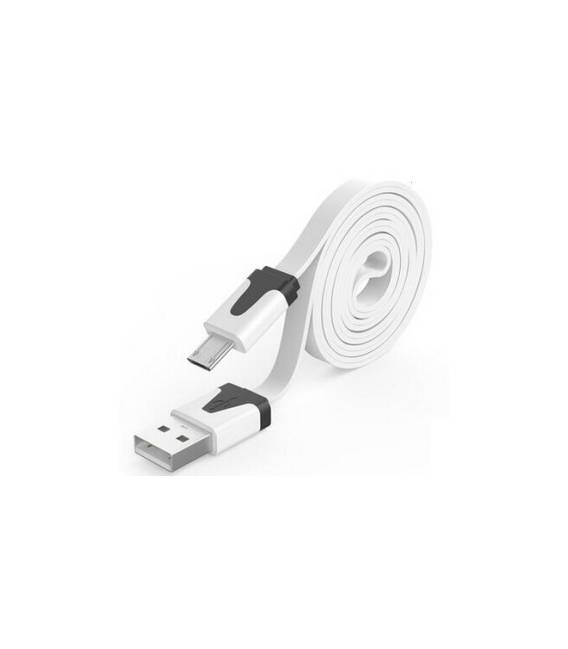
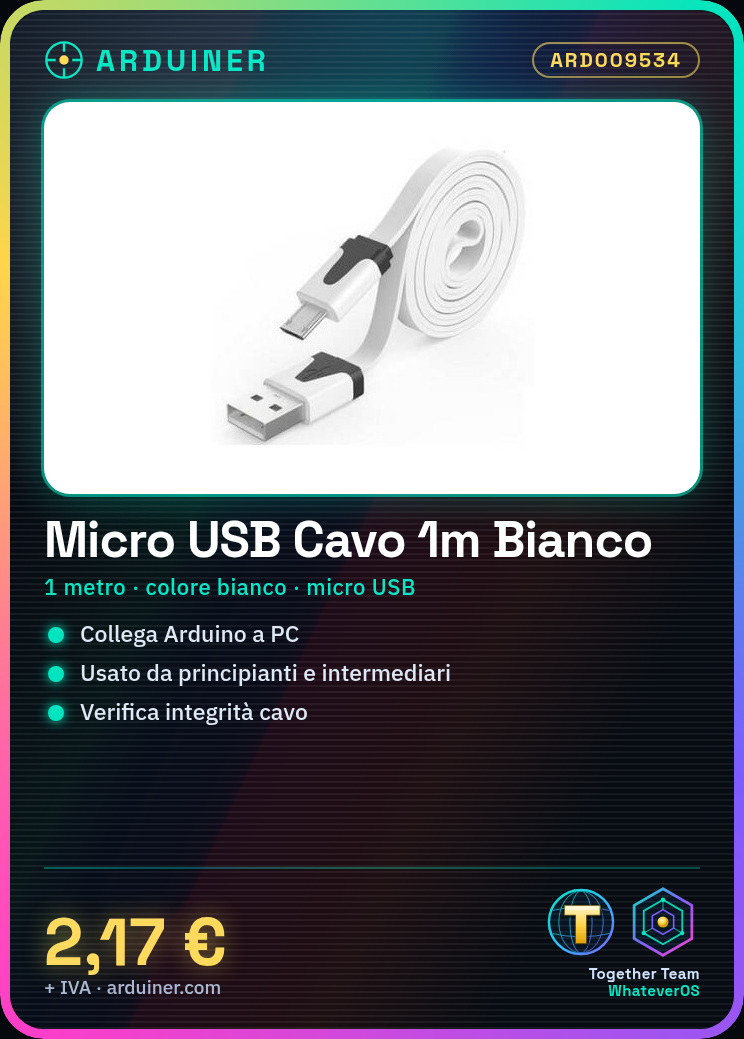
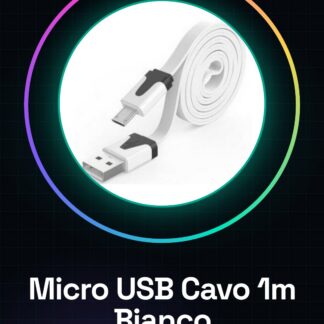
Tutorial: How to use a 1-metre white micro USB cable This cable is ideal for connecting Arduino devices to a computer or another USB device. Useful for beginners and intermediate users.
What you need:
– Micro USB White Cable, 1 metre long
– An Arduino or other USB device with a micro USB port
Steps:
Check that the cable is intact and free from visible damage.
Identify the micro USB port on your Arduino device.
Connect one end of the cable to the micro USB port on the Arduino.
Verify in the datasheet if the cable supports power charging.
If necessary, connect the other end of the cable to a computer or another USB device.
Check that the Arduino device is correctly recognised by the computer.
Mini-project:
Create a simple power circuit with an LED and resistor. Connect the cable to the Arduino to power the circuit.
Common mistakes:
Do not use damaged cables or connectors.
Verify that the supply voltage is compatible with your Arduino device.
Ensure both ends of the cable are properly connected.
If the device does not recognise, check USB hub configuration.
Recommended accessories:
– Arduino
– LED
– Resistor
– Multimeter
Frequently Asked Questions:
Does this cable support power charging?
Check in the datasheet if the cable supports power charging.
Can I use this cable with another USB device?
Yes, the cable is compatible with any USB device.
Does the cable support data transfer?
Check in the datasheet if the cable supports data transfer.
Reviews
There are no reviews yet.