 EN
EN IT Italiano
 ES Español
 FR Français
 DE Deutsch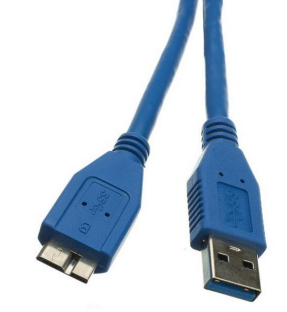
Description
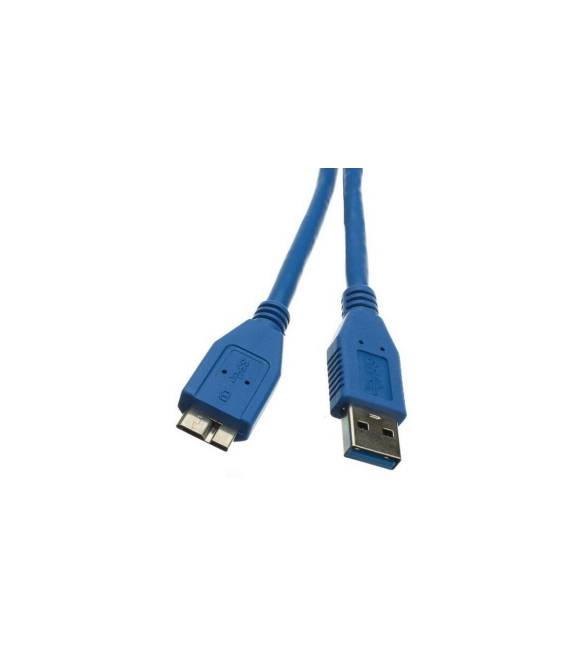
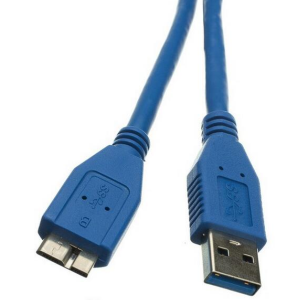
High Speed USB 3.0 Data Lines U3-X06MC (AM TO micro 10pin) 1 metre Tutorial: How to use High Speed USB 3.0 Data Lines U3-X06MC This USB 3.0 cable is ideal for connecting high data flow devices such as hard drives, 3D printers or Arduino without losing speed. What do you need? High Speed USB 3.0 Data Lines U3-X06MC – Arduino or other USB 3.0 device Device to connect (e.g., 3D printer) Steps Check the cable’s datasheet specifications. Connect the ‘AM’ end to the USB 3.0 device. Connect the ‘micro 10pin’ end to the Arduino or compatible device. Ensure that the USB 3.0 device is enabled and functioning. Connect to your USB 3.0 device via device management software. Test the connection with a test file or high data flow device. Mini-project Connect a 3D printer to the Arduino using this cable to print a simple object in 30 minutes. Common mistakes Do not use the cable on incompatible devices. Do not connect the cable directly to electrical current. Ensure that the USB 3.0 device is correctly enabled. Do not use the cable for connecting low data flow devices. Recommended accessories Compatible 3D printer with USB 3.0 Compatible Arduino with USB 3.0 Test file for printing Device management software Frequently asked questions Can I use this cable with any Arduino? Check the datasheet to see if the Arduino supports USB 3.0. How long is the cable? The cable is guaranteed at 1 metre. Can I use this cable with 3D printers? Yes, it’s perfect for 3D printers. Is there a speed limit for this cable? The cable supports USB 3.0 speeds.
Reviews
There are no reviews yet.