 EN
EN IT Italiano
 ES Español
 FR Français
 DE Deutsch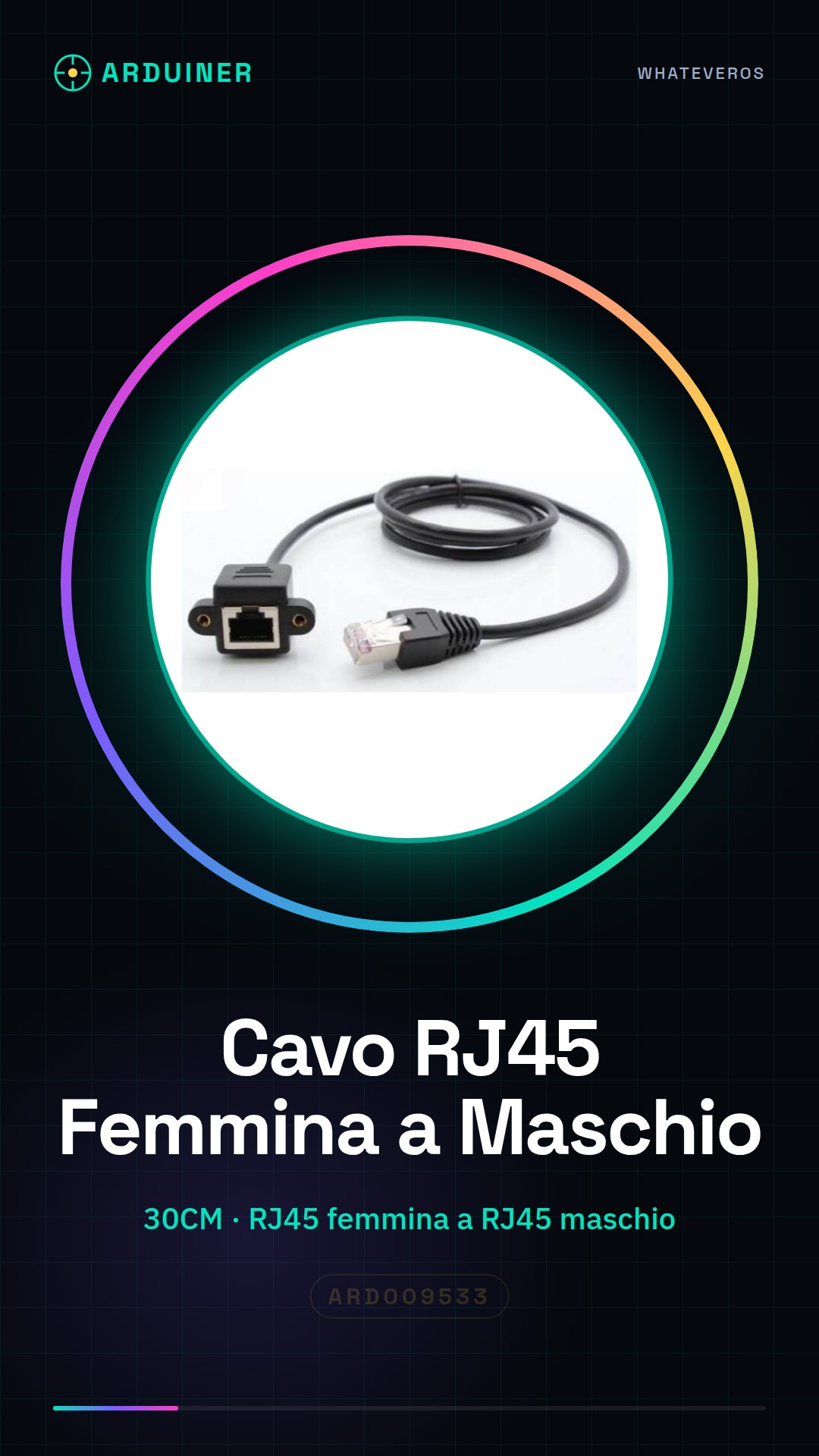

Description
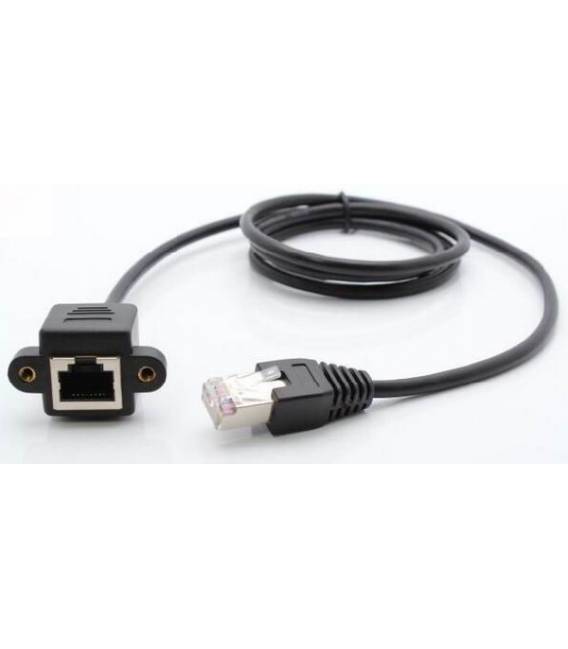
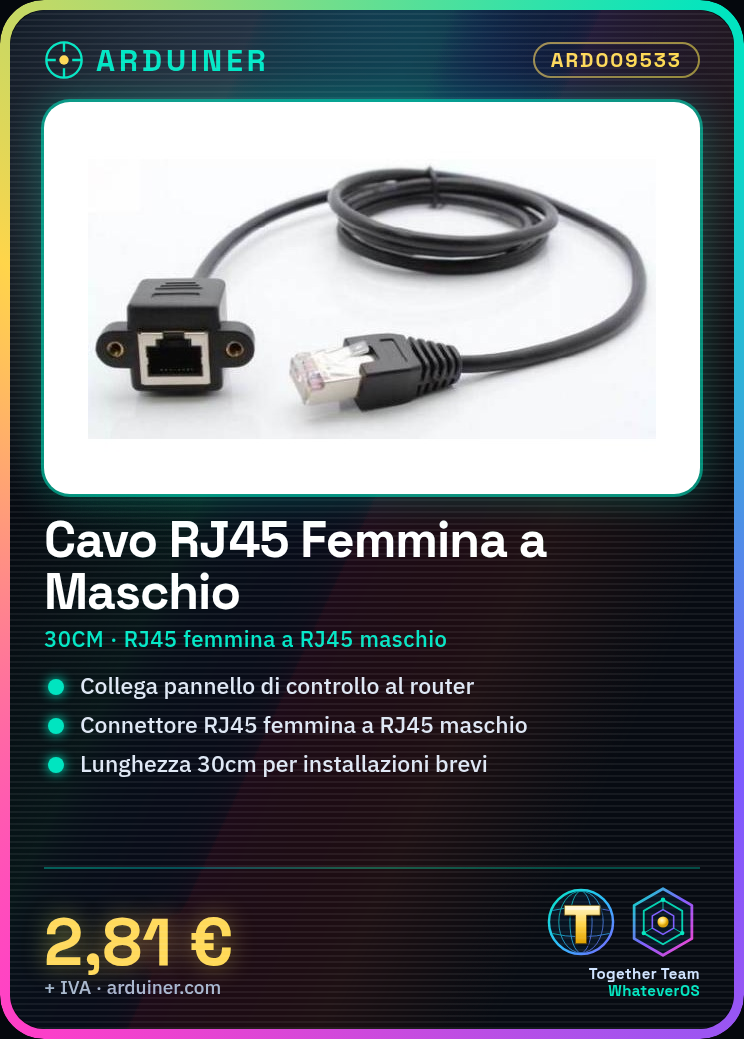
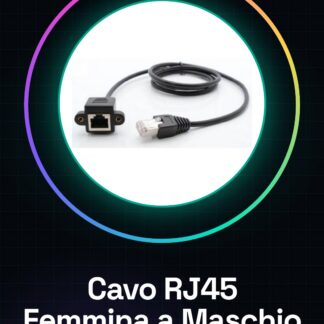
Tutorial: How to use the Panel Male to RJ45 Female Ethernet Cable (30CM) This cable is ideal for connecting a control panel to a router or computer. Useful for home and industrial network projects. What you need Control panel with an RJ45 port Router or computer with an RJ45 port Wire cutter if necessary Steps 1. Check that the cable is intact and the female RJ45 end is securely connected to the panel. 2. If needed, cut the cable with a wire cutter. 3. Connect both ends of the RJ45 cable, ensuring perfect contact. 4. Test the connection with a continuity test. 5. Plug the cable into the control panel and router or computer. 6. Check the datasheet for specific transfer speed parameters. 7. Configure your router or computer to use the new connector. 8. Verify network connection. Mini-project Create a simple remote monitoring system using a control panel and a computer. Connect the panel to a temperature sensor and the Ethernet cable to the computer. Common mistakes Missing continuity test before connecting. Cable not cut correctly, causing unstable connections. Control panel not properly configured. Router or computer not properly set up. Recommended accessories Control panel with an RJ45 port Router or computer with an RJ45 port Wire cutter if necessary Frequently asked questions The cable doesn’t work, what should I do? Check the physical connection and proper connection to the panel and network device. Can I use this cable with a modem? Yes, but ensure it is compatible with the required transfer speed. Does the cable have good durability? The cable is designed for longevity, but check for physical damage before use. Can I use this cable to connect two computers directly? Yes, but make sure both devices are configured for direct connection.

Reviews
There are no reviews yet.