 EN
 IT Italiano
 ES Español
 FR Français
 DE Deutsch
Description
What it is
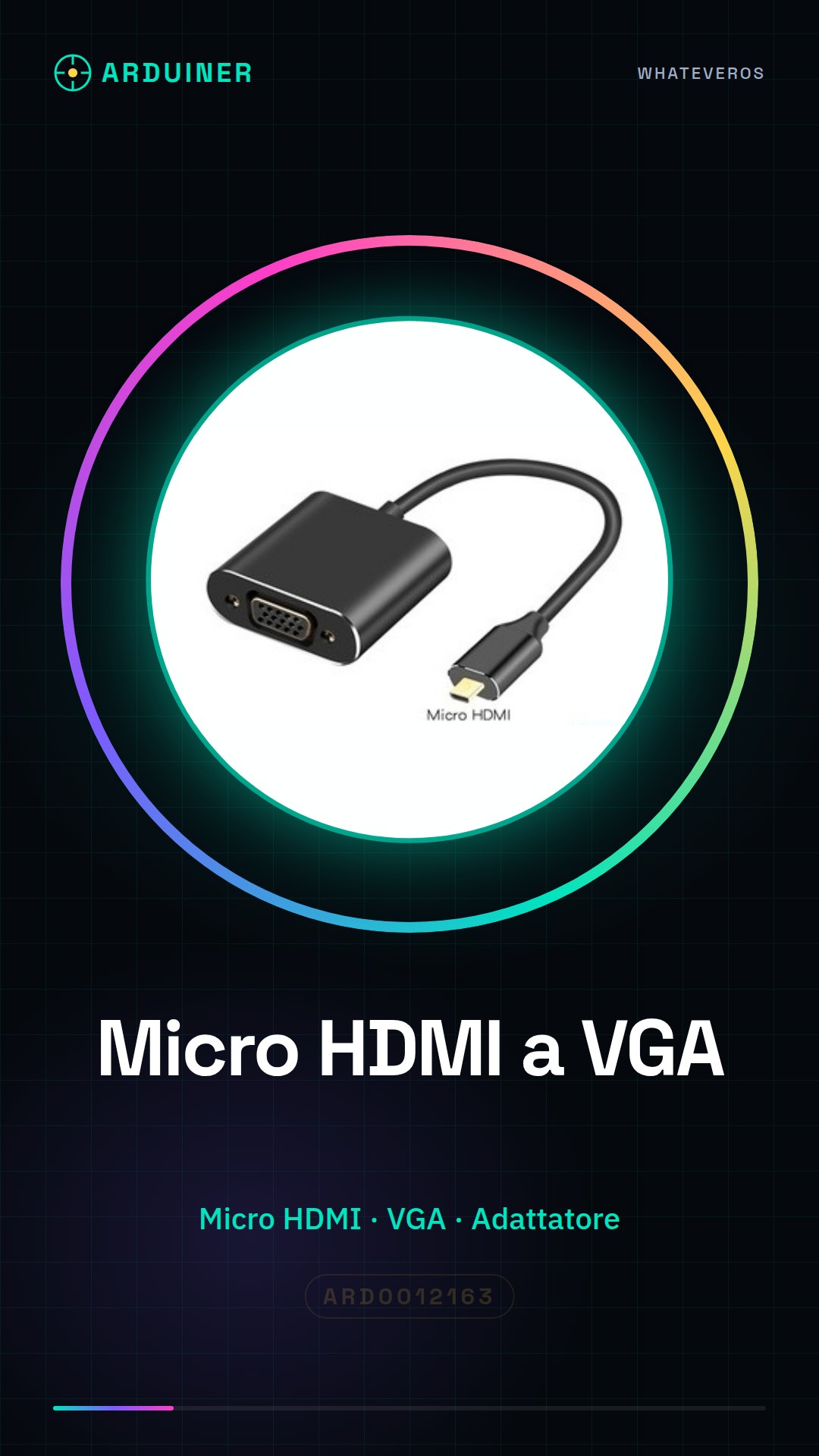
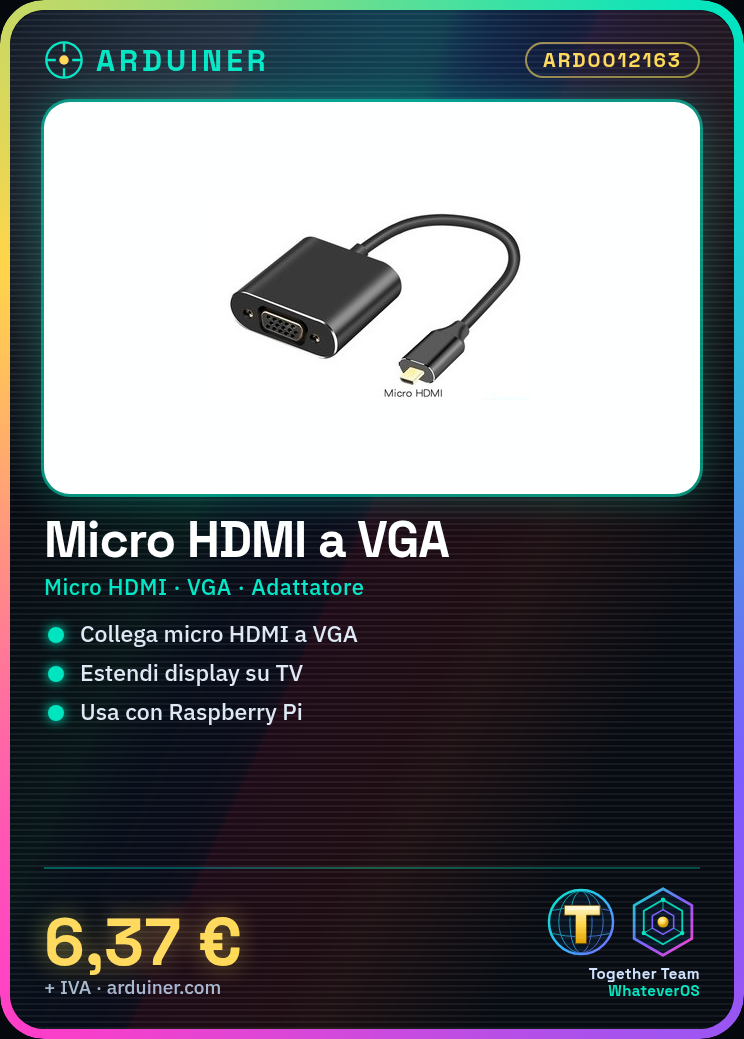
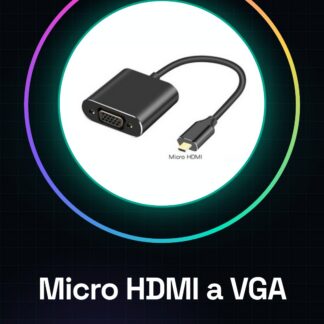
The Micro HDMI to VGA adapter is a device that allows connecting devices with a micro HDMI connector, such as Arduino or Raspberry Pi, to traditional monitors that use the VGA interface.
Features
- Micro HDMI to VGA Conversion
What it is for
Ideally for extending the display of your device on a larger screen, for example, connecting a Raspberry Pi or a small computer with a micro HDMI connector to a TV or projector in class for an interactive presentation.
Tutorial: How to Use Micro HDMI to VGA Adapter
This adapter allows you to connect devices with a micro HDMI connector (such as tablets or small computers) to monitors or projectors that use the VGA interface. Ideal for those who want to extend the display of their device on a larger screen.
What you need
- Micro HDMI to VGA Adapter
- Micro HDMI to standard HDMI cable (check the datasheet)
- Monitor or projector with VGA input
Steps
- Connect the micro HDMI cable to your device.
- Connect the opposite end of the micro HDMI cable to the Micro HDMI to VGA adapter.
- Use a VGA cable to connect the adapter to your video output source.
- Check that everything is properly connected and turn on your device and the monitor/projector.
- Configure the display settings on your device (if necessary) to achieve the desired resolution.
Mini project
Connect a small computer Raspberry Pi to the TV or projector in class for an interactive presentation.
Common mistakes
- Make sure your device supports HDMI to VGA conversion.
- Check that the cables are properly connected before powering on the hardware.
- Check the display settings in your operating system to ensure everything is configured correctly.
Recommended accessories
- Micro HDMI to standard HDMI cable
- Monitor or projector with VGA input
- Raspberry Pi
Frequently asked questions
My monitor does not recognize the video signal.
Check that all cables are properly connected and that your display settings in your operating system are correctly configured.
Can I use this adapter with a tablet?
Yes, but make sure your tablet supports HDMI to VGA conversion via software or additional hardware.
Reviews
There are no reviews yet.